ZeroTier Integration: Official support for ZeroTier networking is now available.
WebRTC FEC Mode: Added support for Forward Error Correction (FEC) in WebRTC to improve streaming stability on packet-lossy networks.
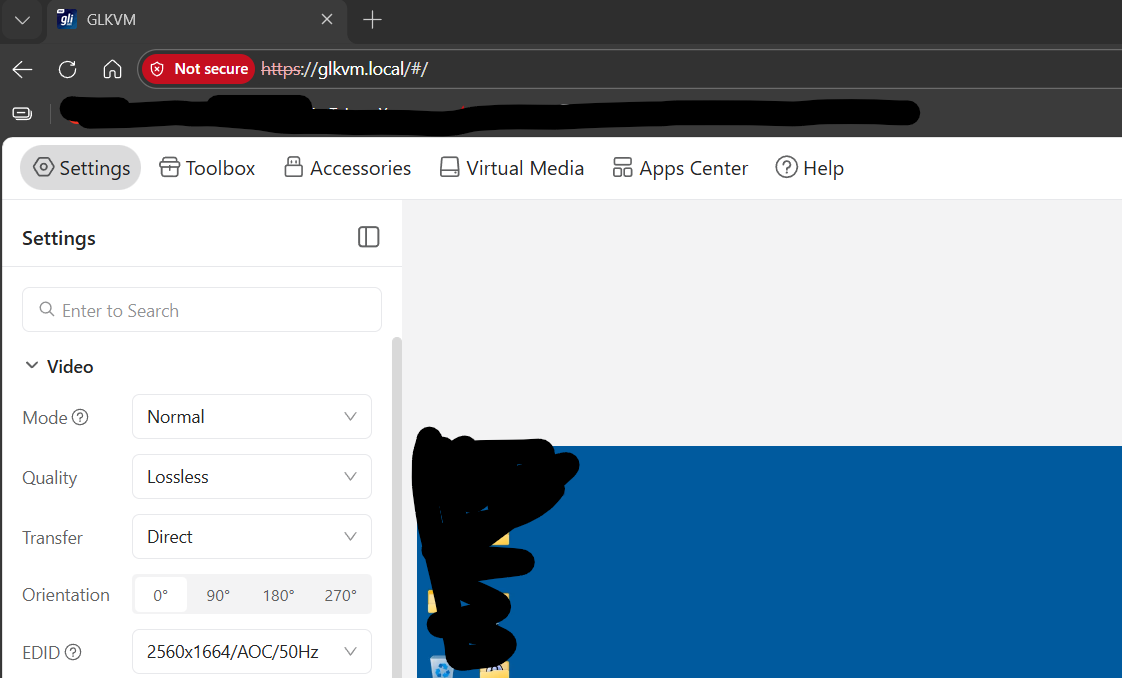
High-Bitrate Mode: Added a new 20Mbps Lossless bitrate option for ultra-high-quality remote viewing.
Custom TLS Certificates: Users can now modify and upload custom TLS certificates directly.
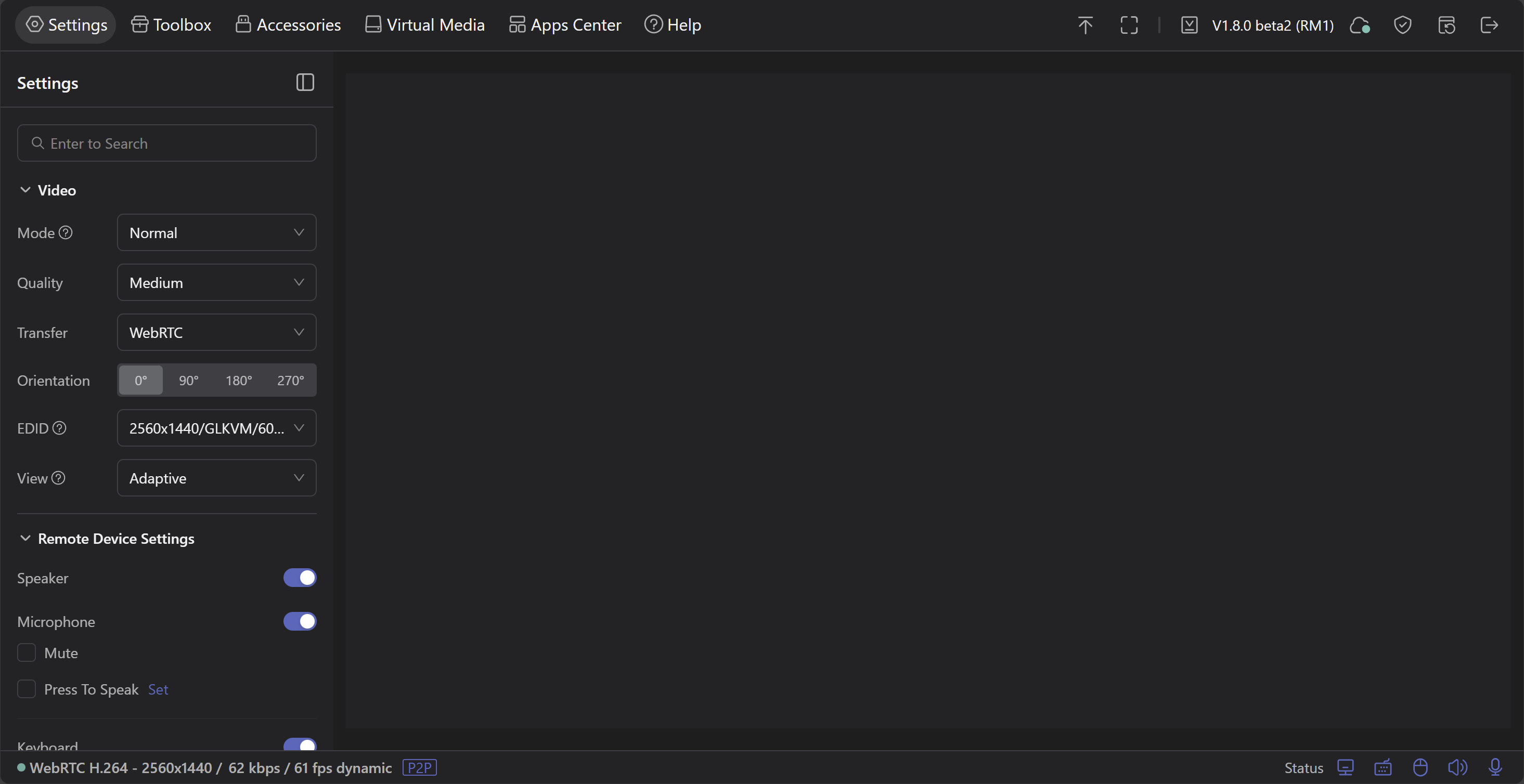
Global Settings Search: A new search bar has been added to the settings panel to help you find configurations quickly.
View Settings: New customization options for the remote view interface.
Client-Firmware Sync: Theme and language settings will now sync between the desktop client and the remote firmware (compatible with Desktop Client V1.4).
Improvements & Optimizations
Tailscale Update: Upgraded Tailscale to version 1.90.4.
Input Enhancements: * Added an "Bad Link Mode" setting.
The virtual keyboard now supports long-press actions for control keys.
Added a toggle to swap Command and Ctrl keys(For Windows control macOS or vice versa).
Interface Persistence: The microphone mute panel state is now saved and persistent across sessions.
Fingerbot Control: "Press Time" configurations now prompt for saving and will persist after a reboot.
Security: SSH access is now strictly disabled until the system has been initialized.
Thanks for incorporating the ICMP change to ping the gateway vs public DNS servers. Might want to add that to the release notes. I closed the GitHub issue.
Also for adding exit tailscale exit node. Maybe we can get advertise/accept routes in a future release. FYI, when I run “tailscale update” command, it upgraded to 1.92.3
Custom TLS Certificates: Users can now modify and upload custom TLS certificates directly.
I wonder if there are plans for API access to this. While I'm sure I could do so via SSH/SCP, I have some scripts for updating my certs and would love a clean mechanism to upload them to the device that didn't require an unlocked SSH key. Even better would be certbot support, but I'd need a CloudFlare DNS authentication plugin and that's a bit niche.
Even with this release, the keyboard and mouse don't work. Okay, it's a beta, but if the mouse and keyboard don't work... tailscale doesn't work anymore either... I expected everything from this device but a kvm that doesn't control mouse and keyboard.....very frustrated.
Wait, so is the RM10 chip weaker than the RM1 chip, i.e. is the performance of the RM1 better? That’s… interesting to know.
Granted, I did not check the specs before buying and clearly should have, but based on the Kickstarter comms it certainly seemed to be the ‘newer and better’ model.
 New Features
 Improvements & Optimizations