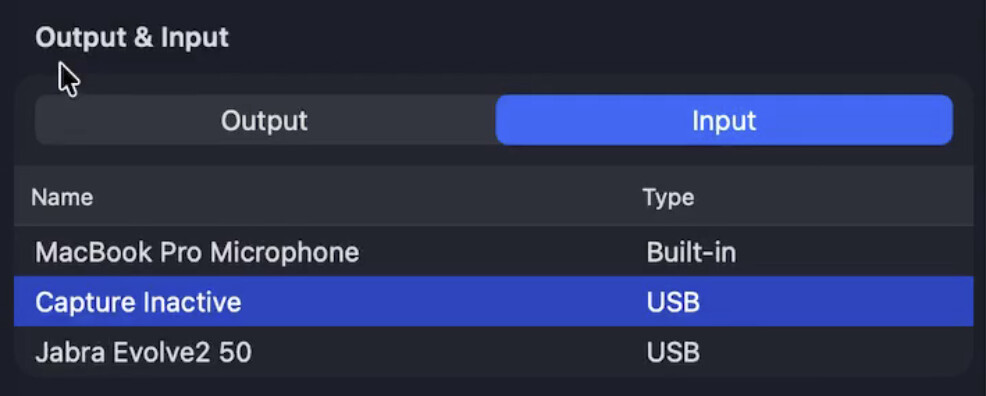
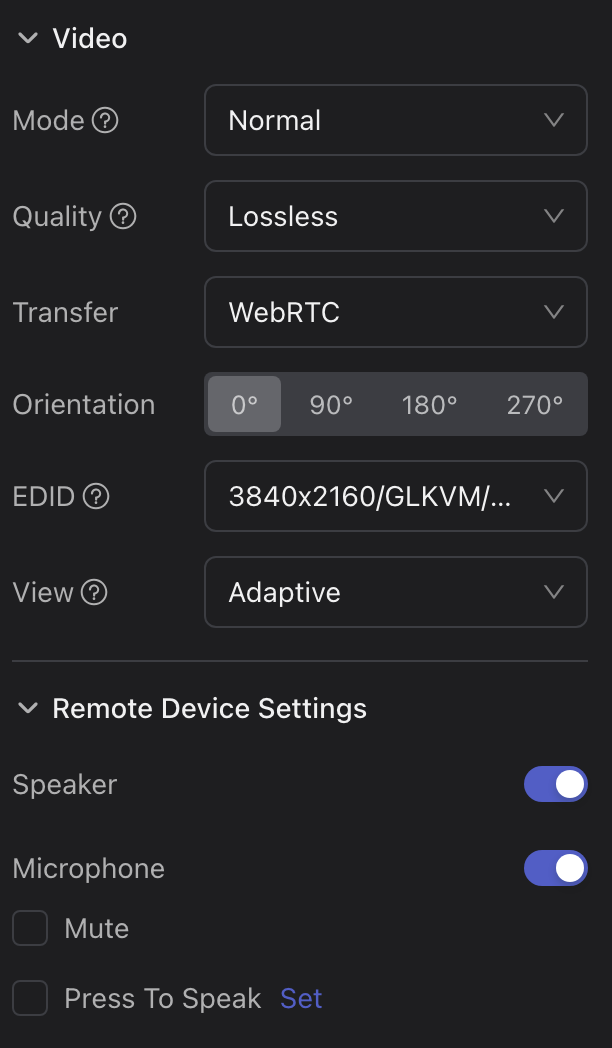
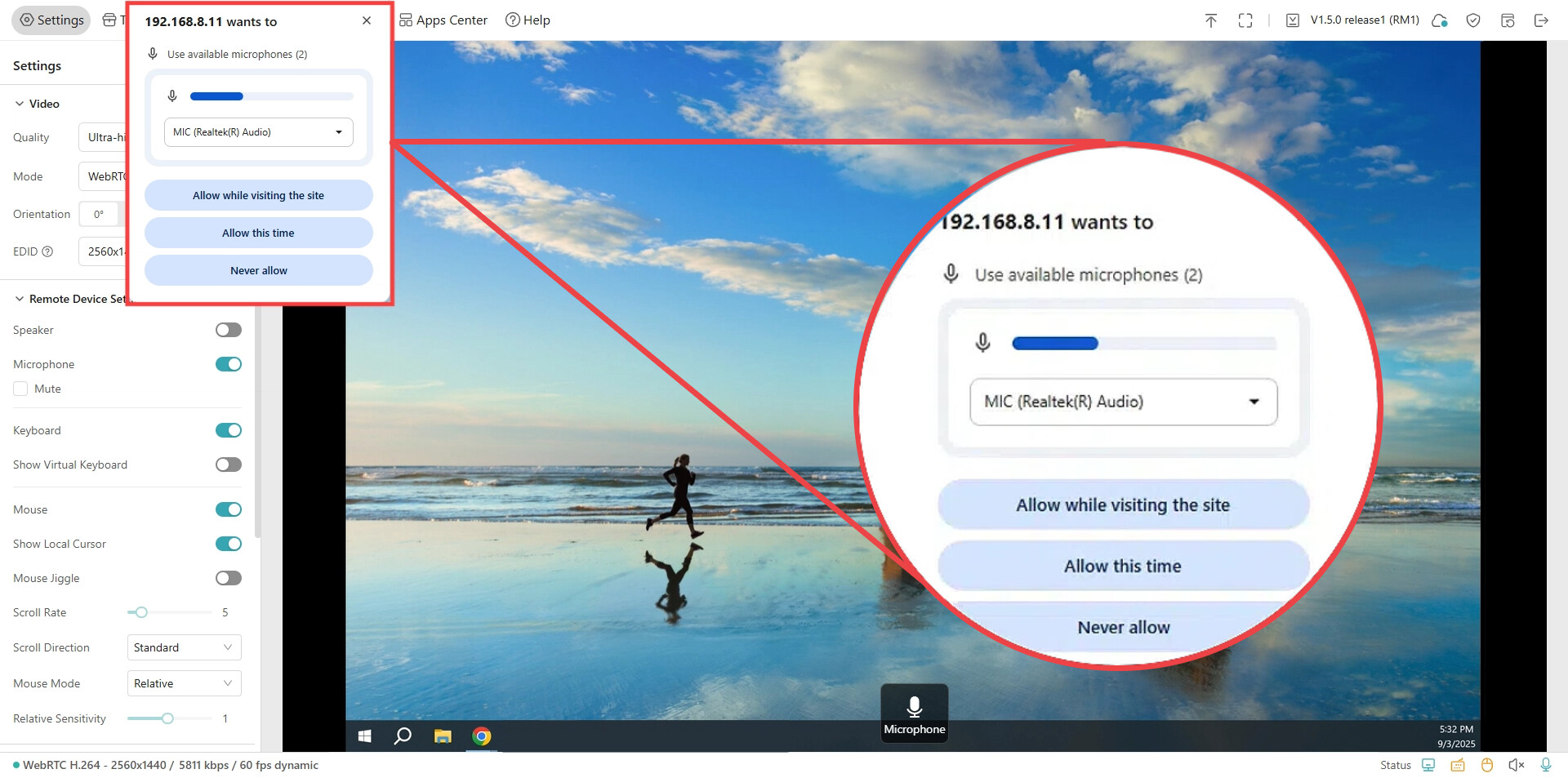
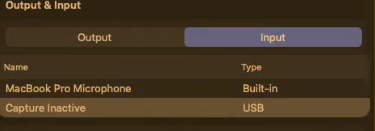
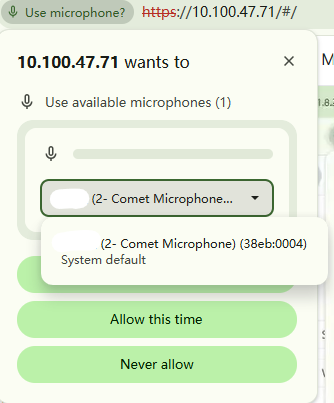
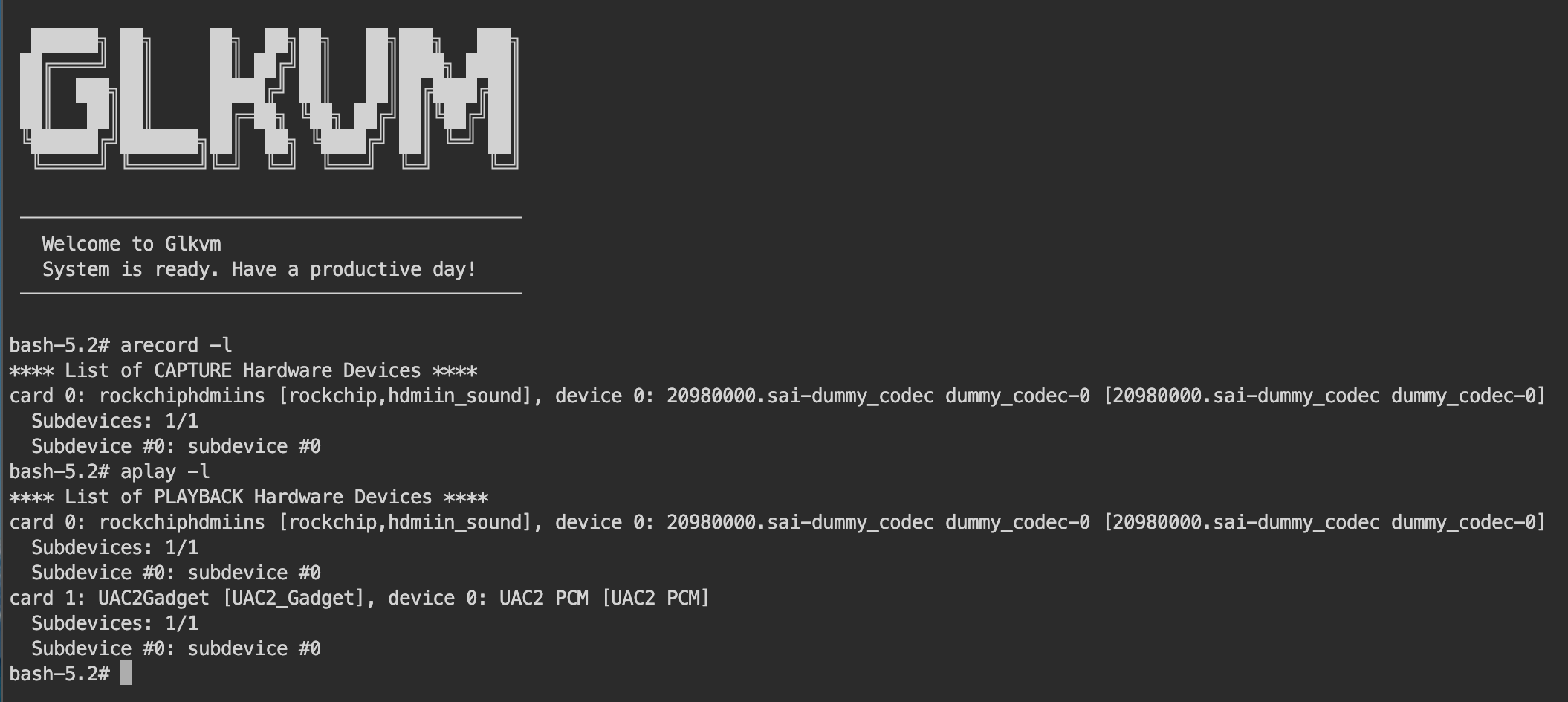
I’m using the app, not the browser but I don’t get asked for permissions on the app. In windows it works fine but my issue is on Mac, when I check the audio devices I only see Capture Inactive and the microphone icon doesn’t show any activity when enabled.
Could you try restarting both the KVM device and the controlled computer? This will trigger the microphone permission request again and may help resolve the issue.
i have the same issue, did not work, restarts, permissions, several browsers, the official app, it happens to me on mac os the exact issue but no solution works for me, device kvm pro same revision as the one that is in the issue, controlled device a mac also, i tried local network, web, cloud platform an neither of them works.
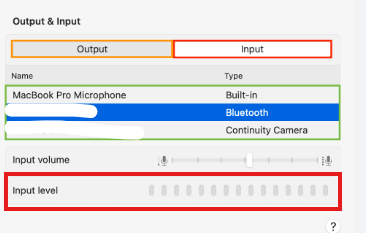
That looks normal, which helps rule out the KVM itself.
Are you using a VPN? Some users have reported that the microphone stops working when a VPN is active.
If possible, could you also try connecting the RM10 to a different controlled device?
today i tried, and microphone work but, still shows “Capture inactive“, I really dont know what changes. @fexnok yes it works on browser, but is unknown why fails before, im confuse.
@dexxo I don’t have an explanation but I can describe my steps. I opened the browser version and enabled mic permissions, then when I went to the app and I could see the microphone working again. Not sure if the permissions need to be given in the browser first for it to work, that’s for GL.iNet staff to help us here. “Capture inactive” is confusing as this should be the actual device name, it is probably a variable mix up for Mac versions but that’s the actual working device.
When using the desktop app, did you accidentally select the wrong microphone the first time you opened it, and then it didn't allow you to choose the correct one again, resulting in no sound ever since?
I have the same issue. I have the icon showing that there is voice detected by in the distant PC there is no sound.
I tried everything, Reset, web brower, app, .. It is happing to me since i moved to V1.8.2 version