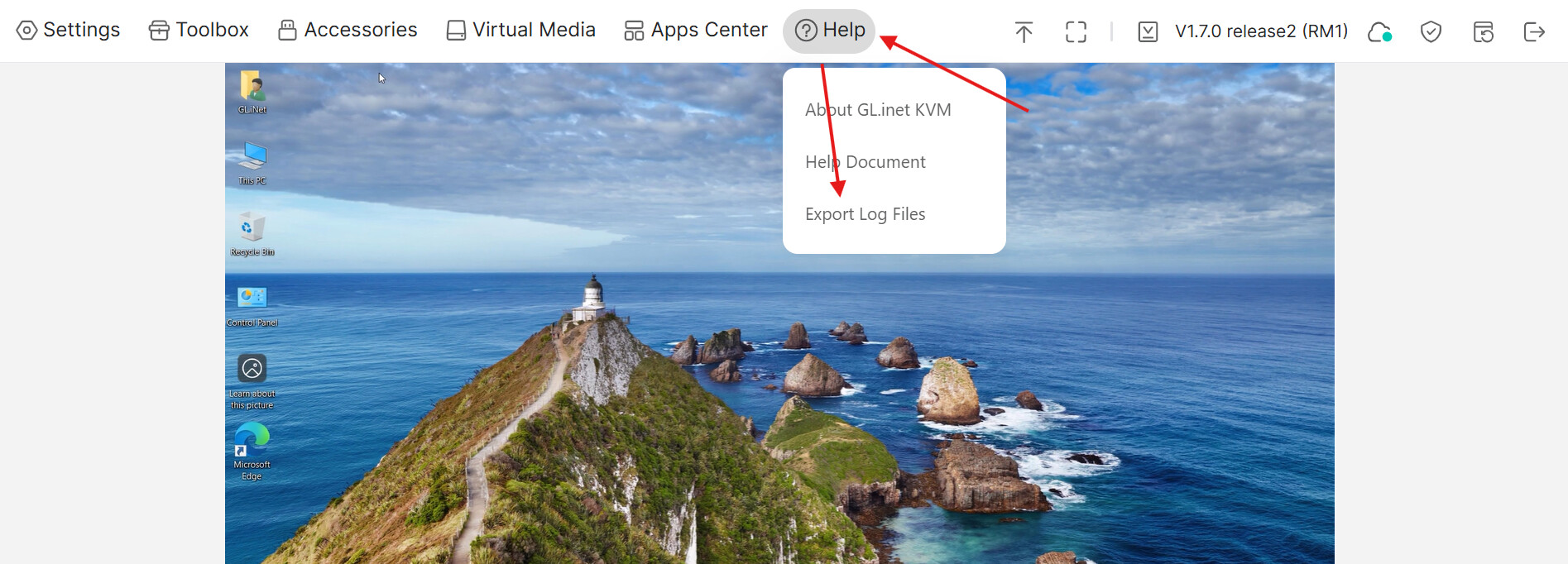
FYI, I upgraded my RM10 today to image / firmware 1.8.1, after a successful install, the Mic sound is not passed to the controlled device, the GLKVM Mic icon shows sound activity, but the controlled device shows no sound activity and is silent.
I tried the following: -
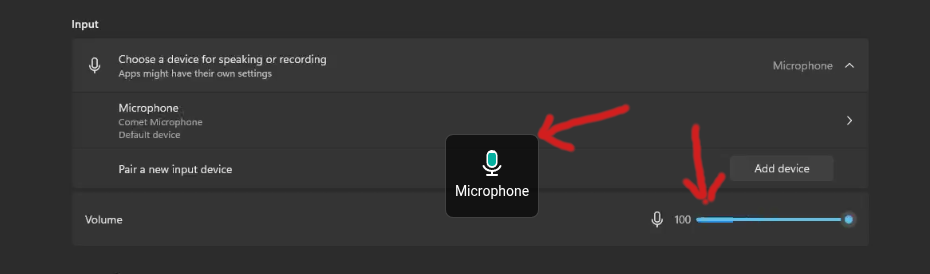
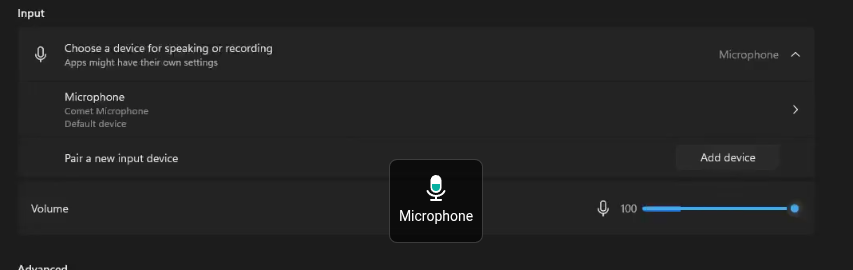
- Checked the controlled device (windows 11) sound options
- Uninstalled the Comet Mic device from controlled device and re-installed
- Rebooted both the controlled device and RM10
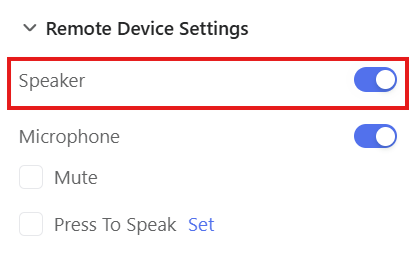
- Disabled and enabled the mic option on the RM10
- Changed the controlled device settings for the Mic and then back to the comet Mic
- Changed the Mic sensitivity settings on the controlled device
- Tried opera and edge browsers
- Tried Windows 11 and Linux (ubuntu)
Rolled back to firmware 1.8.0 and the mic is now working again.