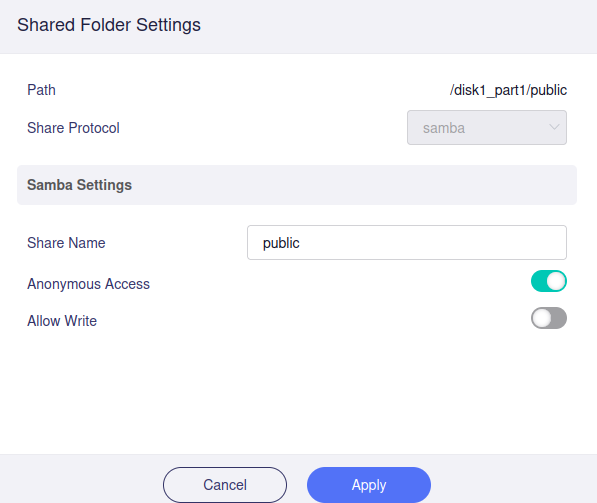
Share NAS support access only by GUEST or USER, i need to share a folder with readonly guest and write permission for a user?
many thanks in advance
Share NAS support access only by GUEST or USER, i need to share a folder with readonly guest and write permission for a user?
many thanks in advance
You can check the docs; there it explains how to use different kinds of permissions: Network Storage - GL.iNet Router Docs 4
I already check doc, when you enable anounymous user, you can’t add another user to have write permission
Hi,
Currently, the GL.iNet UI does not support this configuration directly.
You can first use the GL UI to create a user and assign the appropriate read/write permissions.
Then, SSH into the router to manually enable guest read-only access for the corresponding shared path.
Steps
root@GL-MT6000:~# uci show samba4 | grep path
samba4.@sambashare[0].path='/tmp/mountd/disk1_part1'
uci set samba4.@sambashare[0].guest_ok='yes'
uci set samba4.@sambashare[0].read_only='yes'
uci del samba4.@sambashare[0].users
uci commit
/etc/init.d/samba4 restart
After completing these steps, guests will have read-only access to the specified shared path.
Note:
Restarting will not affect this configuration.
However, if you modify the configuration under Applications - Network Storage, you will need to re-execute the corresponding commands.
hello, I lost configuration of samba randomly without any change from UI
Could you share any reproducible steps or clues that might lead to this issue to help us trace the issue?
Without such details, reliably reproducing and diagnosing the problem may not be possible.