I've now tested the DNS policy rewrites/reconfiguration in the 4.8.1 and 4.8.2 firmware. As @root1 alluded to, it seems you'll no longer see any port forwarding rules with 4.8.x onward.
The good/great news: Everything works wonderfully.
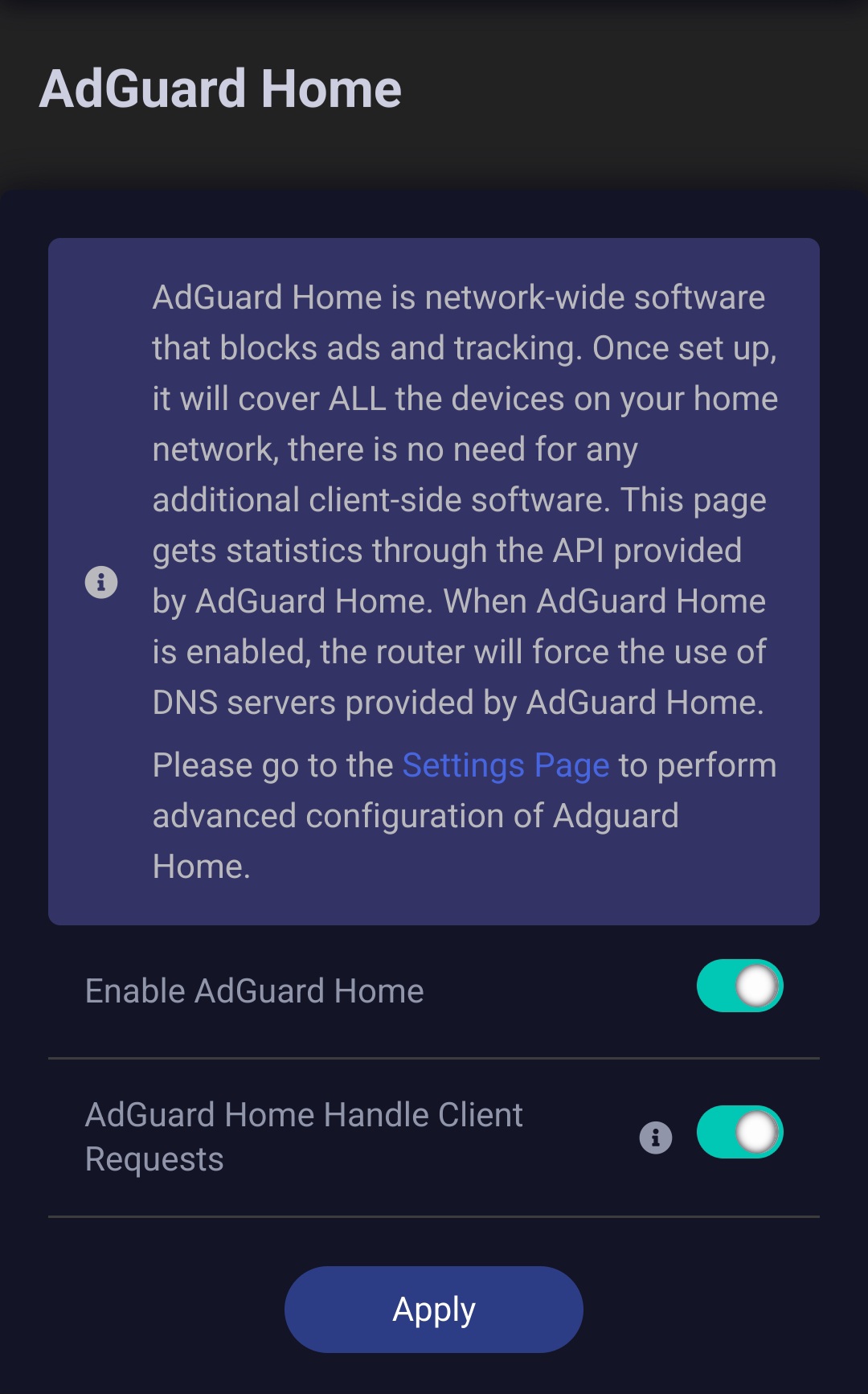
If you enable AdGuard Home and have it handle client requests directly but do not allow custom DNS to override VPN DNS, you will not have any leaks anymore (this was the impetus behind my original post)! Non-VPN client traffic will route through AdGuard Home, and VPN client traffic will route through the VPN client tunnel and its DNS resolution (VPN client traffic will not benefit from AdGuard Home's functionality, but this may be a more “set it and forget it" option for some that may be favorable).
In addition, if you want to have all the benefits of AdGuard Home while also being connected to a VPN, that works as well! In that case, make sure you have AdGuard enabled and set to handle client requests directly, and then you should also allow custom DNS to override VPN DNS. There are additional directions below to ensure you don't leak if you want this setup (teaser: it is the same solution I previously offered @lirotia).
But first, just a couple of screenshots to help orient folks.
AdGuard Home options can be found at Applications > AdGuard Home:
(Note this screenshot shows allowing custom DNS to override VPN DNS.)
Now, if you've followed the above instructions in preparation of having all the benefits of AdGuard Home while being connected to a VPN, simply follow the detailed instructions I originally gave in a previous reply to @lirotia and then quoted in my reply to @teleney above this post. I've quoted it here again for ease of reference for folks wanting a “one-stop shop". After ensuring the above toggles are correct, you'll start at step 3 of the instructions I've quoted below.
Thanks so much to the GL.iNet staff for the great work on 4.8.1 and 4.8.2! Not only is the functionality better from my testing, but the UI improvements are top-notch.