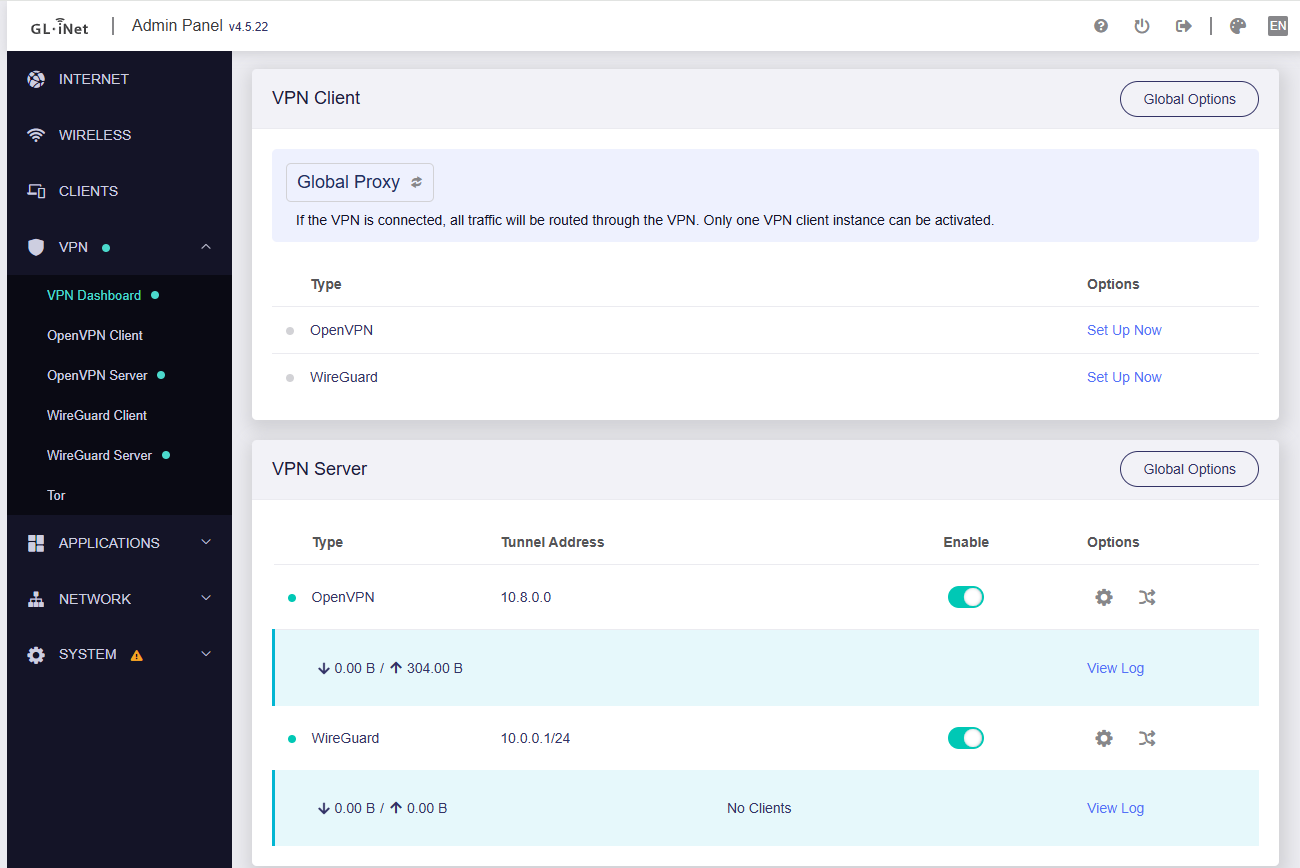
I have a 600 Mbps internet connection, but when I enable OpenVPN, the speed drops drastically to around 120 Mbps, even though hardware acceleration is enabled.
I’ve tested this on multiple devices, and the result is the same. Without OpenVPN, I get full speed, but as soon as the VPN server is active, the download speed becomes limited.
What could be causing this performance loss even with hardware acceleration turned on?
Your probably cpu limited. Check the openvpn speed ratings for the router. I bet your at the limit. This us why alot switch to wireguard. Much better speeds but still has limits
The B3000 appears to be the “Marble” which has a OpenVPN speed rating of 30 Mbps. I think what the OP is saying that non VPN traffic slows to 120 Mbps when the OpenVPN server is enabled but not being used for the speed testing.
Did the DL speed become normal after disabling the OpenVPN server on the B3000?
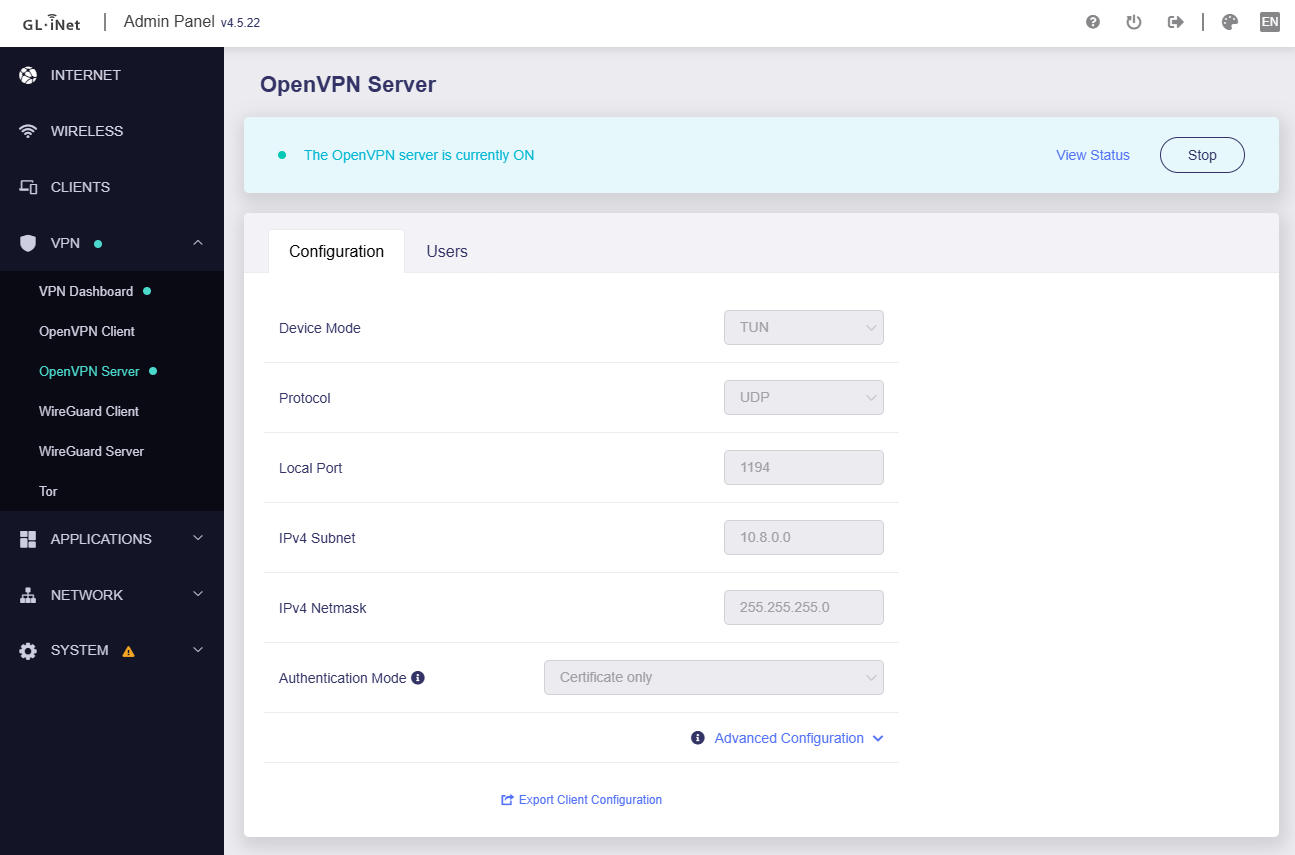
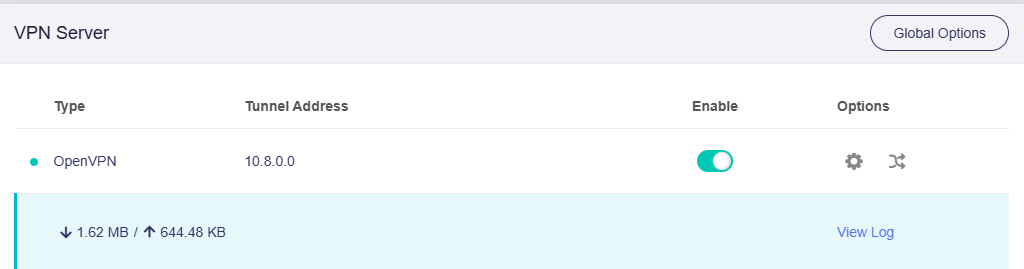
I tested on my B3000, with the OpenVPN server enabled and a VPN client connected.
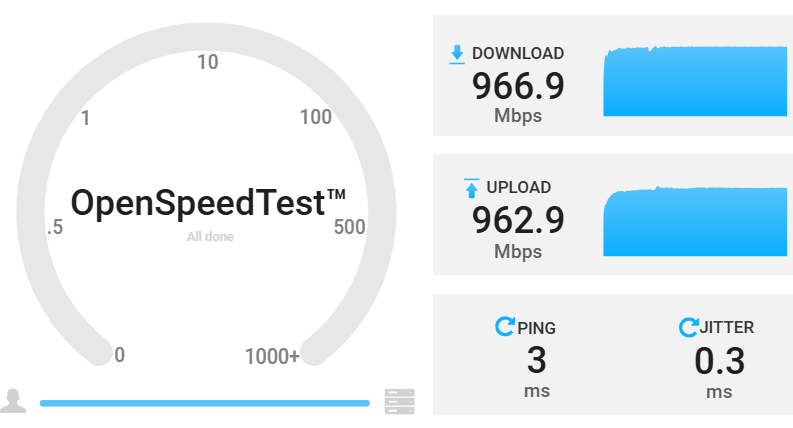
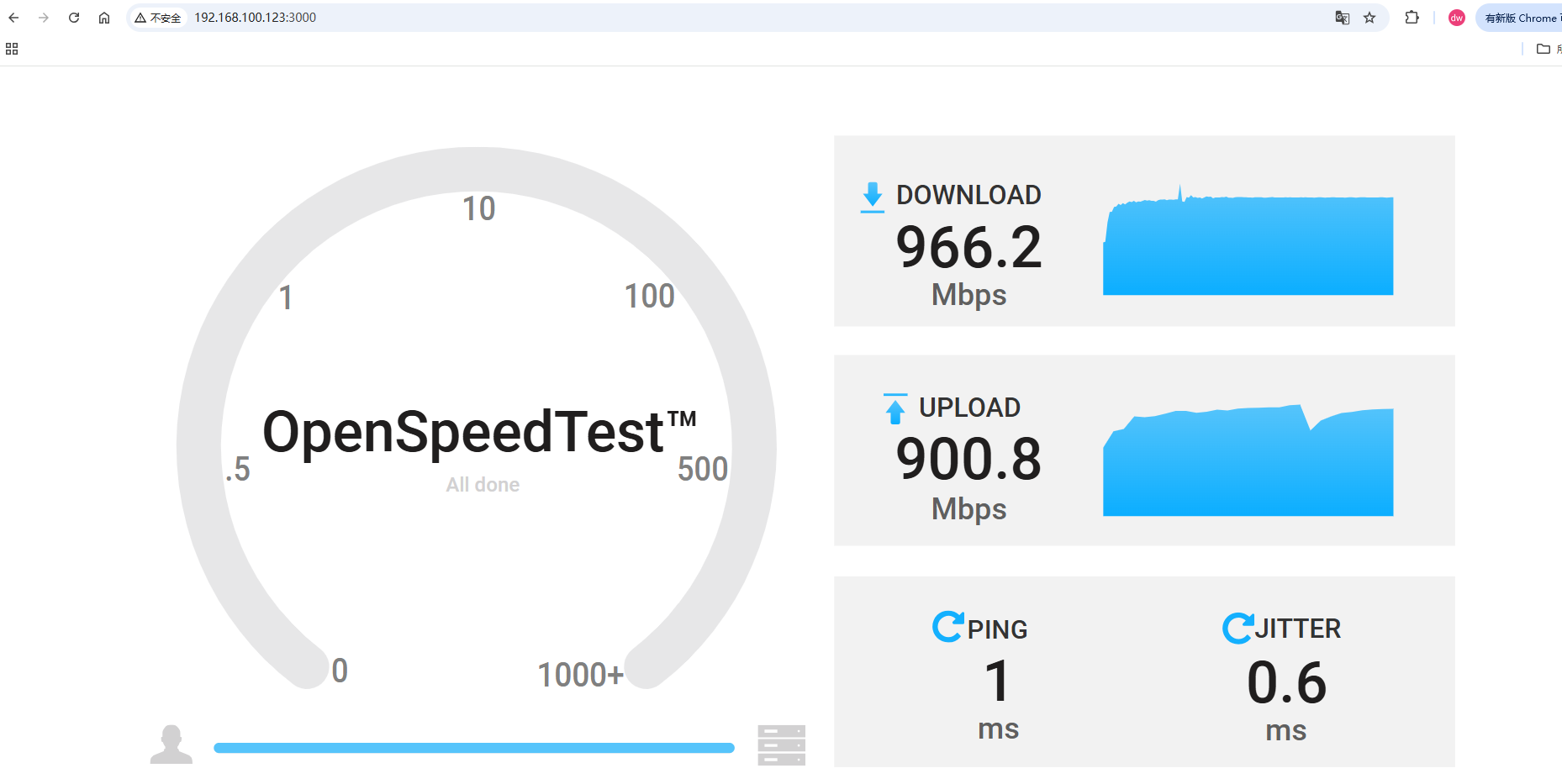
The test PC is connected to the B3000 directly and speedtest (not go to VPN, but go to WAN), both DL and UL speeds were normal.
I’m using the official Ookla Speedtest command-line client on both my desktop computer (connected via Ethernet) and my homelab server. The server’s traffic goes out through the WAN interface, so the speed test traffic is measured over my internet connection.
After disabling the OpenVPN server on the b3000 the speed becomes normal…
Please send me with your router backup from Luci > System > Backup / Flash firmware > Backup archive in forum PM, and please let me know the Admin Panel Password.
I will try importing this backup to my B3000 to check it out.
I'm not at home right now, but I'll send it to you as soon as I can.
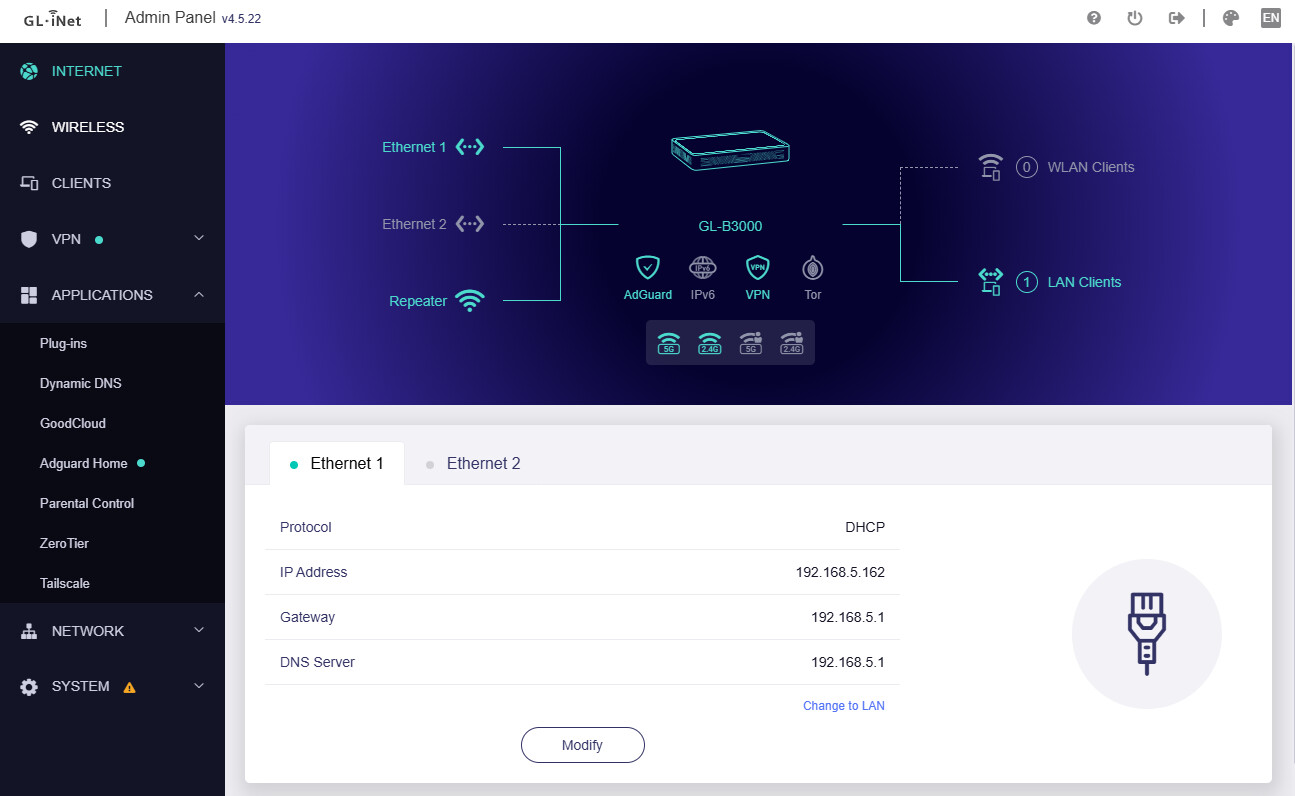
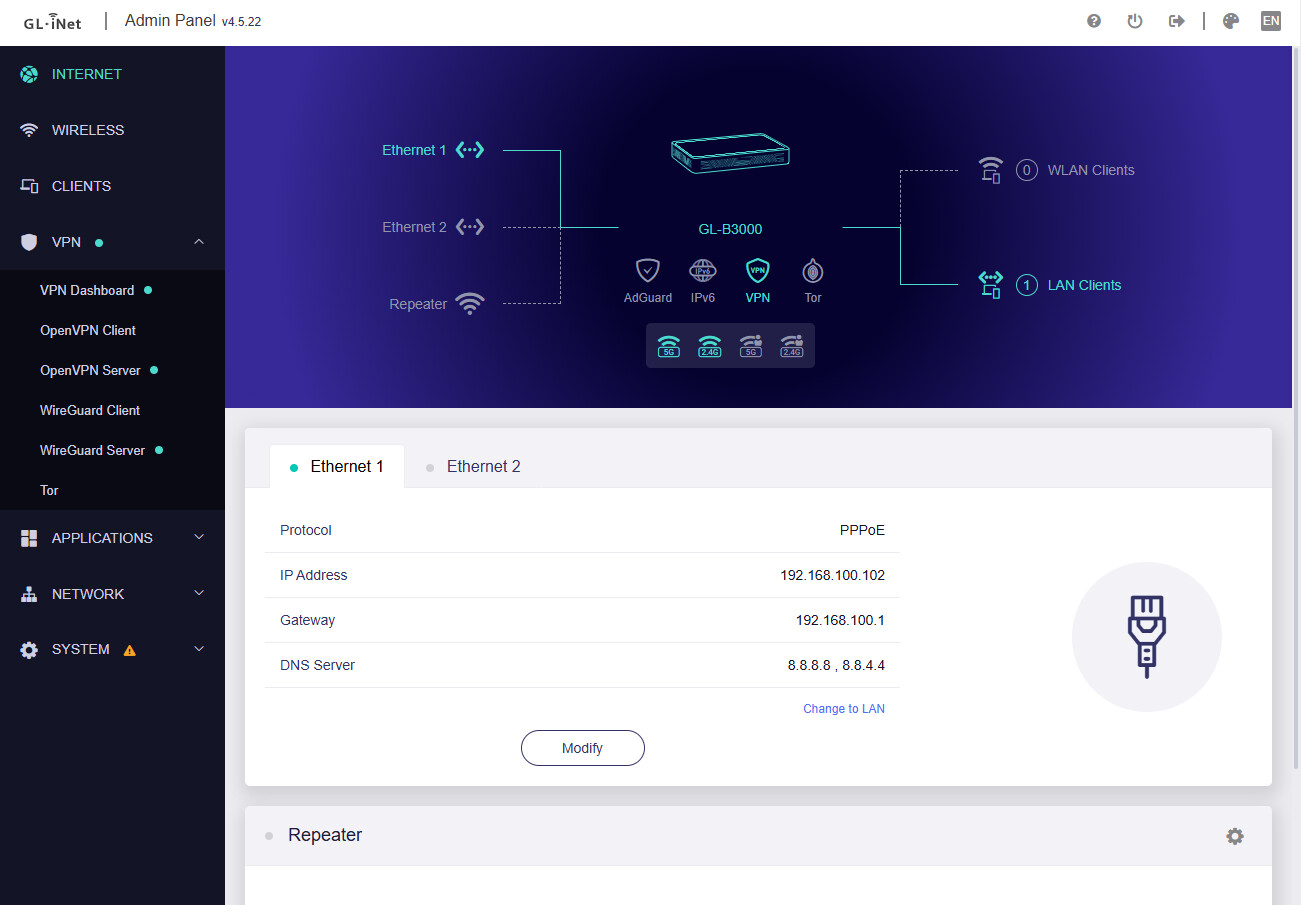
By the way, I forgot to mention that my connection is using PPPoE, while I see yours is DHCP on the WAN side.