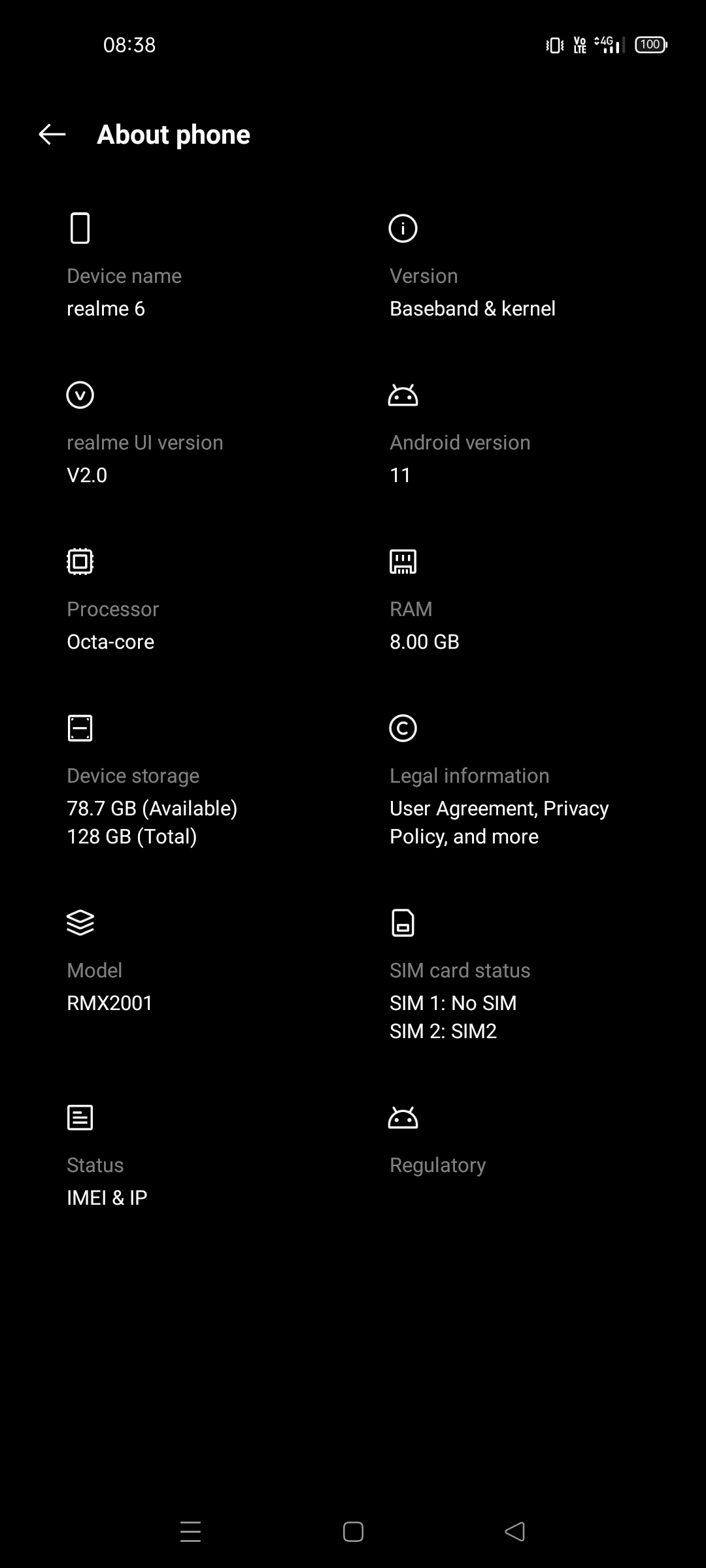
My issue is that I get 25 to 60 Mbps when I tether my laptop directly to my phone (Realme 6, RMX2001), but only 3 to 10 Mbps when tethering to my GL-SFT1200, then connecting to the SFT1200 with either wifi or ethernet.
This is only a problem with this specific phone! I get full speed when I put the SIM in my Pixel 7 Pro and tether it.
GL-SFT1200, in router network mode
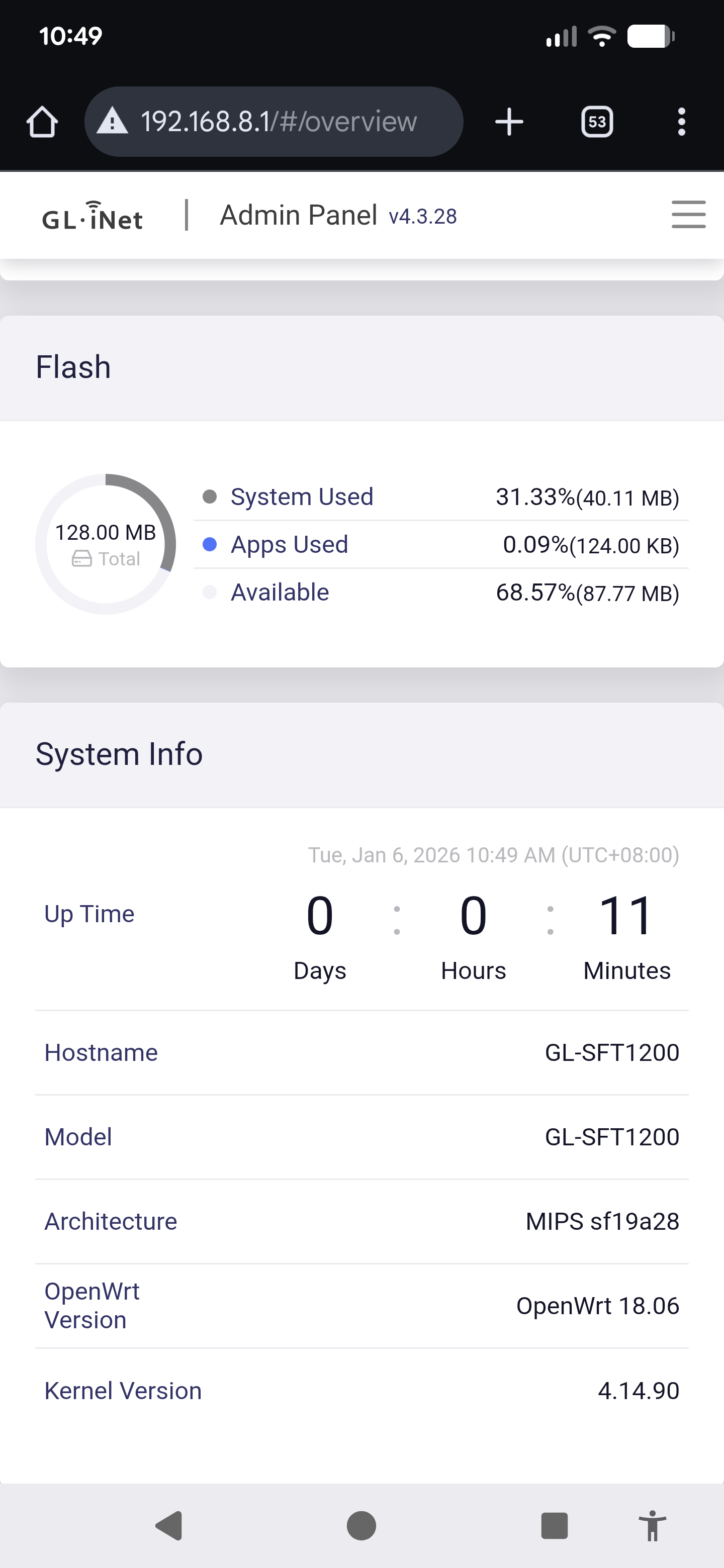
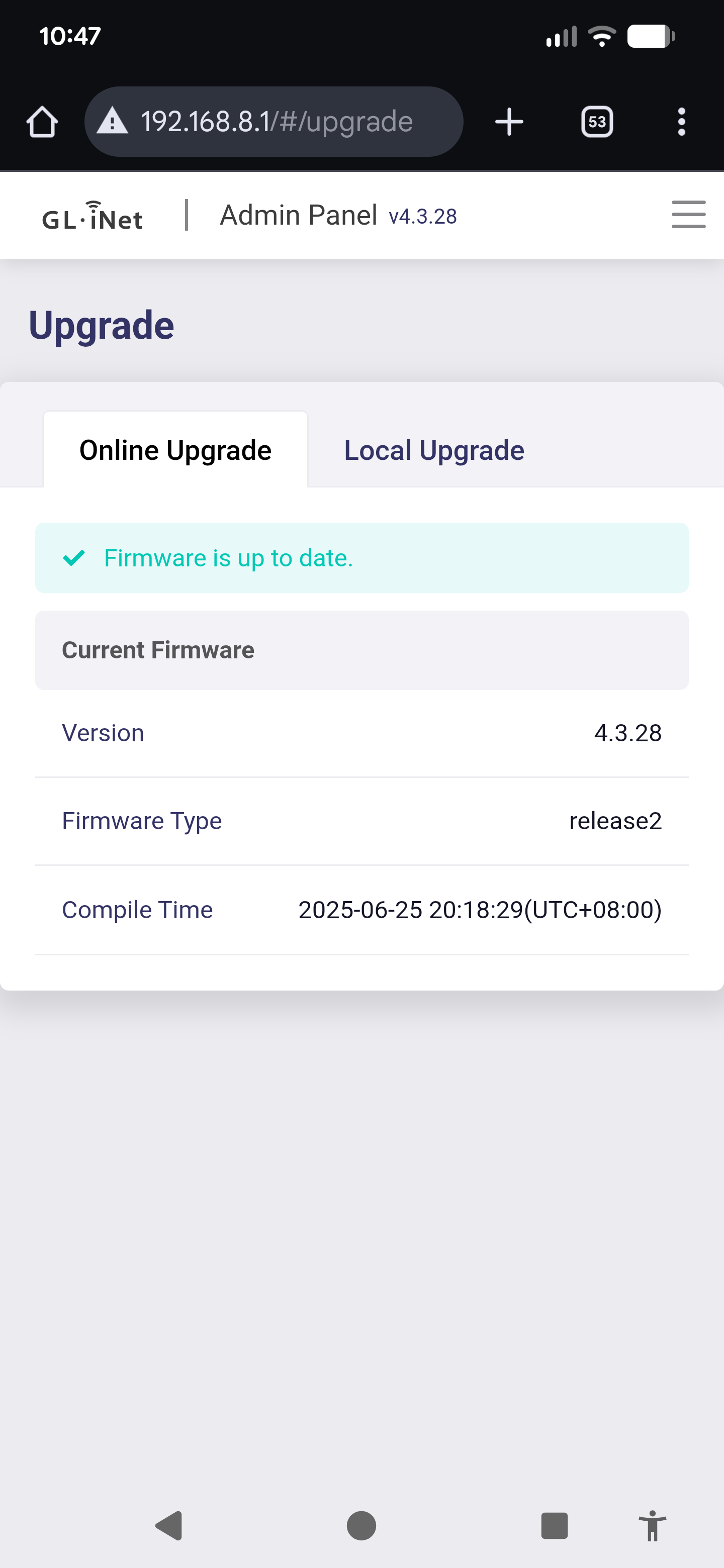
Firmware version is 4.3.28 - this is higher than the latest stable version on the firmware page, GL.iNet download center | GL-SFT1200 Opal but that’s what it came with out of the box.
I’m in Australia, using a Felix SIM on their unlimited plan which uses the Vodafone network.
I’ve tried the following without any results:
Many different cables - ones that work full speed with my laptop
On the phone, turning on and off USB debugging and tethering hardware acceleration.
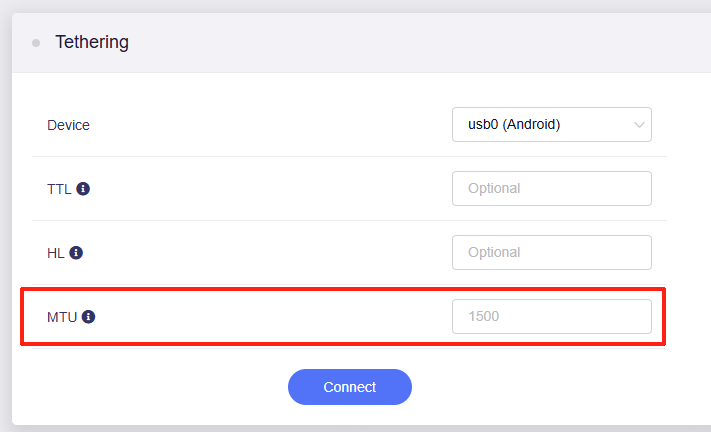
Changing the TTL default to 64, 65, 66, 88, 128, on the SFT1200 firewall. I don’t think limiting by the ISP is the issue though, since it works fine with other devices. I’m open to other approaches to test this though.
On the SFT1200, IPV6 on and off, network acceleration on/off, putting tethering to the highest interface priority
Should I install 4.3.25 since it is the latest firmware?
Do you have any other Android devices available for comparative testing?
We believe the performance gap stems from the specific USB Tethering protocol being used. Google Pixel devices utilize the CDC NCM protocol, which is significantly more efficient than the older RNDIS protocol found on most other Android phones.
Additionally, the primary distinction between a laptop and the GL-SFT1200 is the processing power. A laptop’s CPU can handle the high-speed data translation of tethering much faster than the SFT1200, which is an entry-level router.
You may try disabling some of the features currently running on the SFT1200, including Wi-Fi, to reduce the CPU load and see if the USB tethering rate improves.
Hi Will, thanks for getting back to me so quickly. What peak speed can I expect from the GL-SFT1200 if the phone is using only RNDIS?
Looking at the CPU trends on the SFT, there is no change when connecting the tethering, running a speed test, or turning the Wi-Fi on or off. It’s always between 1.5 and 1.8. Are there any other features you can suggest for me to try turning off?
I borrowed a Nothing 2a (Android 15) and a Nokia N50 (Android 13), and both had good tethering speeds through the SFT, >45 Mbps.
I suspect now that the issue is a combination of the SFT and earlier Android version on the Realme 6 (Android 11). However, I don’t have another old Android phone to confirm the theory with.