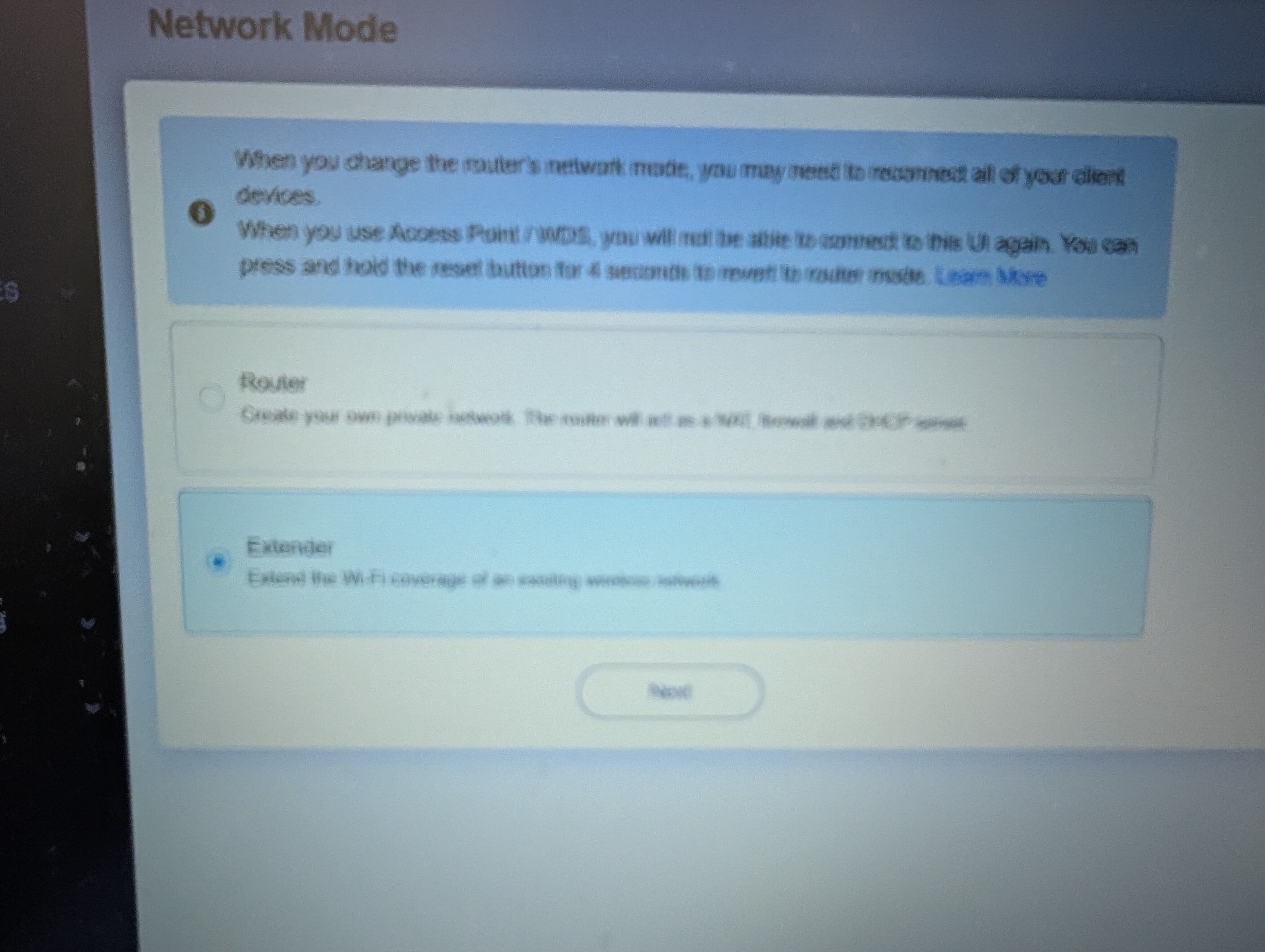
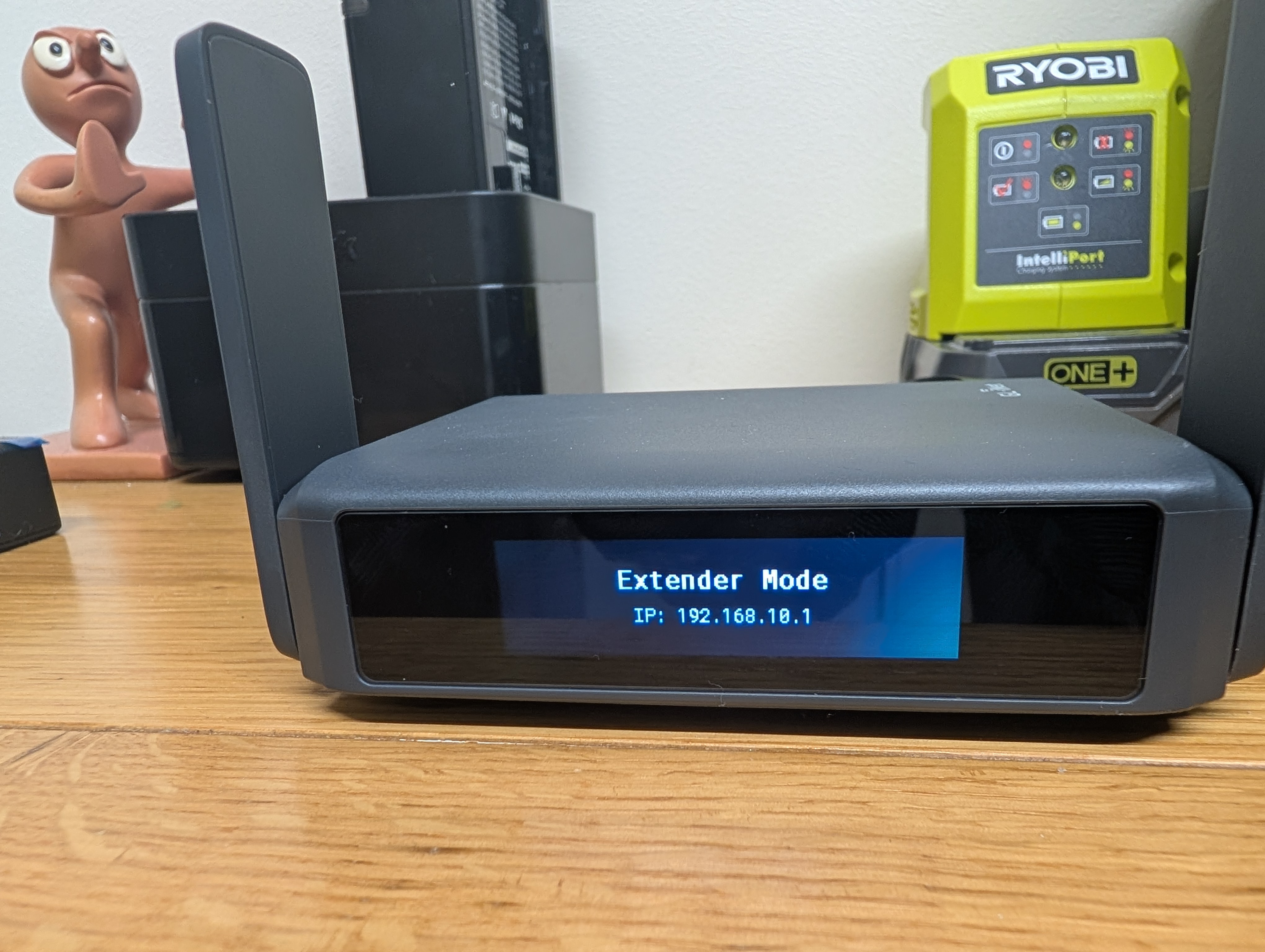
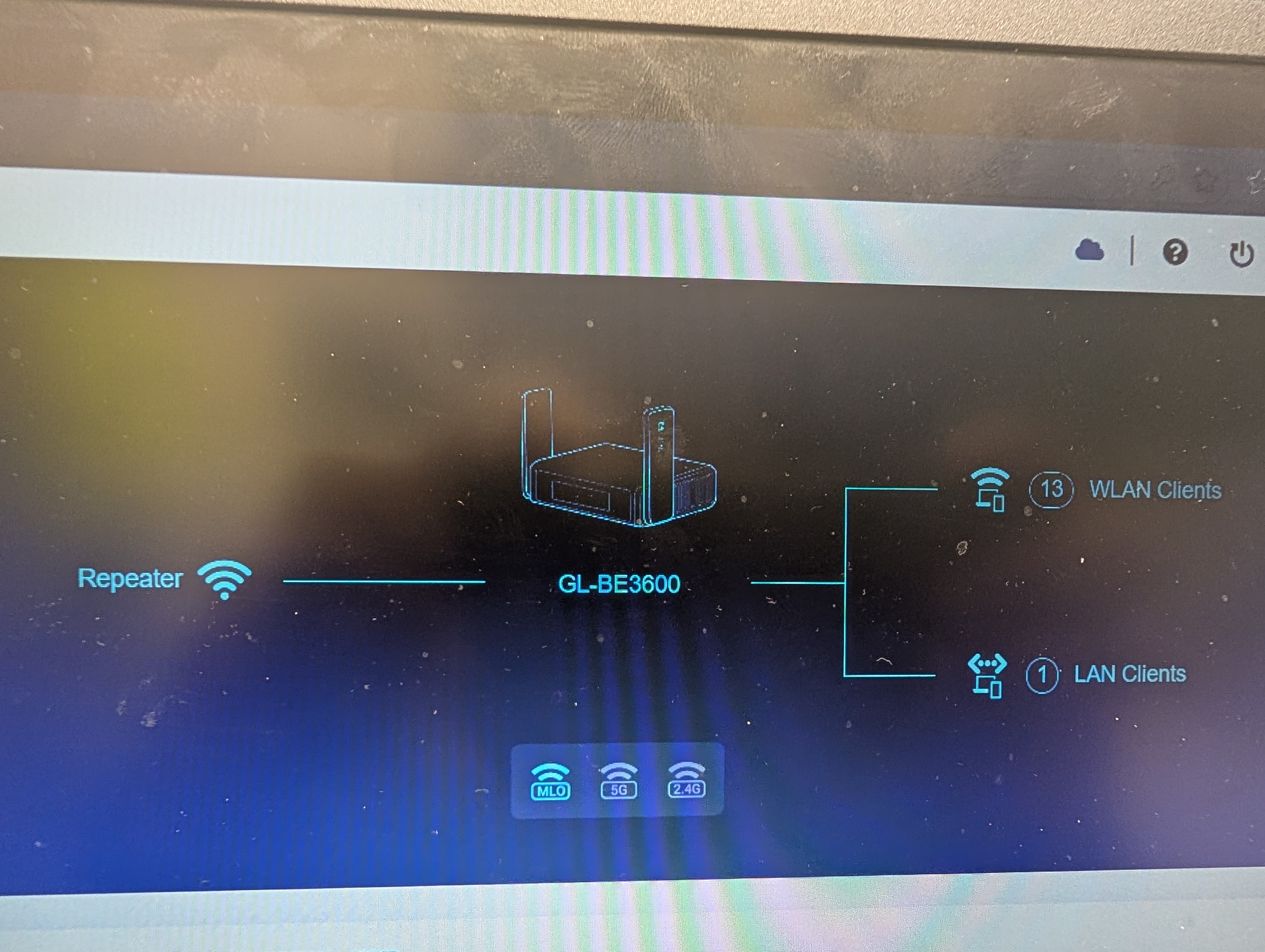
So I have a Slate 7 connected to my Flint 3 in extender / repeater mode by WiFi, to me this is just an extension of my existing wireless network which is already being broadcast from the Flint 3, A range extender if you like…..or am I wrong, is that not how it works.
So the Slate 7 is connected to the Flint 3 wireless, to make it simple, the Flint 3 is in the lounge with the TV and my PC hardwired to it, and phones etc wireless to it.
The Slate 7 is the other side of the house in the kitchen, connected wireless to the Flint 3, and has the Printer connected to it, as I said above, as far as im concerned this is just an extension of the wifi from the Flint 3, so why can no devices connected to the Flint, see the printer ?
I suspect the Slate 7 is in router mode, with its radio connected to the Flint 3 as wwan. The radio may also be broadcasting a different SSID as a LAN with a different subnet. If so, if the printer is connected via ethernet or via wifi to the Slate 7, it is on a different subnet. You would need to do some routing to be able to reach the printer. Or change it to AP.
OK so I got it working, it was a nightmare, I had to use the epson software and then the issue was where to enter the IP address and port number of the printer into the software for it to locate the printer, after going through what felt like 10 different menus and sub menus I eventually found it and managed to get the software to connect to the printer.