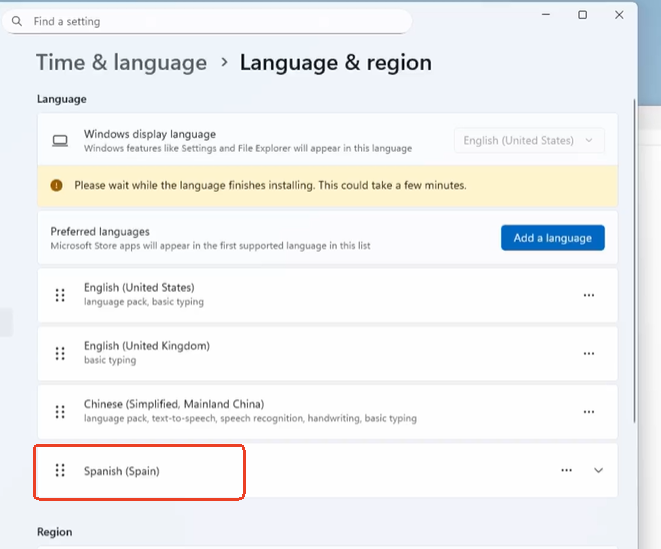
The Spanish keyboard is not being properly mapped when remotely controlling a Linux (Ubuntu) machine that has no problem with a physical keyboard.
Regular Spanish keys are properly mapped (like ñ ç or accented characters) but anything that needs the Spanish Alt-Gr (and this is needed for stuff like @ \ | that is really needed when working with the terminal) are not working, it renders nothing. Only workaround now is to either copy and paste from somewhere else or copying and pasting using the toolbox utility.
So, in a nutshell, the Alt-Gr (the right Alt key) is not working as expected now with a Spanish layout.
Hope it’s an easy fix, it’s really annoying now not to be able to get those characters now.
Sorry for the inconvenience caused. We are currently enhancing our keyboard input functionality to ensure compatibility with various keyboard types. Thank you for your patience.
The issue with your Spanish keyboard's Alt-Gr key in a remote Linux session is a common problem where the remote desktop software fails to correctly pass the key press to the server. The most immediate workaround is to use the Ctrl + Alt key combination as a substitute (e.g., Ctrl + Alt + 2 for @). To permanently fix it, check the settings of your remote client for an option like "Pass through all key combinations" to force it to send all key presses, or use the terminal command setxkbmap es on the Linux machine to ensure the Spanish keyboard layout is correctly applied.
Thanks for trying to help @janice548 but you don’t seem to know what a Comet is. I do not use anything but the browser (Chrome) and Comet to remote control the Linux computer, no other software is involved. Your Ctrl+Alt solution does not work.
It’s been a couple of months and some updates of the firmware later (I’m now using 1.5.0 Release1) but the problem still is not solved. I can’t type a backslash (\) or a pipe (|) or an at (@) sign using a Spanish keyboard in a remote Linux machine, they don’t register. Next character, the pound (#) works fine though.
Seems like something that should not take very long to fix, do you have an update? If you need me to help testing it, I would gladly help.
Yes, the controlled side (Ubuntu 24.04 LTS) has the Spanish keyboard configured. Also, worth mentioning: all the other Spanish characters work well (ñ ç accented characters, etc.) that’s why I reported it as a bug. Makes no sense that only \ | @ can’t be accessed directly with the Spanish keyboard.
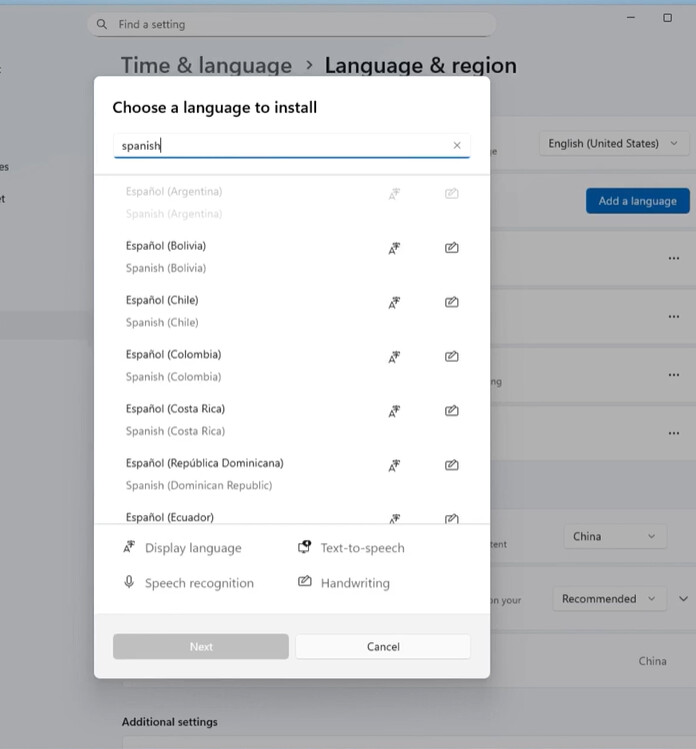
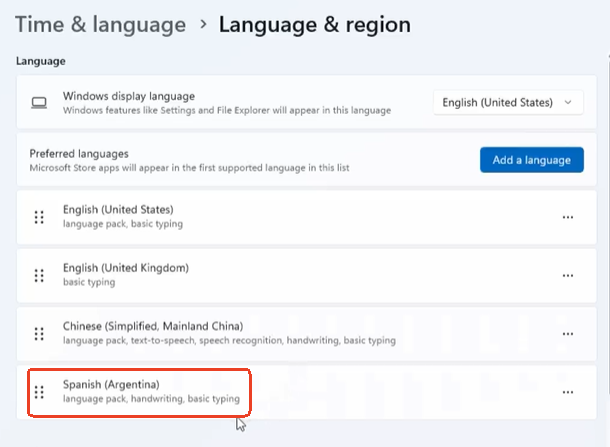
As we know, There are many Spanish keyboard layouts; the Argentine Spanish and Spanish (Spain) keyboards are completely different. Can you confirm the country is well set?
Actually, there are only 2 Spanish keyboard variants: Spanish for Spain and Spanish for Latin America, all the different Spanish speaking countries use one or the other.
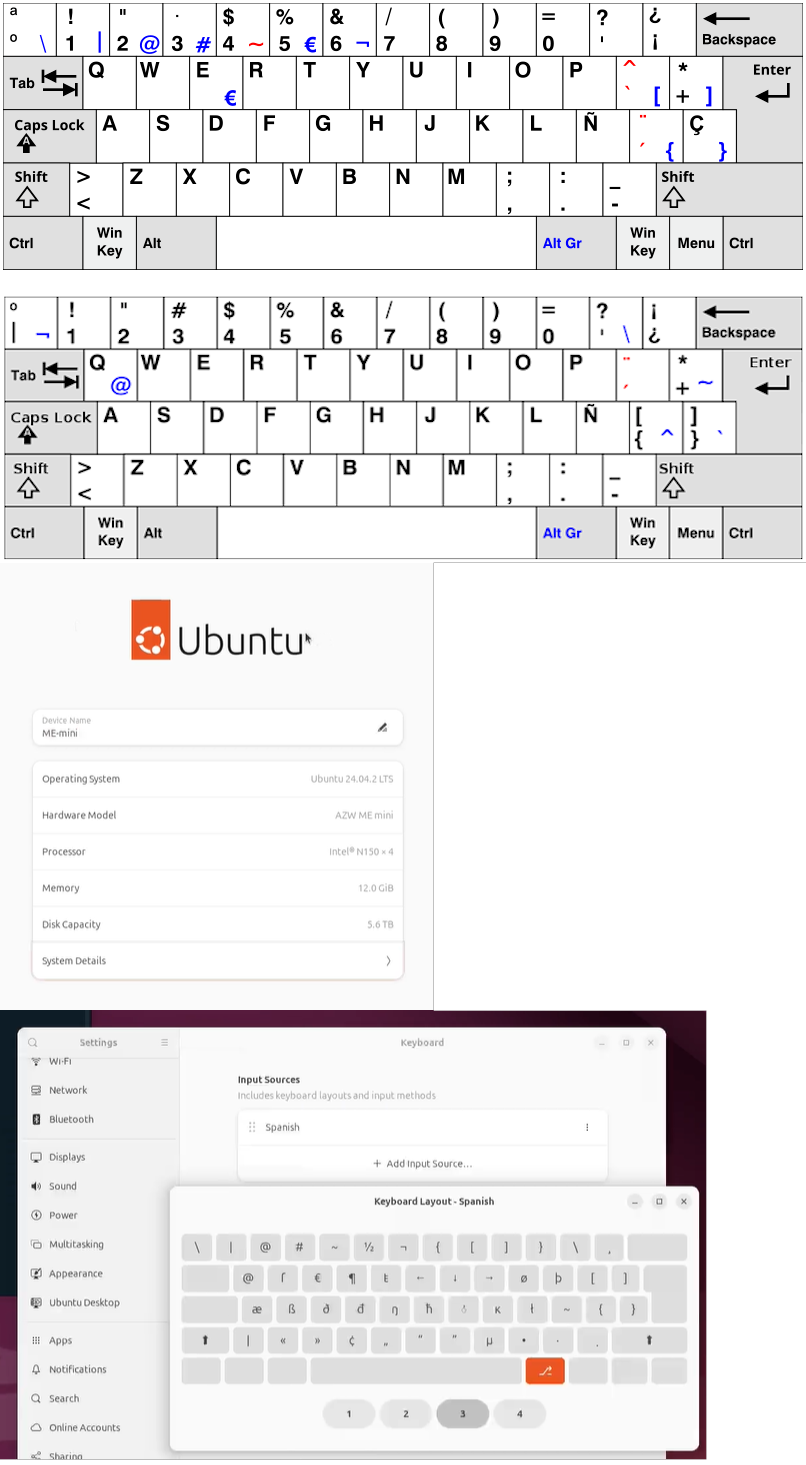
And the problem with the Spanish for Spain seems related to the characters in blue below.
In Spanish for Spain (first) and Spanish for LatinAmerica (second)
For reference, this is the system being controlled (Ubuntu and the keyboard configuration).
And the problem is with the Alt Gr key (in blue in the keymaps above) that’s the one that does not get properly mapped.
So yes, you may be actually be able to render the characters. That’s not the problem when I paste them thru the toolbox Clipboard. The system CAN render the characters. The problem is typing directly in the controlled operating system, not pasting thru the Clipboard.
When trying to type the characters in a terminal, for example, you would usually need to keep pressed Alt Gr and then press one of the keys as you see in the Spanish keyboard layout and you would get the blue character. This does not work now.
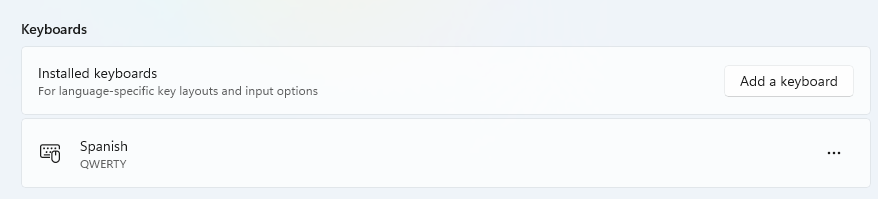
Yes, my controlling device is Windows 11 and the keyboard layout in my controlling device is Spanish, of course. Maybe it’s Chrome not passing the alt-gr key properly? I will try to use another browser and report back.
The test we made are also finished in Chrome. Please see the screen record I attached.
In addition, What I change in my controlling device is the language input layout but not the keyboard
I don’t think we are understanding each other. Your video shows how you can use special characters with the virtual keyboard but nothing is Spanish there. Also, the display language is not relevant. You can have a system in Argentinian Spanish and still use a US keyboard, that would not solve the problem.
In order to replicate this bug you need to configure both systems to use a Spanish keyboard then with your keyboard (even if it’s US English) your right Alt becomes AltGr, that’s all. then try pressing AltGr and while you are pressing it, press the key under the Esc or the 1 or 2 characters. That should render \ | and @. But now it does not work.
I can use the Spanish characters perfectly well in the controlling system and most of them in the controlled system, except for the characters that require pressing AltGr. I really think the problem is with the AltGr key not being sent to the controlled system. Also, for comparison, I have a JetKVM and all works perfectly fine with their software, so it’s definitely not a configuration problem in my system.
Thanks,
In my video, the purpose of opening the virtual keyboard is for your reference, I was typing in the physical keyboard in controlling device.
When I set both end's language input are the same country of Spanish, you can see I press right-alt + 2, and @ is successfully typed out in the controlled device, which means the right-alt is work as the alt-gr in spanish keyboard.
Can you try with the other characters? the number 2 is @ with a Shift in the English keyboard so it’s not really the best one to try. Do you get \ and | with the key under the esc key and the 1?
Yes I can, I set both end‘s to spanish (spain) and physically press right-alt + key under esc and 1 in my english keyboard. right-alt +key under esc and 1 (2).zip (1.4 MB)
I tried this weekend again after the new update and the AltGr characters are working for the first time. I used the same set up so must have been something related with either the Chrome update or the GL-RM1 firmware update, because the rest was the same and it’s finally working! (yay)
Thanks a lot for having followed up on the problem.