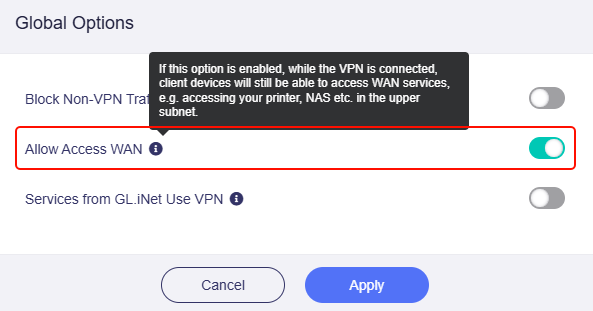
I’m experimenting with my new Slate and came across a problem I’d like your advice on.
- My home network (behind an ASUS router, stock firmware) uses 192.168.1.0/24.
- The Slate is running in default 192.168.x.x LAN range.
- WireGuard is configured for full-tunnel mode with AllowedIPs = 0.0.0.0/0, 192.168.1.0/24.
- The Slate is connected in Repeater mode to the target WiFi.
 When the upstream WiFi assigns an IP range other than 192.168.1.x, everything works perfectly.
 But if the upstream WiFi also uses 192.168.1.x, I lose access to my home LAN. Traffic intended for the VPN seems to get routed to the upstream WiFi instead.
I understand this is a subnet overlap issue, but:
- Changing the home LAN subnet isn’t practical due to a large number of static IPs.
- Even if I did I can’t control or predict the DHCP range of upstream networks.
 Is there a configuration option or workaround in the Slate (OpenWrt/GL.iNet firmware) to force all traffic for 192.168.1.0/24 into the WireGuard tunnel even if the WAN is also 192.168.1.x?
Thanks for your help!
– Mark