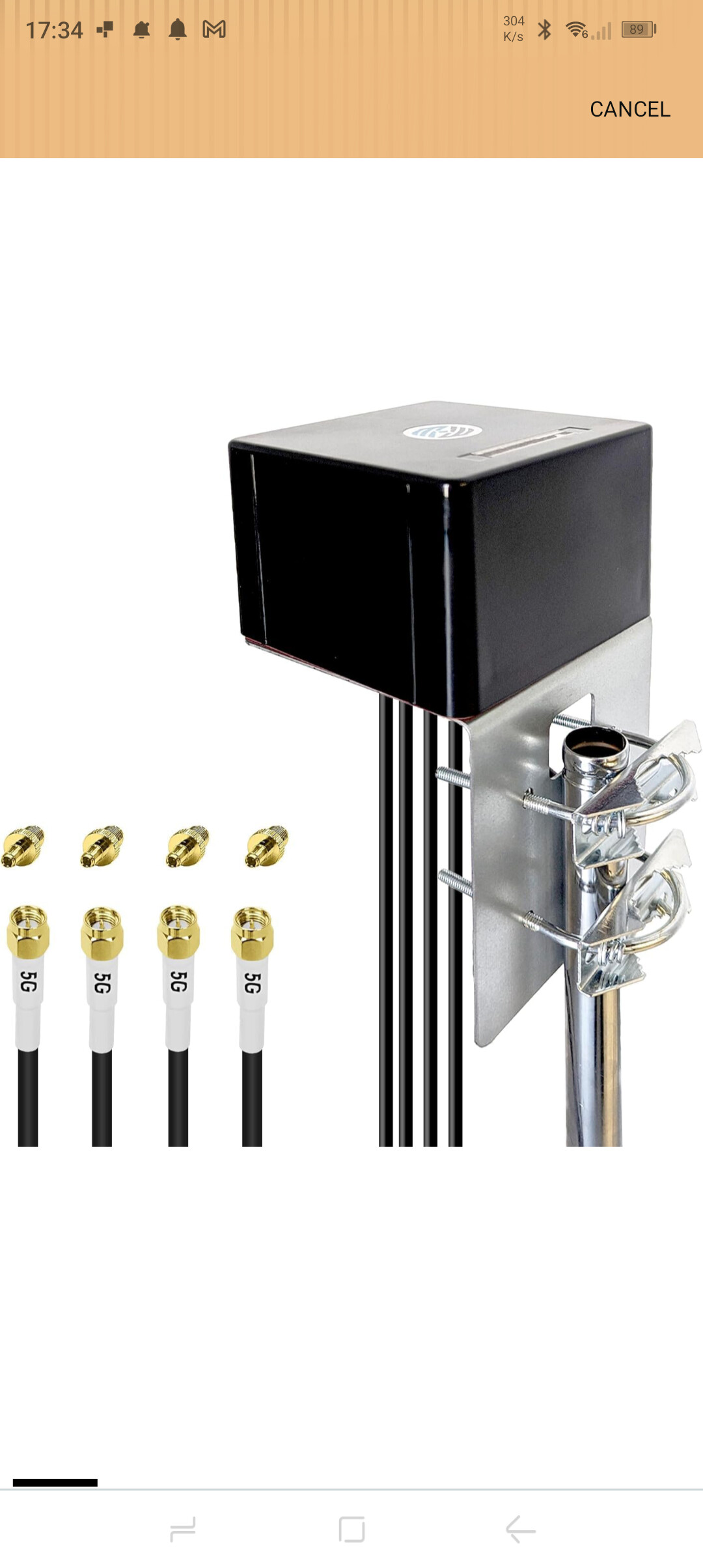
Just wondering if someone could advise me on a well matched MIMO 4 Antenna for the GL-NET X3000 Router.
I use this router on my Narrowboat on the UK canal system. Unfortunately there are some areas that just don't pull in a usable signal 4g\5g even though the router shows 3 out 5 bars on the signal meter.
At present I'm using a Maxwell 4G LTE 5G outdoor omnidirectional antenna which boast a 6db gain.
So I am interested to know from GL-NET on what recommendations they would have for a well matched antenna that would be suited for this router.
For a moving narrowboat, use a 4×4 MIMO omnidirectional RV/marine antenna with four cellular leads. GL.iNet recommends coverage from 600 MHz to 6 GHz, including GNSS frequencies, and each lead must have an SMA male connector for the GL-X3000’s cellular ports. GL.iNet’s partnered RV antenna options are listed on the GL-X3000 product page; the antenna replacement guide provides the required specifications.
Before replacing your current 4×4 antenna, check the modem’s RSRP, RSRQ and SINR when performance is poor. Three signal bars can coexist with low SINR, interference, or cell congestion, none of which a higher-gain antenna necessarily fixes. Also account for coaxial-cable loss: short, low-loss cables can matter more than the advertised peak gain. If the boat remains at one location for extended periods, a directional 4×4 panel aimed at the serving mast may outperform an omnidirectional antenna, but it is less suitable while travelling.
This reply was generated by AI. Please verify its accuracy.
GL.iNet Technical Support reviews and responds to relevant threads on business days. Please allow time for a staff response.
Log in to the GL.iNet web Admin Panel and go to INTERNET → Cellular. Once the cellular connection is active, click View More Information, then look under Cellular Signal for the LTE/5G RSRP, RSRQ, and SINR values.
For comparison, record those values and a speed test at the same location with your current antenna. The Historical Signal Record option on the Cellular page may also help show how the signal changes over time.
This reply was generated by AI. Please verify its accuracy.
GL.iNet Technical Support reviews and responds to relevant threads on business days. Please allow time for a staff response.