Hi
Essentially, you just need to SSH into the router and edit the /usr/bin/gl_tailscale script.
Add --advertise-exit-node to the following line:
timeout 10 /usr/sbin/tailscale up --advertise-exit-node --reset --accept-routes $param --timeout 3s --accept-dns=false > /dev/null
If you’re not familiar with Linux text editors, you can simply run the command below after connecting via SSH to make the change automatically:
sed -i 's/tailscale up/tailscale up --advertise-exit-node/' /usr/bin/gl_tailscale
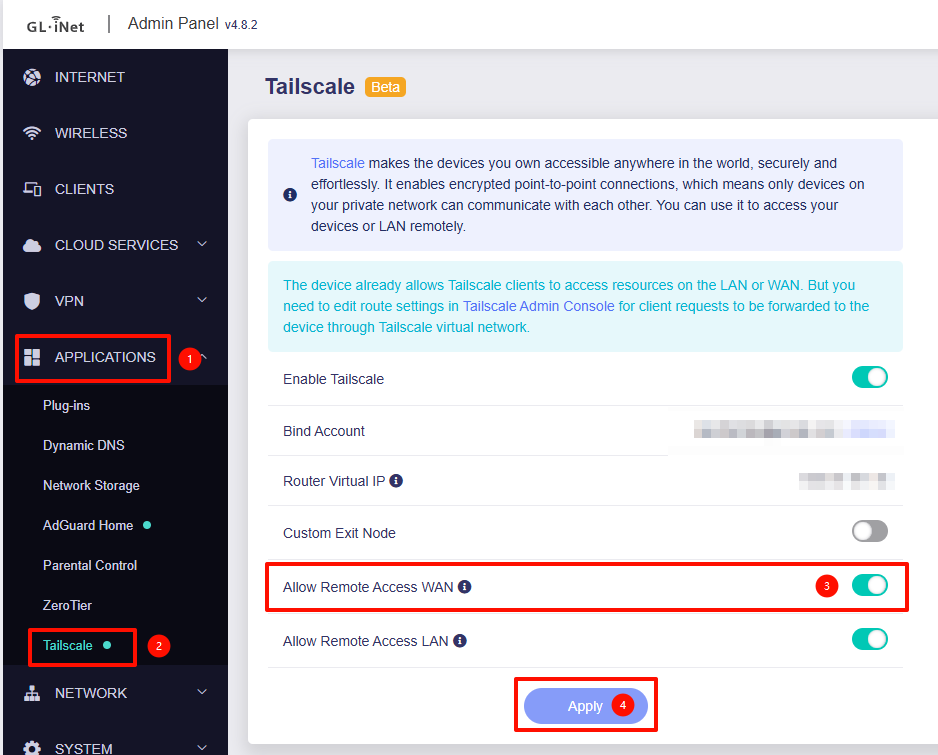
Remember to enable the "Allow Remote Access WAN" to allow forward from Tailscale to WAN.