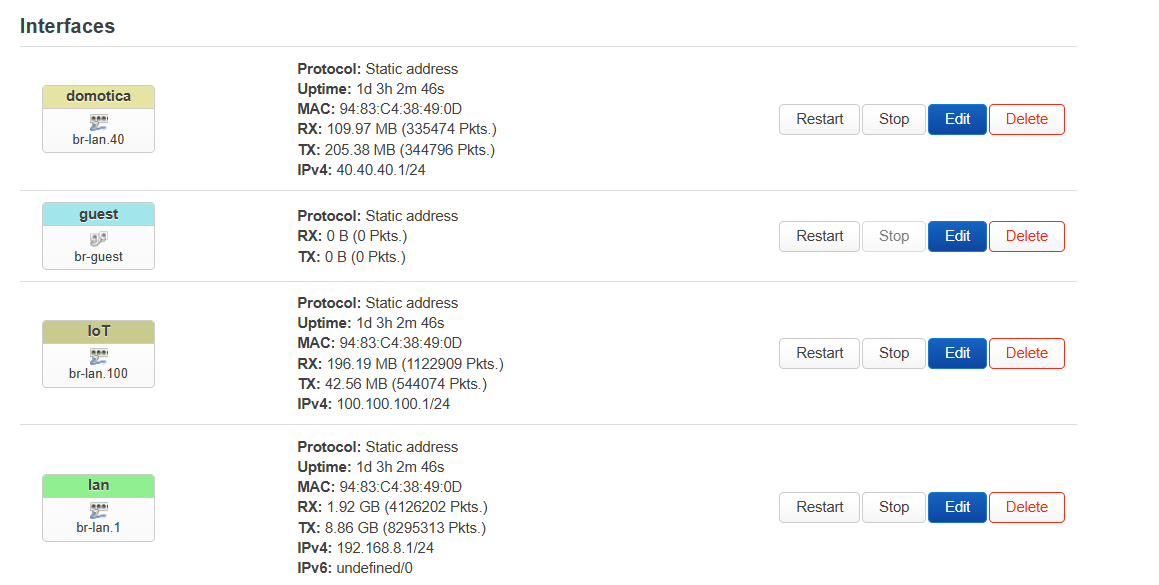
I used the guest WiFi for my IoT network (192.168.100.0/24).
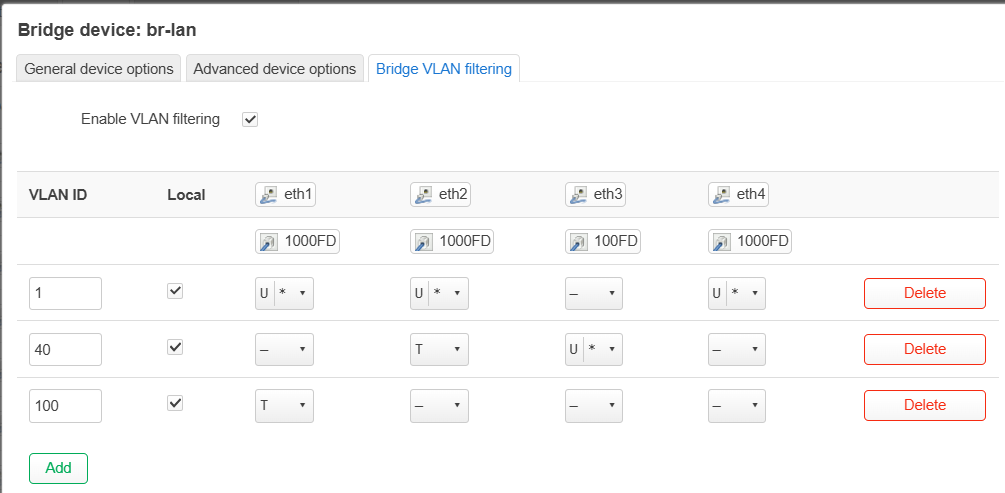
Recently, I decided to use VLANs and created VLAN 100 for IoT, associating it with a new WiFi network (100.100.100.0/24).
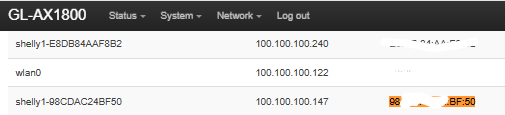
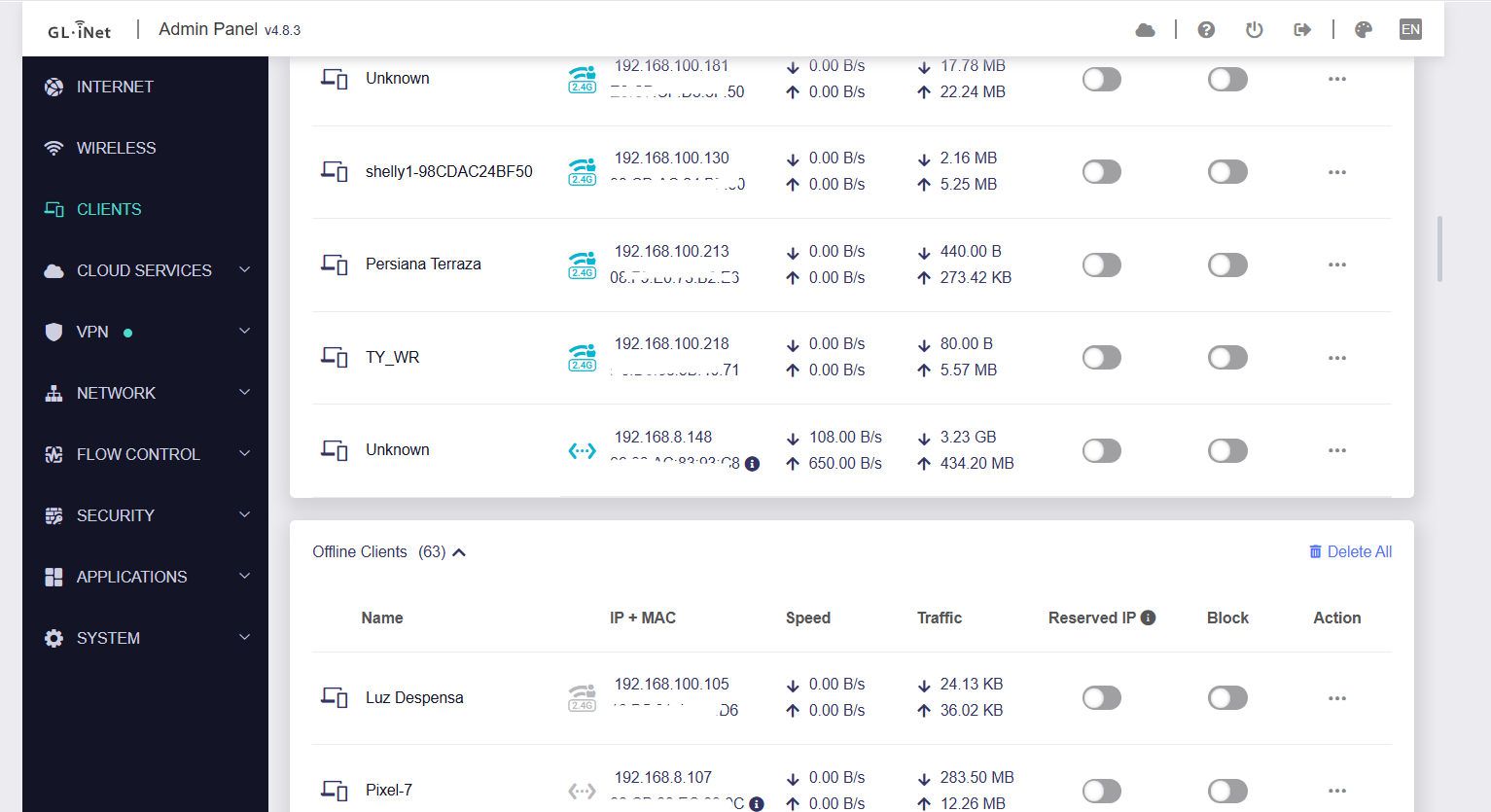
The Flint client list shows the wrong IP, but LuCI shows the correct one (I have already restarted the Flint twice).

On the other hand, I have another vlan (40.40.40.0/24) and no client is shows in Flint client list
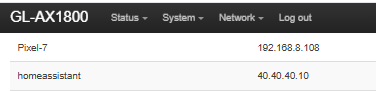
My hardware is Flint 1 with 4.8.3-beta firmware.
Thanks in advance.
Hi
The GL UI client list currently only displays devices connected to the Main and Guest networks. Devices connected to custom-created VLAN networks are not supported in the client list at this time.
Regarding the incorrect IP address display, we noticed that this device appears only in the Offline Clients section (historical records). Because of this, the system is showing the information from when the device was previously connected to the Guest network, rather than its more recent connection to the VLAN network. This behavior is expected. You can simply remove this offline record if it is no longer needed.
As for displaying devices from custom VLAN networks in the client list, we have already forwarded this request to the product team for evaluation.
Thanks for the infor, would be great have all the client in the list 
Regarding the worng IP, Flint is showing wrongs IPs in the conected client, no the offline ones
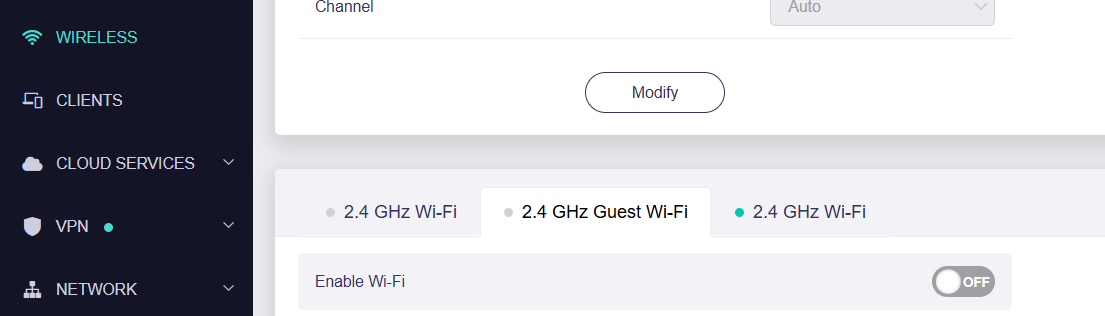
th guest wifi in disabled
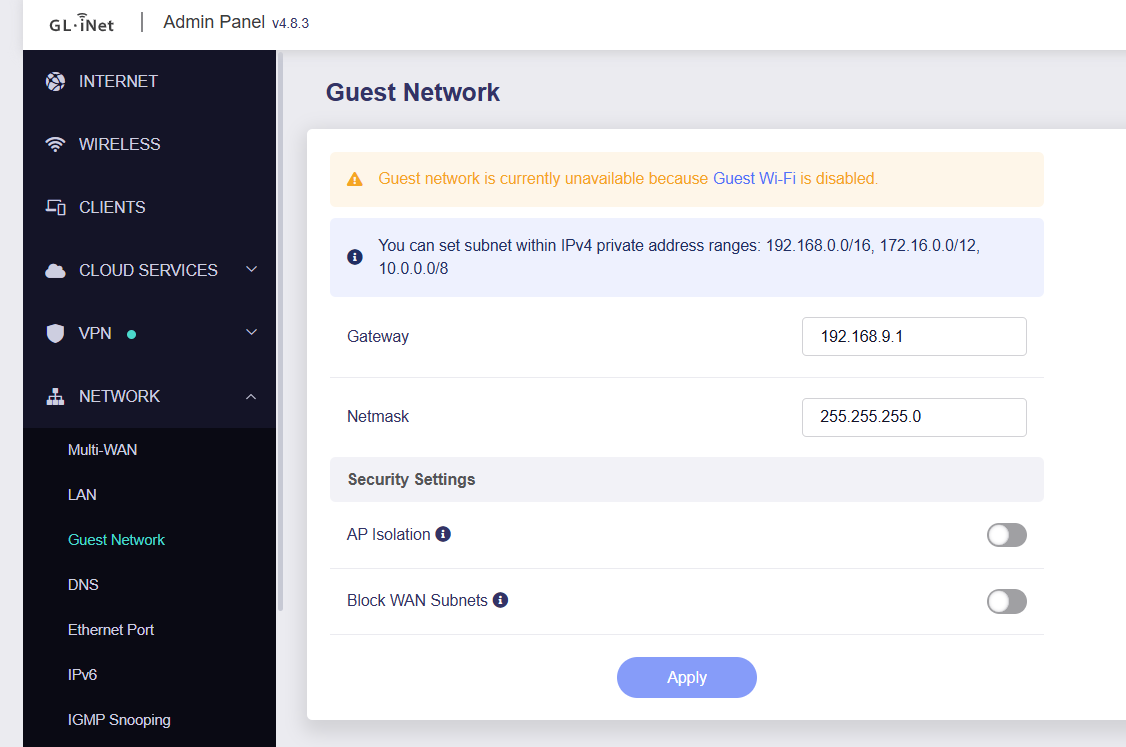
and I’ve changed the network address
Seem that something gets inconsistent or something like that after changing the configuration, isnt it?
The client list retrieves device information for br-lan and br-guest.
Do you use the same bridge names for the VLAN networks you created? If so, this could cause issue.
If that’s not the case, please try SSHing into the router and running the following commands to check:
cat /proc/oui-tertf/term
ip neigh show dev br-lan
ip neigh show dev br-guest

opkg update && opkg install sqlite3-cli
sqlite3 -header -column /etc/oui-tertf/client.db "SELECT * FROM client;"
You can also try deleting the client list database and see if that helps (note: all client records will be cleared, but black/whitelist and address reservations will remain intact):
rm /etc/oui-tertf/client.db
reboot
I don’t think so (br-lan.XX) but I’m not a expert.
Could you provide the information we mentioned earlier so we can investigate further, or try to delete the database as we suggested before to see if they help?