I am trying to work it a design but cant find the correct approach.
I have two ISP connections, ISP1 and ISP2, a Fortigate firewall and a Brume which is a Subnet Router.
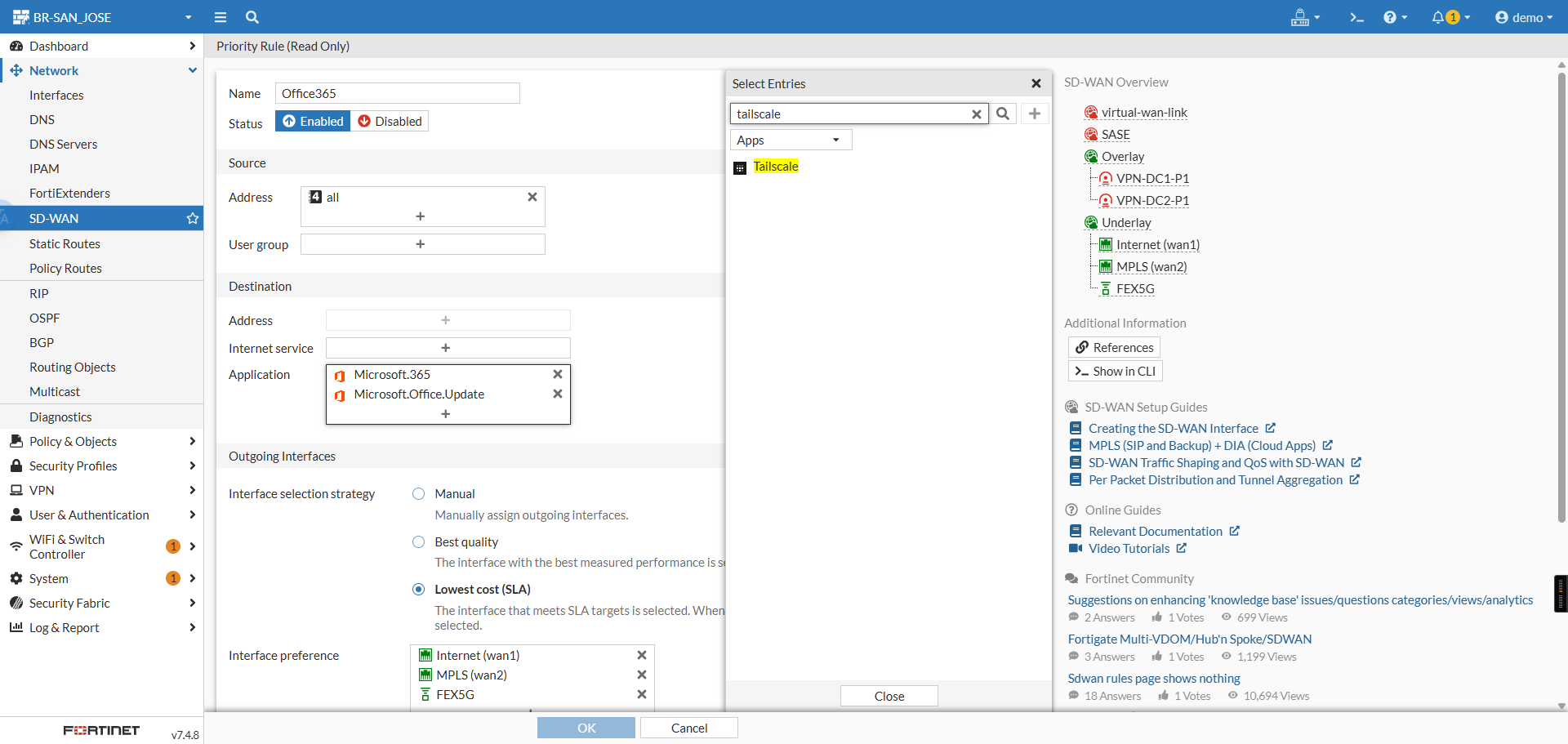
I want to send Tailscale traffic to ISP1 amd only use ISP2 if there is a problem with ISP1.
Is there a way to identify traffic that is being sent to Tailscale so I can add this to the SDWAN configuration on the Fortigate?
I think all traffic on the LAN needs to go via the Brume and then to the Fortigate. I asked AI (Google, Co Pilot et) and it came up a design that didn’t work, it suggested only connecting the LAN port on Brume and having a route on the Fortigate via the Brume.
Happy to take any suggestions on the design approach.
Thanks for the reply. I did some more testing over the weekend and it is working but not perfect. For info I see this isn’t specific to Fortigate and maybe useful for any SDWAN. Tailscale doesn’t properly understand multipath which is a limitation.
On testing Tailscale traffic in the SDWAN in three different types, Control traffic accessing various *.tailscale.com FQDN, Tailscale STUN accessing various ‘derp’ Tailscale.com FQDN and direct peer to peer traffic between the sites with the Tailnets. I decided it was easier to send all traffic on the SDWAN to WAN1 as primary and then select some of the bandwidth hungry services sending them to WAN2. This gives a good load balance over the two ISP connections with failover if there is a WAN down. The more difficult part was how Tailscale reacts when if a WAN circuit goes down, there is a delay as it re-establishs the VPN which was longer than I had expected, often over 10 pings. I also needed to use a command on the Fortigate that cleared all connections if the route changed, this helped when the WAN connection came back up so all the traffic went back to the correct WAN connection. Hope that helps someone in the future.