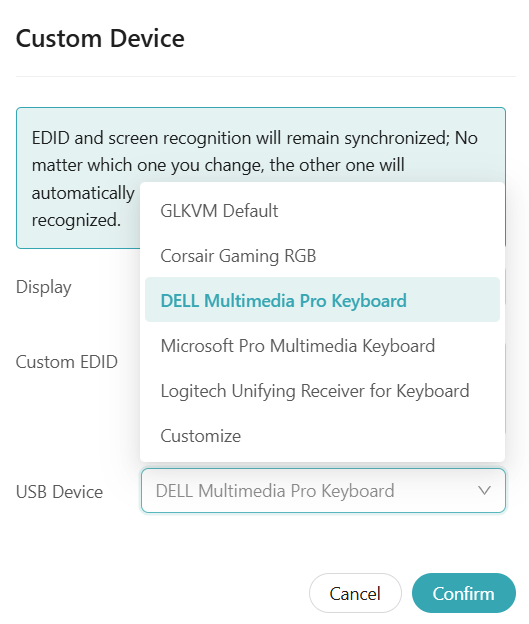
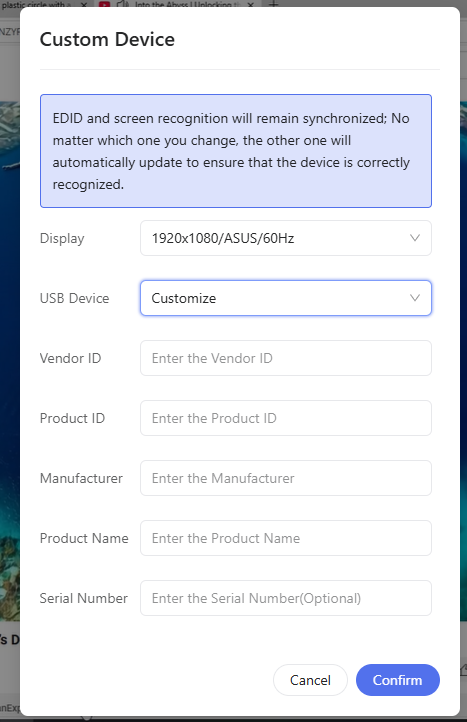
When switching the USB Device to any of the provided options (e.g., Corsair Gaming RGB, DELL Multimedia Pro Keyboard, Microsoft Pro Multimedia Keyboard, Logitech Unifying Receiver, or Customize), all parameters update correctly.
However, the Service field always remains constant as CAFEBABE.
Steps to Reproduce
- Open Custom Device settings in GL-KVM.
- Change USB Device to any option (e.g., DELL Multimedia Pro Keyboard, Logitech Unifying Receiver, or Customize).
- Confirm and reconnect the device.
- Inspect device details in Windows USBDeview / Device Manager.