Hello,
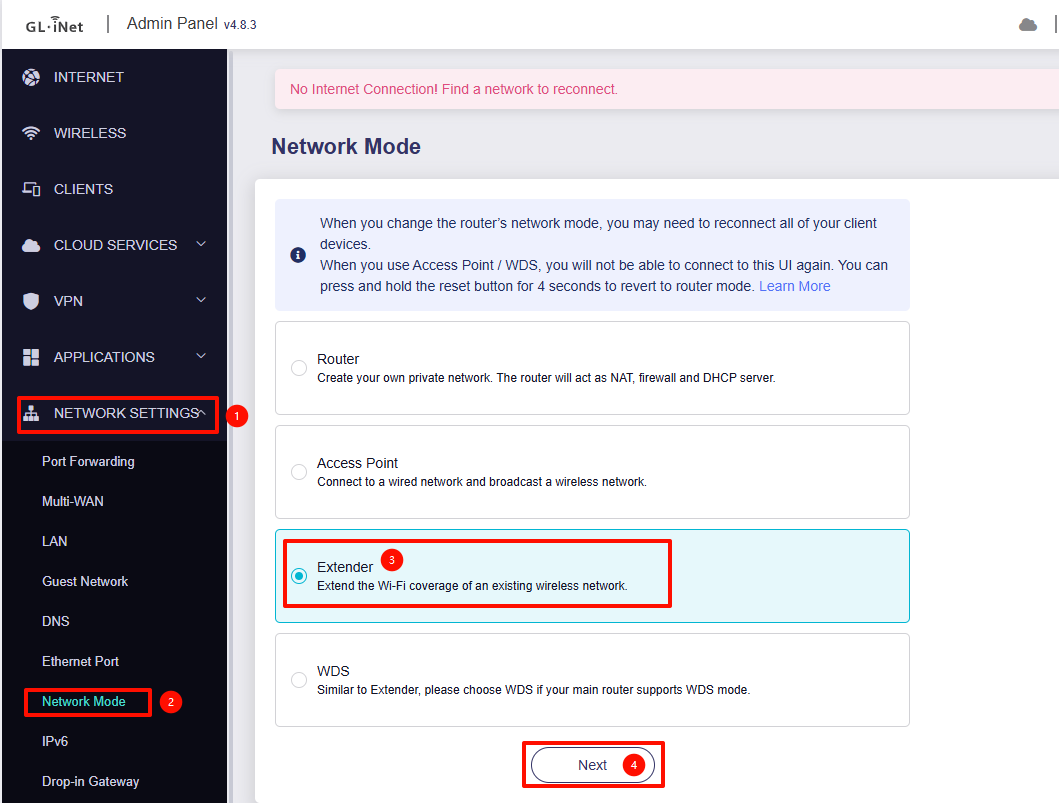
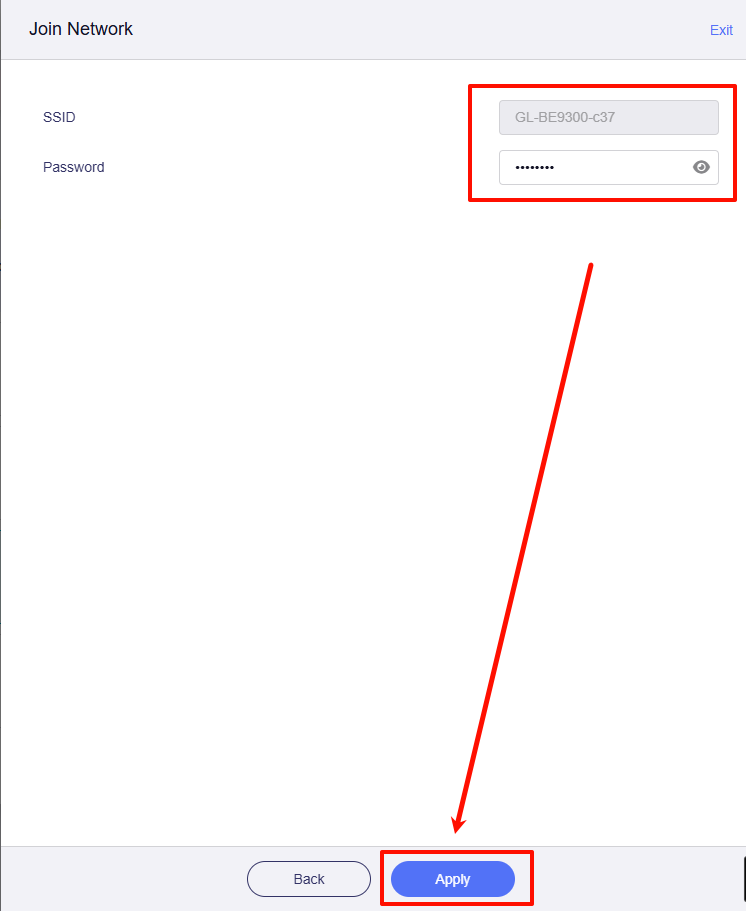
I’m new to network hardware stuff, but I am trying to set up my Beryl AX (GL-MT3000) as a network extender. My main router is a Flint 3 (GL-BE9300). Unfortunately, the Flint 3 is on one side of the house, and we have a nearly-dead spot on the other side of the house. I am hoping to use the Beryl AX as a network extender in the nearly-dead spot.
I have connected the Flint 3, and it’s running everything else pretty well. When I connect the Beryl AX I got an error “Subnet conflicts. Please change LAN IP address.”
Flint 3 ip 192.168.8.1 subnet 255.255.255.0
Beryl AX 192.168.8.1 subnet 255.255.255.0
Then I changed the settings to the settings belo,w and the error cleared.
Flint 3 ip 192.168.8.1 subnet 255.255.0.0
Beryl AX 192.168.9.1 subnet 255.255.255.0
I am wondering if there are any other settings I will need to change to make this setup work.
Please and thanks in advance. Also, please respond/explain like I’m 5 so I can understand what we are talking about.