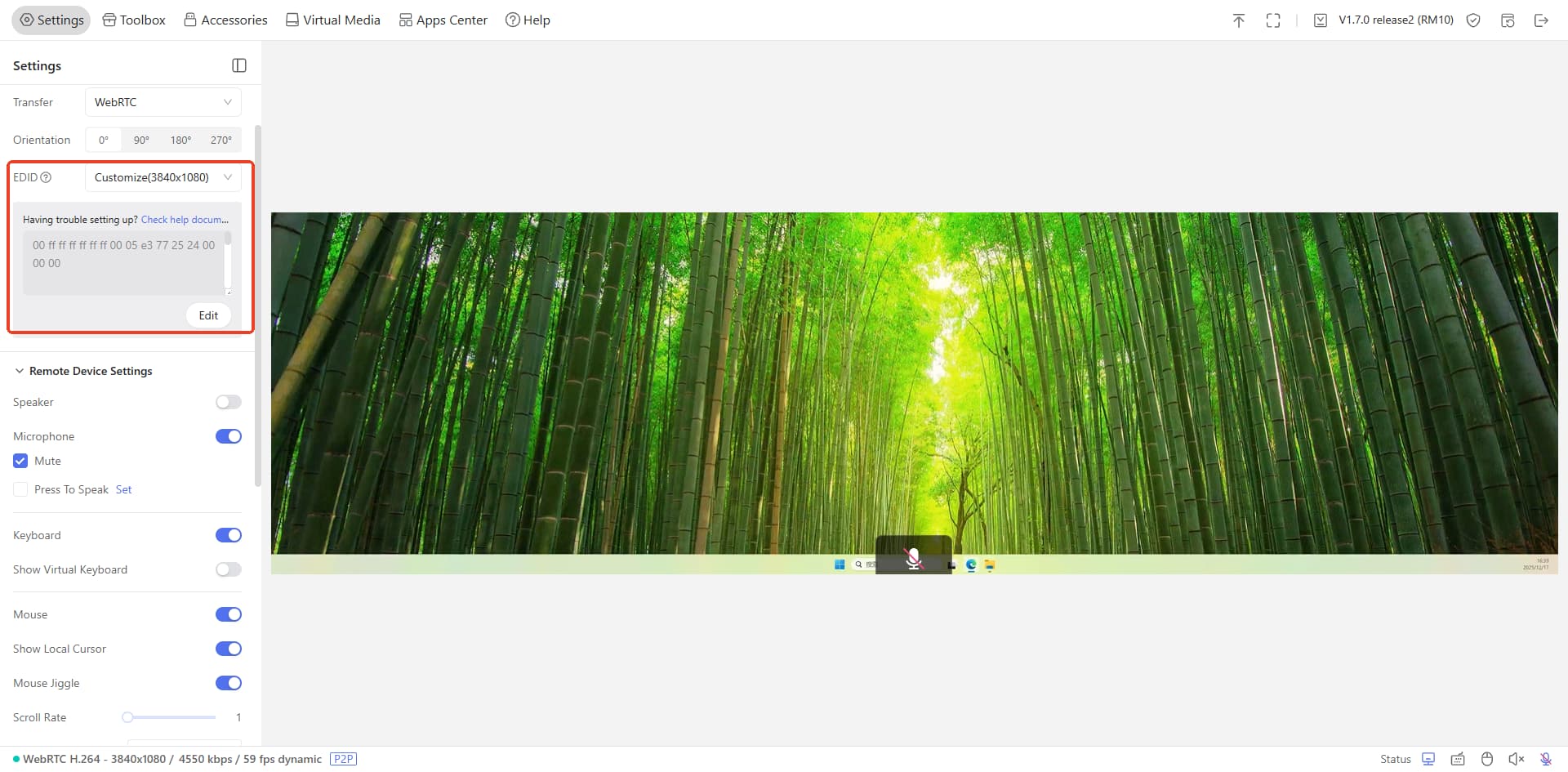
What I'm trying to achieve is the following: on my PC, I have an NVIDIA GPU connected to the monitor. I also enabled the embedded GPU on my AMD CPU, but my KVM does not detect any output on the HDMI port connected to the motherboard.
Is there anything I can do to set them up separately? The idea is to access the KVM remotely using the embedded AMD GPU, while using only the NVIDIA GPU when sitting in front of the PC (for gaming, etc.). Could this setup affect performance in any way?
When there is a monitor connected to graphic card port, the computer typically might choose graphic card to output video signal but not motherboard. That's why the Comet have no display.
Is there no spared HDMI port in your graphic card? You might need to go to computer bios and try to set both graphic card and motherboard output display signal simultaneously.
My main Samsung 5120x1440 ultrawide display is connected to my NVIDIA GPU
The second output to my physical KVM switch is working via the motherboard's HDMI port (using the AMD iGPU)
Both displays are properly detected in Windows 11, and I can extend my desktop across them.
However, I'm running into a specific challenge: I'd prefer to duplicate my main ultrawide display to the KVM output rather than extending the desktop. The issue is that Windows doesn't seem to recognize the KVM/HDMI output as capable of supporting the native 5120x1440 resolution of my main monitor, so the "Duplicate" option isn't available.
I think your computer system require that all monitors involved in Duplicate Mode must be connected to the same Graphics Processing Unit (GPU).
Sorry that I forgot to mention this point before.
I found that : The resolution shall not exceed 2560×1440@60Hz. For example, a resolution of 2560×1600@60Hz is not supported. So even having it connected to integrated GPU I won’t achieve duplicating screen because its 5120x1440 …