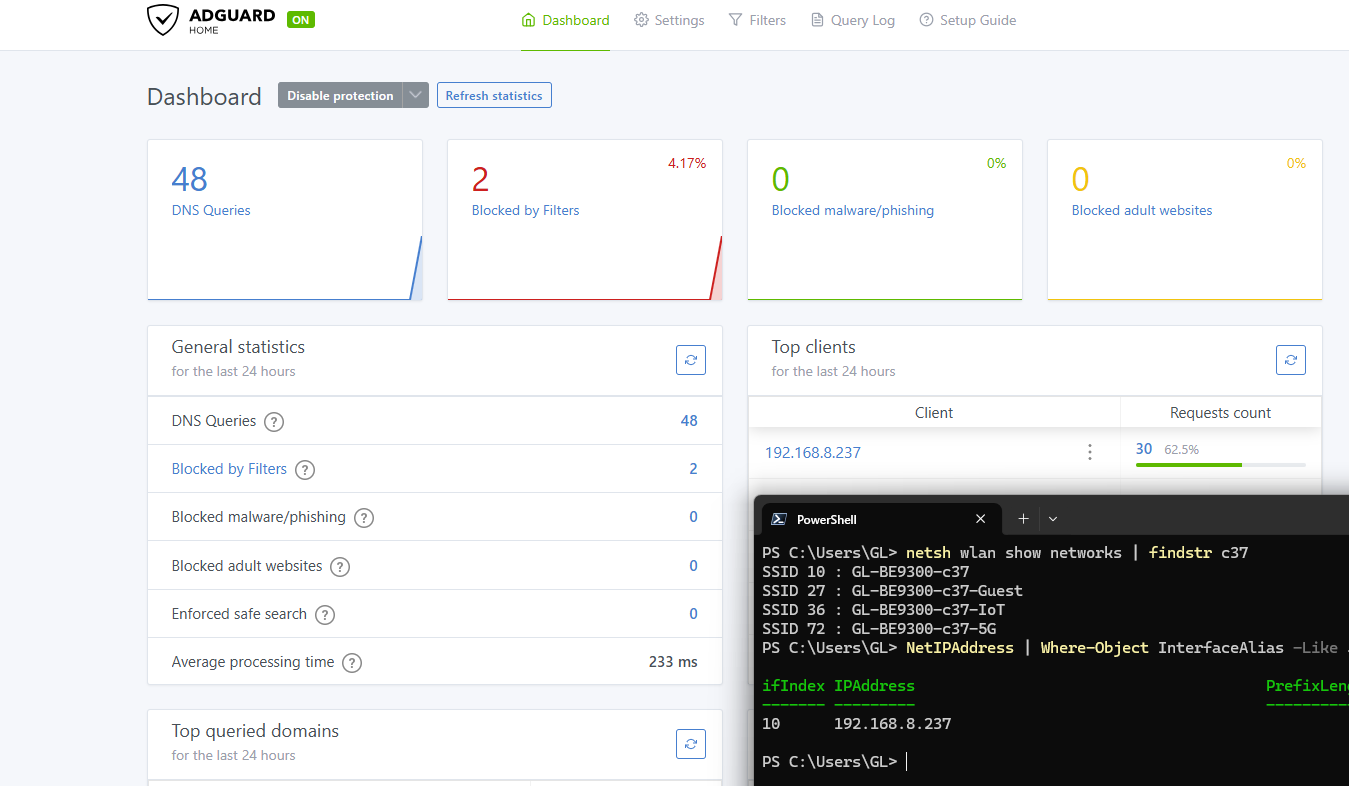
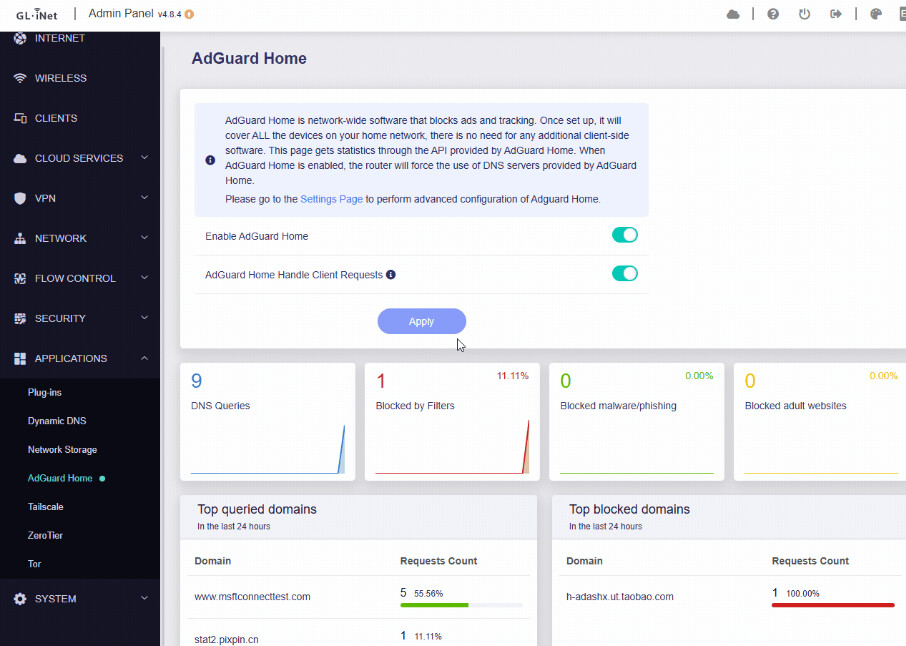
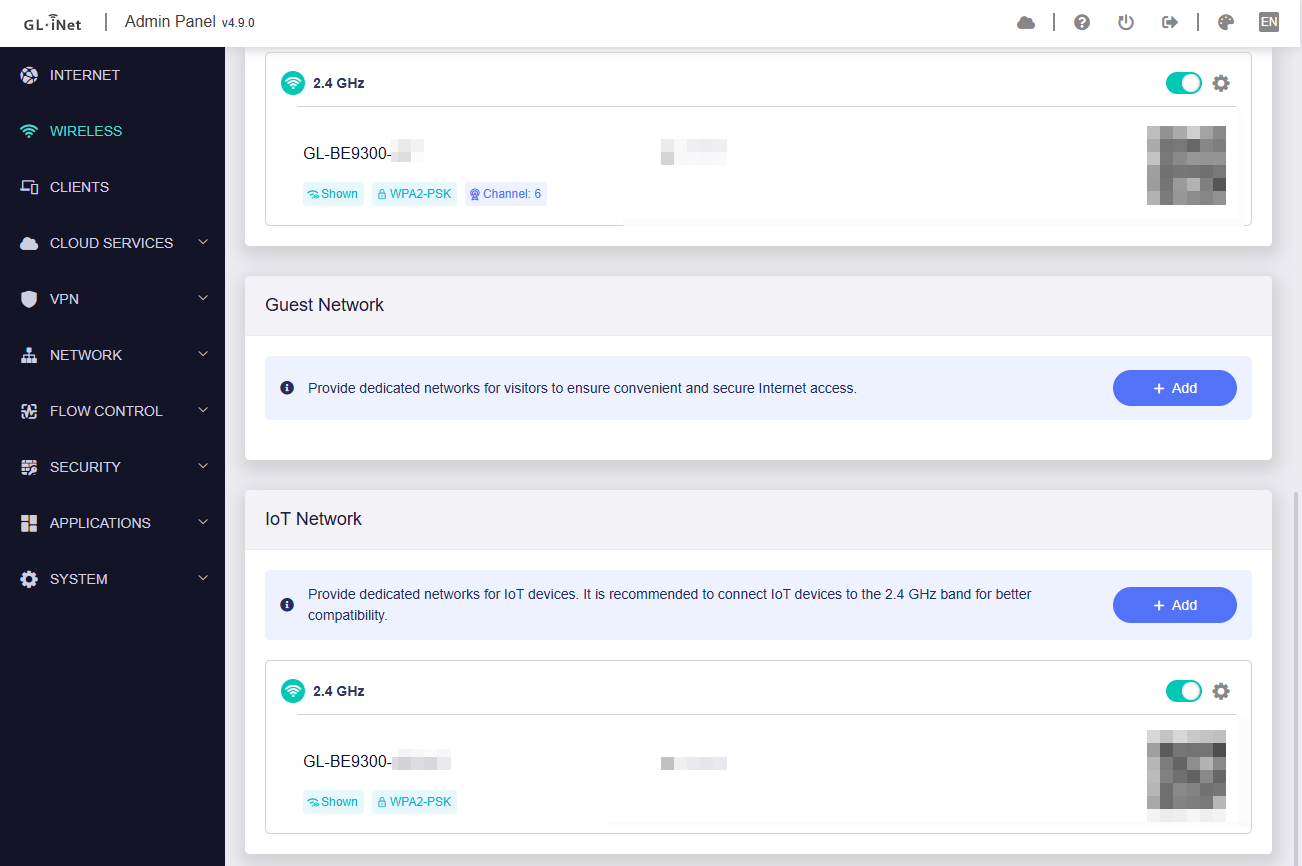
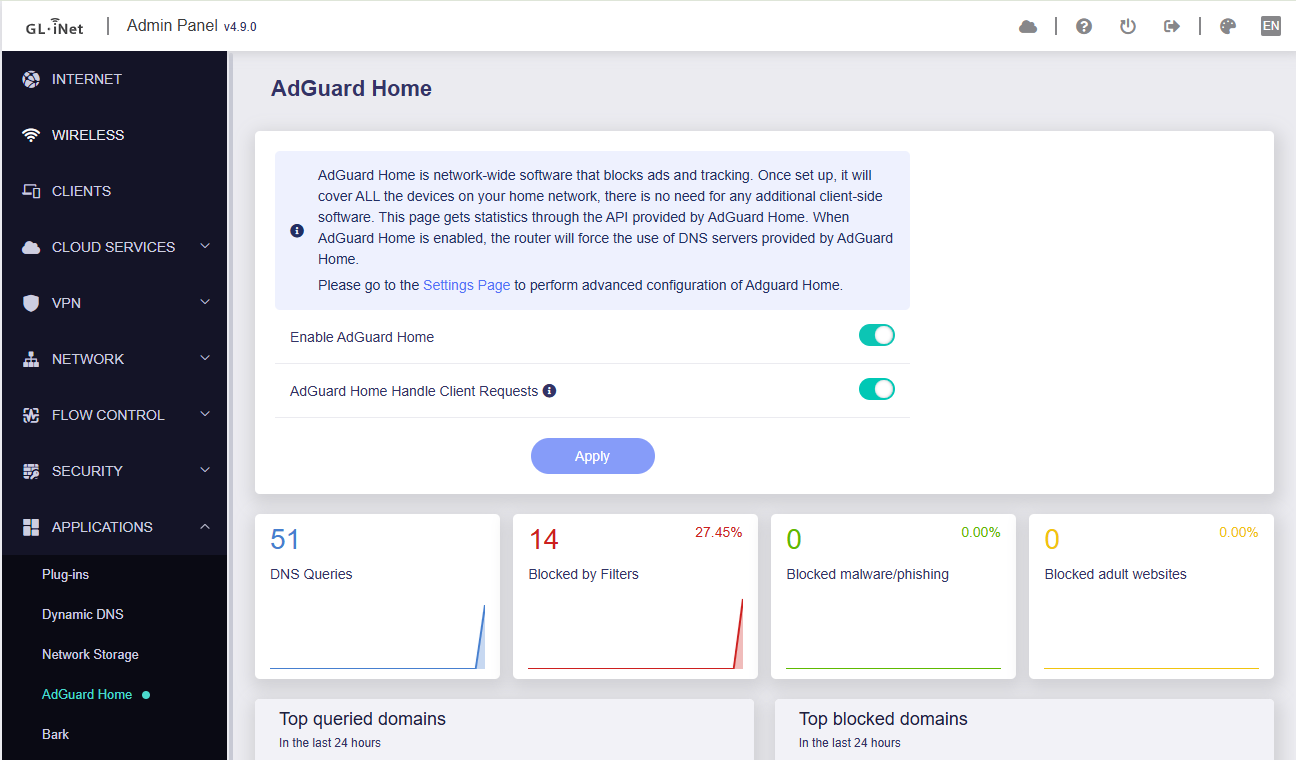
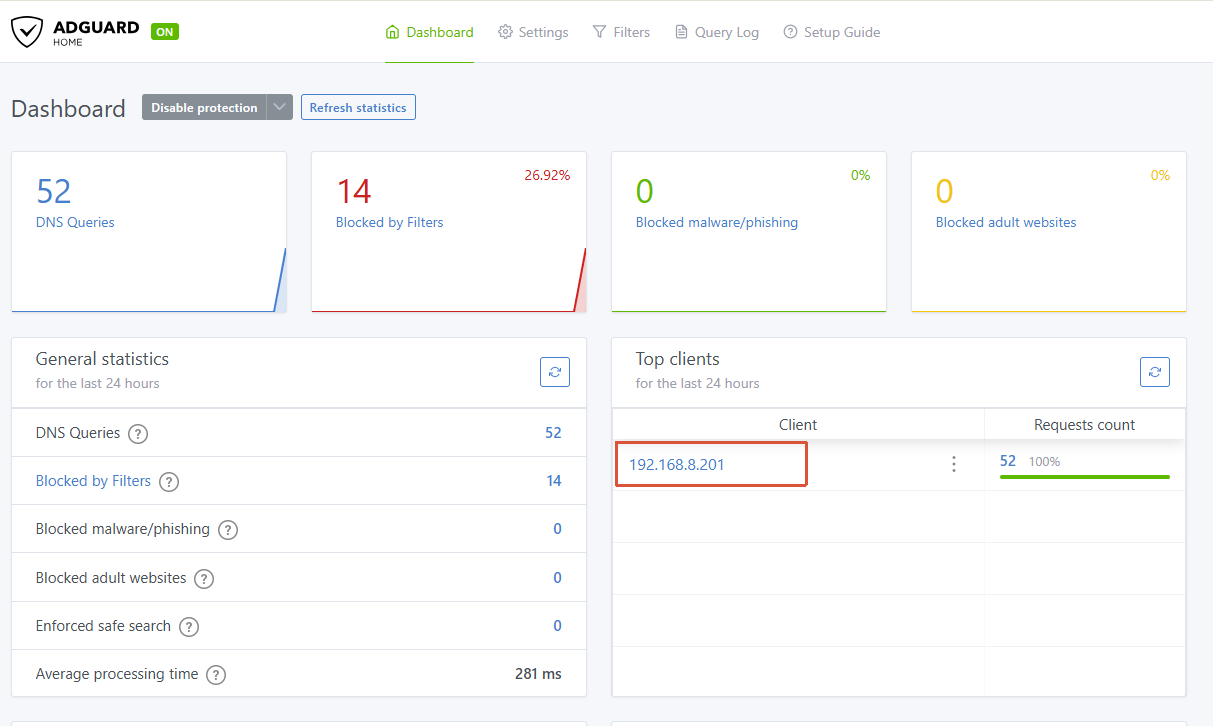
I recently updated my GL-BE9300 Flint 3 router to the new v4.9.0 firmware release. A few days later I tried out the new IoT Network and noticed that AdGuard Home is no longer tracking individual clients. The "Top Clients" dashboard is showing 100% of all DNS traffic originating from localhost (127.0.0.1).
My issue is that the granular per-client filtering rules are being ignored now.
Unfortunately, switching the IoT network off and rebooting router and devices does not fix the issue.
For anyone landing here, my workaround was to factory reset the router. Use a 2.4GHz Guest wifi network with AP Isolation enabled instead of the new IoT network.
Then set up Adguard from scratch…
Not a perfect solution, considering I had to factory reset to get per-client filtering rules back in Adguard, but at least I’m on V4.9 and the Guest wifi with AP isolation plays nicely with Adguard.
We tested locally using a Flint 3 running v4.9.0 release5, but we were unable to reproduce the issue.
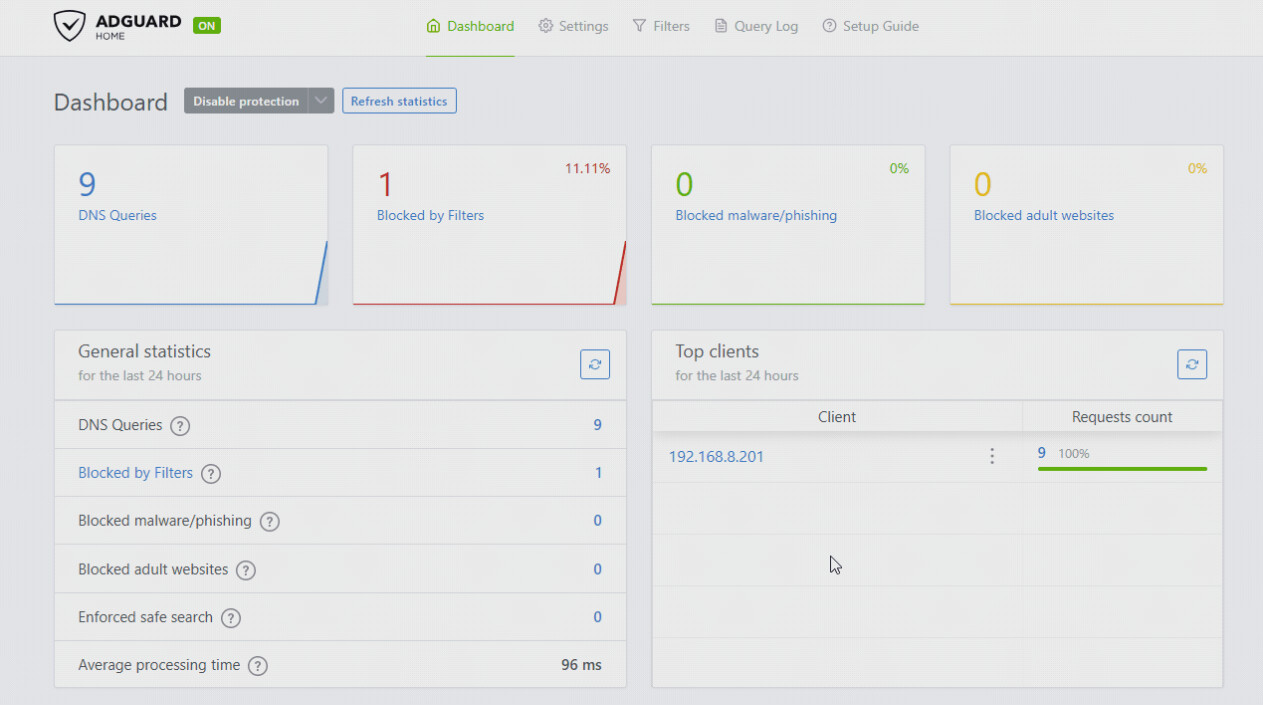
When the IoT Wi-Fi is enabled, "AdGuard Home Handle Client Requests" continues to work correctly. The AdGuard Home dashboard still displays the clients' actual IP addresses rather than 127.0.0.1:
If so, could you provide the exact steps to reproduce it so that we can investigate further?
Alternatively, after reproducing the issue, could you follow the guide below and share your device with us via GoodCloud so that we can check it remotely?
Given you were unable to replicate the issue, it might be something to do with my firmware update. I updated to 4.9 and preserved my previous settings, then tried to activate the IoT network.
Now that I have done a fresh firmware, hopefully I won’t have the same issue. I’ll report back if I can replicate the issue.
Hi there - I couldn’t replicate the issue. I suspect this is because I am using a fresh firmware install now.
So here is what I think is going on, along with some potential steps to reproduce the issue.
The issue probably isn't a bug with how the IoT network and Adguard. The issue is probably in the firmware upgrade path that I took.
Originally, I upgraded my router from v4.8.4 to v4.9.0 by selecting the "Preserve Settings" (or whatever it’s called) option, then I turned on the new IoT network.
I think this process caused the legacy firewall/interface configurations I had while on v4.8 to conflict with the new v4.9 IoT isolation rules. Maybe this was a port-53 SNAT loop that was masking all clients as 127.0.0.1 in Adguard Home and ignoring the ‘AdGuard Home Handle Client Requests’ option being toggled to ‘On’? I dunno, I’m clearly not an expert.
So the good news for me is that after performing a factory reset on v4.9.0 and configuring AdGuard Home and the IoT network completely from scratch, the issue disappeared. AdGuard Home is successfully recognising and mapping individual client IPs perfectly, and the IoT network works fine.
If your team wants to try to replicate my experience, they should test the exact upgrade path:
Set up a device on an earlier firmware, enable AdGuard Home, ensuring ‘AdGuard Home Handle Client Requests’ is toggled on.
Upgrade to v4.9.0 while checking to “remember the previous settings”.
Enable the IoT network and check the AdGuard client logs.
Hopefully, this helps the devs tweak the upgrade migration scripts for the stable release so other users updating from v4.8 don't have their AdGuard client tracking broken! Or maybe not, maybe it’s just me.
I think we can close this issue, as I fixed it with a fresh firmware install. Perhaps something to look out for if anyone else is upgrading from older firmware and preserving their previous settings.
Im having a very similar problem. I’m using DHCP on my flint 3 router. With the firmware update, all my dns requests are showing localhost. Reset didn’t work. Will transferring all my IP reservations and switching to adguard DHCP be the only fix?
I also ran into the same issue, recently got a flint 2 (arrived 2 days ago) running, what I assumed to be the latest version as there were no updates.
I set up the router and had ad-guard set up and was able to figure out how to pass requesting ip’s to ad-guard (today I was going to set up block list for clients). Got the update notification this morning and updated the router to 4.9. When I checked my ad-guard, to continue where I left off, I noticed that all my requests were coming in on 127.0.0.1.
I tried to disable and enable “AdGuard Home Handle Client Requests” but that didn’t seem to fix anything.
As I have not yet switched my old network off (Flint 2 is currently in staging), contact me if you want logs or anything else.
I do think it is related to the update and probably a config collision/incompatibility.
Ran a couple of commands (powered my AI) no idea if its safe to post them, but this one is the one the AI thinks is the most damming
root@:~# grep -n "server=" /var/etc/dnsmasq.conf.cfg01411c
16:server=127.0.0.1#3053
@will.qiu I followed the instructions on setting up client support so you can investigate the issue
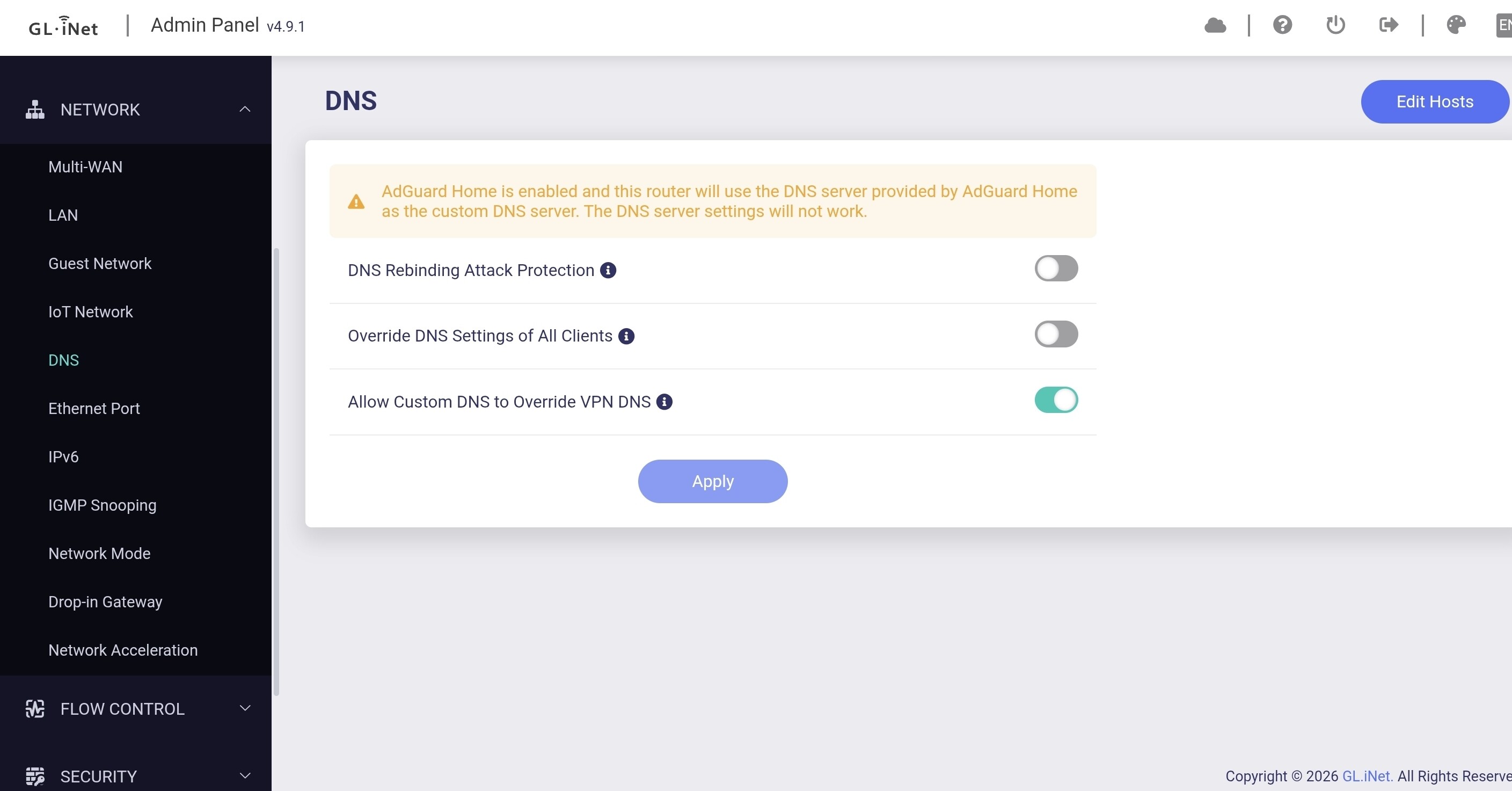
We have confirmed that the issue occurs when Network → DNS → Allow Custom DNS to Override VPN DNS is disabled and no VPN is enabled.
Under these conditions, Applications → AdGuard Home → AdGuard Home Handle Client Requests does not function correctly.
We have asked the development team to investigate the issue further and provide a fix in a future firmware release.
For affected users, a temporary workaround is to enable Allow Custom DNS to Override VPN DNS, which should resolve the issue until a permanent fix is available.
This is the second major issue with this firmware version now - are these firmware upgrades being tested properly? It wouldn’t appear so. At least the temporary workaround is easy!
The latest snapshot firmware has this in release notes, is this something different? How can I determine when a real fix is implemented vs. the workaround? 2026-07-07: Preserved override DNS on the main listener.
We confirmed with our R&D team that the fix has already been integrated into the snapshot firmware.
Yes, that release note is unrelated to this issue.
The fix for this issue was integrated earlier, and because the snapshot release notes only cover changes from a limited date range, it was not included in the listed changes.