Hello,
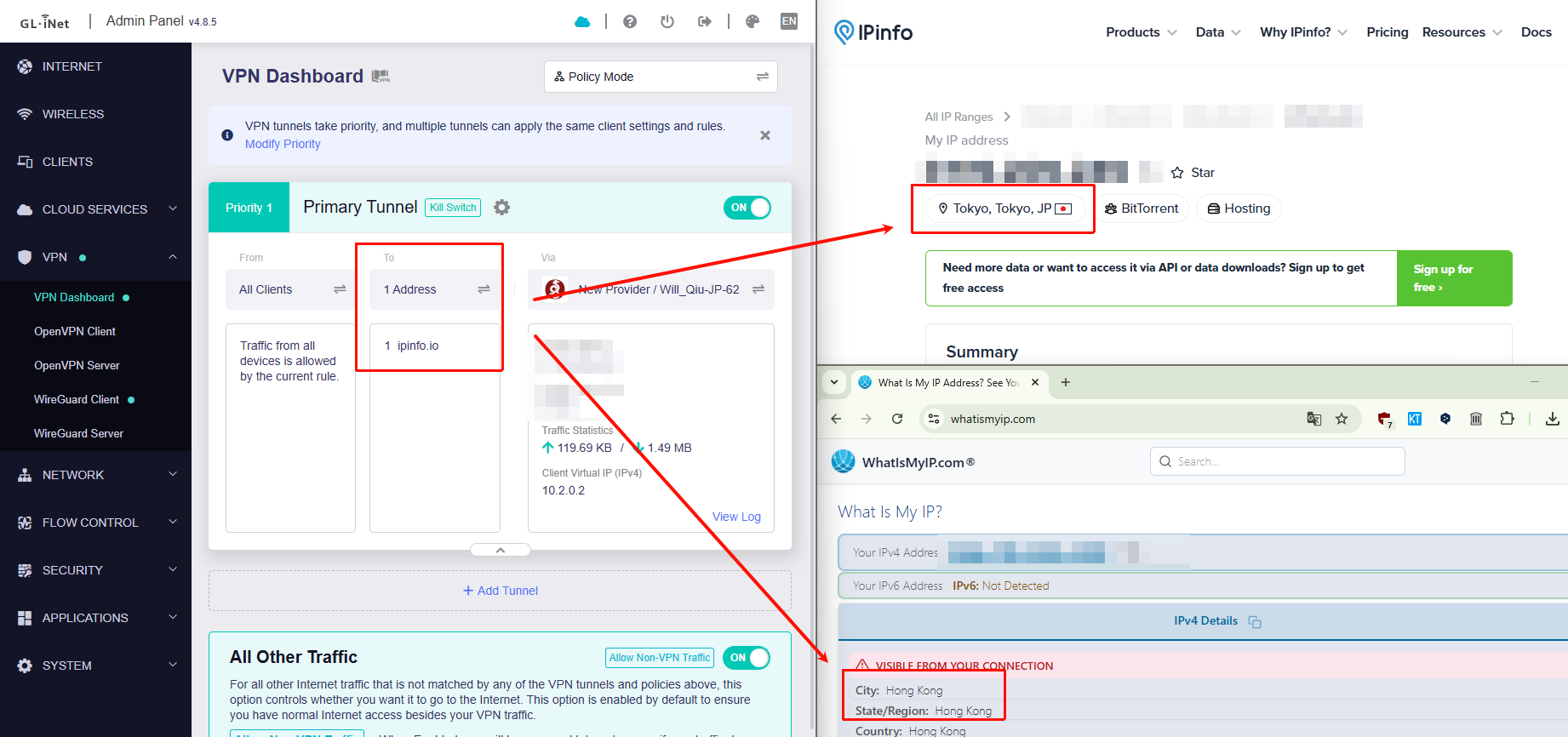
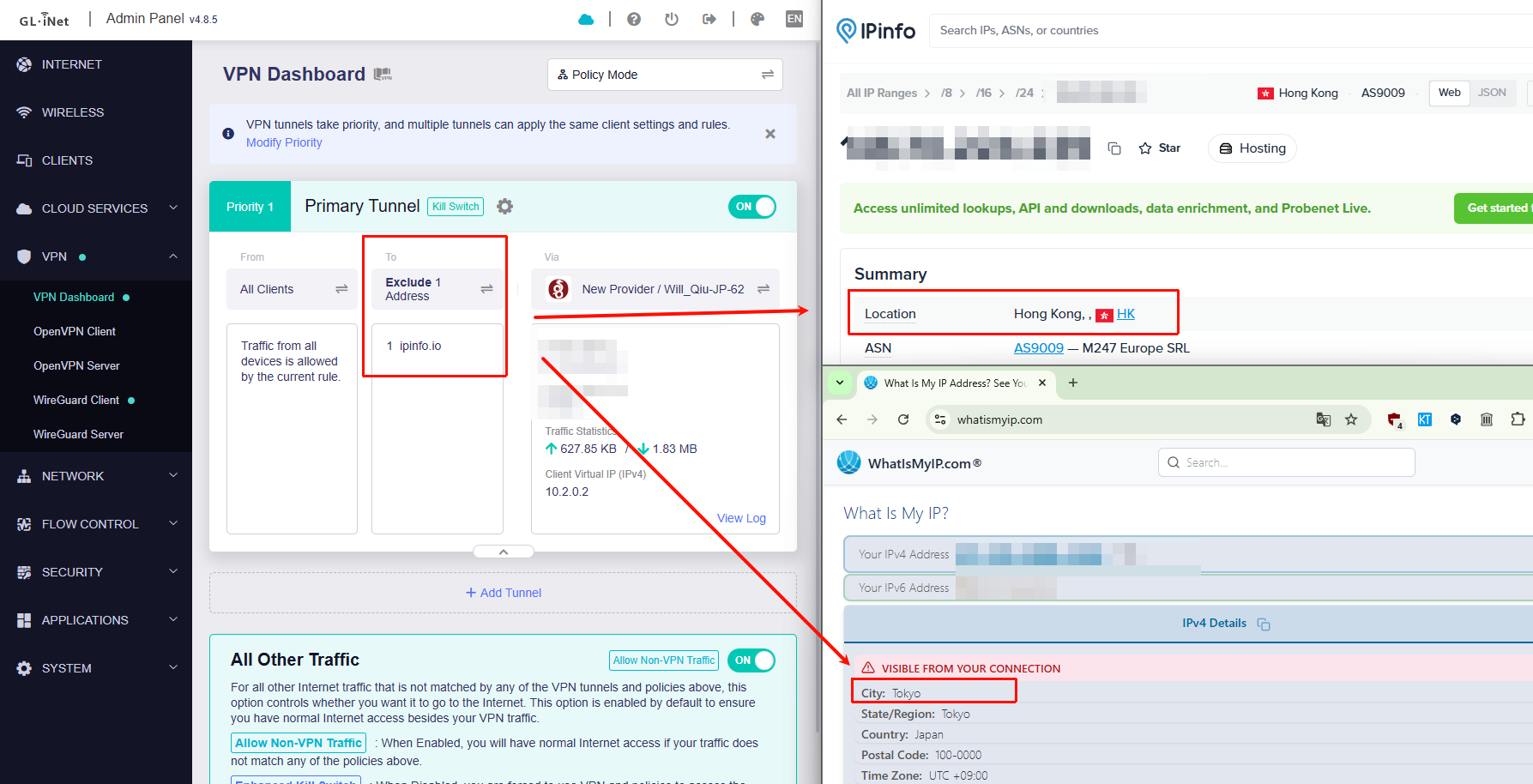
I am using a GL.iNet GL-MT6000 router (firmware 4.8.5 beta) with VPN configured.
The VPN works correctly when using All Targets mode — all traffic goes through VPN without any issues.
Kill Switch - OFF
Services from GL.iNet Use VPN ON
Allow Remote Access to the LAN Subnet ON
IP Masquerading ON
DNS Rebinding Attack Protection ON
However, when I enable policy-based routing:
the internet stops working completely for all devices.
Only All Targets mode works properly.
Any routing mode causes total loss of connectivity.
Could you please advise if this is a known issue or if there is a fix?
Thank you.
Hi
We tested this locally using the MT6000 with v4.8.5 beta, and it appears to be working as expected.
Please check the following:
-
Ensure that client devices (e.g., PC or mobile) are using the router’s LAN IP (default: 192.168.8.1) as their DNS server
-
Please check whether the encrypted DNS in browser has been disabled or not.
-
If you are using AdGuard Home on the router, please disable the “AdGuard Home Handle Client Requests” option
Additionally, there is currently an issue with DoH in this version. Please avoid using it for now, or refer to the temporary workaround below:
Update: The DoH issue have solved on the latest v.4.8.4 release 2 version.
Updated to version 4.9.0. Everything works fine now.
1 Like
Thanks for your update.
We're gald to know now it works fine.