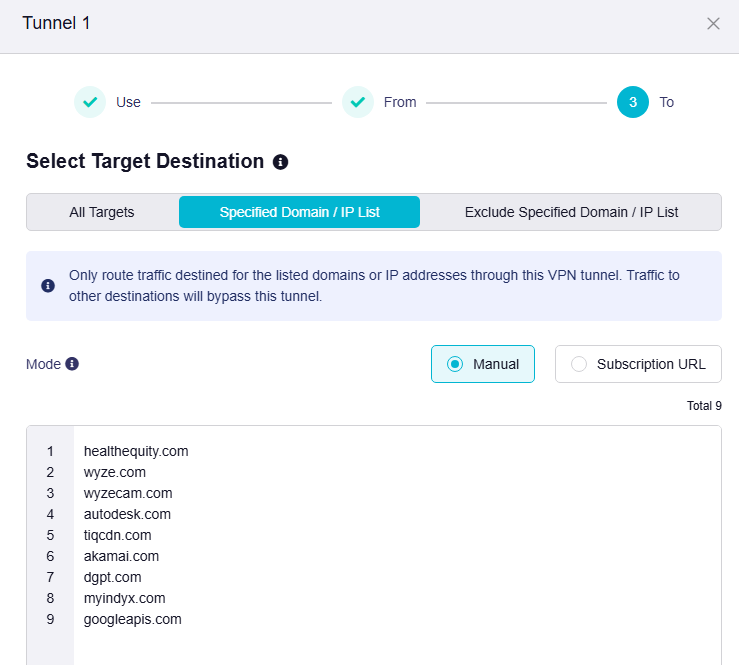
I am using FW 4.10, but it worked the same for 4.8 and 4.9. I do like the new VPN exception interface in the latest FW, it is much nicer.
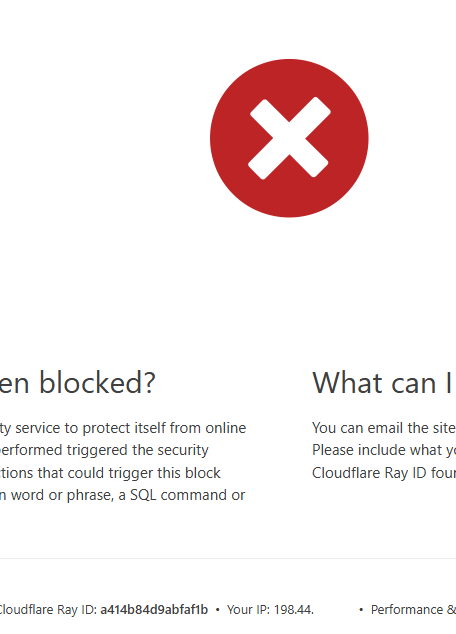
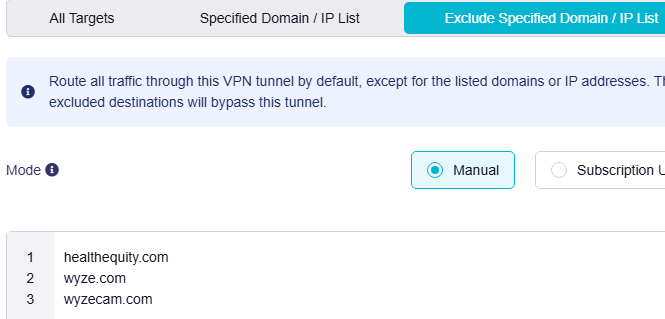
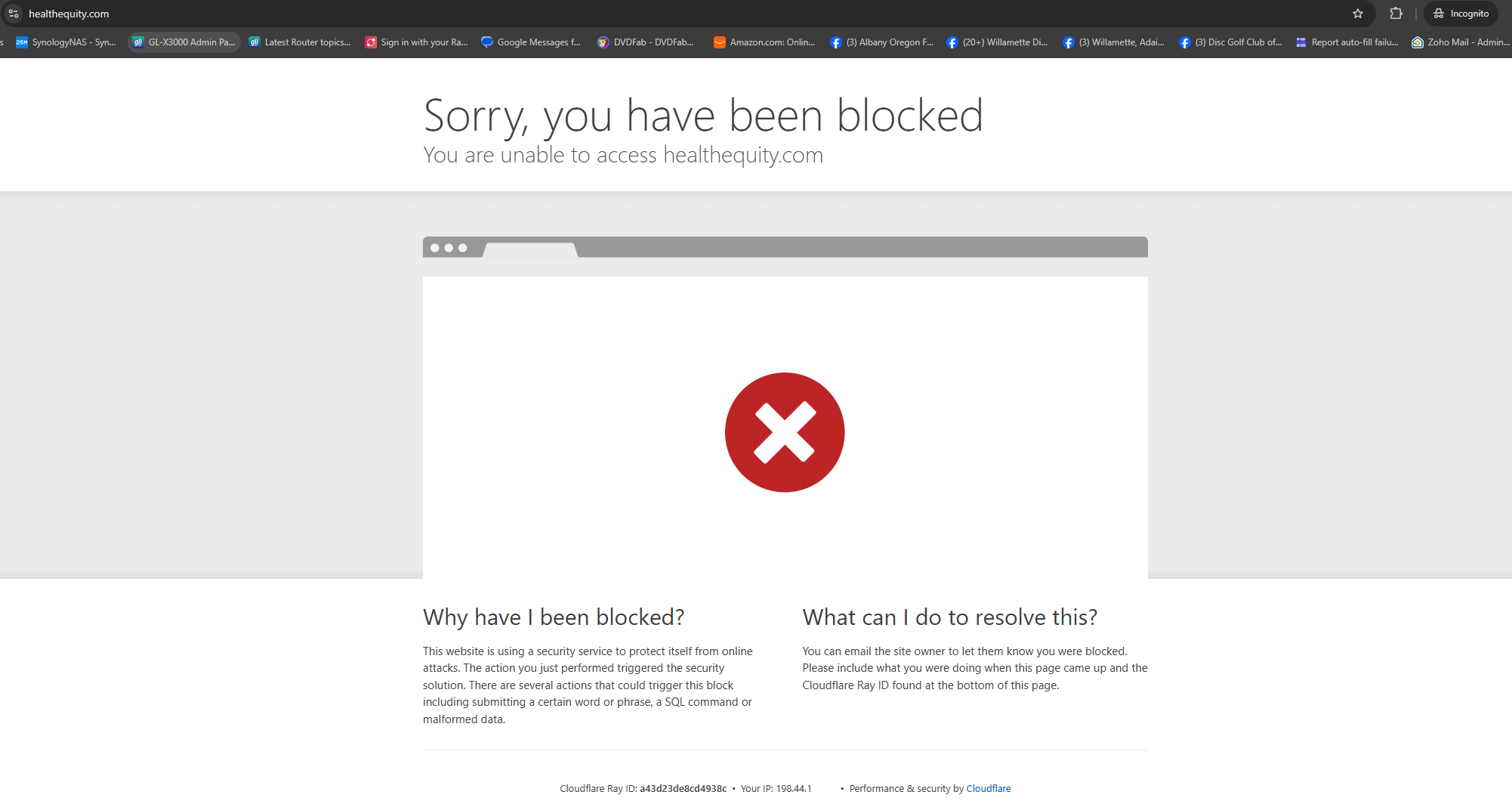
I have a website where Cloudflare apparently does not like the VPN IP address. So I put a domain exception in the VPN setup, but it does not route by the VPN for that domain. You can see here that the IP that healthequity.com received was the VPN IP, not my public IP. My VPN IP is 198.44... and my Public IP is 172.56...
An excluded domain only bypasses that particular tunnel. If another lower-priority VPN tunnel matches All Targets, the connection will still use that VPN. As a first isolation test:
Leave only the tunnel containing Exclude specified Domain / IP List enabled.
Set All Other Traffic to Allow Non-VPN Traffic, not Enhanced Kill Switch.
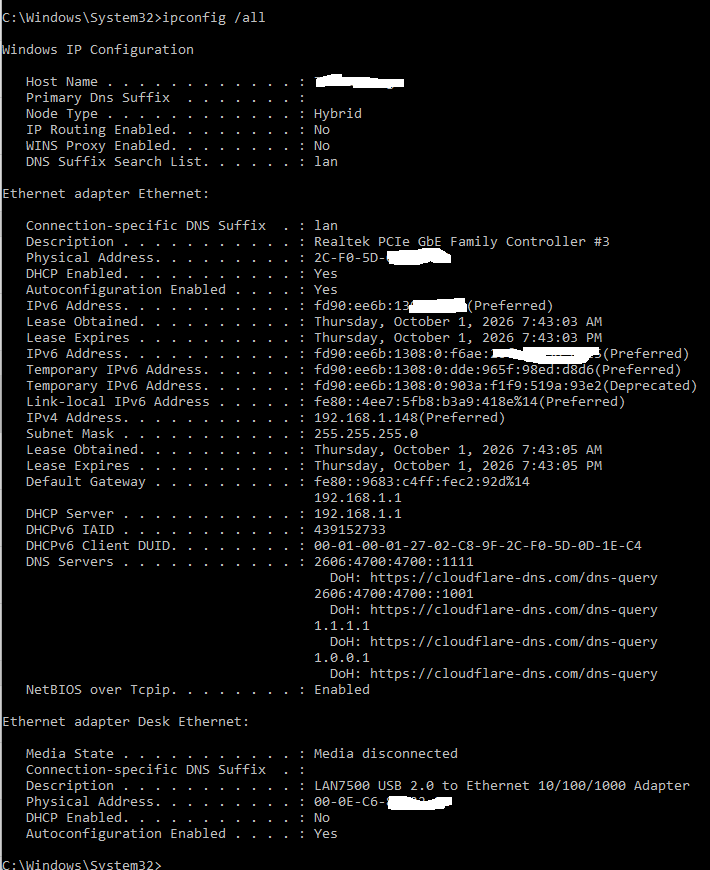
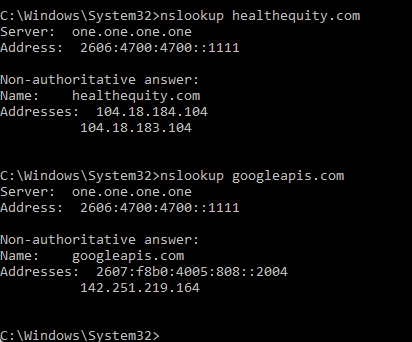
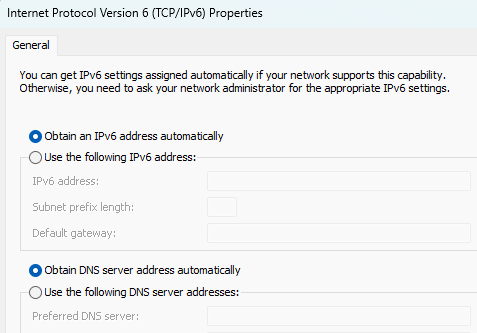
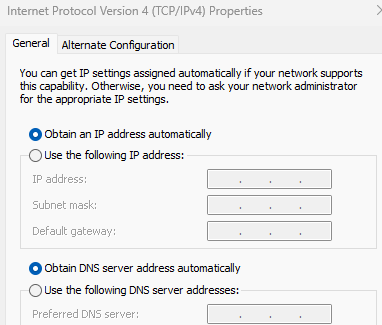
Ensure the client/browser uses the router for DNS; temporarily disable browser Secure DNS/DoH, clear its DNS cache, and retry in a new private window.
If it still shows 198.44…, check the browser’s Developer Tools → Network view to identify the hostname of the request that reports the IP. HealthEquity may use a login, API, or Cloudflare hostname different from healthequity.com; that actual hostname must also be excluded. Please report whether other VPN tunnels are enabled and the hostname of that IP-checking request—those details distinguish rule-priority behavior from a domain-resolution mismatch.
This reply was generated by AI. Please verify its accuracy.
GL.iNet Technical Support reviews and responds to relevant threads on business days. Please allow time for a staff response.
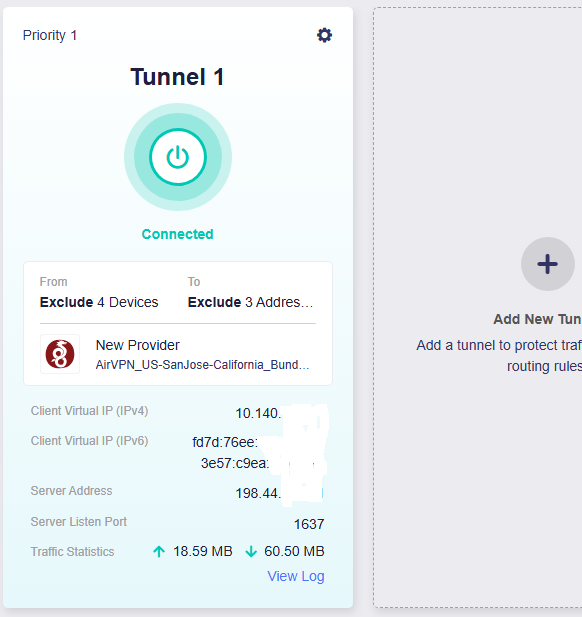
The exception list alone does not show whether the traffic subsequently matches another VPN tunnel. Please share a screenshot of the full VPN Dashboard, including tunnel priorities and the All Other Traffic setting, with VPN endpoints/public IPs redacted. This will determine whether the domain is being caught by a lower-priority All Targets tunnel.
Also confirm whether the result changes when every other VPN tunnel is temporarily disabled. If it still uses 198.44…, the next step is to identify the exact hostname making the IP-detection request rather than adding more domains speculatively.
This reply was generated by AI. Please verify its accuracy.
GL.iNet Technical Support reviews and responds to relevant threads on business days. Please allow time for a staff response.
That rules out a lower-priority tunnel. Please open the same HealthEquity page from one of the four device-excluded clients and check the reported IP:
If it shows 172.56…, WAN bypass is working and the remaining issue is domain matching—HealthEquity is likely checking the IP through another hostname. Please provide that request hostname from the browser’s Developer Tools → Network panel.
If it still shows 198.44…, the device exception is also not taking effect, which points to the tunnel policy itself rather than an incomplete domain list.
Use a private window after closing existing HealthEquity tabs so an already-established connection is not reused.
This reply was generated by AI. Please verify its accuracy.
GL.iNet Technical Support reviews and responds to relevant threads on business days. Please allow time for a staff response.
Well, I tried with my phone and tablet, that are not excluded from the VPN, and they both worked fine. Then back at the PC, it was still broken. I have been playing around trying different thing, but came up empty.
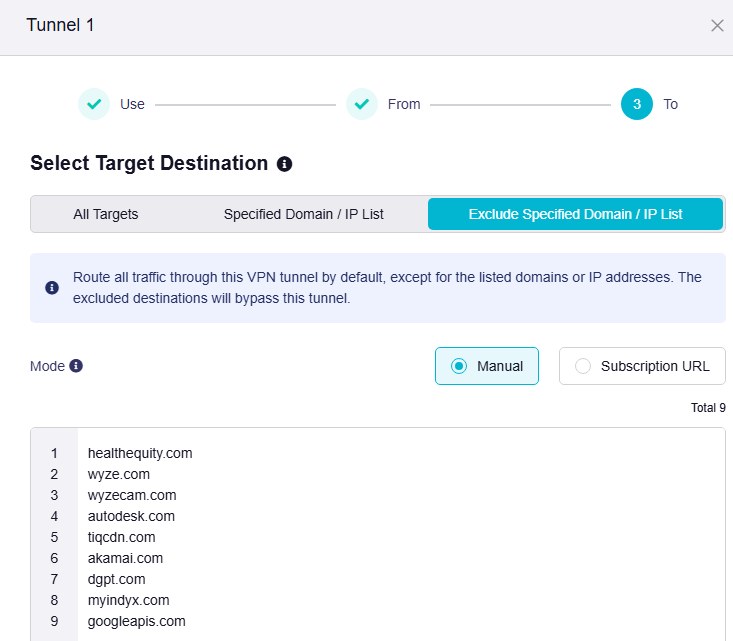
My wife had an app that wasn’t working through the VPN, so I sniffed the network on that one and ended up excluding googleapis.com from the VPN. That allowed that app to work.
Then back to my healthequity.com issue and wouldn’t you know, it always works now. If I take out the googleapis.com exclusion it breaks again. So, by chance I stumbled on the fix for the issue.
But, I believe there is still a bug in there somewhere since it worked fine on the phone/tablet (wifi), but not on the PC (wired).
This points more strongly to a hostname dependency than to a wired-interface bug: the PC and mobile devices may load different HealthEquity resources or have different DNS/connection caches. Excluding googleapis.com allows a related request to bypass the VPN, but it also bypasses the VPN for potentially many unrelated Google API services.
To distinguish the two possibilities, connect the same PC and browser over Wi‑Fi, close existing HealthEquity tabs, clear the DNS cache, and retry in a private window. If only Ethernet fails under otherwise identical conditions, that is useful evidence of an interface-specific policy issue. Otherwise, use Developer Tools → Network to identify the exact googleapis.com subdomain involved and exclude only that hostname if possible.
This reply was generated by AI. Please verify its accuracy.
GL.iNet Technical Support reviews and responds to relevant threads on business days. Please allow time for a staff response.
Now this next pic must be a bug on the router, because I never entered url’s under the “Specified Domain / IP List (“Only route traffic destined for the listed domains or IP addresses through this VPN tunnel. Traffic to other destinations will bypass this tunnel.”) but this contains the exact same list as the VPN exceptions.
I flushed the DNS and used incognito to go the healthequity.com and am still blocked (it is seeing the VPN IP) if I only have healthequity.com as an exception. Once I add googleapis.com, then I can get to the site:
The latest test rules out the PC’s manual Cloudflare DNS setting, and the Windows laptop also failing over Wi‑Fi rules out an Ethernet-specific issue. Because adding googleapis.com consistently fixes access, HealthEquity’s Windows web flow appears to use a separate Google API hostname that is not covered by the healthequity.com exception.
In Chrome or Edge, open Developer Tools → Network, enable Preserve log, reproduce the failure, and filter for googleapis. Please share only the hostname from the relevant Request URL—remove any path, query string, or token. Then test that exact hostname as the exception instead of the broad googleapis.com domain. If the exact hostname is still sent through the VPN while DNS is using the router, that would provide focused evidence of a policy-matching problem for staff to investigate.
This reply was generated by AI. Please verify its accuracy.
GL.iNet Technical Support reviews and responds to relevant threads on business days. Please allow time for a staff response.
Well, well, some obscure setting hidden in the weeds of chrome! And wouldn’t you know it, it worked. I can now access Healthequity with just the healthequity.com exception on the VPN.