I have been using flint 2 routers for years (GL-MT6000) with the stock firmware, very happy overall. Recently I needed to set up a VLAN on one of them. It is now using the modern DSA OpenWrt as its fork. It is extremely buggy and I couldn’t really get it to work, apparently I’m not the only one. I only really needed to isolate a single device, so figured a firewall rule blocking its IP from all lan traffic would do the job. But it didn’t, even with the firewall rule enabled the device could be pinged from within the lan. So I figured maybe it’s a problem with the fork. I flashed pure Open-Wrt on the router and set up a VLAN with firewall zone rules that disabled intra-lan forwarding. But devices could still ping one another within the VLAN. So I tried a firewall rule blocking all intra-Vlan traffic, but could still ping within the VLAN. So my VLAN devices/subnet cannot ping the LAN devices/subnet. That at least works. And when I disable intra-client communication on the wifi radio that works as well. But devices on the physical VLAN can talk to one another, and can talk to devices on the wifi radio on that same subnet, despite the firewall zone settings and firewall rules.
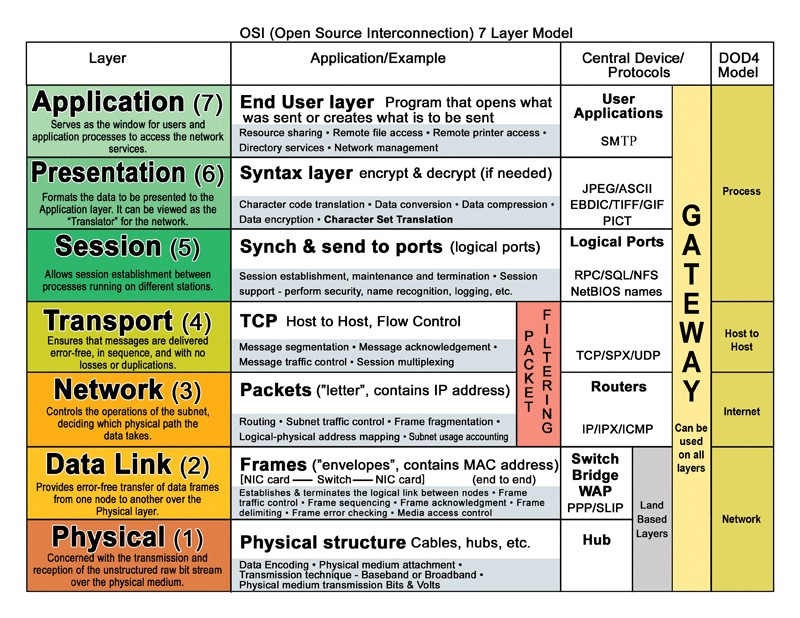
AI is telling me something about layer 2 routing is below the firewall so that’s why the rules i am setting may not work. Only by having a different subnet is layer 3 routing, and firewalls, getting involved. If that were true, why would the rules be an option in the UI? And I have read a number of forum posts where others were able to disable communication between devices on the same LAN. Is there some sort of workaround here that I may be missing? Has anyone else had this problem?