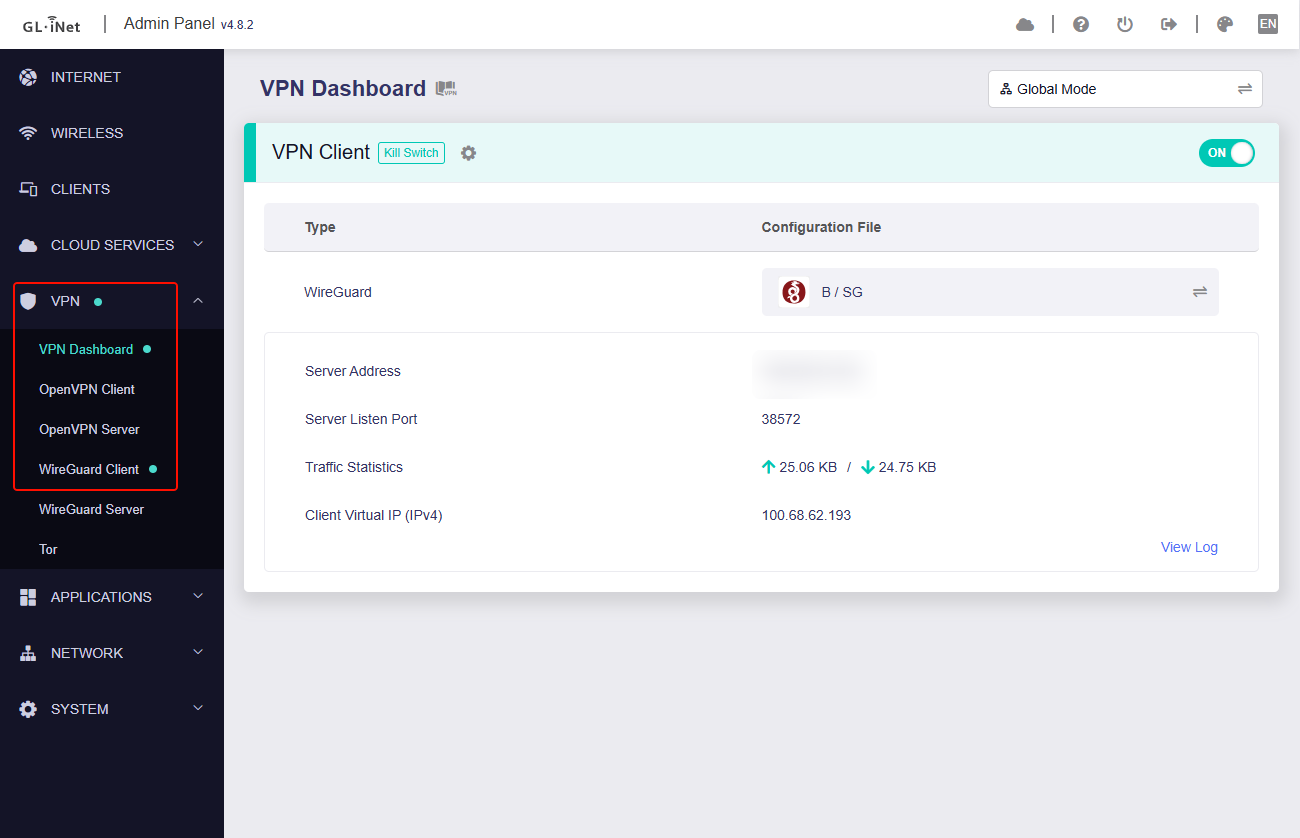
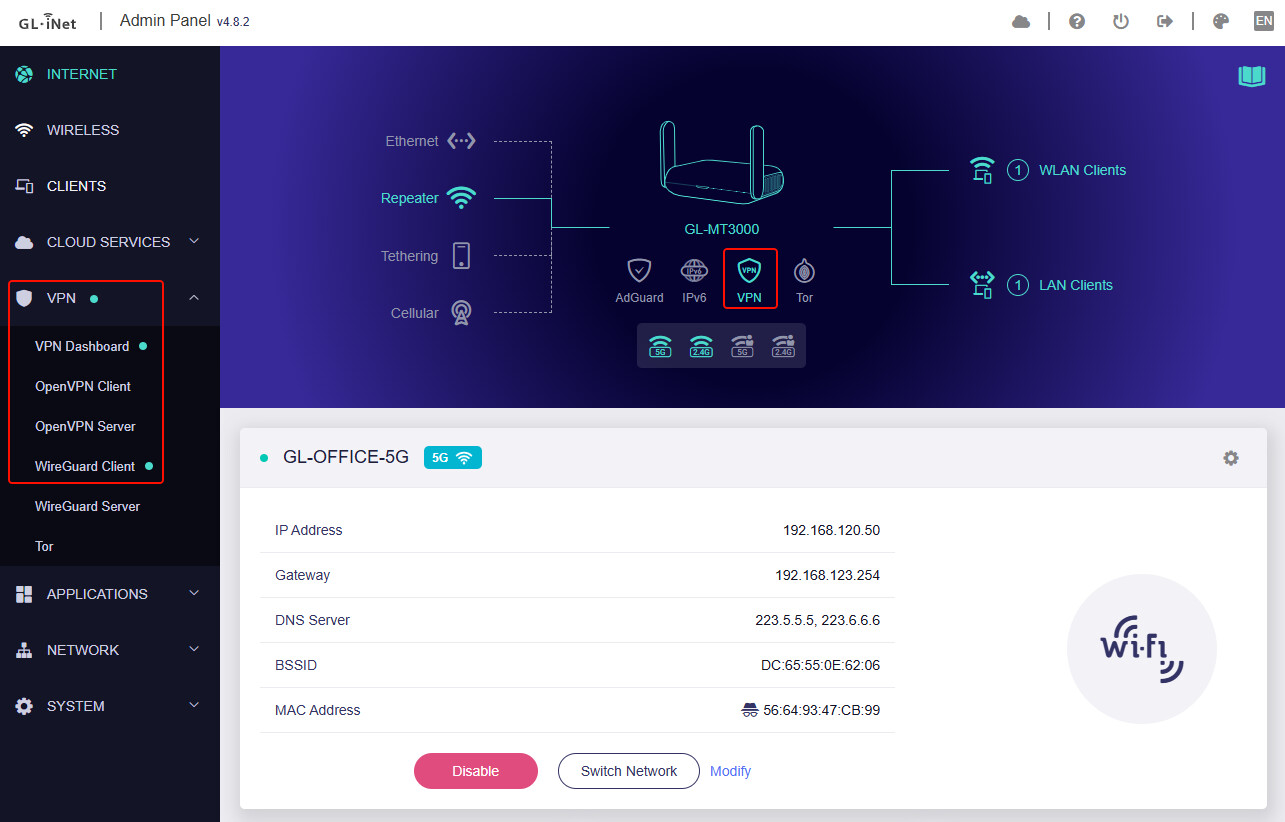
After upgrading my GL-MT3000 to firmware 4.8.2, I noticed that when I connect my WireGuard client, the connection status (Trying/Connected) is no longer displayed.
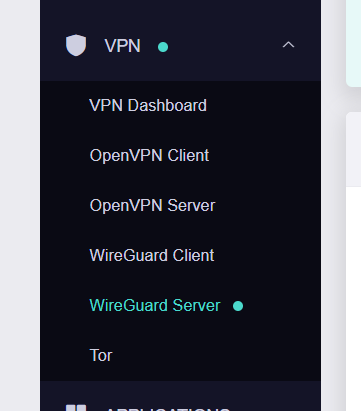
In version 4.7.4, I could see a yellow/green dot next to the WireGuard Client, but now I only see it for the WireGuard Server, and never for the WireGuard Client (see attached screenshot).
I first noticed this issue when I upgraded to 4.8.0, which is why I rolled back to 4.7.4. However, after upgrading again to 4.8.2, the problem persists.