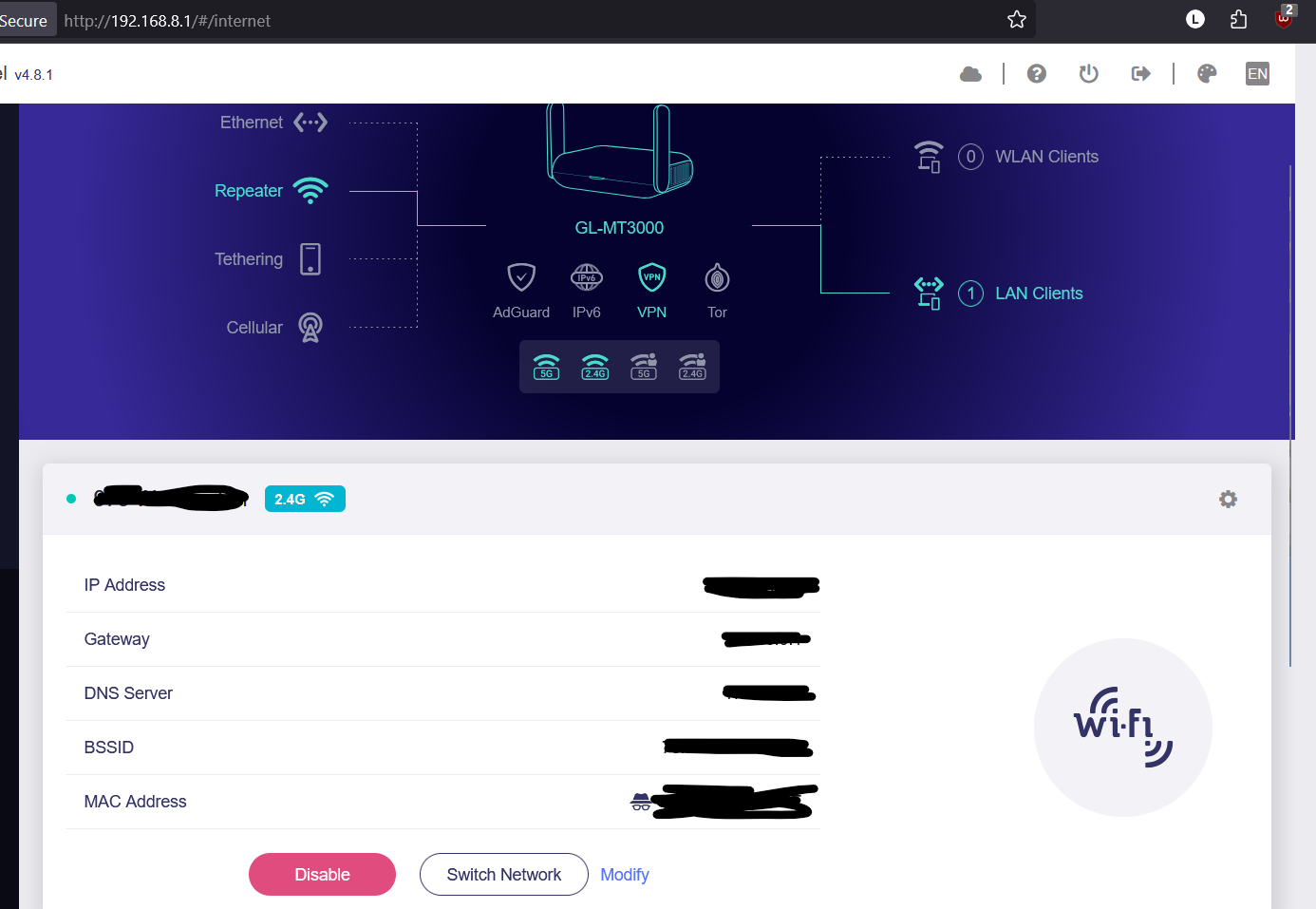
Hey, I'm new to this and could use some help
The specs I'm working with:
Firmware version 4.8.1
My router = Beryl / GL-MT3000
Connected to wifi as a repeater
Currently DNS on the beryl itself is set to Control D
Currently DHCP server is enabled on the beryl
My goal is to use the beryl as a wireguard VPN client -- I've set up a raspberry pi as a VPN server and I'm testing the setup from a different network, because I'd like to be able to connect to my home network from anywhere.
In the Admin Panel internet tab, it shows that the beryl router is connected to the internet. In the VPN dashboard, it shows that the VPN is up:
traffic statistics show 802 KB upload, 7 KB download speeds, so I am wondering if the reason I can't get an internet connection is because that is too slow to do anything useful.
Anyway, the main problem is that although the beryl router has an internet connection, I can't access the internet from any devices I've tried connecting to it by wifi or ethernet. The admin panel shows that the devices are connected and that the router has internet access, but the devices themselves say that the beryl doesn't have an internet connection
I went through the wireguard troubleshooting guide, and I'll document that below in a separate comment so this first post isn't horrifyingly long
According to the vpn dashboard, my server address and client virtual ip are NOT the same
My raspberry pi VPN server is connected to my home router, which I DID set up port forwarding for, and the endpoint port in the configuration file that I added to the beryl router matches the one that I added to port forwarding on my home router
My raspberry pi sever has a static ip address, so if I understand correctly that means I don't need a dynamic DNS address
I don't use spectrum and because the connection is working, that makes me think a blocked port isn't the problem
I'm testing from a separate network in a friend's house
The config file looks similar to the example one
I haven't explicitly set MTU under the interface section of the vpn config file, so I don't think that's the problem
Also, based on other forum posts I've seen, I tried turning on Override DNS Settings of All Clients and changed the DNS Server Settings mode to encrypted, but that didn't help.
Does anyone have any idea what might be set up incorrectly here? I appreciate any help!
Hi,
Does the VPN panel of your MT3000 show that the VPN is connected normally, but the upstream and downstream traffic is very low?
-
The problem may lie with DNS resolution. You can try modifying the DNS address in the configuration file to 8.8.8.8 or 1.1.1.1.
-
You mentioned that you haven’t set a fixed MTU value—this could be a potential issue. It is recommended that you modify it: WireGuard VPN uses 1420 by default, or maybe you can use 1400, which is a safer option.
Yeah, I agree with @alen5193 . This smells like a MTU issue. I’d drop that setting to 1280 then increment by 10 or 20 after disconnecting, then reconnecting until it holds stable. It directly impacts overall VPN Mbps.
If you drop into SSH you can indeed see you have a WG link via wg show. Look for latest handshake. That output doesn’t impact an MTU issue however.
Thank you both for your advice! I’m testing out your suggestions and I’ll report back