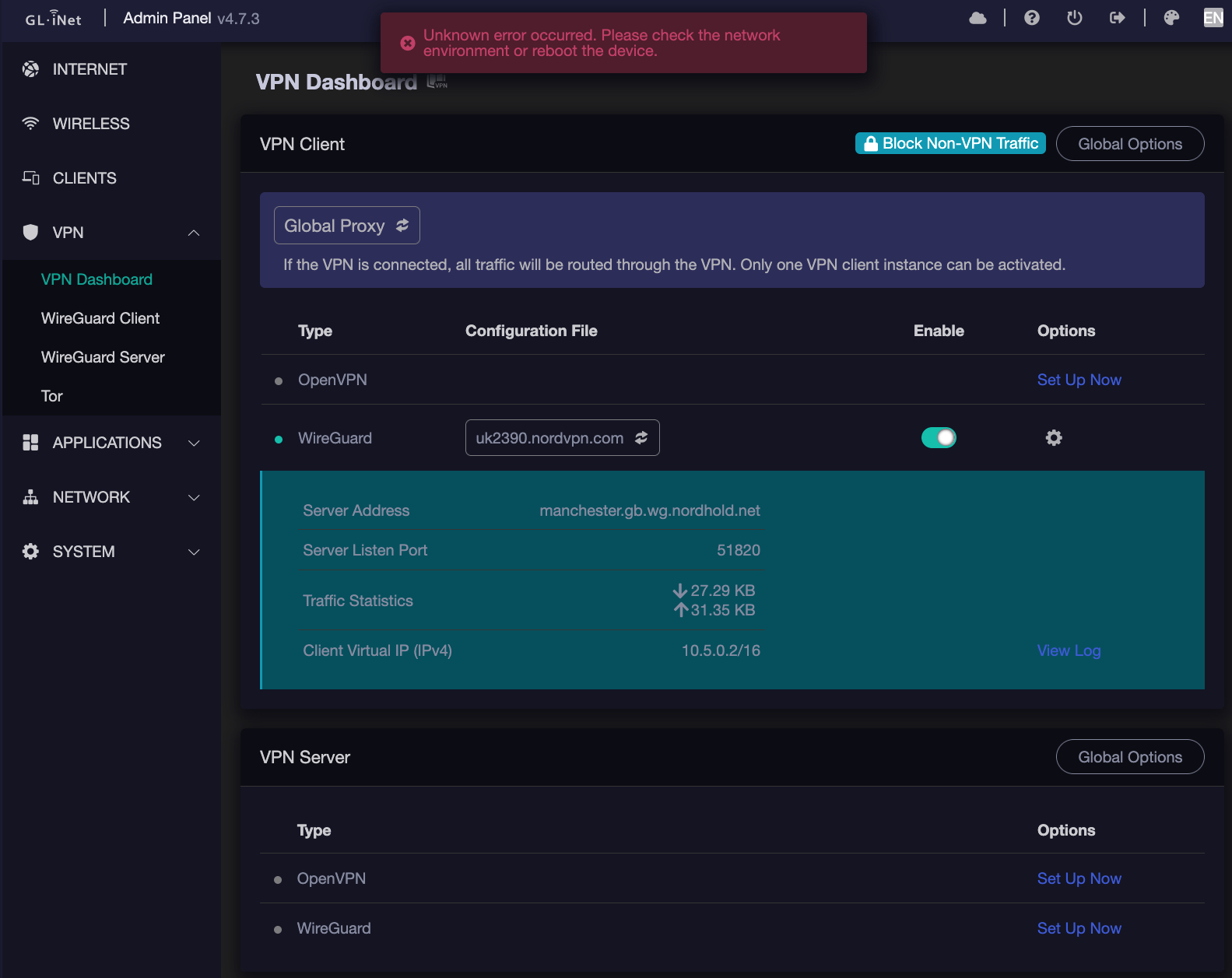
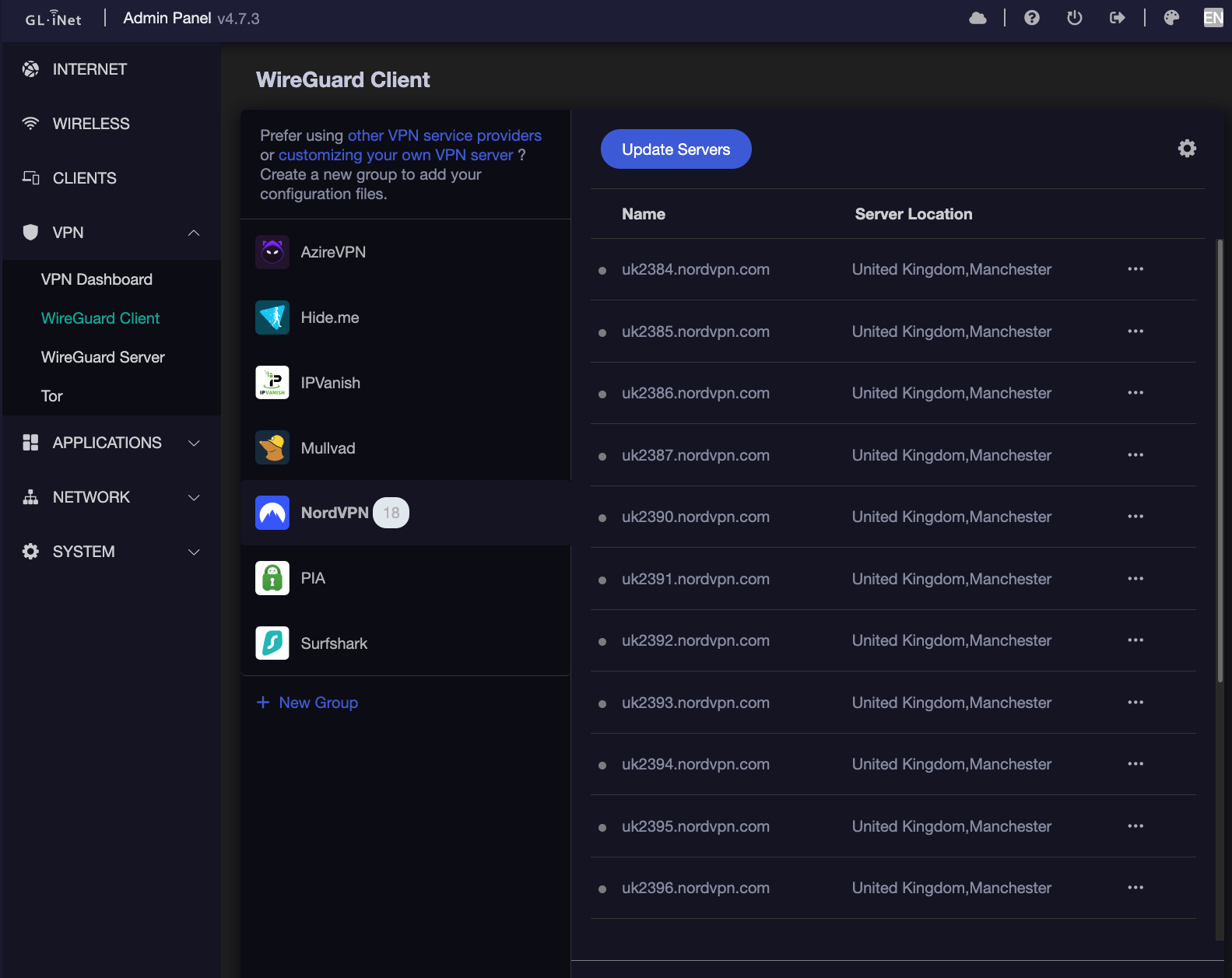
On the BE3600 VPN screen with an active NordVPN connection via WireGuard Server, the error "Unknown error occurred. Please check the network environment or reboot the device" frequently appears at the top of the UI.
Your GL GUI seems to have missing OpenVPN related features. Removed them?
The WireGuard client is enabled, but there seems to be no green dots.
I guess some interfaces of front-end UI may not respond.
Could you please reinstall the same version firmware (or factory reset) to restore all functions? To ensure that there are no exceptions in the interface.
After a factory reset and some testing, I can confirm that the removal of either of the following packages along with their redundant dependencies will result in the UI indicator (green dots) for the active WireGuard client to disappear:
While this is no more than aesthetics (since the WireGuard configuration essentially remains operational in the background, just not visually), I don't believe that the absence of the OpenVPN software should result in this UI interference on WireGuard.