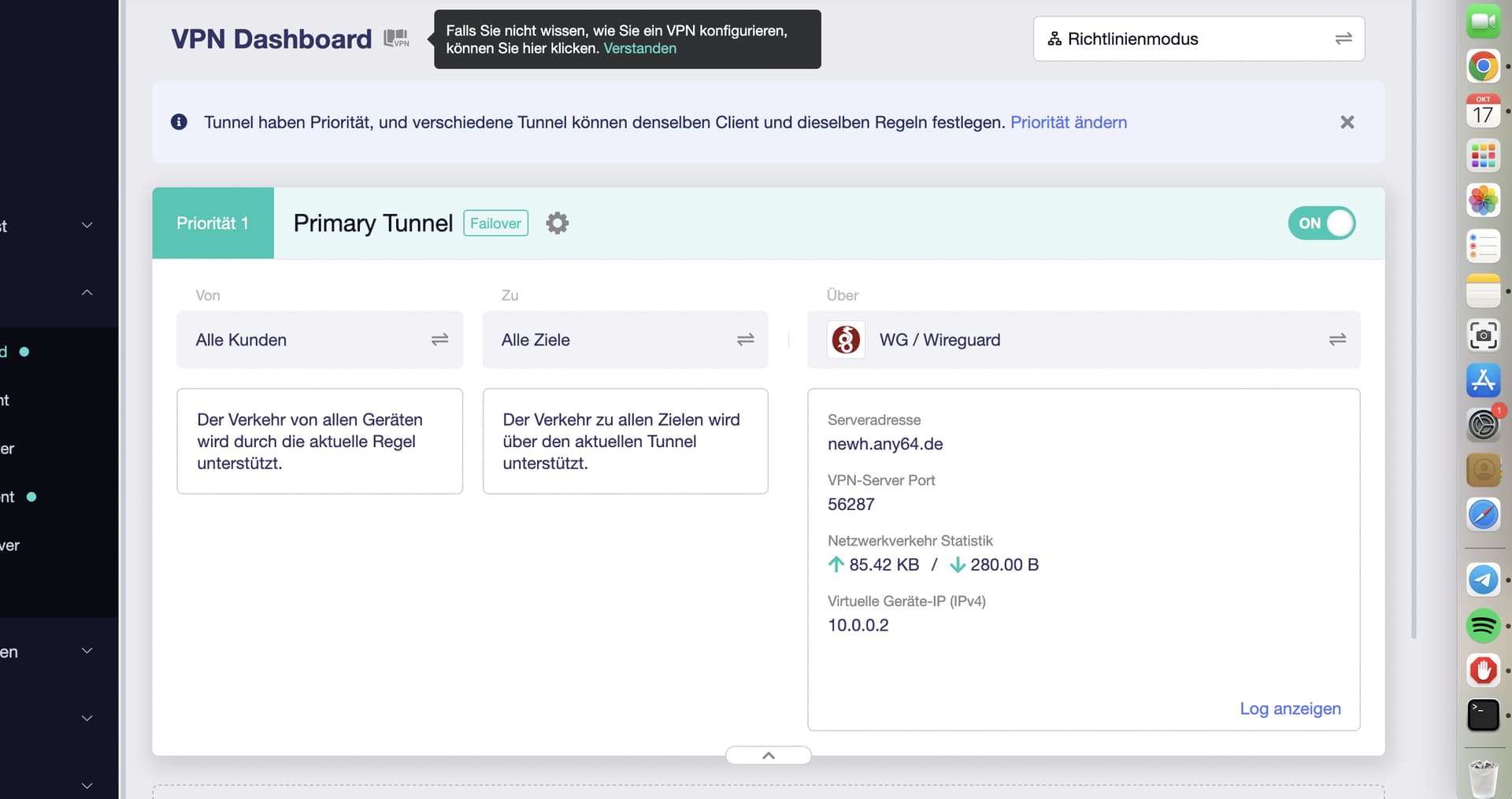
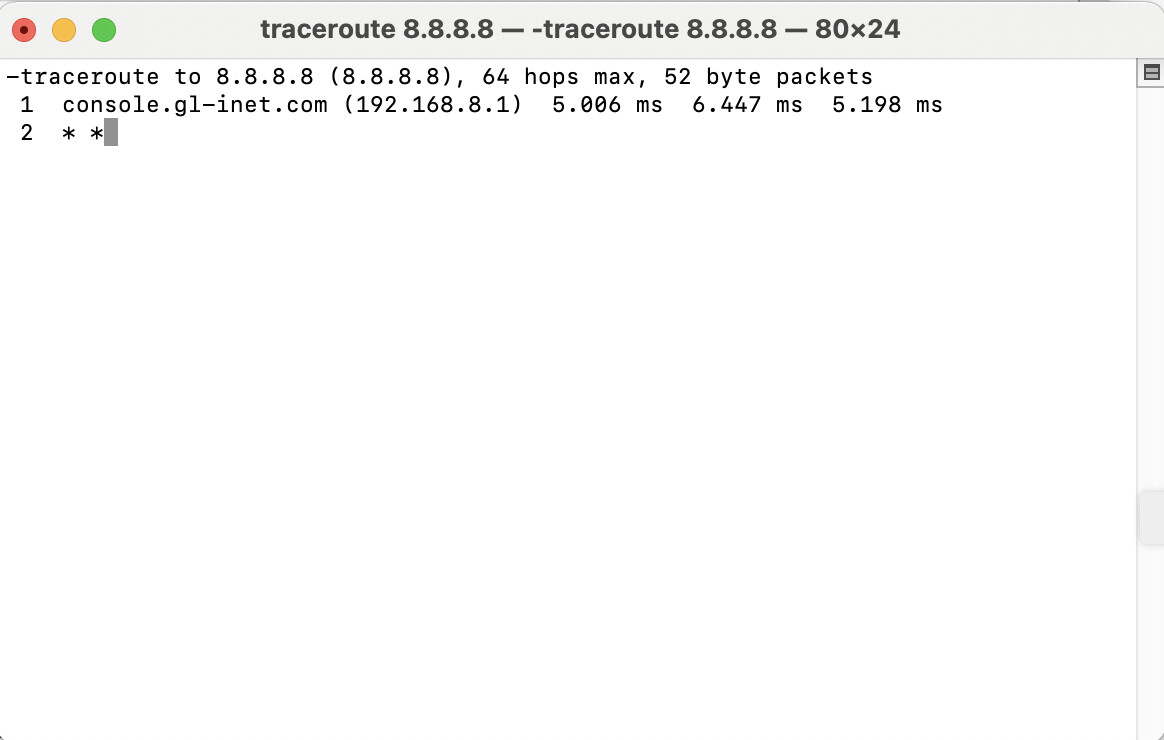
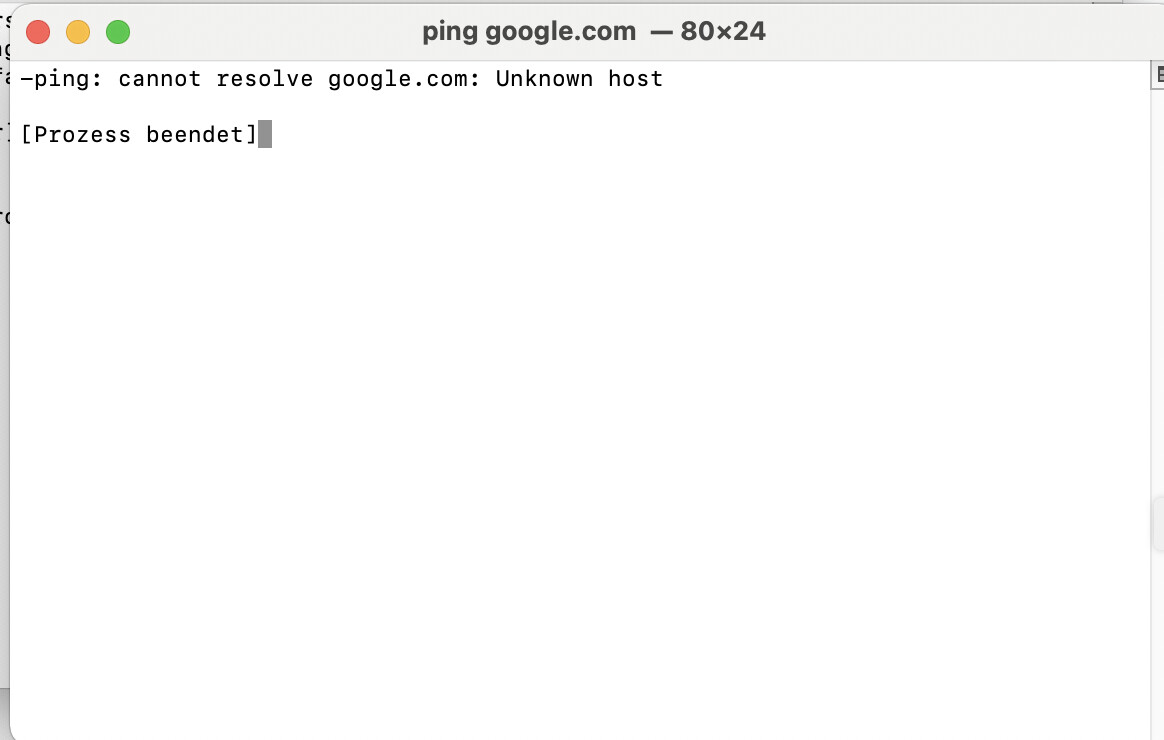
I am trying to establish a wireguard tunnel of my server Fritzbox 7520 and client GL AX 1800.
Tunnel is green and connected, but almost no traffic coming through.
Settings Fritzbox 7520: Dyn DNS via ip64 net, VPN Wireguard with IP 192.168.8.0 entry in field "Entferntes Netzwerk"/Distant Network. DNS Domain new newXXX.any64.de
GL AX Setting
[Interface]
Address = 10.0.0.2/24
PrivateKey = XXXXXX
DNS = 192.168.178.1
MTU = 1330
LOG:
Fri Oct 17 08:50:02 2025 daemon.notice netifd: Interface 'wgclient1' is setting up now
Fri Oct 17 08:50:03 2025 daemon.info dnsmasq[26004]: reading /tmp/resolv.conf.d/resolv.conf.wgclient1
Fri Oct 17 08:50:03 2025 daemon.info dnsmasq[26004]: read /tmp/hosts/dhcp.wgclient1 - 6 names
Fri Oct 17 08:50:03 2025 daemon.info dnsmasq[26003]: read /tmp/hosts/dhcp.wgclient1 - 6 names
Fri Oct 17 08:50:04 2025 daemon.info dnsmasq[26004]: reading /tmp/resolv.conf.d/resolv.conf.wgclient1
Fri Oct 17 08:50:04 2025 daemon.notice netifd: Interface 'wgclient1' is now up
Fri Oct 17 08:50:04 2025 daemon.notice netifd: Network device 'wgclient1' link is up
Fri Oct 17 08:50:05 2025 user.notice firewall: Reloading firewall due to ifup of wgclient1 (wgclient1)
It appears the server and client are using the same WG interface address. Is this a typo or an actual configuration?
If it's not a typo, please try modifying the server address to 10.0.0.1/24 and test again.