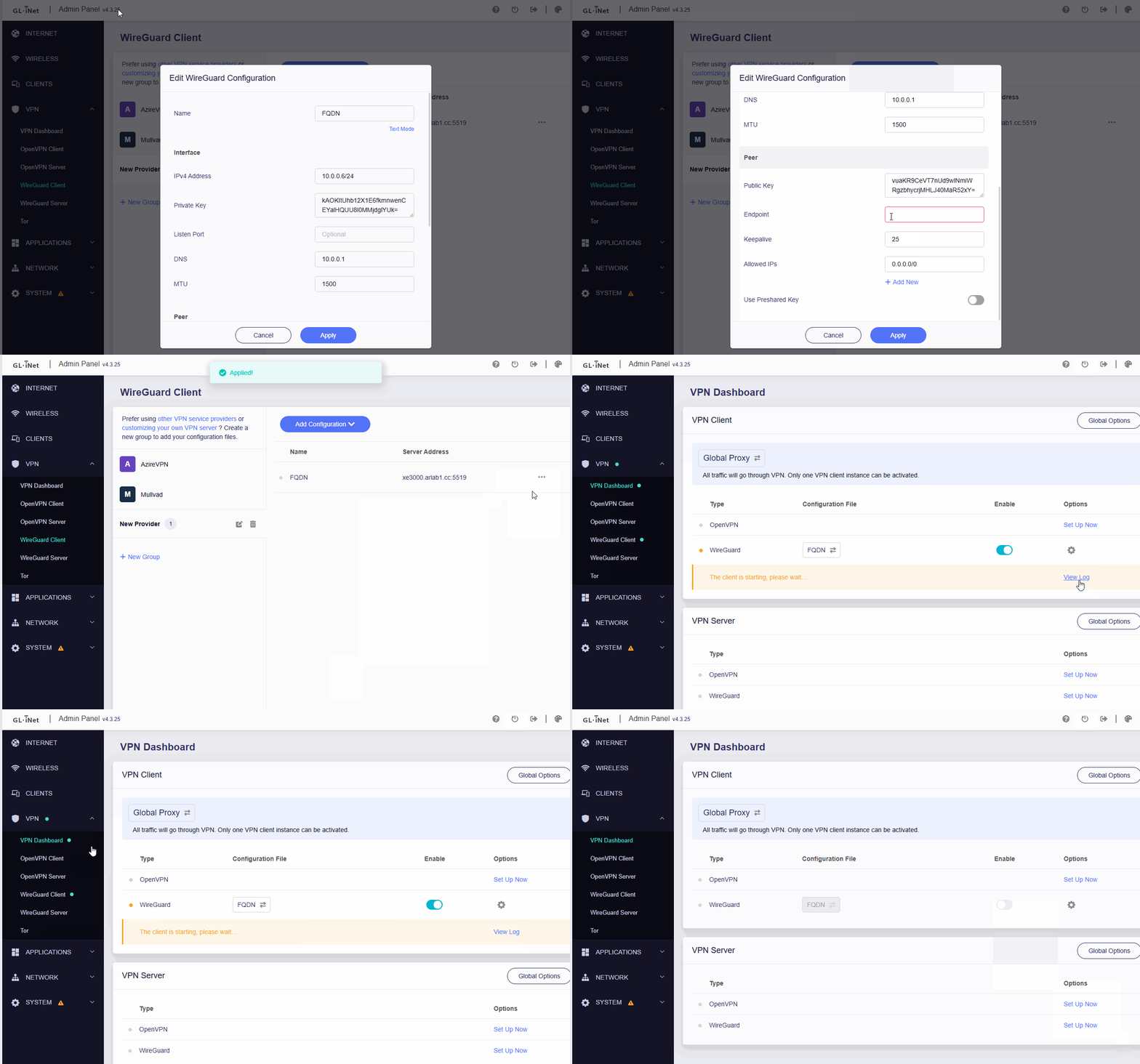
Problem: WireGuard peer config fails to save when using FQDN as endpoint.
When configuring a WireGuard peer in the Web UI, using a FQDN (e.g. example.com:51820) as the endpoint fails immediately during save.
Error message: "An unknown error occurred. Please check your network environment or restart the device."
The error occurs before any connection attempt is made.
It also happens when the router has no internet connection, so this is not a DNS resolution issue.
How to Reproduce
Open the Web UI and create a new WireGuard peer.
Thank you very much for your reply.
I have now discovered that the hyphen in the URL seems to be the problem (for-example.com:51820).
When I remove it as a test, the GUI accepts the URL. Unfortunately, encoding the hyphen with ‘%2D’ does not work either.
Can anyone help me solve this problem?
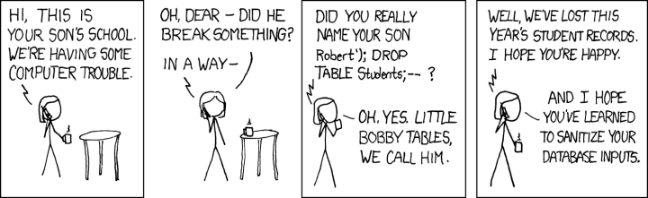
It looks like you've discovered a bug. @bruce , could you ask the GL devs if they know Bobby Tables?
Try encapsulating with ', ie: 'for-example.com:51820' or 'for-example.com':51820. The appropriate conf would be found at ll /etc/config/wireguard*. This is just speculation.
Thank you very much for pointing out that I could simply change the configuration directly via SSH to bypass the frontend bug (?). As a long-time hobby Linux user and home lab enthusiast, I should have thought of that myself. It works now!
 How to Reproduce
 Expected Behavior
 Actual Behavior