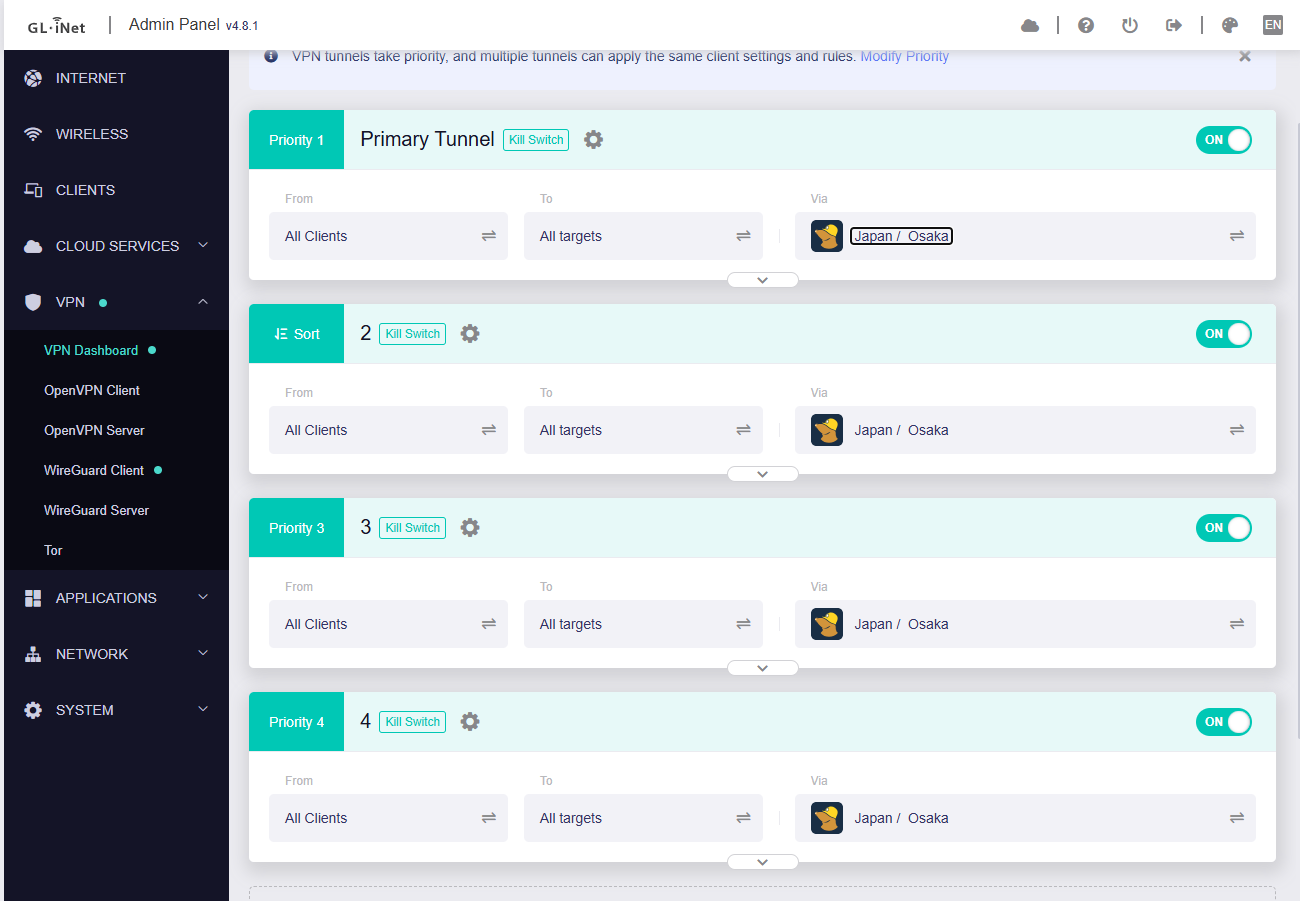
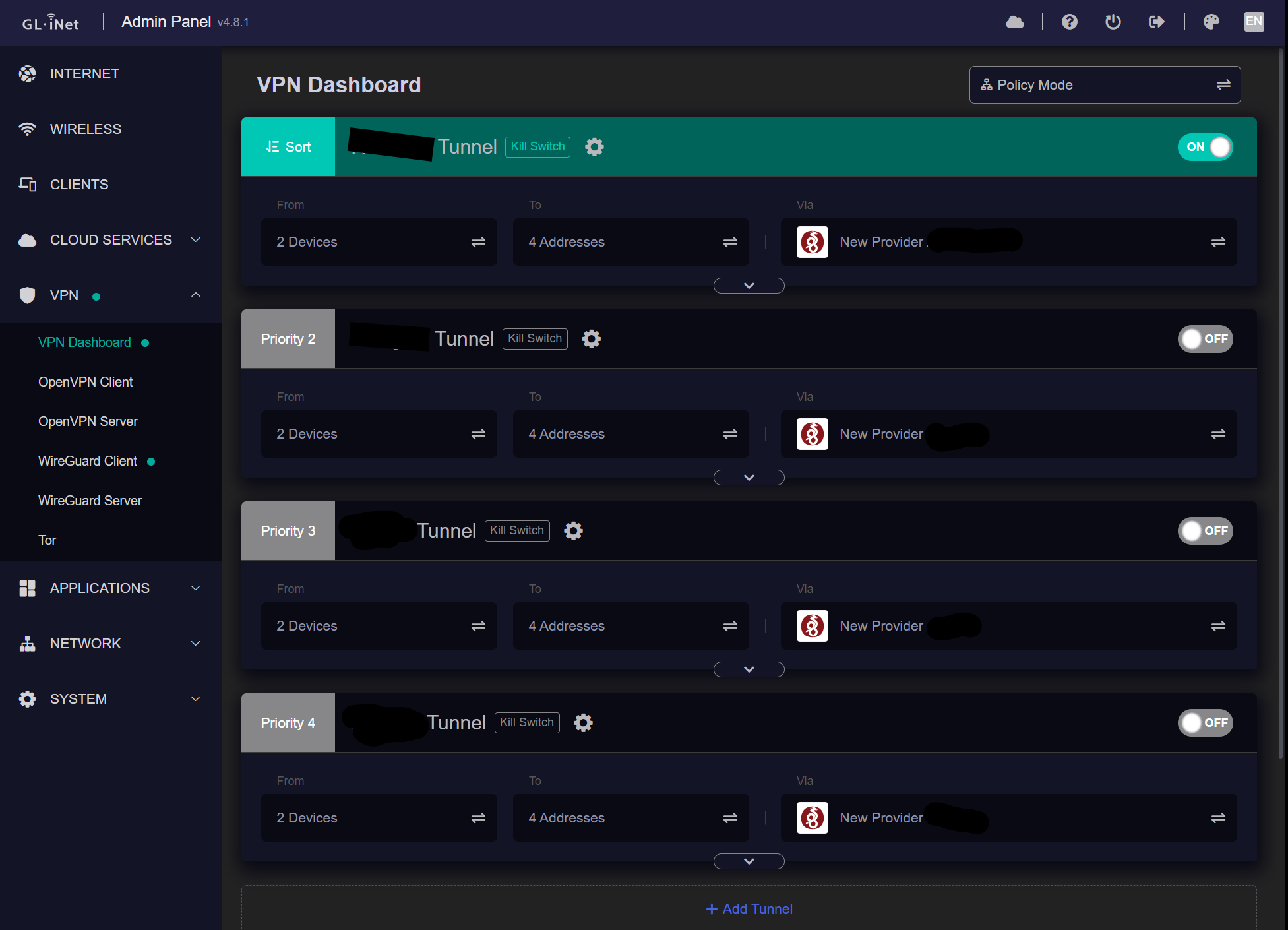
So I have 4 Wireguard VPN connections configured (these are all my locations to basically act as site to site VPNs for specific system connections). Tested all individually to be working fine and does exactly what I want. When I try to enable more than 2 connections at the same time, the 3rd and or 4th fail. 2 work fine (any combination). I see this error in the log when trying to start the 3rd. Is there a limitation to only allow 2 at one time or am I missing something?
Fri Jan 23 11:47:35 2026 kern.err kernel: [1539738.235441] wireguard: wgclient4: Could not create IPv4 socket
Please port your all four WireGuard configuration files, with the public IP addresses / private keys / public keys hidden.
From the error messages, it seems there may be an IP address or port conflict.
We conducted tests locally using BE3600 version v4.8.1 and were unable to reproduce the issue.
It successfully established four WireGuard VPN connections.
Here are my settings, again the all work individually without issue as well as any pair of 2. No more than 2 at a time though. Sorry for formatting says new member can’t link.
Please try removing the ListenPort option from [Interface], or change it to a different value.
It appears this has caused a local listening port conflict.
[Interface]
Address = 10.13.13.4/32
ListenPort = 51820  # <--- Remove this line, or change the port to different one for the first three profile