WireGuard VPN Setup behind Cox Gateway

Howdy all!

I've got a problem that I'm hoping someone can help me out with!

I travel for work and I am wanting to setup a WireGuard VPN Server at home so I can log in from anywhere in the world and use my home IP address. I was mostly successful in this endeavor already, but I have an issue that I'm not sure why is happening, which means I don't know how to fix it.

Here's what I've done so far :

I setup a GL-SFT1200 Opal router as a WireGuard VPN server by following this tutorial :
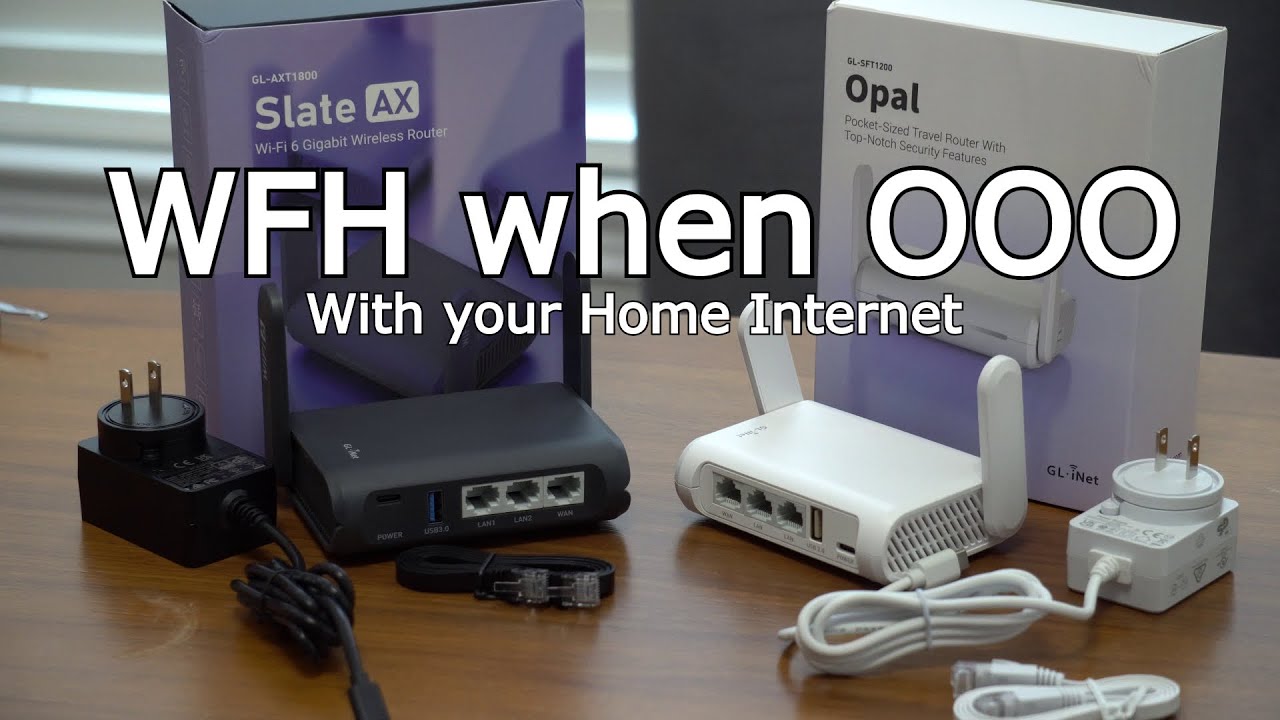
The Opal is behind my Cox Gateway Modem/Router (Gateway LAN port into Opal WAN port.) The WireGuard VPN Server is setup using DDNS and Port Forwarding on the Cox Gateway.

I HAVE to use the Cox Gateway as the main router in my setup. That's non negotiable, so I can't turn it into Bridge Mode and use the Opal as my router. I HAVE to use the Cox Gateway as a Router with the Opal BEHIND it…I don't need to have Wi-Fi on the Opal as nothing at home needs to connect to it, I just need to be able to connect to my home network when I'm NOT at home…hopefully that makes sense!

Now…here's what's going on…I followed the YouTube tutorial I listed above and the Opal works just like it's supposed to as a WireGuard VPN Server behind the Cox Gateway…I can login using my phone or my Slate AX as a client and it shows that my IP is my home IP address. Score! I've tested it when out of state and out of the country…all of that works no problem whatsoever! Mostly…

The issue is that eventually, something happens with the Cox Gateway where all of my internet connectivity dies. It will just stop working. If I reboot the Cox Gateway, then it works again for awhile until something happens again and connectivity dies and I have to start the reboot loop process. Not sustainable.

The other half of the issue is…that problem goes away if I unplug the Opal…but, then I obviously don't have the VPN Server access.

So, something is going on with the Cox Gateway and the Opal at some point where it causes all internet connectivity to stop until the Cox Gateway is rebooted OR the Opal is unplugged.

That's my issue…I need to figure out how to have the Opal WireGuard VPN behind the Cox Gateway where it's stable and doesn't cause my internet connection to drop.

I don't know if the problem is in the Cox Gateway or if it's in the Opal…because everything works just fine until I lose internet connection and reboot the Gateway, then everything works again for a while, so I would guess it's the Gateway? But then also if I unplug the Opal, the Gateway never loses connection…so that would make me wonder if it's the Opal?

The only thing I can think of is it has something to do with my IP address changing and the DDNS setup? But, I basically only understand this stuff enough to get myself in trouble…which is how I'm here now haha!

I had thought about setting up a reboot schedule on the Opal for every hour? Thats probably overkill and I wasn't sure if that would help or not…and also, that's basically side-stepping the issue rather than fixing it at the source. And since I don't know what's causing the issue, I haven't been able to replicate it consistently, so I'm not sure how to troubleshoot it and hoped someone here would know what's going on!

Perhaps I need to set it up differently than what's in the YouTube tutorial I followed?

Any help/guidance/tutorial would be greatly appreciated!

Hi,

Based on your description, the issue you are currently encountering seems to be that, under certain circumstances, devices in your home lose internet connectivity, and:

  • Rebooting the Cox Gateway restores internet access
  • Disconnecting power from the Opal also restores internet access

Is our understanding correct?

If so, could you please help confirm the following when the issue occurs:

  1. Are the affected devices connected directly to the Cox Gateway rather than to the Opal?

  2. When the issue occurs, please run the following commands and let us know the results:

# Windows (Command Prompt)
nslookup google.com
tracert 8.8.8.8

# macOS / Linux
nslookup google.com
traceroute 8.8.8.8
  1. How is the Opal connected to the Cox Gateway?
    Via wired connection, or using the wireless Repeater function?

  2. If you simply disconnect the connection between the Opal and the Cox Gateway (for example unplugging the Ethernet cable or disconnecting the Repeater connection), does the issue get resolved?

Hello @will.qiu

Thank you for your response. I have an update and perhaps you can help with it.

So, my original post is slightly incorrect. I apologize. Since I travel for work, I was not home when this issue occurred. After talking with my girlfriend, and after taking a look at the router again, I have updated info :

  1. The Opal originally worked 100% with the setup as mentioned in the YouTube tutorial above for a time. Unfortunately, I don’t know how long it was, but it was days, not minutes or hours.
  2. I confirmed it was working when I was traveling for work. I was able to access the Opal WireGuard VPN server and connect through the VPN tunnel to my home network on my phone during that time.
  3. I noticed there was an issue after several days when I was unable to connect to the VPN. At the time I didn’t need it for work and so I figured I would just fix it when I got home.
  4. At some point, my girlfriend told me that one fag the internet was dropping out and she was having to reboot the Cox Gateway to get anything to work and eventually found that if she unplugged the Opal, it stopped the issue. When she first explained it to me, I thought she meant randomly over several days. After further clarification, apparently this all happened on the same day within a matter of minutes, not over several days. The Cox Gateway reboot would fix it but only for a short amount of time…minutes basically. She had to reboot the gateway multiple times in a matter of minutes before she unplugged the Opal and that fixed the no-connectivity issue.
  5. So, my original post stating that it would work again after rebooting was not correct. I apologize for the confusion and misunderstanding on my part from her.

So, with all of that information, this evening I had a chance to sit down with the Opal and see what I could find out. Here's my findings :

  1. I first connected the Opal to the Cox Gateway via an Ethernet cable…Gateway LAN → Opal WAN
  2. The Opal booted up and everything seemed normal. No Internet drop out from the devices connected to the Cox Gateway
  3. I was able to connect to the VPN Server via WireGuard tunnel on my phone…so far, so good…
  4. ...or so I thought. Once I connected to the VPN tunnel using the WireGuard app on my phone…I had no connectivity. Once I turned off the tunnel on the WireGuard app…connectivity returned immediately.
  5. The next thing I did was to connect to the Wireless of the Opal…I had connectivity to the Internet through the Opal Wi-Fi…so, I knew it was working, but seemed to be an issue with the DDNS somewhere.
  6. After some digging around, I decided to look at my Cox Gateway settings and I found that my Port Forwarding that I had initially set up had vanished :thinking: I have no explanation for that. So, I set up a new Port Forwarding in the Cox Gateway using the information I used originally.
  7. Once I did that…boom. My VPN tunnel works on my phone again. I can enable the VPN tunnel on my cell phone on my cellular network and my IP address says my home address.

Also, I should say that through all this troubleshooting, I never once lost connectivity via the Cox Gateway Wi-Fi. The internet was up and running the whole time.

So…now we're back to square one. It works…but I'm wondering if I have something slightly wrong somewhere? :thinking:

After some hunting around, I found this error message in the Opal DDNS Test :

“The IP from DDNS domain resolution is not the same as the WAN IPs of the device. You need an Internet Public IP address to use the Dynamic DNS. If this router is behind NAT, you may need to set up port forward in your ISP router. If you have VPN Client enabled, please disabled ‘Services from GL.iNet use VPN’ in the global options.

IP from DDNS Domain Resolution : IPv4 xxx.xxx.xxx.xxx

Interface WAN IP : 192.168.0.xxx”

I checked and I do have ‘Services from GL.iNet use VPN’ disabled. I know that's for the Client side, but I checked just in case.

Also, the DDNS Domain Resolution IPv4 is correct…that IS my current IP. Also also, the Interface WAN IP is the static IP that I assigned the Opal in my Cox Gateway as was instructed to in the tutorial.

Should this be different? Should it be showing my Public IP address through the Port Forwarding rather than the static IP address I assigned it in the Cox Gateway?

Also, since it's behind the Cox Gateway NAT, shouldn't the Port Forwarding on the Cox Gateway allow it to see the Public IP? Or do I need to set up a second Port Forwarding from the Opal back to the Cox Gateway? A reverse Port Forwarding?

Or…I'm wondering if there was some issue with DDNS and/or the Cox Gateway and it went on the fritz that day?

It's all currently back up and running…however, I don't want to have a situation like this again while I'm traveling for work and might actually need my VPN Server then.

I don't like that I can't recreate the problem so I'm stuck on how to proceed?

Any help or insight would be appreciated!

Thank you again @will.qiu

We have encountered cases before where some ISP-provided modems lose their configuration after a power cycle or reboot. Therefore, the issue you previously experienced with being unable to connect to the WireGuard server may have been caused by the same situation.

This is actually just a reminder.

If you are running a VPN server or other services accessible through DDNS on a GL.iNet router that is behind an ISP router (i.e., the ISP router is operating normally rather than in IP Passthrough or Bridge Mode), then you must also configure the appropriate port forwarding rules on the ISP router to forward traffic to the GL.iNet router.

Since you have already completed this configuration, you can safely ignore this message.


As for the issue where you needed to power-cycle the SFT1200 before internet access on your home network would recover, it appears that the problem is no longer occurring.

Since we currently have very little information about the incident, it is difficult to diagnose.

If the issue happens again in the future, we will likely need to collect additional information / do some testing at that time in order to investigate further.