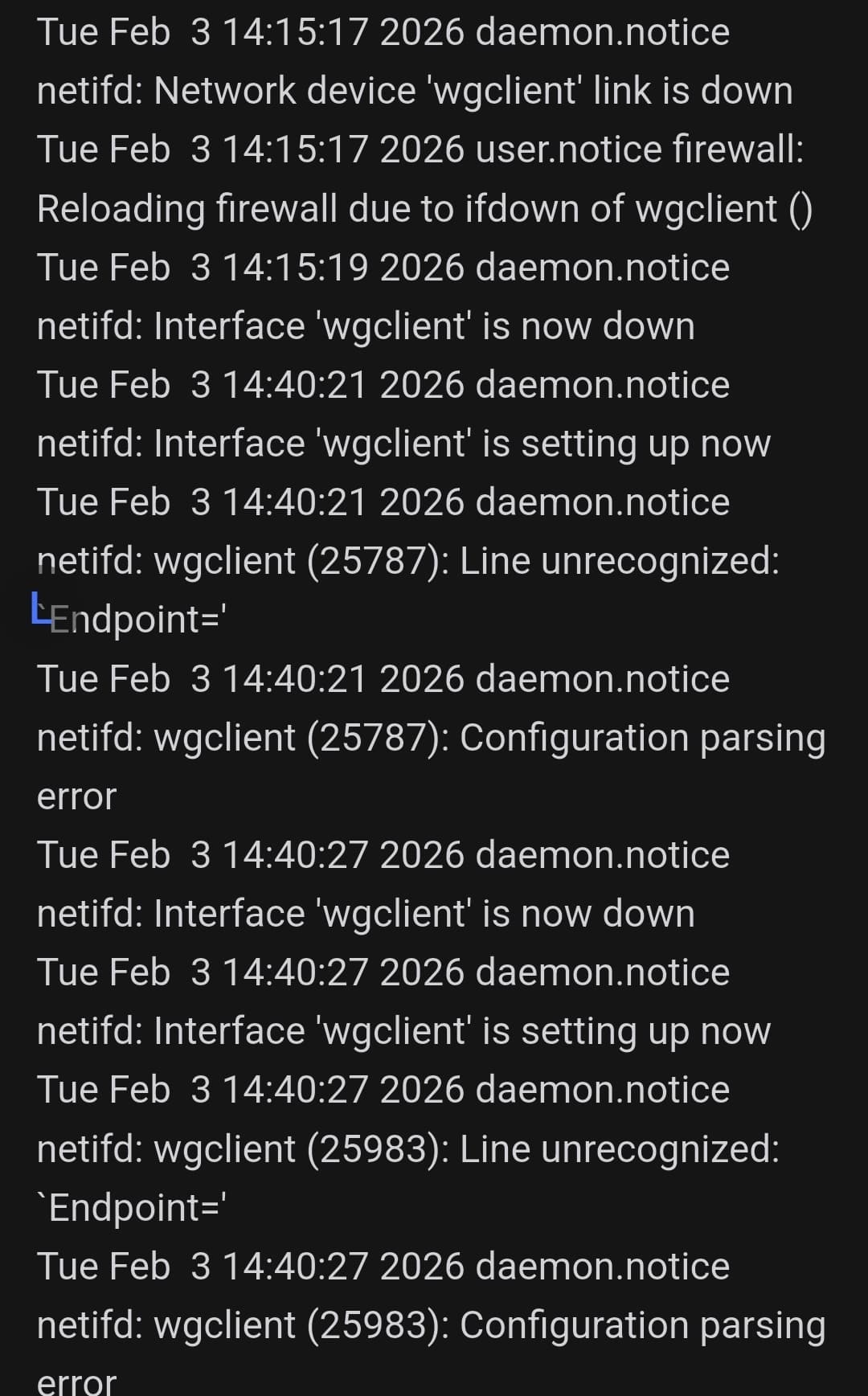
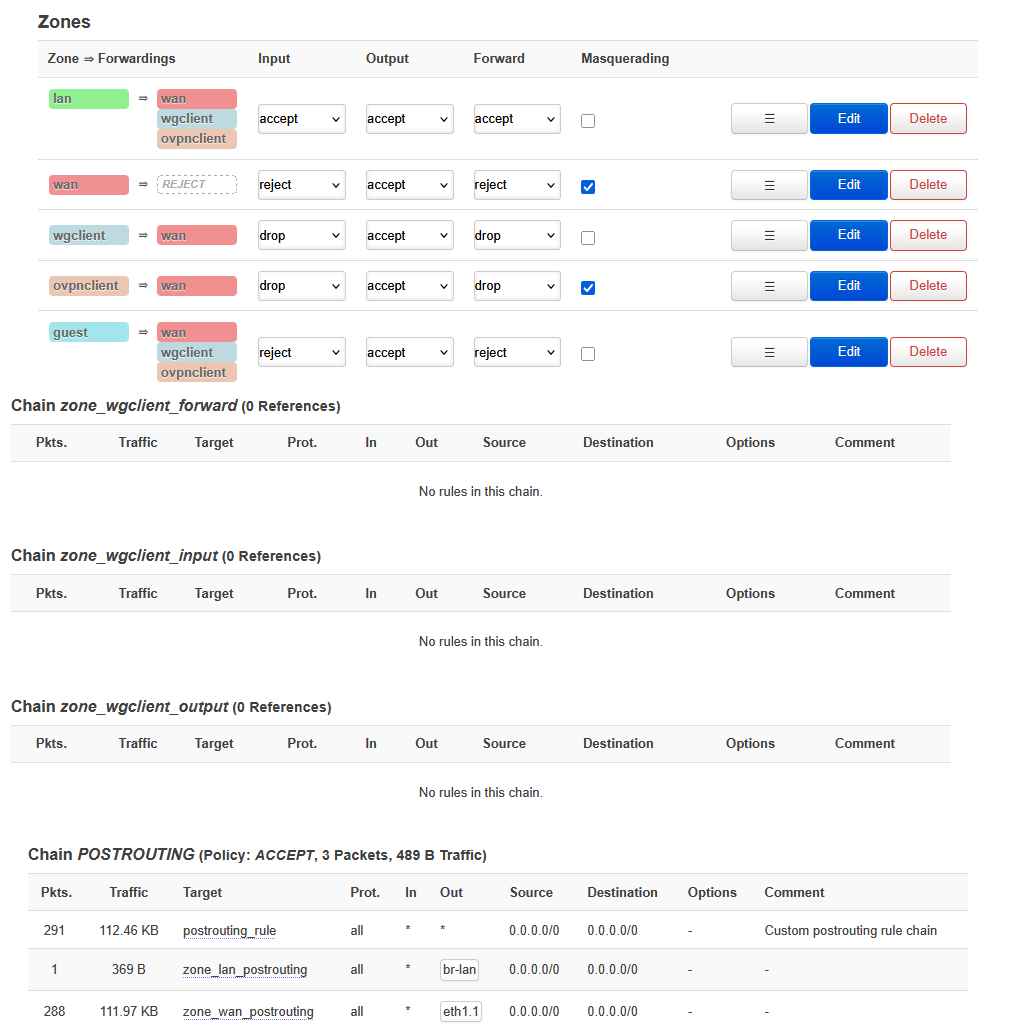
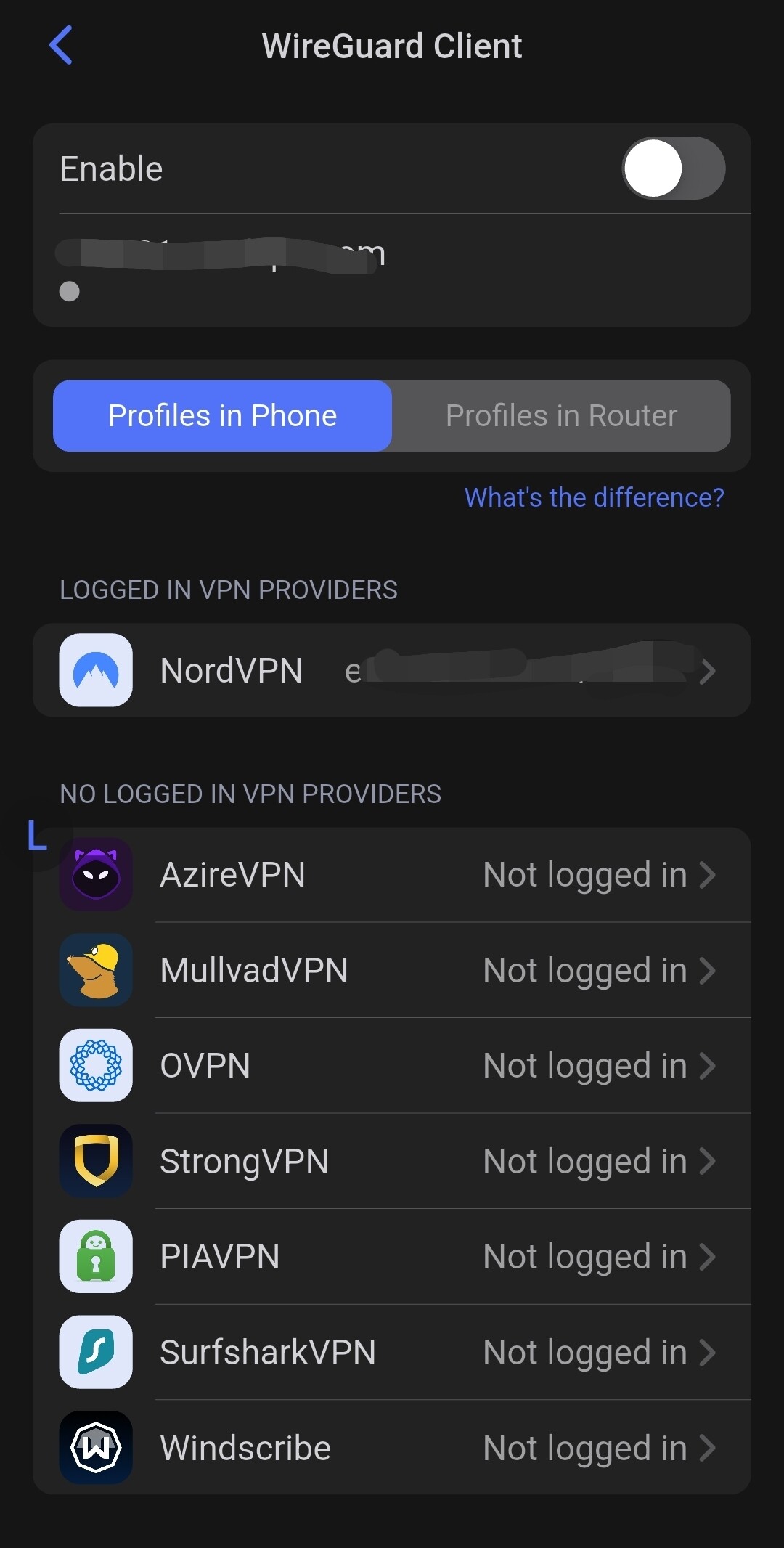
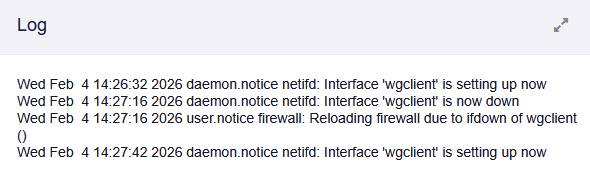
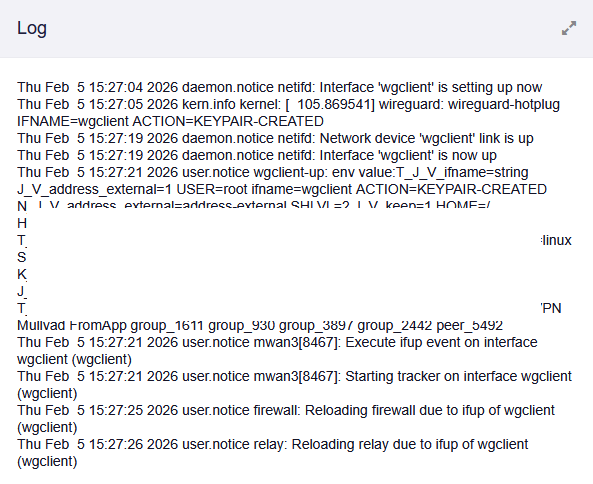
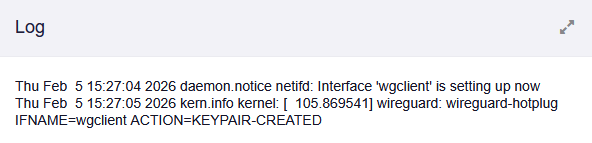
I have been using Wireguard w/ adguard with no issues. All of a sudden it has completely stopped working. The issue is persistent as I have ubooted flashed the router firmeware and re-set my modem up from the ground up. The issue started when I was on 1 wireguard server that had become laggy and switched to a different wireguard server. It did not make the connection and has continued failing ever since. I’ll attach some pics of the logs. If someone could help guide my in the right direction. Im at a loss…. Thanks
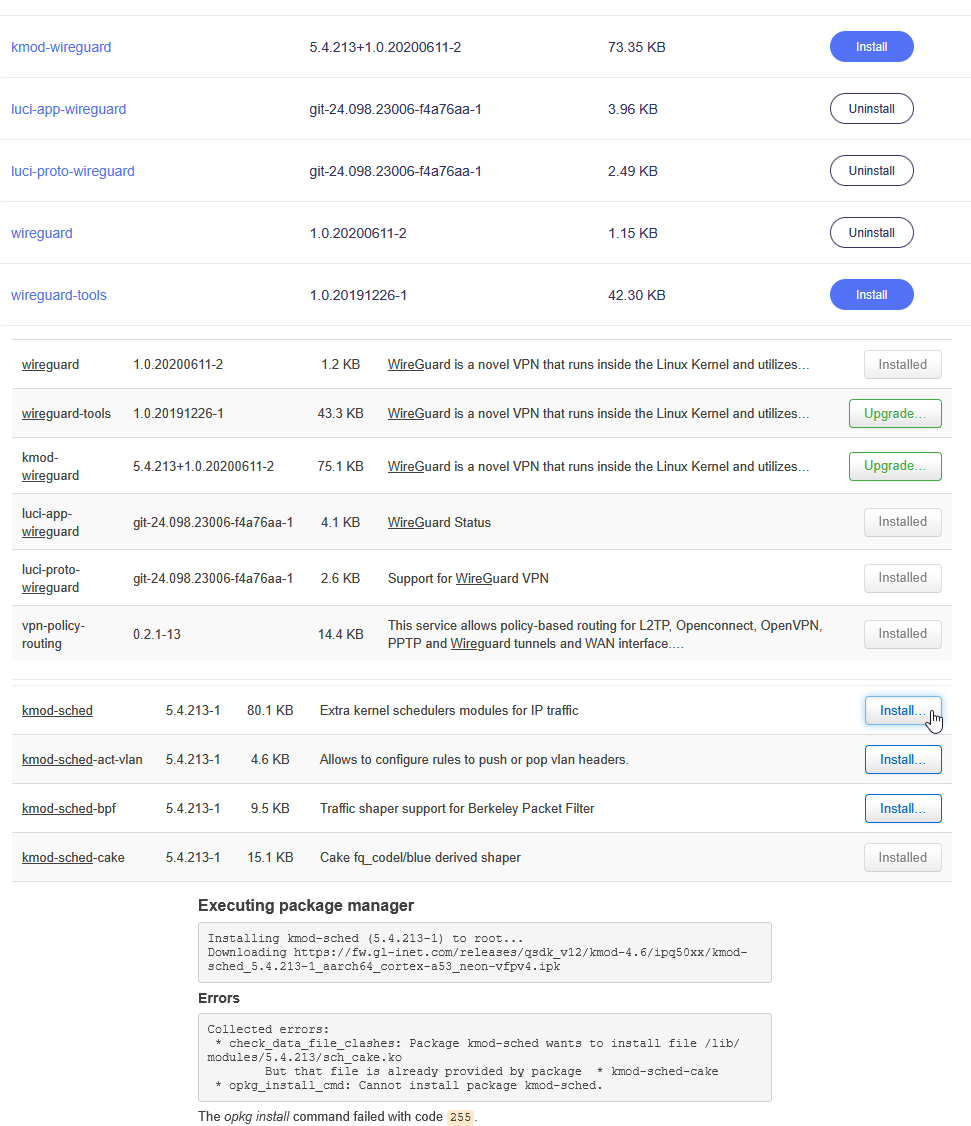
Because of the ‘Endpoint=’ reference in log. I thought maybe an issue with packages. I have tried uninstalling and re-installing wireguard to ensure the packages are all there. I have noticed there is a package conflict between kmod-sched and kmod-sched-cake… I can only have 1 or the other installed as it says the other packages contains the same parts. Unsure if this could be causing issues but thought I would include it. below is visual of what I see in the plugins-bed UI and the luci portion.
Based on the logs, it appears there may be an issue with the Endpoint field. Please check whether you have entered the correct server address and port number.
If there are any comments in the Profile, please try removing all of them and see if that helps.
If the issue persists, please follow the guide below to share the device with us via GoodCloud so that we can perform a remote check.
Please note that you will need to send the device’s MAC address and the Admin Panel password to us via private message so we can access it.
I have re-flashed the firmware to default settings and then made sure it is up-to-date. I have also tried to make sure all the packages/scripts were up-to-date. Not really sure why it is constantly failing.
The previous poster ‘Gunner’, that is me as well. You can consider both users the same poster for this issue. I am really needing help and my previous account was locked up for awhile.
I can only post one image per post. With this one. But I have more detail to add.
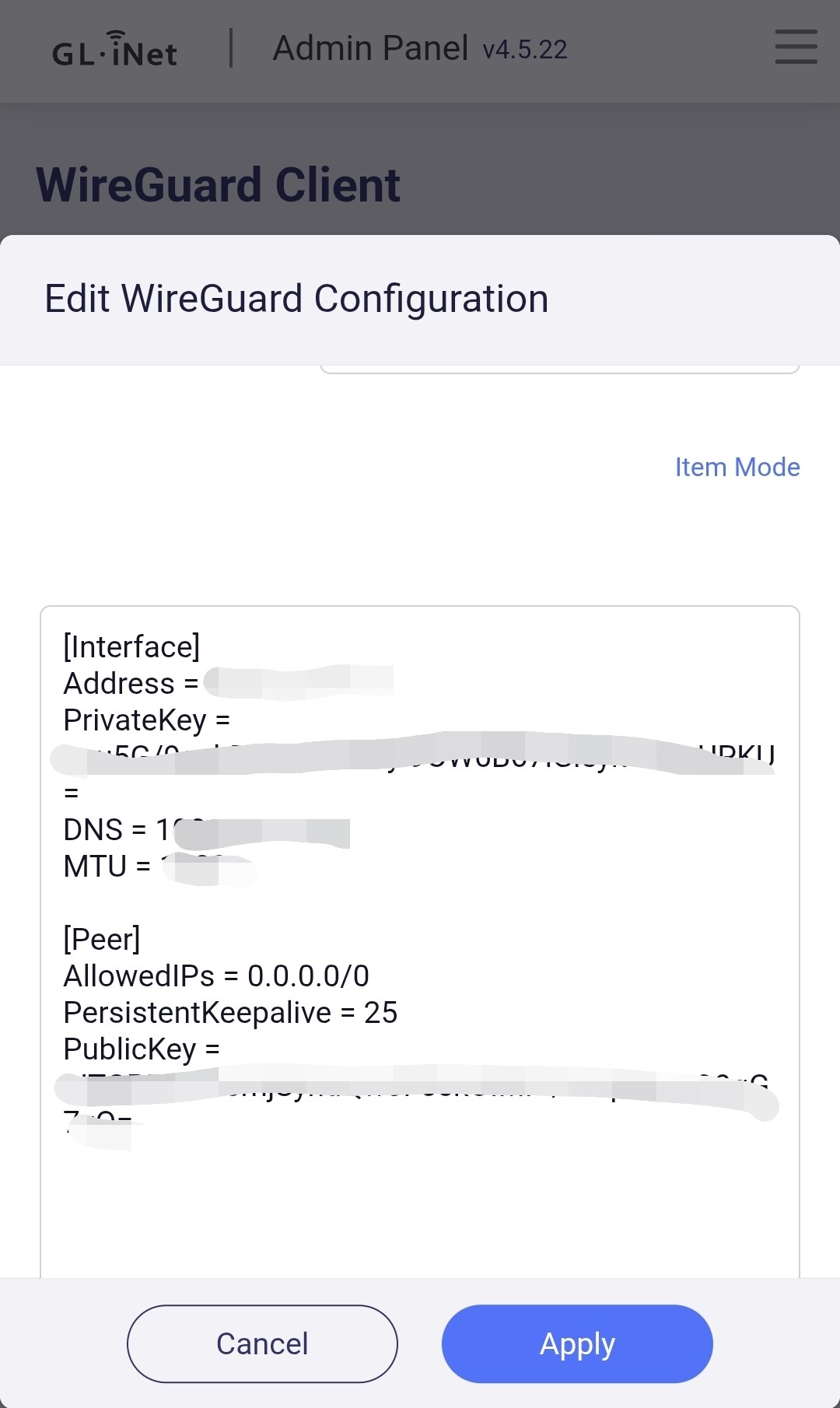
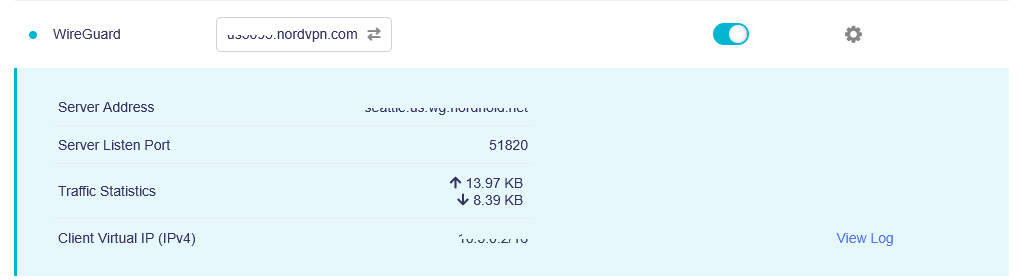
I have also attempted, doing a manual config with the proper parts of information. as such in the image below
Based on the logs, it appears the router is unable to establish a connection with the WireGuard server, which may indicate a network issue.
If you connect another device (such as a mobile phone) to the same network using the same WireGuard profile, could it establish a connection successfully?
If it also fails to connect, then it is a network issue.
Please attempt connecting via a different network and verify it imposes no restrictions or censorship.
However, if other devices connect successfully, kindly share your device with us via GoodCloud following the previously provided tutorial.
This will allow us to remotely assist in diagnosing the issue.
I have an older GL device. It is a OPAL GL SFT 1200. I upgraded to the marble a while back for the needed capabilities. The OPAL was my introductory device and have enjoy GL products since.
Thank you for your suggestion. Today, I tried a different network via my mobile internet through USB tethering on the OPAL (GL SFT1200) router I have. The WG connection was made just fine.
I then tried connecting my home internet to the OPAL router. I had successful connection to the WG tunnel.
I then tried the mobile internet on my main device I am having issues with, the MARBLE. The WG connection failed still. I double checked the home internet. It is still unable to make the connection.
I have concluded the issue is localized to just the device/router. It seems like it is just this device/ home router. The ‘MARBLE’ GL B-3000 that is having the issue. In logs it keeps repeating the same lines, essentially… the interface ‘wgclient’ just keeps failing to setup.
Update:
After remote inspection, we found that the existing WireGuard configuration profile had an issue.
Once it was replaced with a configuration profile that had already been verified to work on another device, the WireGuard connection was established successfully.