I have an X3000; it was recently replaced with a new unit because the "old" one kept causing problems.
Unfortunately, I’m having issues with the replacement unit as well! The router is installed in a motorhome.
It keeps rebooting on its own or freezing up, making it impossible to access the router's interface! The modem (using an O2 data SIM) also frequently goes offline.
The Firmware is the newest!
I already opened a support ticket but haven't received a reply!
HELP—this router is no fun to use like this; we are currently on vacation and wanted to use the router—if only it would work!
Power issues aside (for the moment), What do you see in the logs immediately prior to the reboot?
Aassish.007 is correct to suspect the power source based on your description. If you can obtain a separate 12V battery (5Ah should be plenty for the testing), this will go a long way to helping you isolate the problem.
How am I supposed to know what's in the log? I don't know when the router restarts, and when it does, the log is gone! But it doesn't seem to matter now. I updated the modem's firmware yesterday, and it's been working ever since—for 15 hours now. I hope it stays that way! I find it really strange, though, that you buy such an expensive device and then have to make sure it works yourself!
You can always buy Netgear products if they better suit you. Double the price and locked down so you can’t support your own device. Glad you got everything up and running.
I have two X3000 routers (for multi-carrier redundancy) in my travel trailer, powered from my 600Ah lithium battery bank…
I agree with others in this thread - your router problems sound like a power issue. Most likely, you’ve got a high gauge wire (i.e. very thin) running from your fusebox to the X3000 which is causing voltage loss - I suspect that you need to replace with a 12ga run (10ga if your run is over 25 feet).
Hello,
May I know what the phenomenon of the restart issue is? Typically module firmware does not trigger device reboots. If the issue happens again, could you export the router log to check for any crash records? The crash log can be retained after device restarts.
And the latest modem firmware has fixed the cellular connection that you reported before. The freezing issue might be related to this.
Okay, everything is running stably so far after I updated the module's firmware. I hope it stays that way and I don't run into problems again when I'm back home! You gave me that command, and I did run it via the terminal, but you never know!
Yeah, the commands need to be executed separately. If you're on firmware version RMRM520NGLAAR03A03M4G_01.204.01.204 or later, you can skip them, as the new modem firmware has addressed the issue with your O2 sim card.
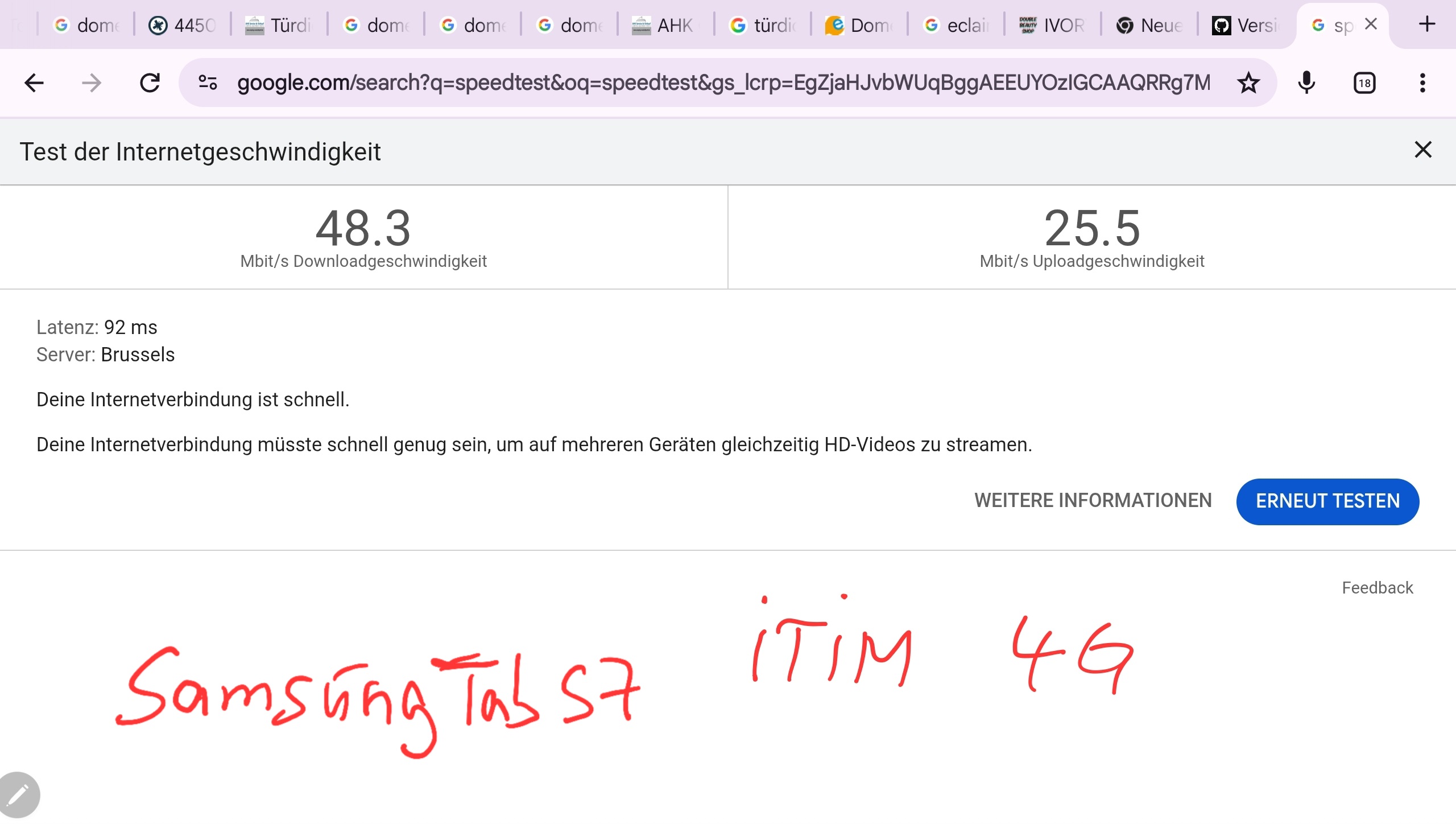
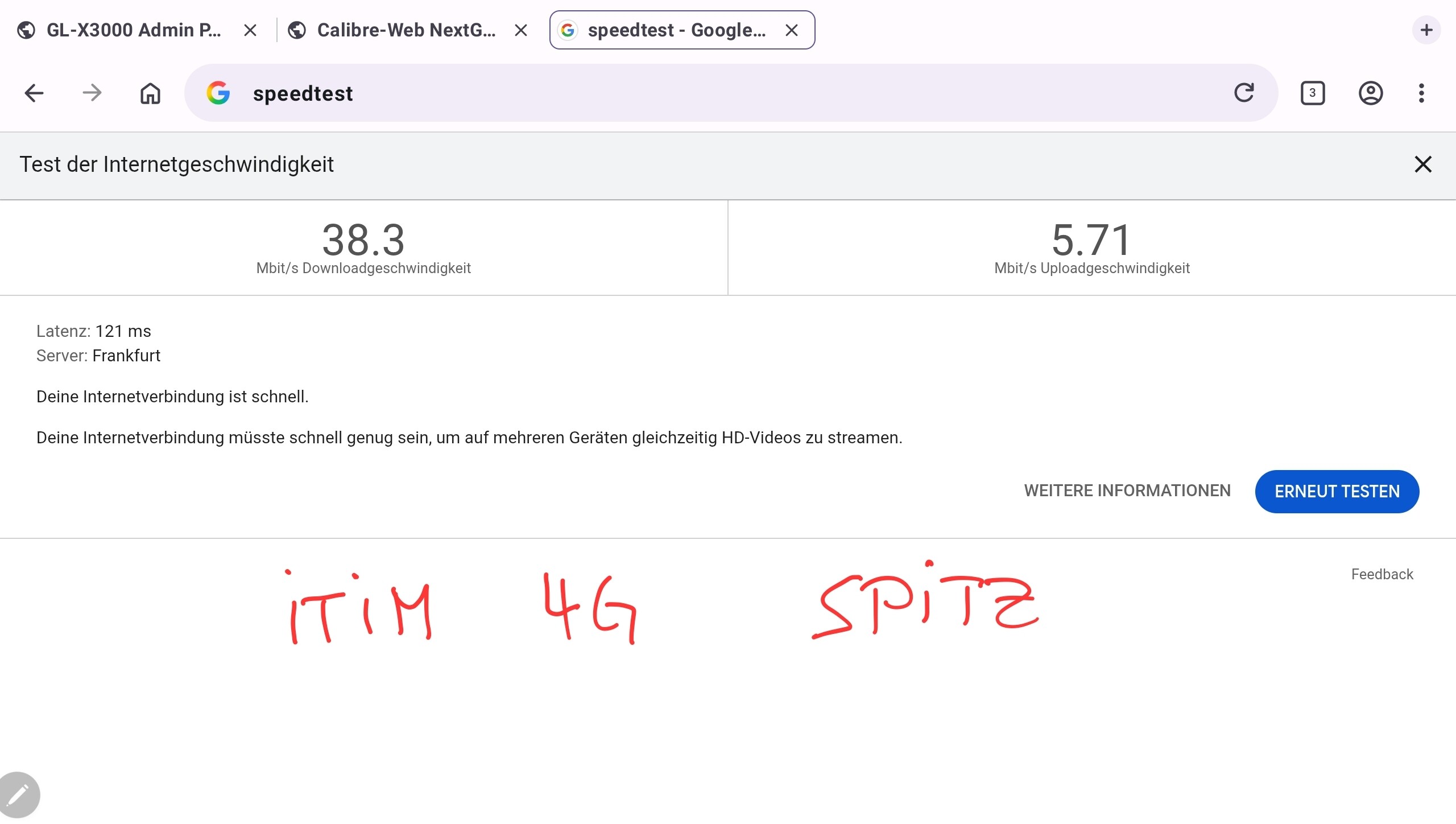
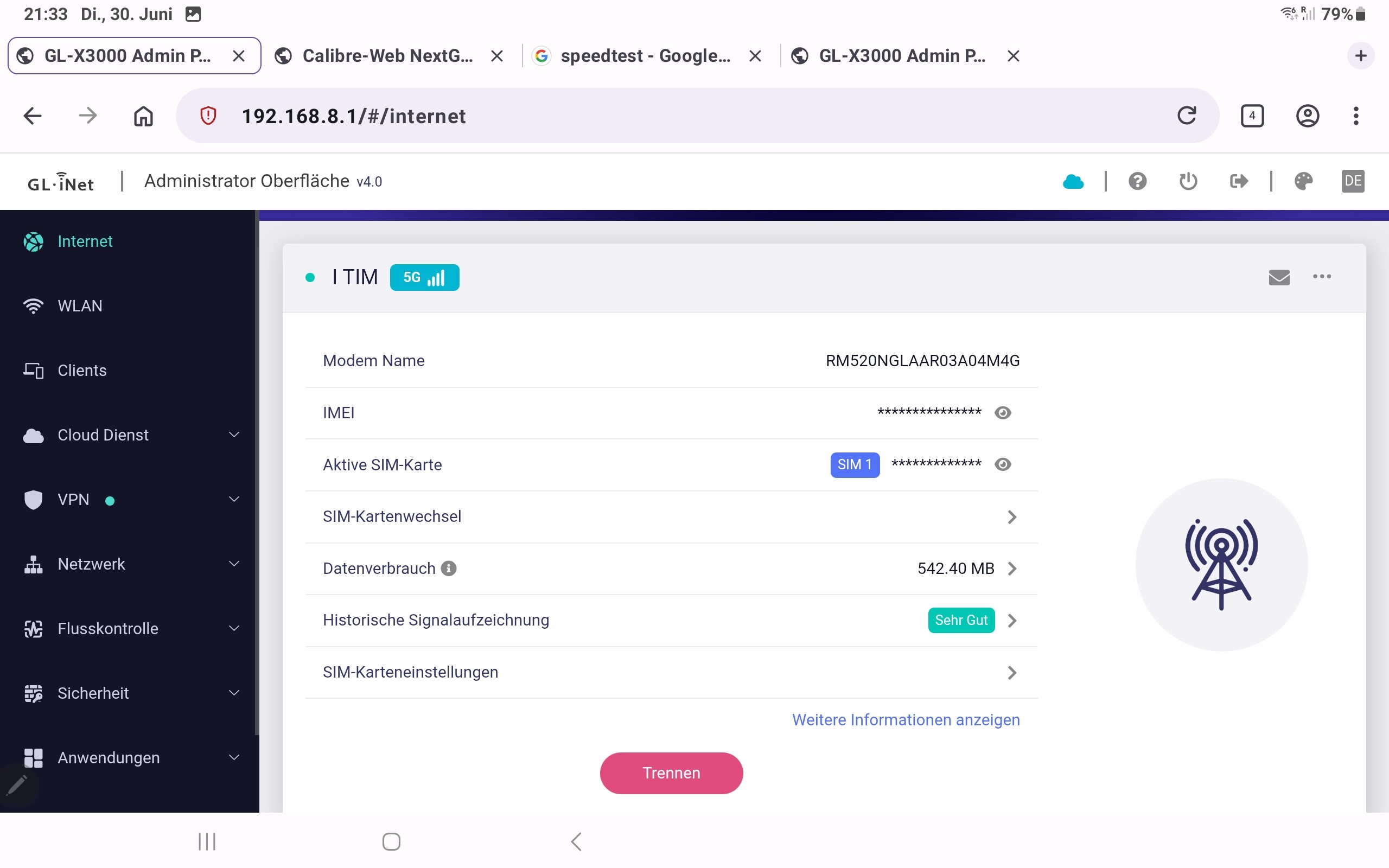
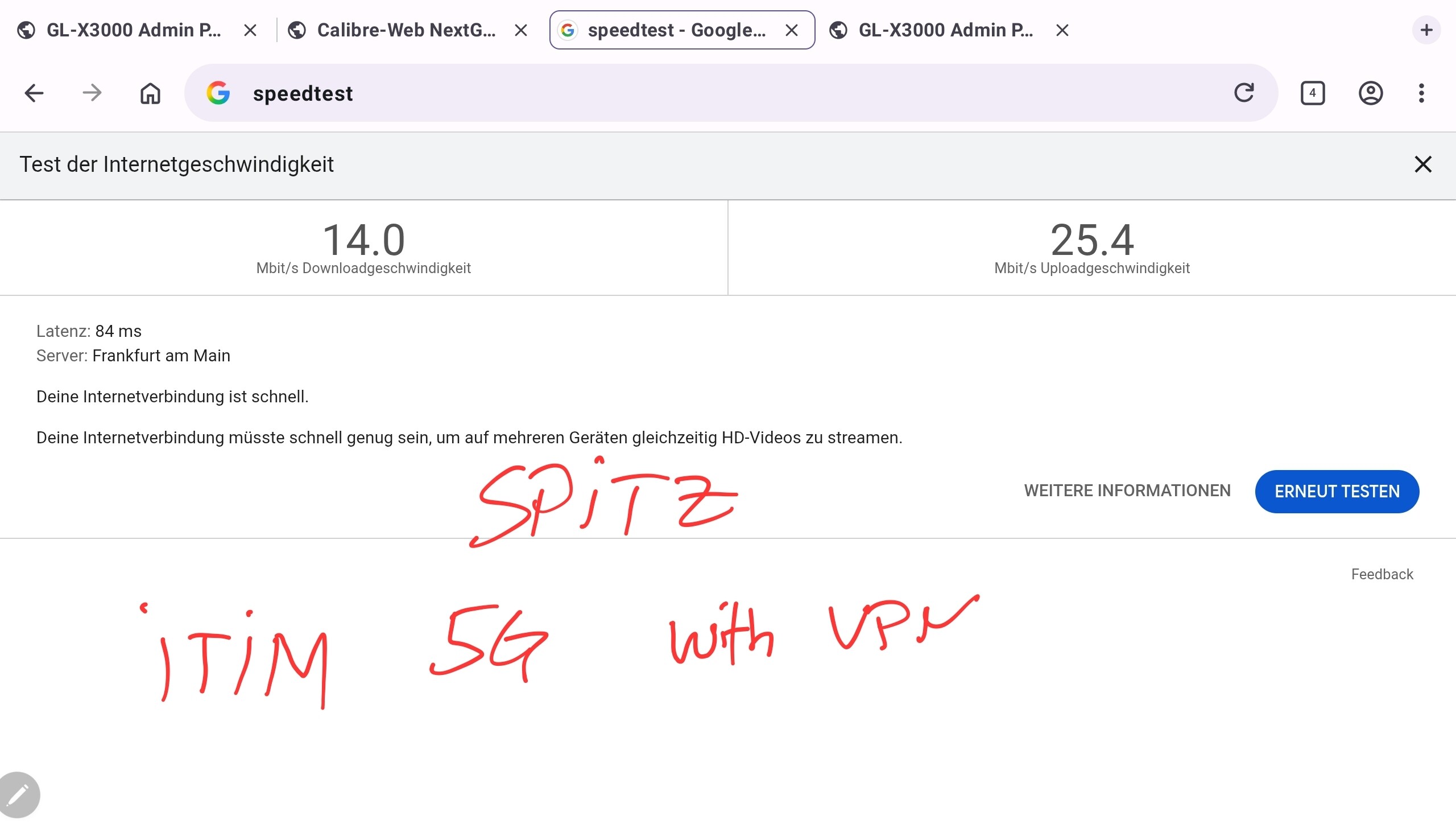
Hello again... the router is now consistently stable, but I just don't understand why there is such a difference in mobile data speeds. I tested it once with my old Samsung tablet (without 5G capability) and once with the X3000—both on the same network.