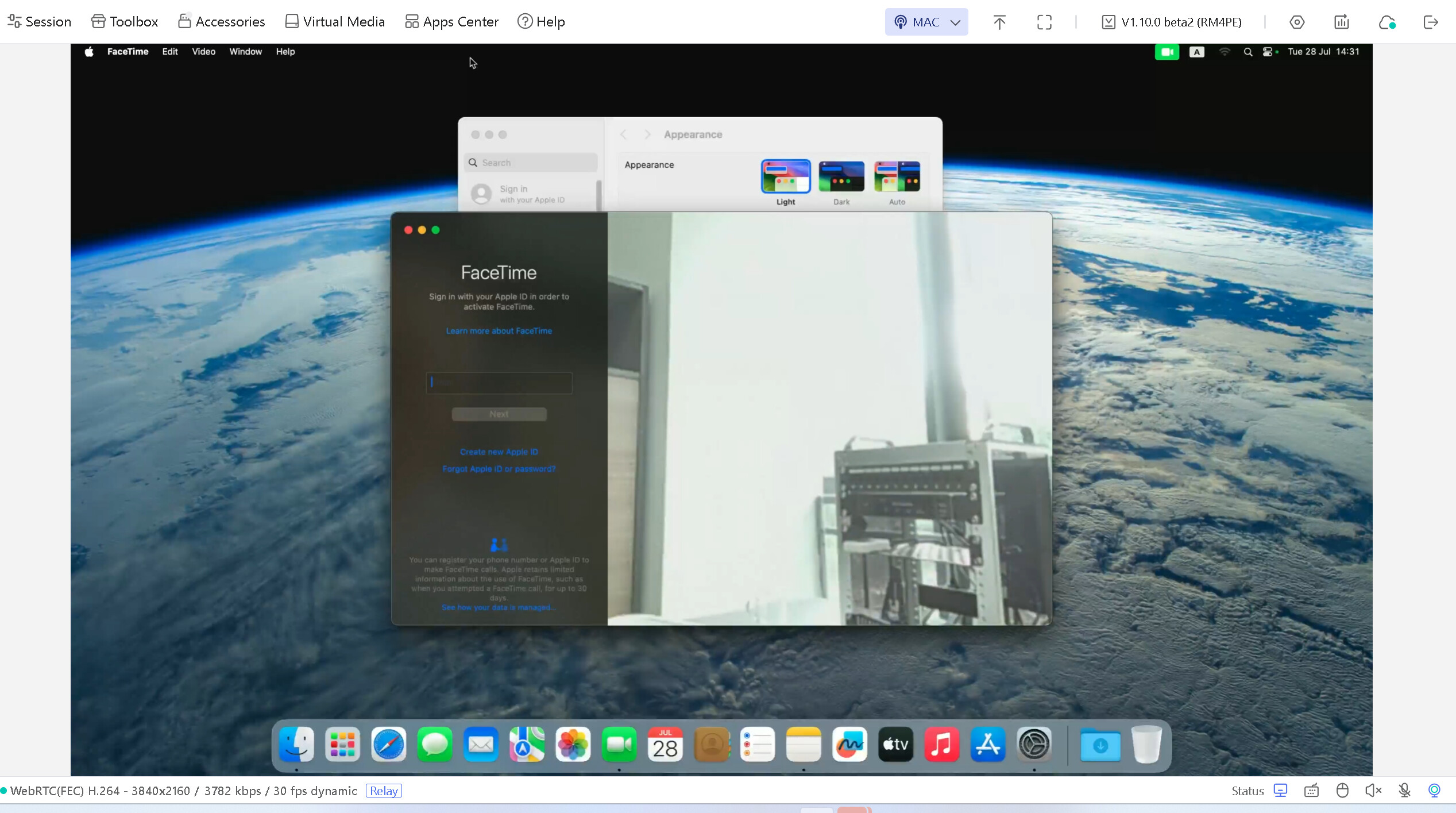
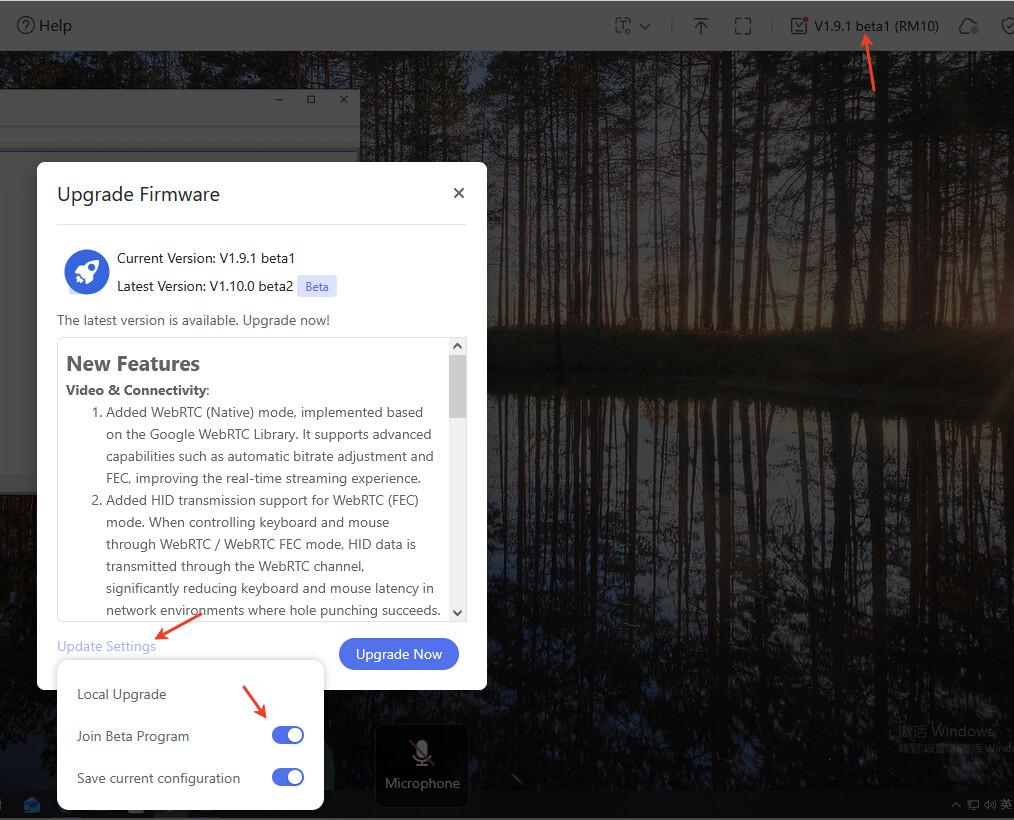
Beta 2 firmware has been released for the RM1 and RM10. Firmware updates for the other models will follow over the next two weeks.
New Features
Video & Connectivity:
Added WebRTC (Native) mode, implemented based on the Google WebRTC Library. It supports advanced capabilities such as automatic bitrate adjustment and FEC, improving the real-time streaming experience.
Added HID transmission support for WebRTC (FEC) mode. When controlling keyboard and mouse through WebRTC / WebRTC FEC mode, HID data is transmitted through the WebRTC channel, significantly reducing keyboard and mouse latency in network environments where hole punching succeeds.
Added a WebRTC data dashboard, displaying key metrics such as network latency, jitter, packet loss rate, bitrate, frame rate, and playback latency to help diagnose network and video performance.
Device Capabilities:
Added Camera support for RM10, RM1PE, RM10RC, RM4PE, and RM1V2. This feature is currently marked as Beta.
Added unified USB virtual device management for centralized management of related device capabilities.
Web Interface:
Integrated the settings module into the Web interface and added configuration options including custom browser tab name, fullscreen toolbar visibility, and bottom status bar visibility controls.
Improvements
Startup Performance:
Optimized the startup speed of RM1 / RMQ1, reducing device startup wait time.
Security & Authentication:
Updated the initialization password requirements: passwords must now be at least 10 characters long and contain at least two different character types, improving initial setup security.
Bug Fixes
Fixed the microphone popping noise issue reported by some users.
Fixed an issue where the microphone could sometimes become unavailable.
Know issue
Switching between WebRTC (Native) mode and other modes may cause the main application to crash, requiring a restart.
WebRTC (FEC) mode may take longer to establish a connection.
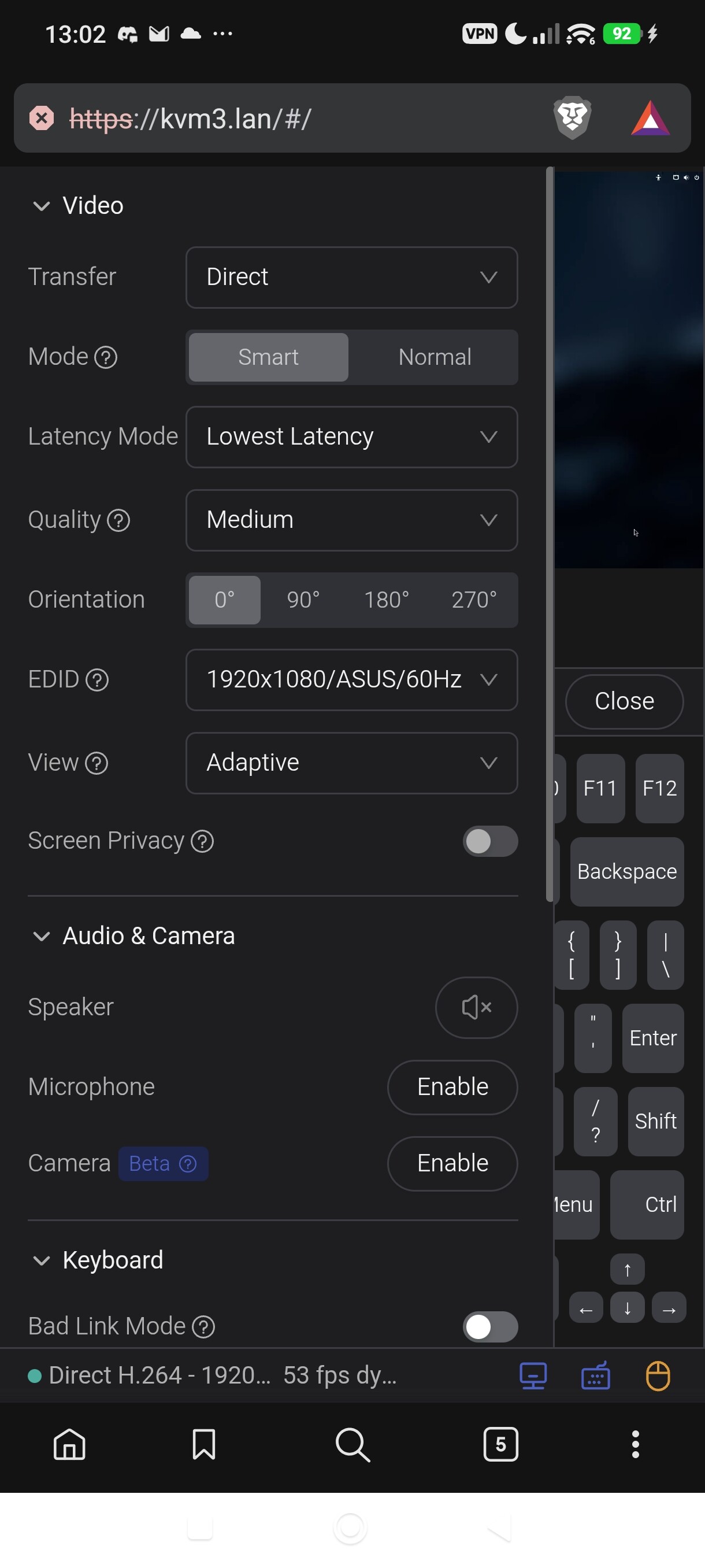
The hamburger menu disappears on brave mobile once the keyboard was toggled, this becomes very unusable when someone tries to use the keyboard feature to use the arrow keys for grub, and then opening clipboard function for veracrypt boot screen.
Edit:
Also I did reset my kvm, because my atx controller does not want to follow signal since the updates, it still works, but the kvm does not report the system active or off, this is since 1.9.1 on comet pro.
In this version, we have modified the keyboard and mouse events to be transmitted via WebRTC by default. The advantage of this is that if your WebRTC hole punching succeeds, your keyboard and mouse latency should be significantly reduced. The downside is that if the WebRTC connection fails to establish properly, it may cause some issues.
Theoretically, if the WebRTC connection fails to establish, it should fall back to transmitting keyboard and mouse events via WebSocket.
Im using Teams daily - sound and video through kvm works perfectly.
Im doing daily stand-ups via kvm and haven’t see any issues so far (setup is PC Laptop → GL-RM10 → Mac mini)
 How is it ? Any feedback would be greatly appreciated !