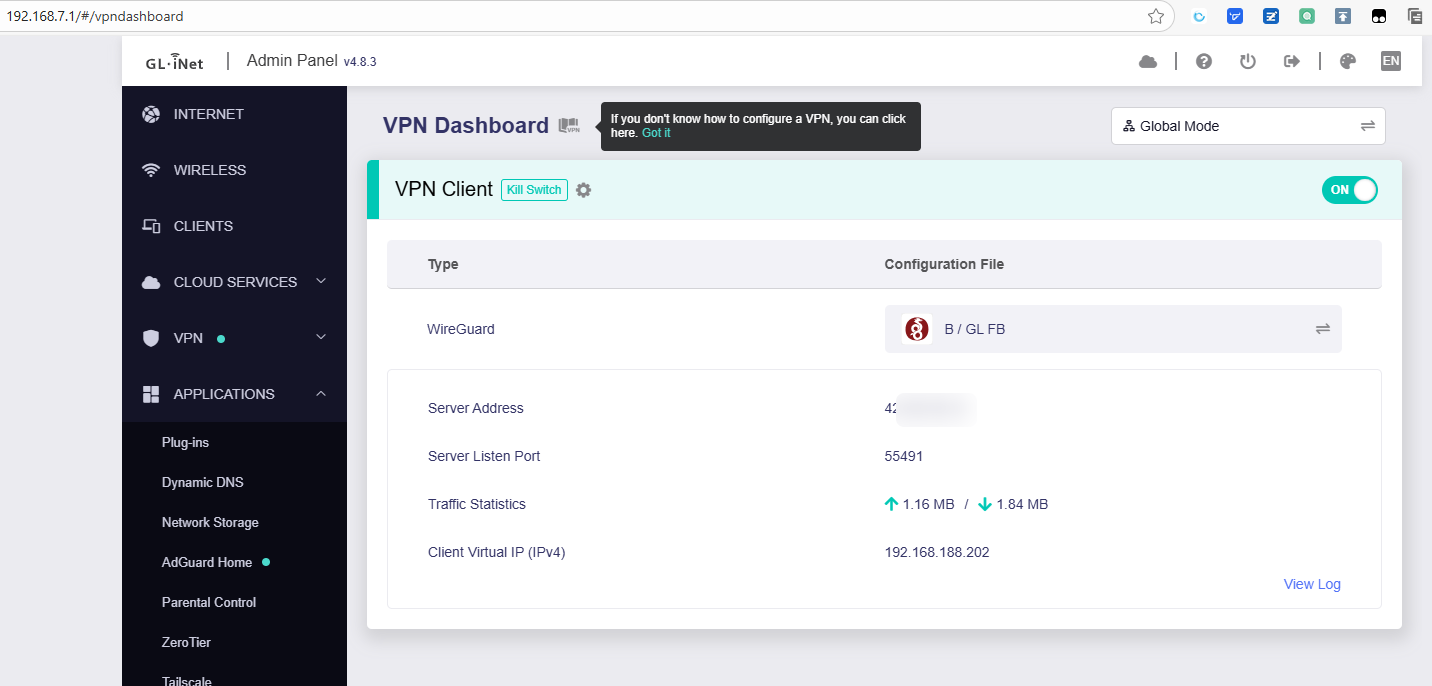
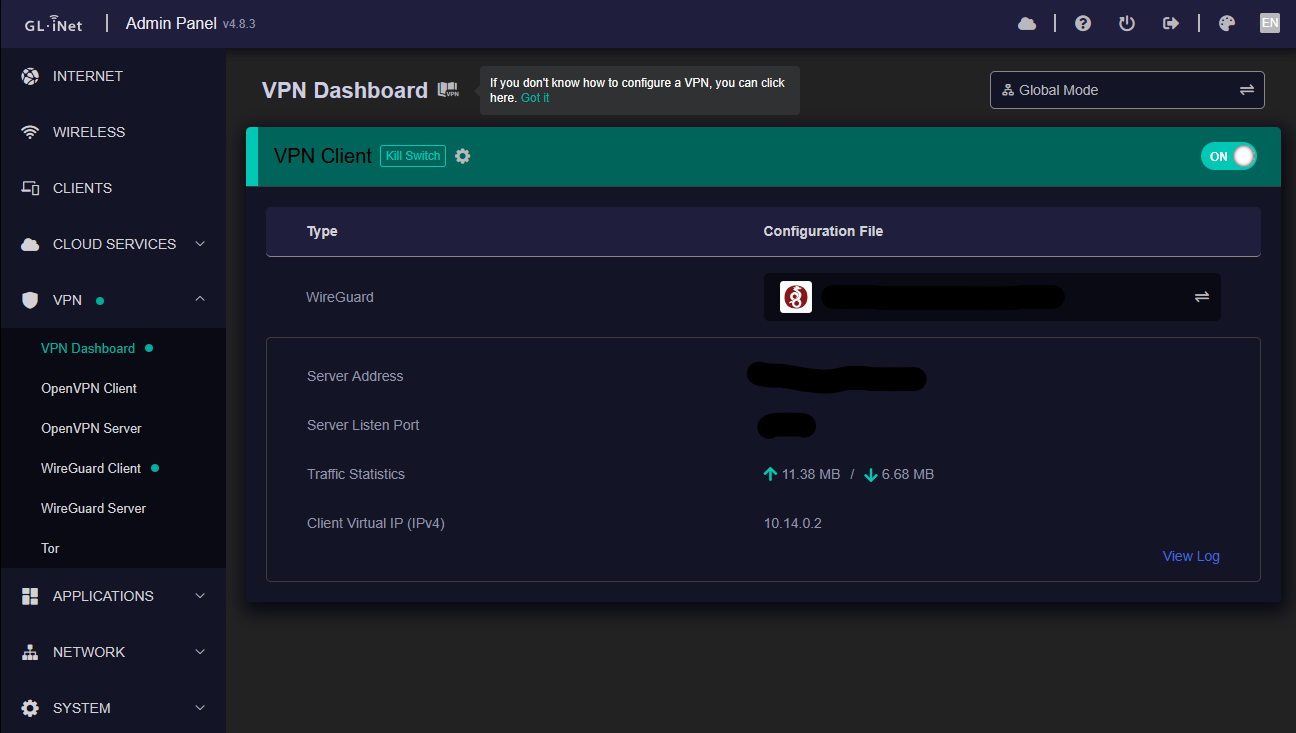
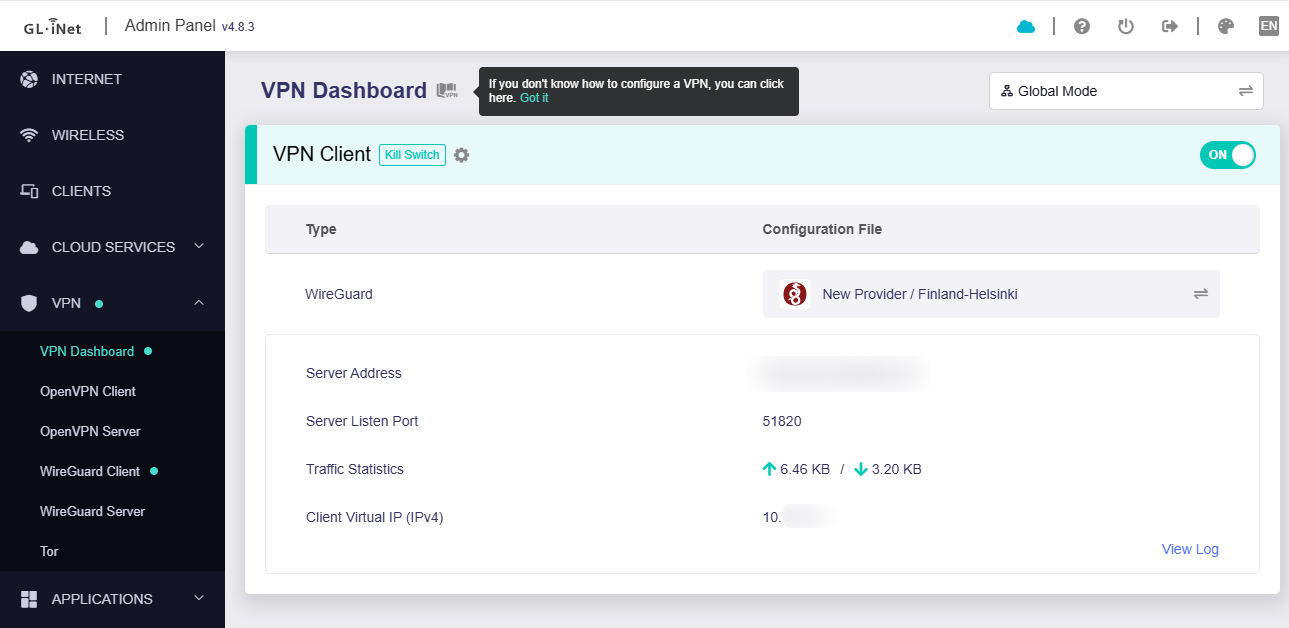
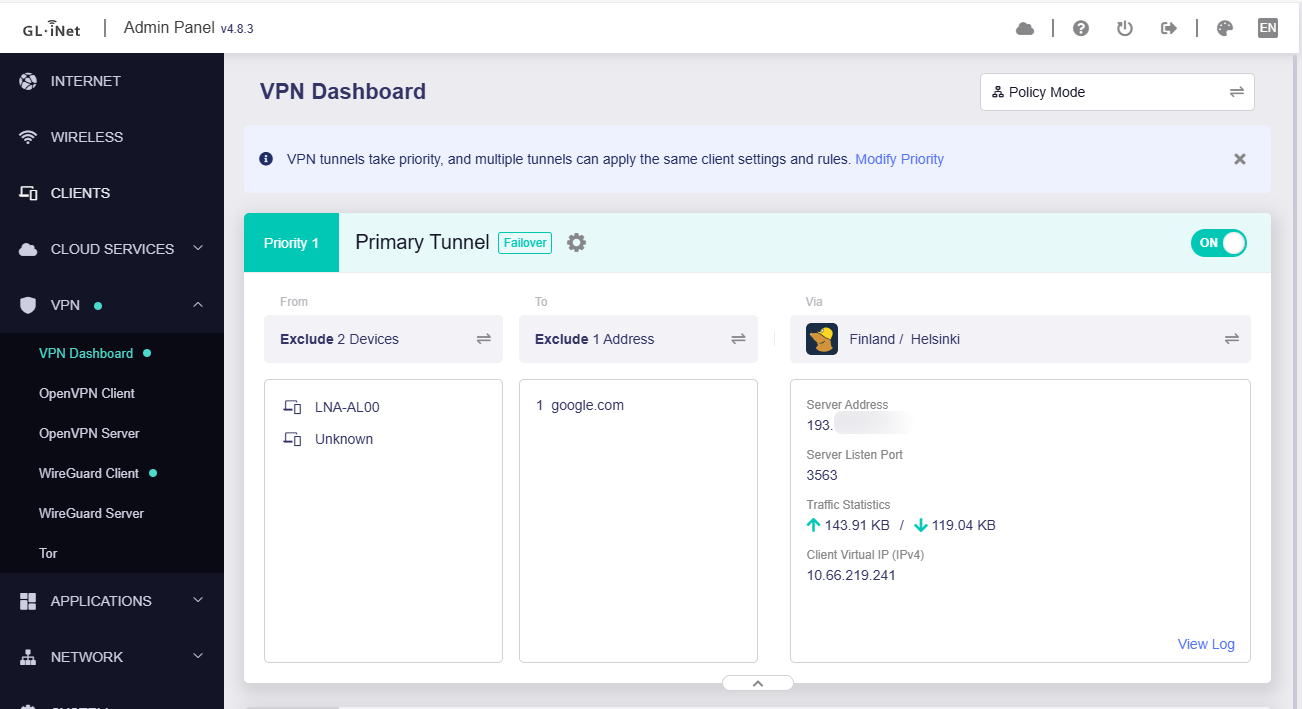
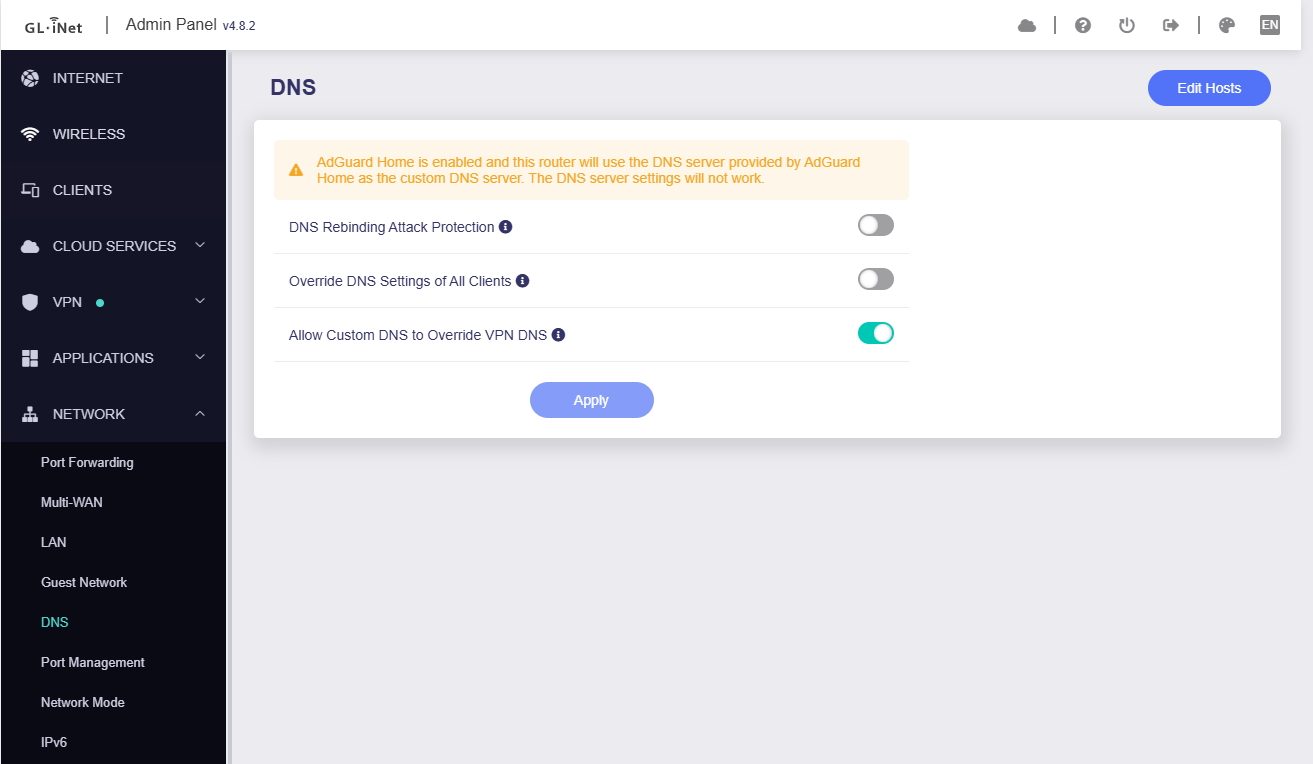
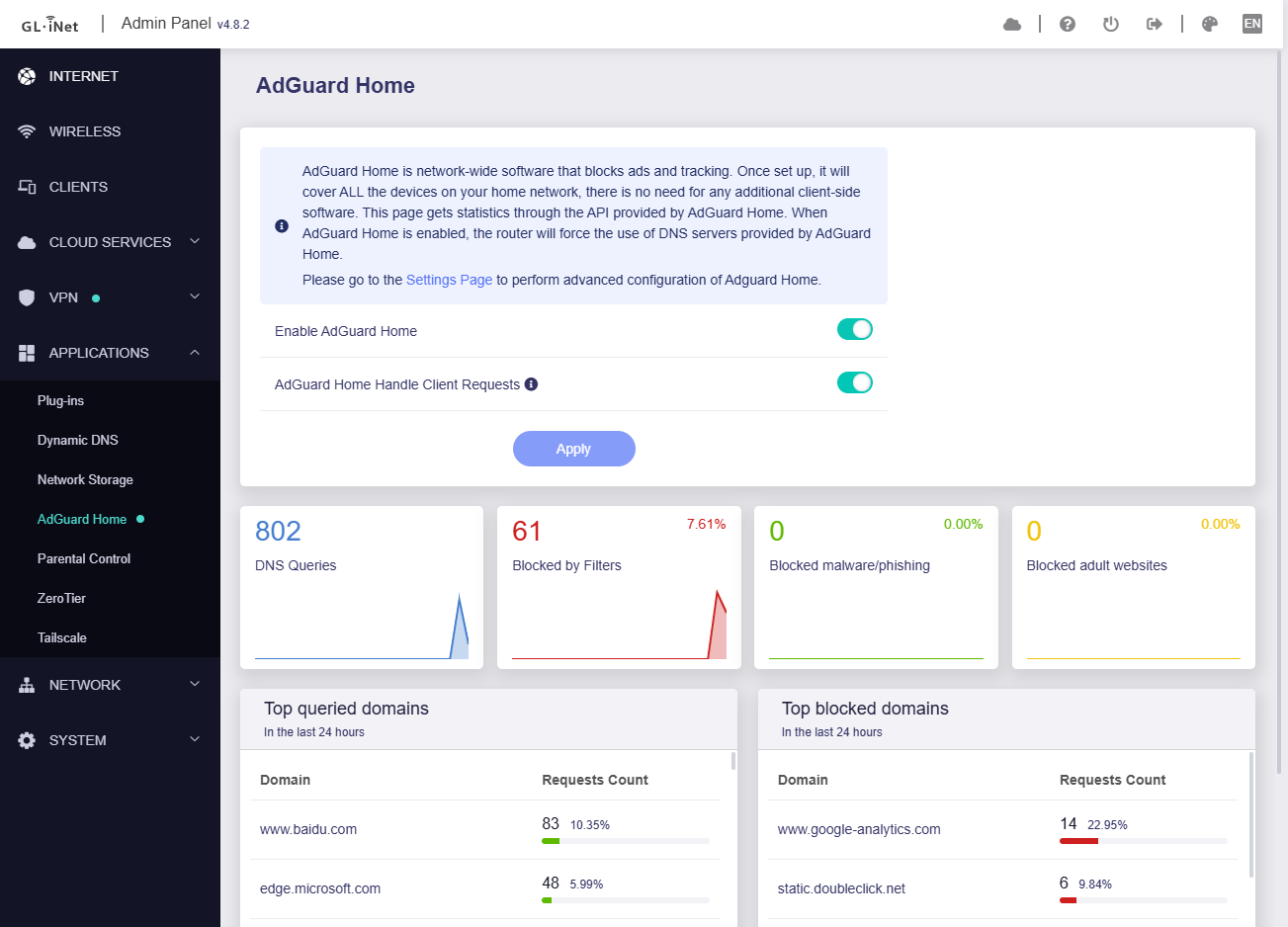
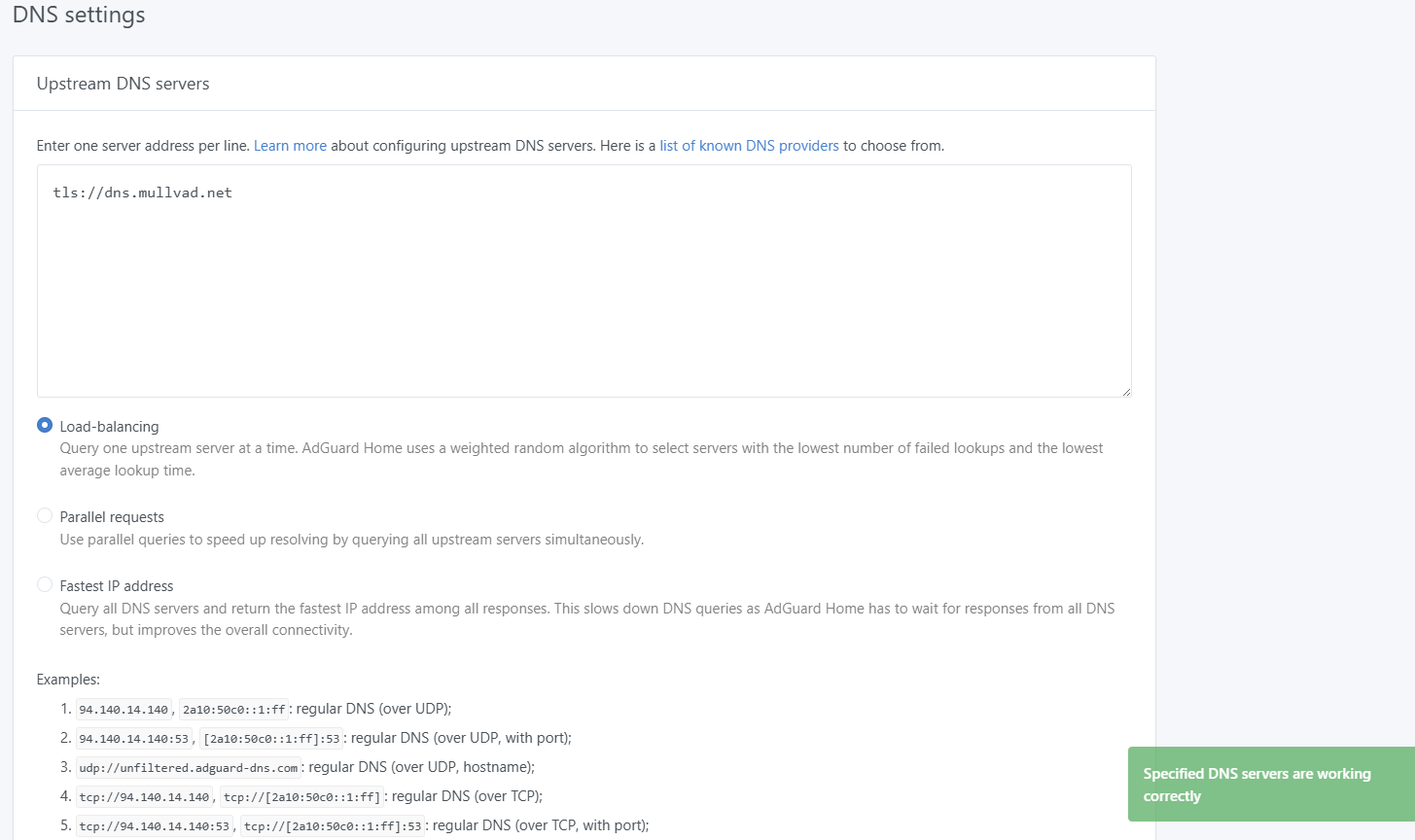
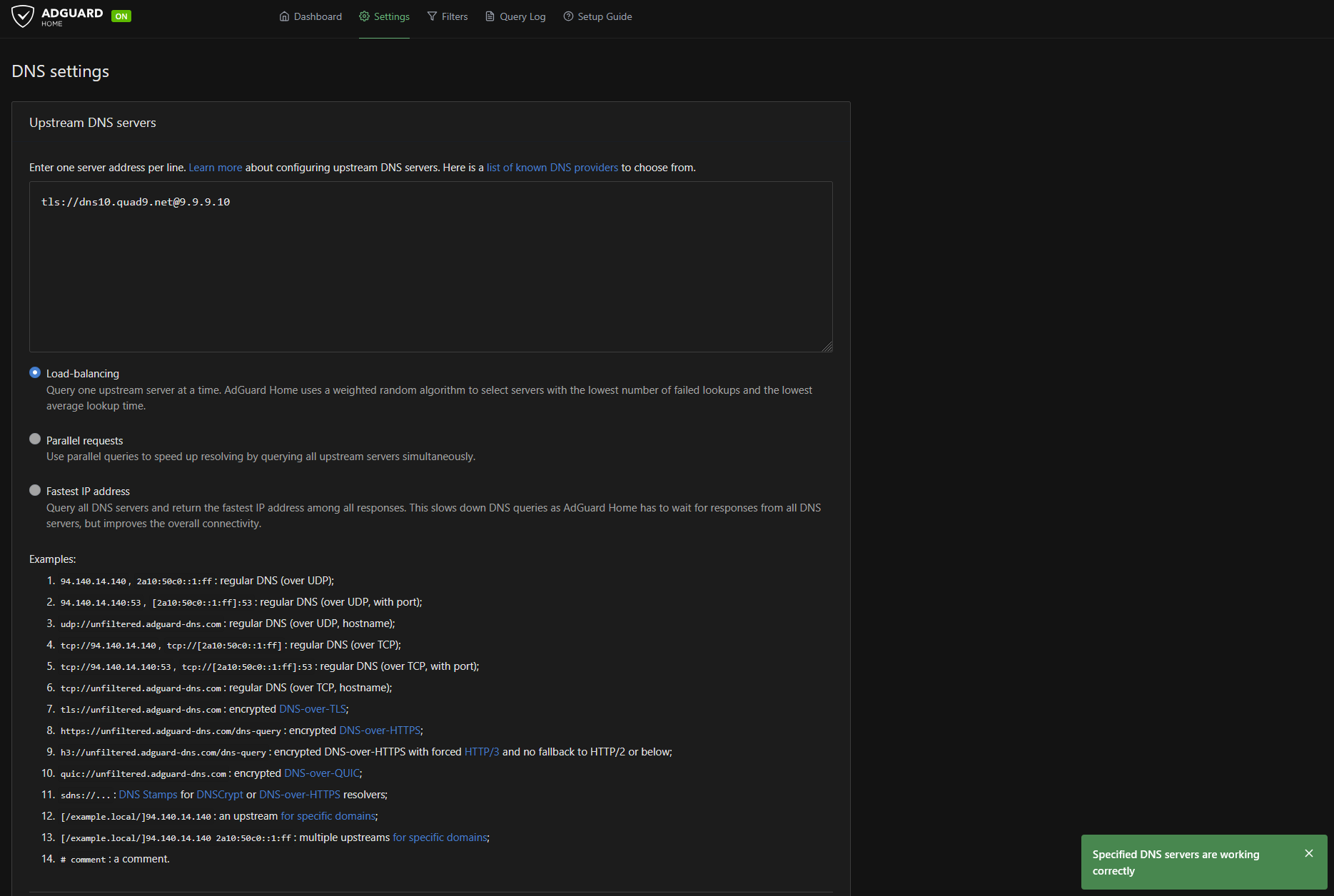
I’m running a WireGuard VPN + AdGuard Home on my GL-MT6000 and after the 4.8.2 update I lost connection to the internet. The update was done with “keep settings” option enabled while the VPN was running. Resetting the router didn’t helped.
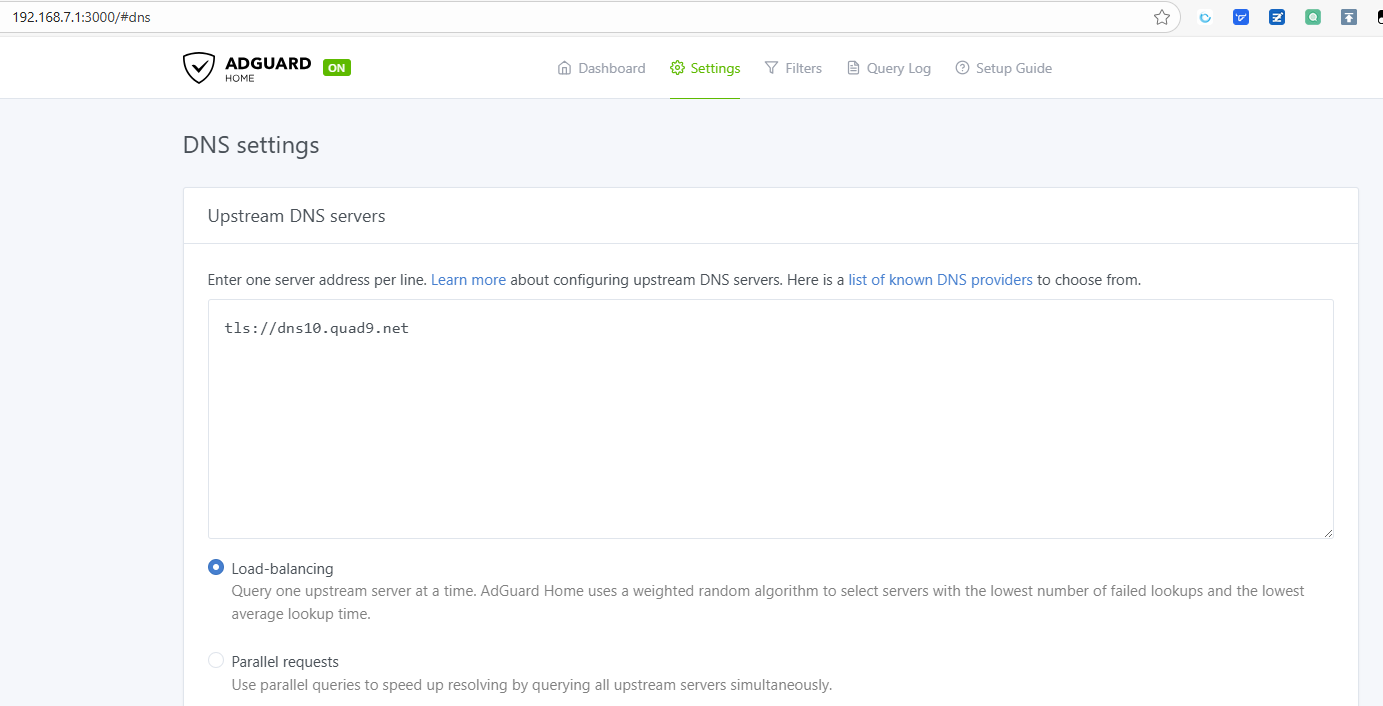
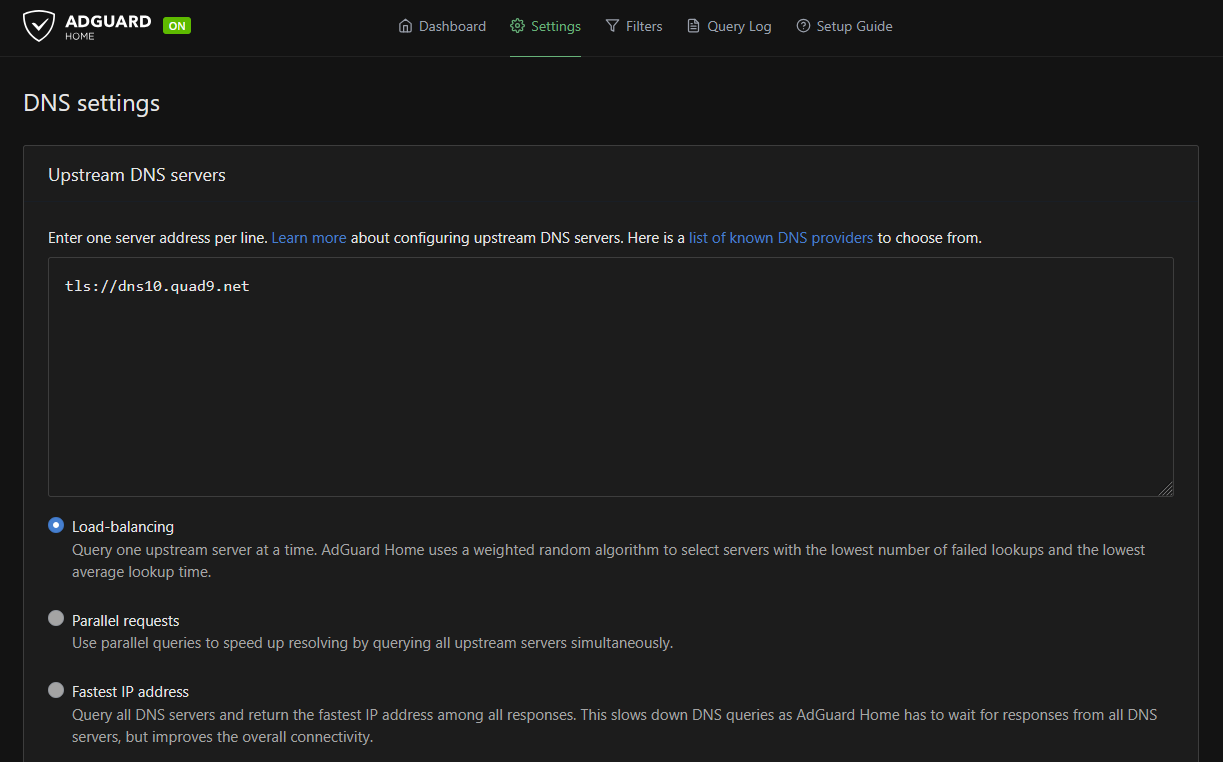
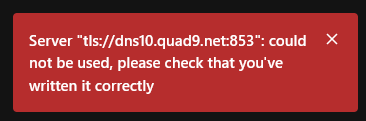
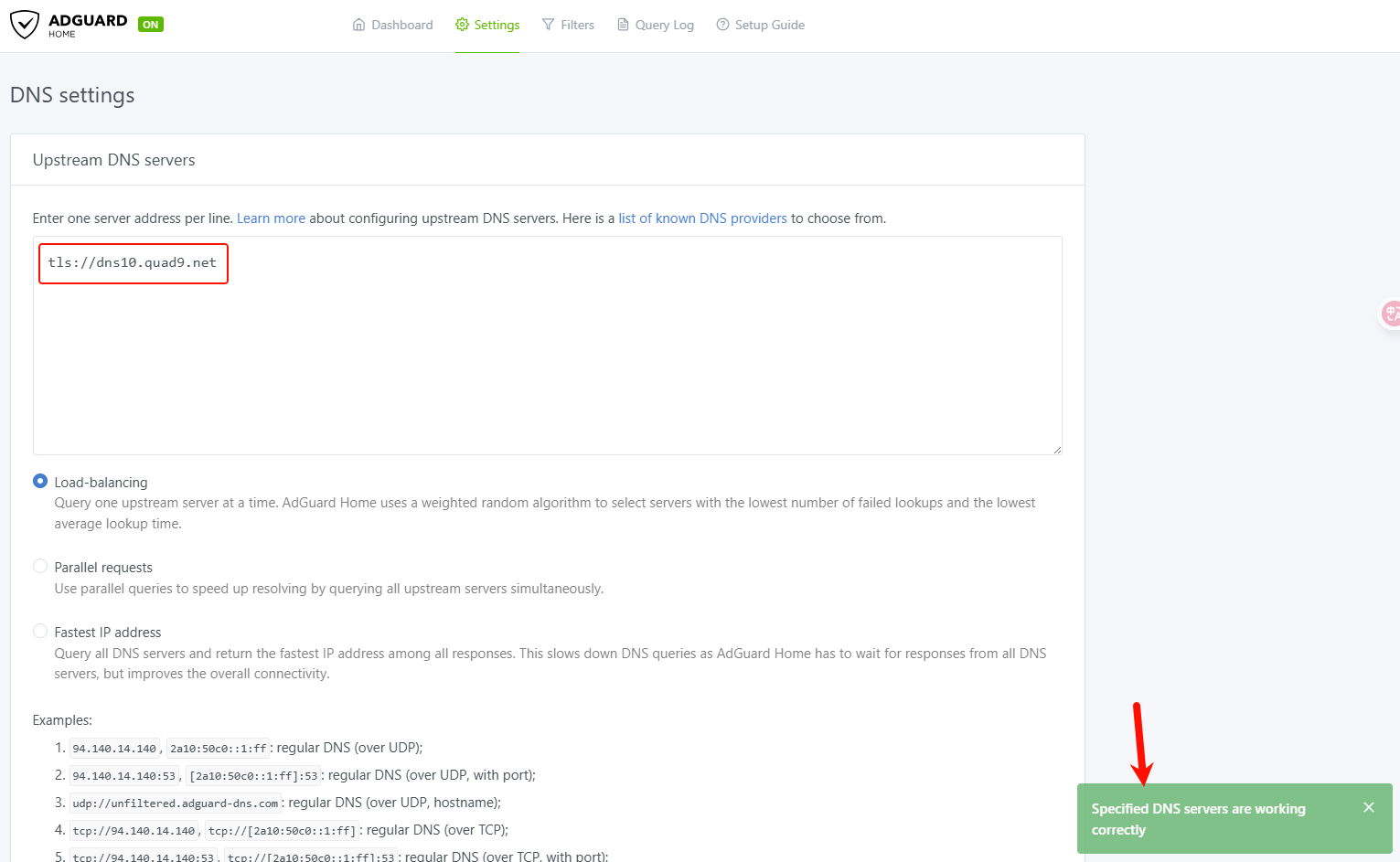
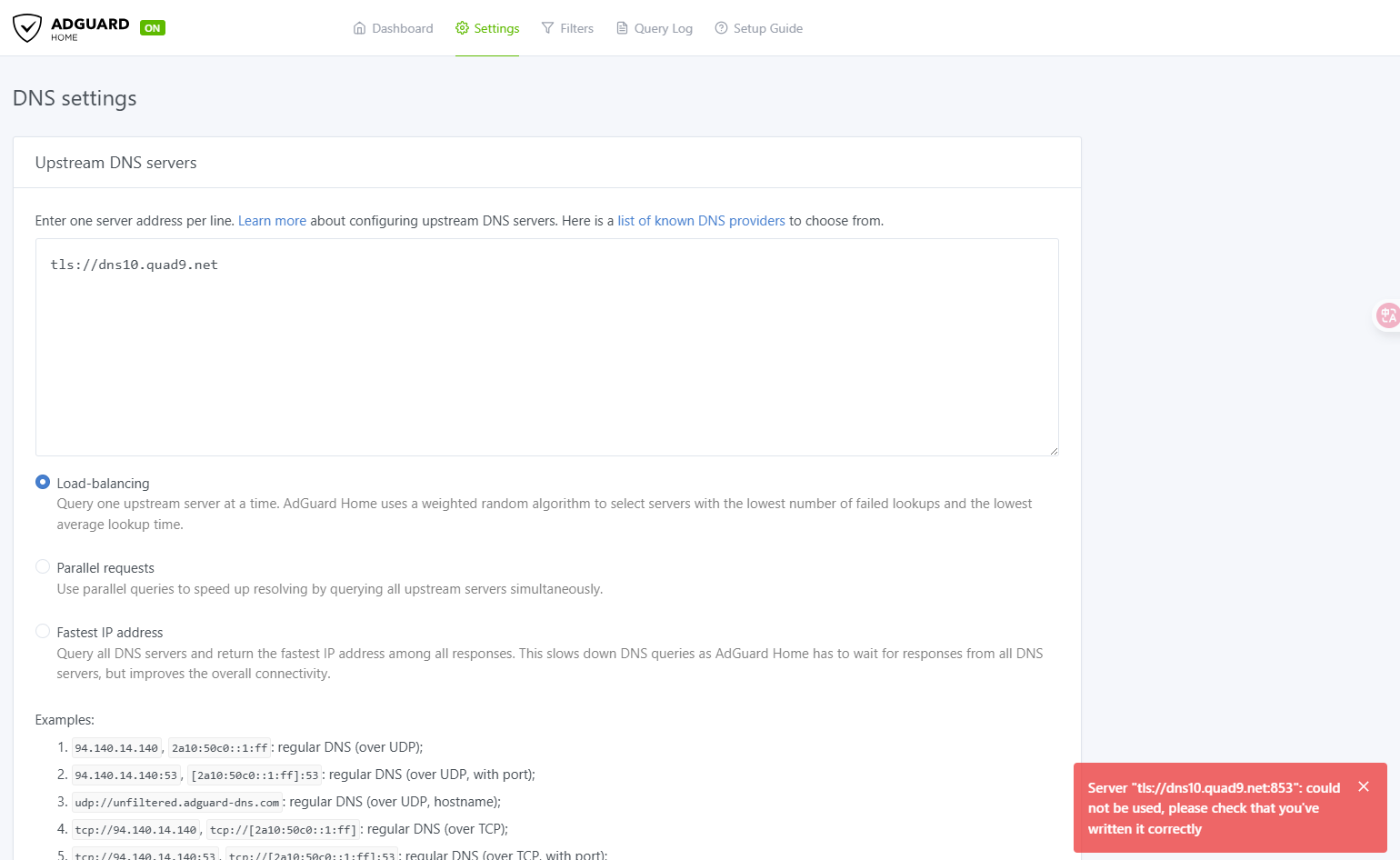
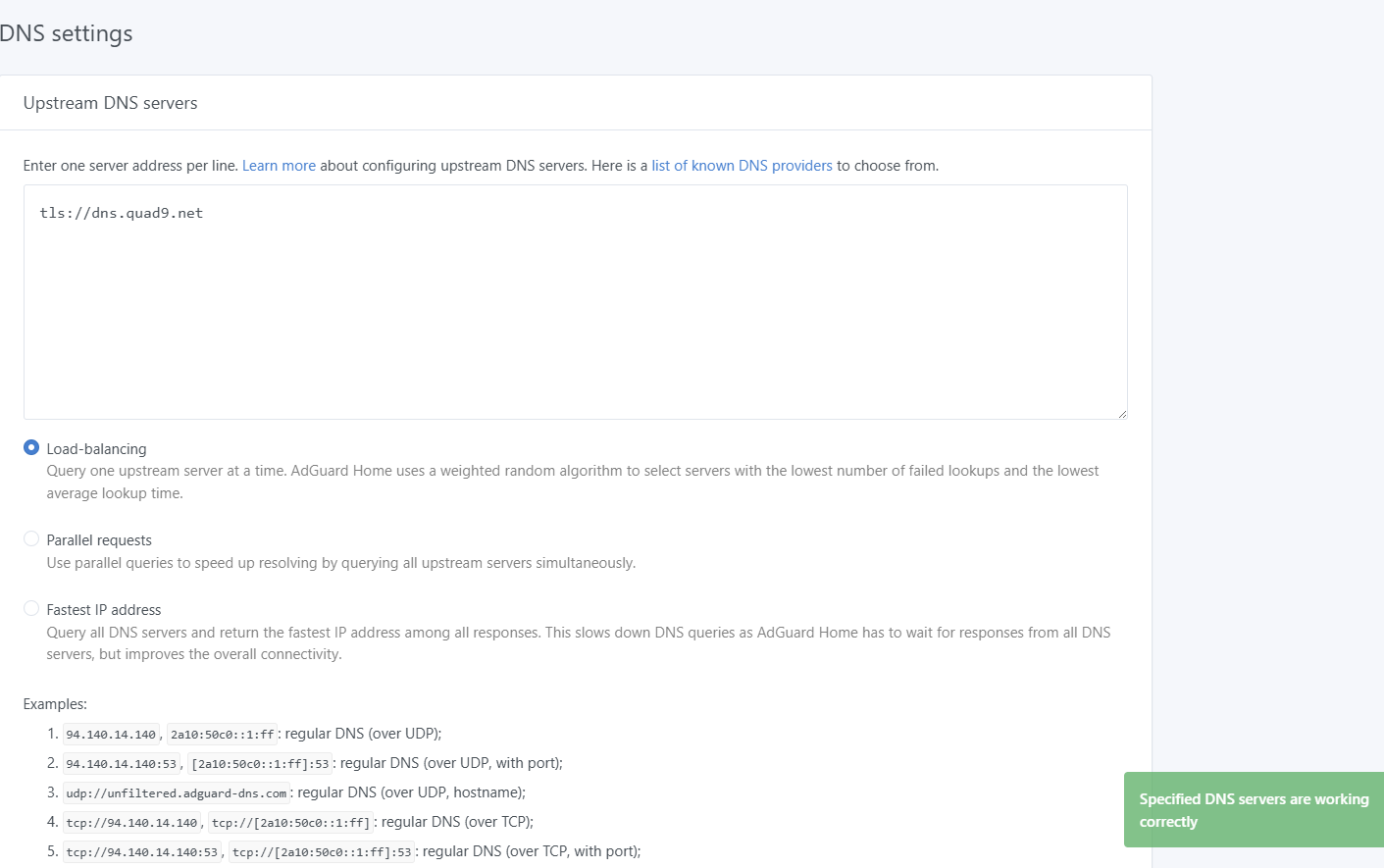
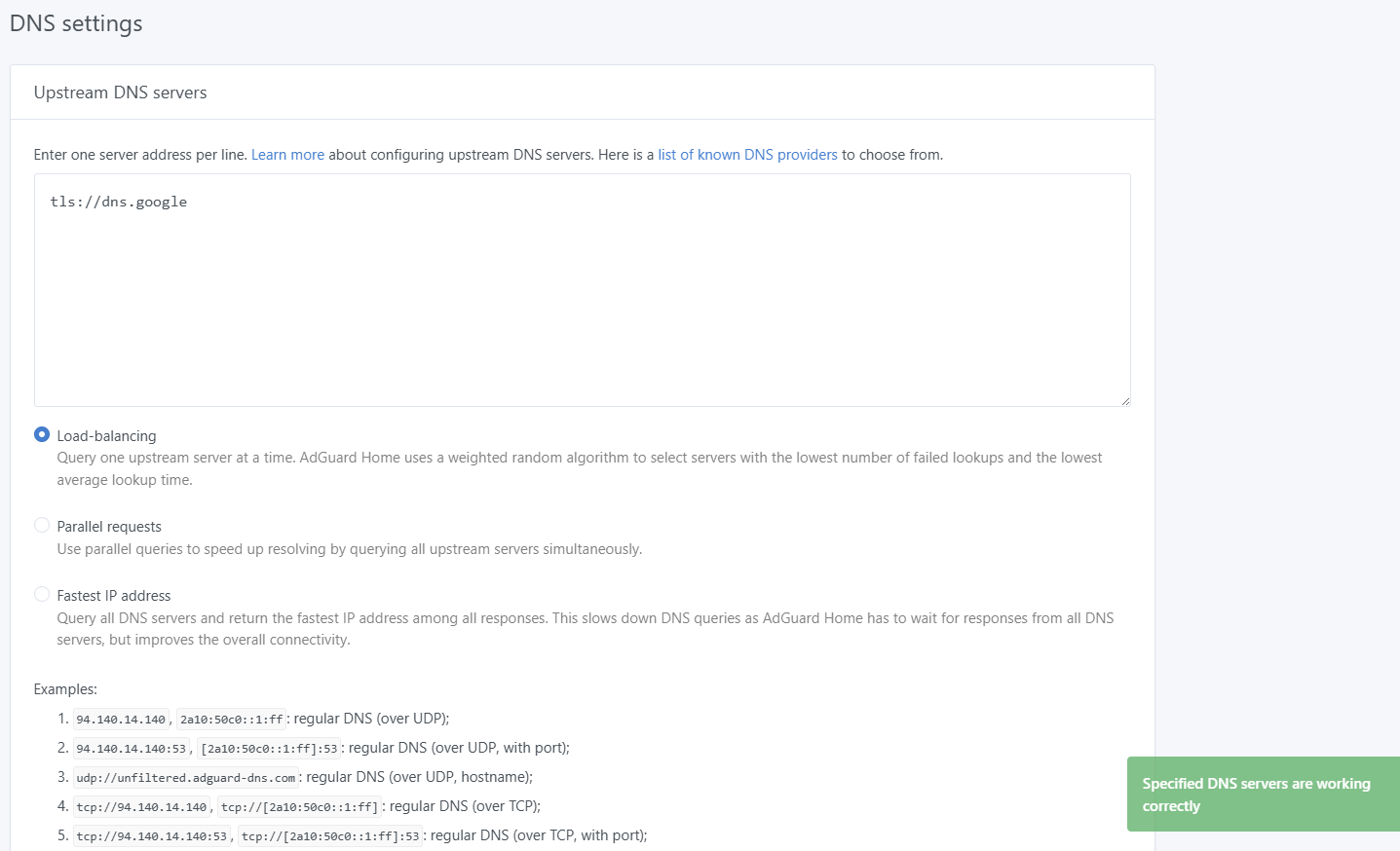
Upon checking the connectivity issue I found out that AdGuard Home could not connect to the upstream DNS. I use the DoT as follows “tls://dns10.quad9.net@9.9.9.10“
Reinstalling 4.7.7 version fixes the issue. Also, if I disconnect from a VPN on 4.8.2 it also fixes the issue.
I’ve tried every possible VPN setting on 4.8.2 without any luck.
Anyone else encountered this? Should this be reported as a bug?
Yes. WireGuard connects normally. If I were to set upstream DNS like 9.9.9.10 in AdGuard Home, everything works and I have an internet connection. The issue occurs only when I try to use DoT on AdGuard Home while WireGuard VPN is running…
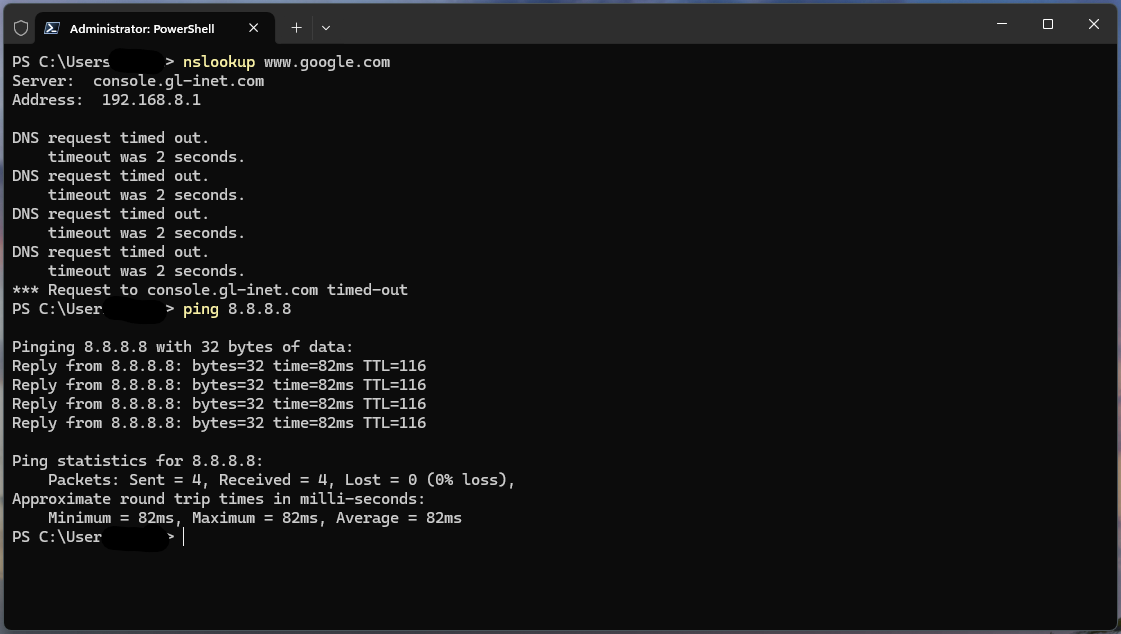
Also, I haven’t pointed this part in my original post but, if I set DoT in AdGuard Home and WireGuard is connected, I’m able to ping 1.1.1.1 or any other IP in terminal but I can’t browse websites and if I’m connected to a Wi-Fi on my phone, apps that require an internet connection won’t load.
C:\Users\itwuh>nslookup www.google.com
DNS request timed out.
    timeout was 2 seconds.
Server:  UnKnown
Address:  192.168.7.1

Non-authoritative answer:
Name:    www.google.com
Addresses:  2404:6800:4005:814::2004
          142.250.198.100


C:\Users\itwuh>ping www.google.com

Pinging www.google.com [142.250.198.100] with 32 bytes of data:
Reply from 142.250.198.100: bytes=32 time=17ms TTL=111
Reply from 142.250.198.100: bytes=32 time=15ms TTL=111

Ping statistics for 142.250.198.100:
    Packets: Sent = 2, Received = 2, Lost = 0 (0% loss),
Approximate round trip times in milli-seconds:
    Minimum = 15ms, Maximum = 17ms, Average = 16ms

C:\Users\itwuh>ping www.x.com

Pinging x.com [172.66.0.227] with 32 bytes of data:
Reply from 172.66.0.227: bytes=32 time=21ms TTL=56
Reply from 172.66.0.227: bytes=32 time=17ms TTL=56
Reply from 172.66.0.227: bytes=32 time=37ms TTL=56
Reply from 172.66.0.227: bytes=32 time=17ms TTL=56

Ping statistics for 172.66.0.227:
    Packets: Sent = 4, Received = 4, Lost = 0 (0% loss),
Approximate round trip times in milli-seconds:
    Minimum = 17ms, Maximum = 37ms, Average = 23ms
Please try to upgrade the firmware to v4.8.3 snapshot to test again:
Yes. In fact, DoH working in 4.7.7 / 4.8.2 / 4.8.3 where as the DoT was working only on 4.7.7 but NOT working on 4.8.2 / 4.8.3 (even after complete router reset).
GoodCloud turned on. I’ve sent you the info you requested.
I'm quite sure that VPN is not the cause based on the fact that in v4.7.7 DoT working just fine with the same WireGuard config file and same AdGuard Home settings.
Tried it again and just as before, v4.7.7 - WireGuard + AdGuard Home Dot working just fine. Updated to v4.8.2 without keeping settings and DoT is not working, only regular DNS or DoH.
I'm quite sure that the issue has nothing to do with a VPN provider considering the fact that everything is working on older firmware version with same settings (VPN + AdGuard Home + DoT) and the issue occur immediately upon updating to newer firmware version, I don't see any reasons other than firmware related issue. In addition, I encountered some other threads on the forum in which users with similar setups and same router models that also updated from v4.7.7 to v4.8.2 ended up experiencing connectivity issues after the update.
I think that at this point it's pretty safe to say that the issue related to v4.8.2 firmware (update).
In my case, as of now, it's something I can live with. I just switched to DoH as an alternative running v4.8.2 firmware, but it still wrong to not be able to use all of the provided features of the product and be forced to use alternatives. I can only hope that this issue will be investigated and fixed in future updates.
Upon further testing I can confirm that the DoT (853 port) issue has nothing to do with a specific VPN provider that I’m using nor with my ISP.
The issue caused by the 4.8.2 firmware (update) especially taking into account the fact that 4.8.2 update has significantly redone/updated the VPN section. Just as I posted earlier, DoT woks fine when VPN disconnected.
I tried to change many third-party VPN service providers and GL router VPN server to test locally, and ADG DoT DNS works property.
We can't reproduce this issue.
Last time in GoodCloud remote to your router to check, I also imported my WG VPN profile to your router, making it connect to another WG server, and the ADG DoT DNS is also working property.
What is the name of your VPN service provider? I will try to check out with its VPN profile.
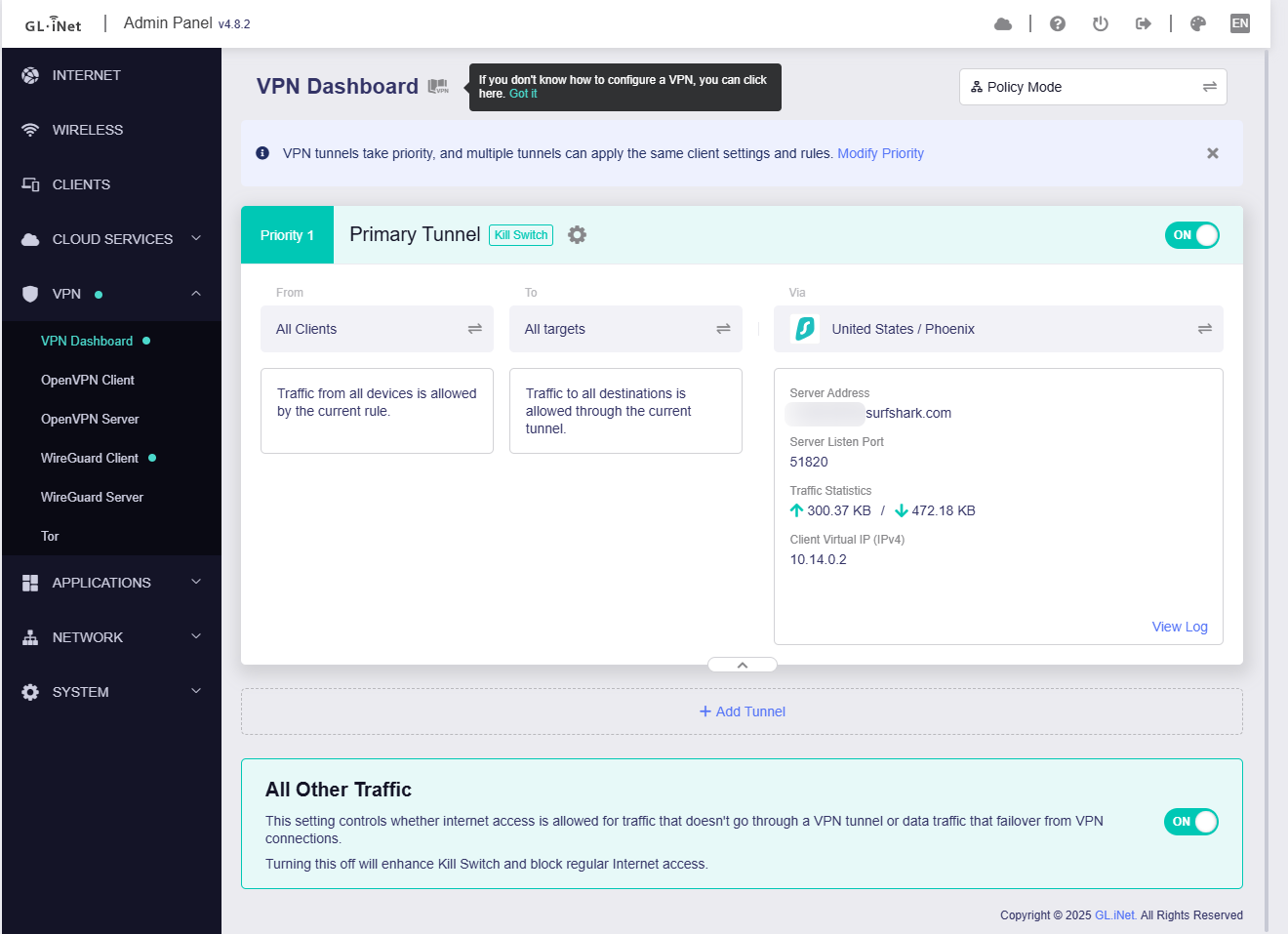
I’m using Surfshark VPN, although I can’t think of any reason for VPN to be the cause of the issue because same VPN (same config file) DoT working fine on 4.7.7…
Anyway, I’ll be happy if you could test this on your end and let me know.
Ok, so I can finally confirm that the DoT issue has been resolved in my case!
It has been fixed after I upgraded to 4.8.3 firmware that was released like a week ago, although there was a strange bug during the update. I'll describe my upgrade process step by step for those that are interested, hopefully it'll help someone fix similar issues.
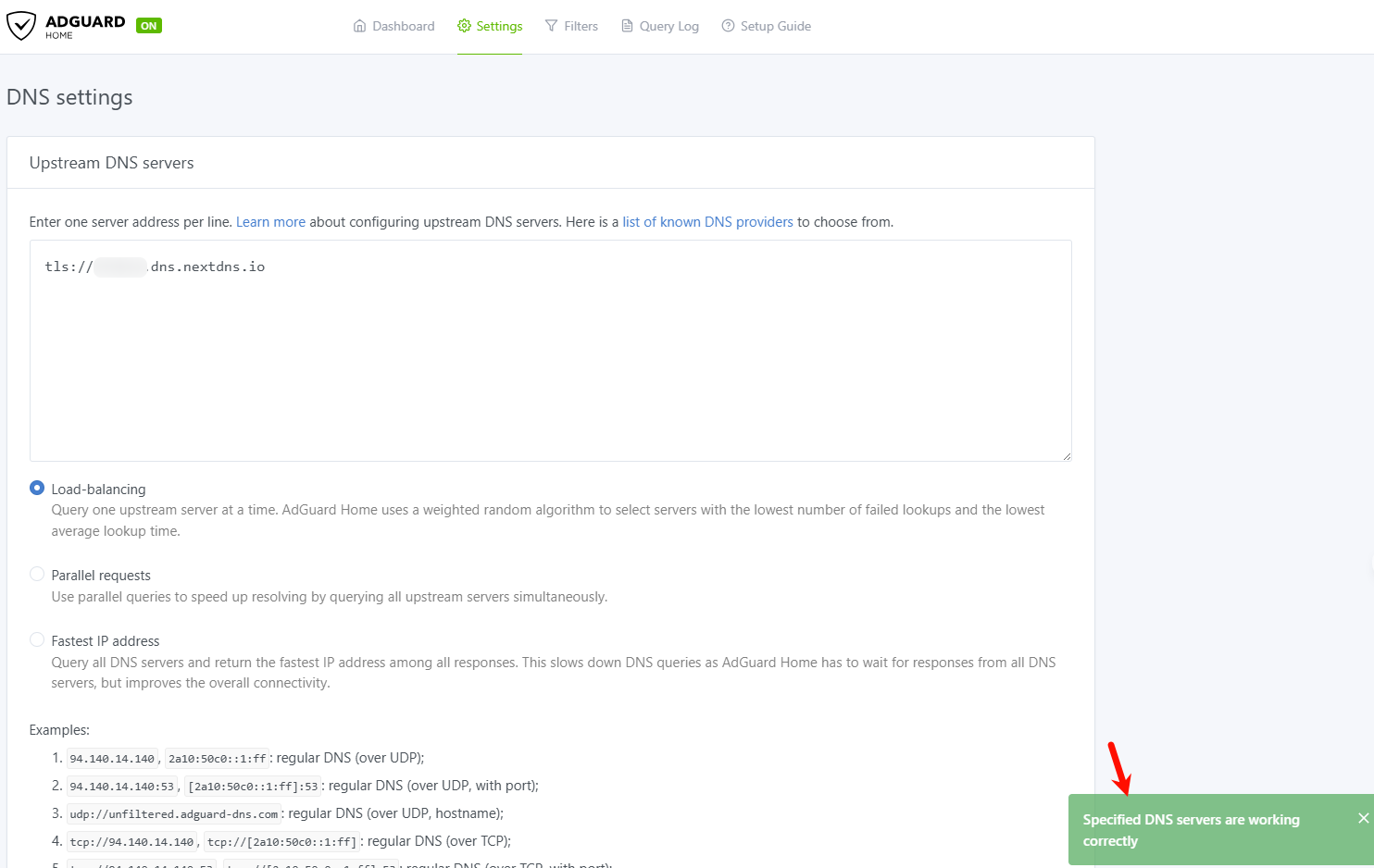
I have turned off the VPN, removed all WireGuard .conf files and also turned off the AdGuard Home before upgrading. I've upgraded the router from the System > Upgrade menu. After I logged back in I wanted to check whether the DoT issue got fixed, I found that now my AdGuard Home upstream DNS also gave an error on DoH! The AdGuard Home was turned off during the upgrade but it kept it's setting untouched so upstream DNS had same DoH setting that was working on 4.8.2 version.So, I just ended up resetting the router from System > Reset firmware > Delete all and reboot (the reset was done running the 4.8.3 firmware). After the reset was complete, I connected to my ISP and went straight to AdGuard Home to check. This time the DoT worked! At this point I realized that I haven't connected to a VPN yet so I uploaded my WireGuard .conf file and connected to the VPN. I went back to check the AGH upstream DNS which was still set to DoT and it was working just fine even with a VPN connected!
Some might say that the issue had something to do with me not upgrading to 4.8.2 correctly in the first place (since the issue appeared after the 4.8.2 upgrade) but, you can trust me, I have spent a lot of time and tried every possible combination with the 4.8.2 upgrade ended up resetting my router 3-4 times and nothing worked.
The only theory (other than a faulty 4.8.2 firmware) I have for the issue to occur is when I was upgrading from 4.7.7 to 4.8.2 while my VPN was connected and AGH was running set to use DoT, and I chose to "keep settings" during the upgrade, it must have somehow stored some data in some deep cache memory or something and was interfering with same 4.8.2 version ever since... may sound silly but I can not think of anything else because nothing other than firmware was changed during the 4.7.7 to 4.8.2 and 4.8.2 to 4.8.3 upgrades.