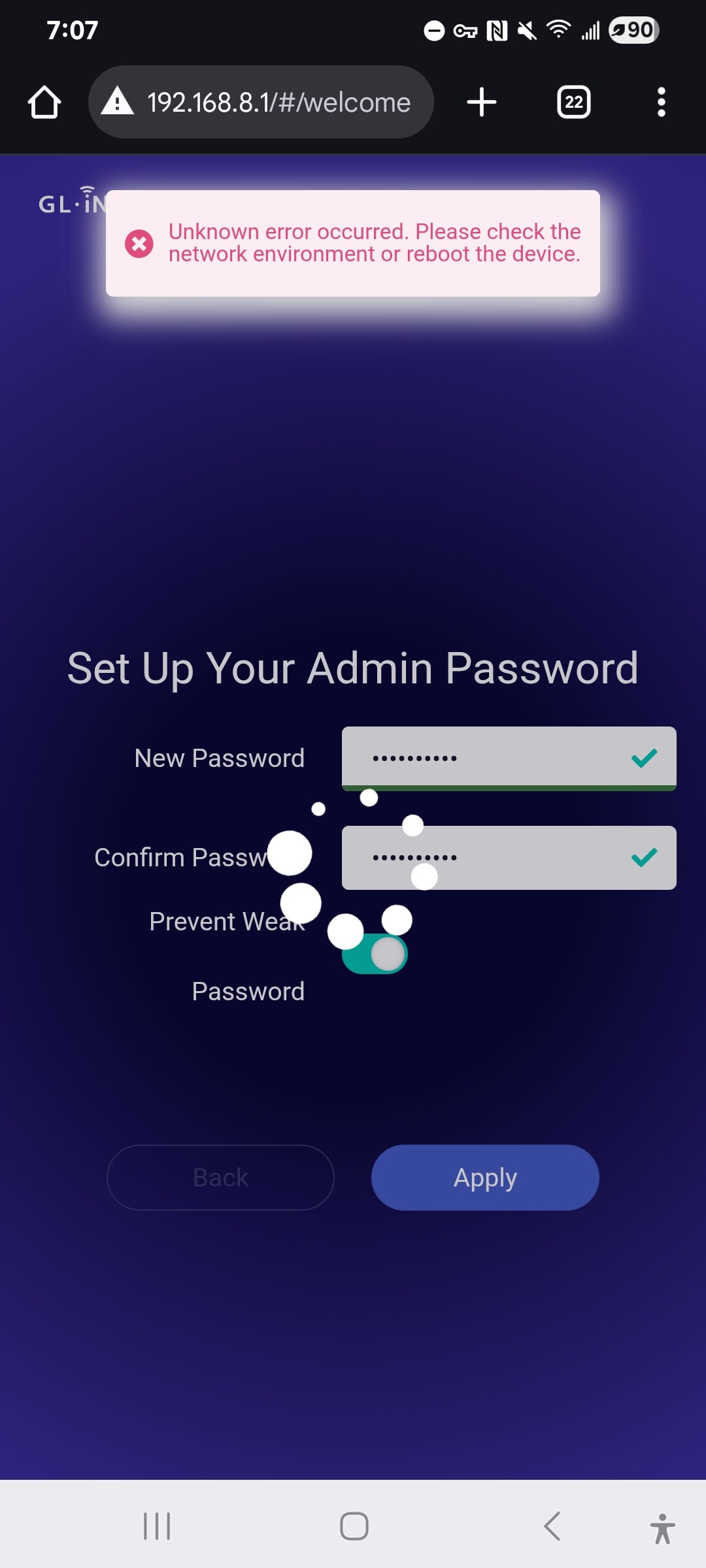
I was having major issues, so I did hard reset. During initial setup, I tried setting the initial password. Every time, I get the following error:
"Unknown error occurred. Please check the network environment or reboot the device"
Things tried with no success:
Soft reset
Unplug power, wait 10 sec, plug power back in
Edge and Chrome browser
Incognito/Private mode for each browser
Different passwords (all conform to strong password rules)
The steps from an article that provides 4 "uci set" to be run via SSH
My laptop doesn't have a LAN port, so I can only connect to the router wirelessly. Help!
Hi there, I have the same problem. Unboxed the router (Slate Plus) and during initial setup cannot go pass the new password, it keeps saying "Unknown error occurred. Please check the network environment or reboot the device". Help please
I am having this same issue. I an able to connect to the router via my cellular and receive the Language and Set New Password screens but when I enter a new password (I've tried numerous times according to the parameters) and made sure my VPN was turned off, I receive the "Unknown error occurred. Please check the network environment or reboot the device".
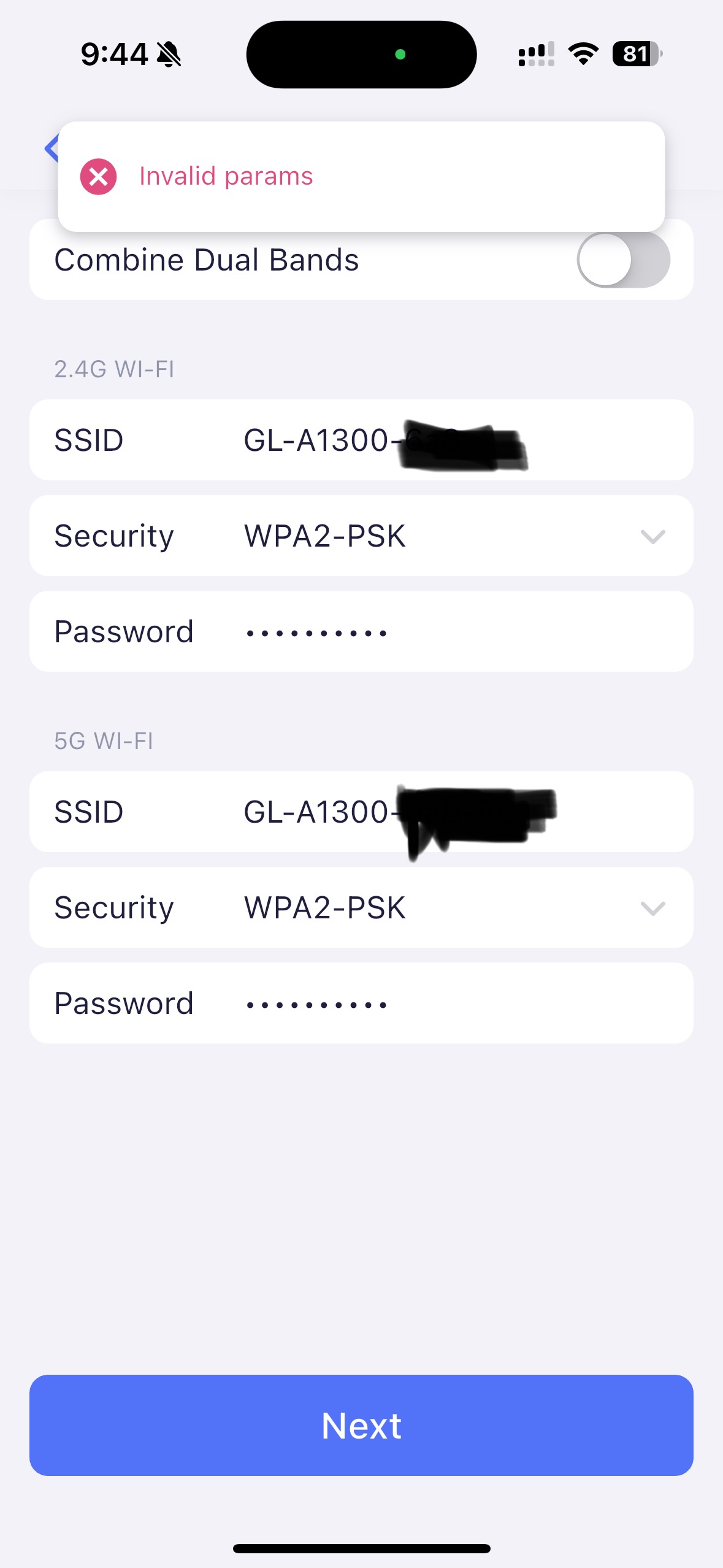
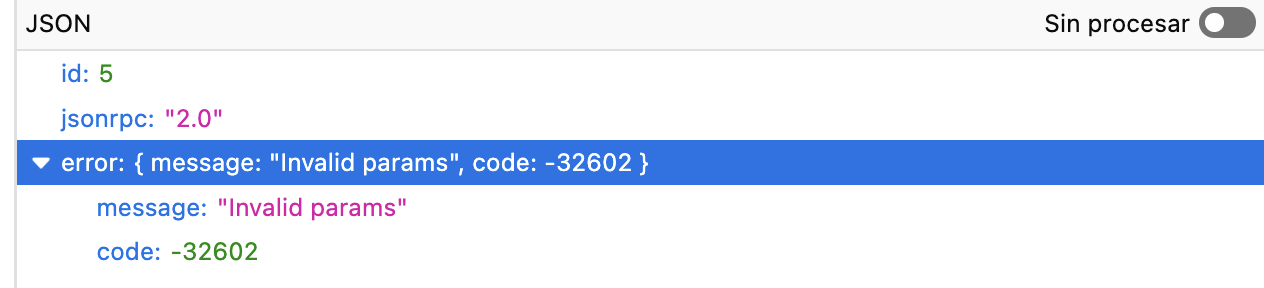
Same issue experienced here. Completed all the steps mentioned above, to include the U-Boot process to update Firmware to ver. 4.5.22-0408-1744104085. Even downloaded the GLiNet app for iOS, after entering the admin password, it moves on to setting the WiFi passwords for both networks. I left the options standard, and received the error: “Invalid params”. Looking for options other than ball-peen hammer.
After that I was able to change the password via the web interface.
Unfortunately the password wasn't the only issue. This model is horribly slow to boot up and to save any change of settings. In hindsight I guess I wasn't just waiting long enough for the password change. The web became available way faster than the feature actually is available. In similar way opening AdGuard config asked for password, but giving it ~5 min solved the issue, password was no longer necessary. I eventually figured out that for every change it's best to just leave it idling ~5 min to make sure the change was saved. In the end the router works as needed, but to be honest I won't buy it again (I already have GL-AX1800, which is basically the same but way faster, with responsive configuration web), not because it has insufficient capacity, but because of the web interface.
Thank you for your feedback!
It is true that initialization can be done through API, you are professional user.
It's strange, it's also possible that the browser's cache has affected. This issue is not reproduced on my A1300.
Because the CPU computing power of the A1300 is relatively average, and the system has many functions and large firmware files, the system startup/function operation will not be as fast as the AX1800, cause the AX1800 has a flagship-level powerful CPU.
I had this same issue after a hard reset. It persisted past the Uboot Firmware reload. The only thing that fixed it was the curl command. Thanks for that or I was about to toss it.
Same issue here. I just received a Marble router from official store and I can’t set up. I’m very disappointed at this point tbh. It’s a big issue. I have a product that I just opened from the box and I can't use it.
We do unable to reproduce this issue. We may suspect that a similar issue occurs due to browser cache or unstable connection between the client and the router.
Please try to connect the computer to the B3000 via wired cable.
Please try to open incognito page/privacy mode of your browser and visit http://192.168.8.1
As others already said, it doesn’t matter what browser you use or if you are in private mode. It also happens when using the glinet app instead of browser, with the error message “invalid params”.
I have still pending to test via Ethernet cable but as I don’t have an Ethernet cable in my computer I need to buy an adapter. I shouldn’t be doing this just for a basic configuration of a router that promises to be configurable vía wifi or app.
We are aware of the cause of this issue. The password you set contains the character !. I think it may cause an error. Please try to delete the ! and try again.
The firmware v4.5.x, passwords include with ! are not supported, R&D will update and fix this issue.