AdGuard DNS rewrites not working over VPN (wireguard)

Hello mates

I have a Flint1 with the latest firmware.

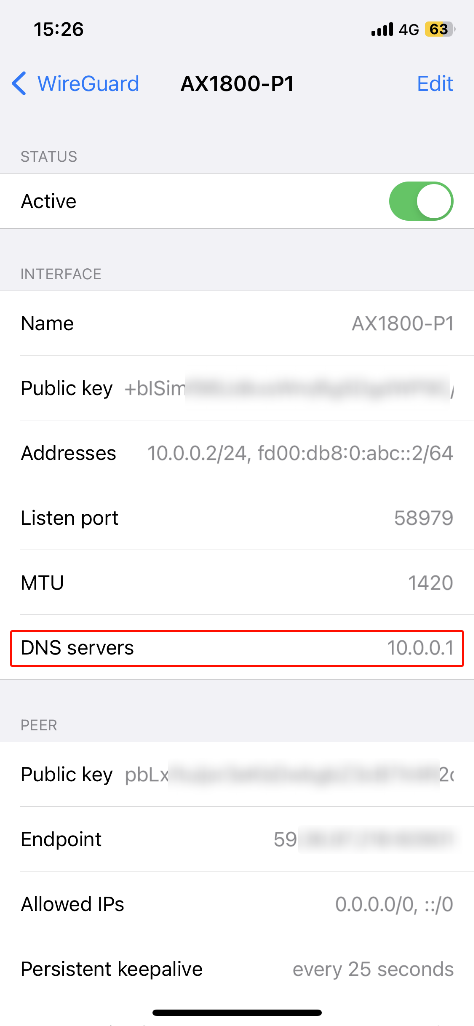
I use Adguard and it’s working great in my LAN or even if I connecetd via wireguard. (I had change the DNS value to 10.0.0.1)

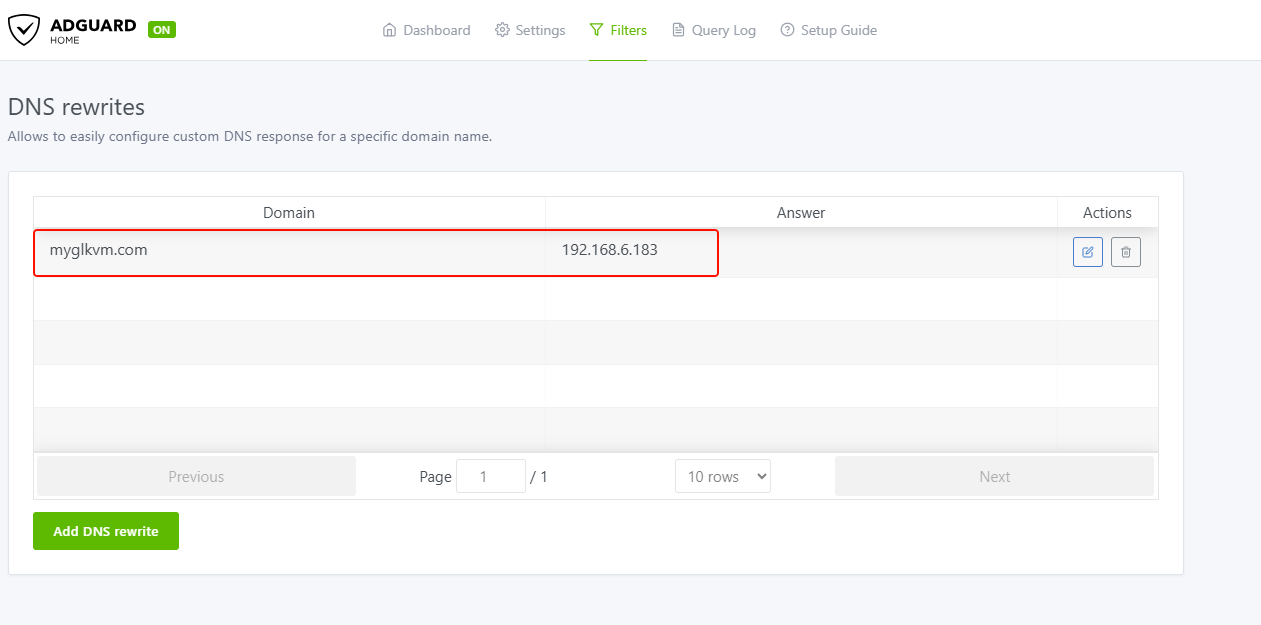
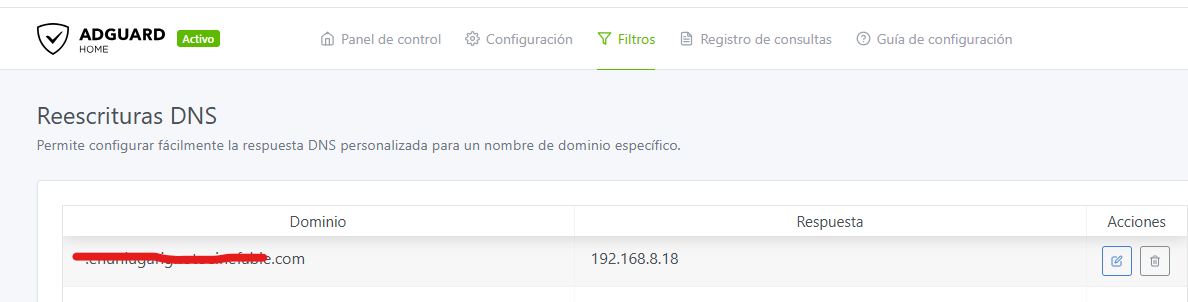
Now I’ve installed a Nextcloud wich is not published, I use it only internally but I use a domain so I’ve created a DNS rewrites in my Adguard.

I also use this methot to access internally to my other services when I’m conected to the wifi instead via public network.

mysupoercooldomain.com 192.168.8.18.

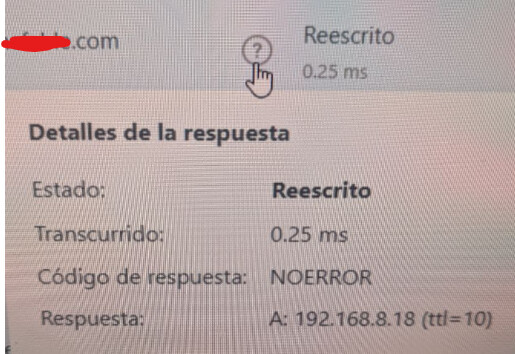
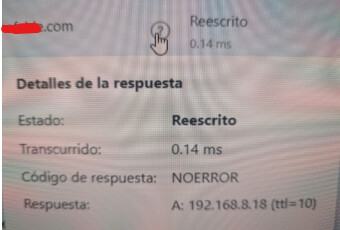
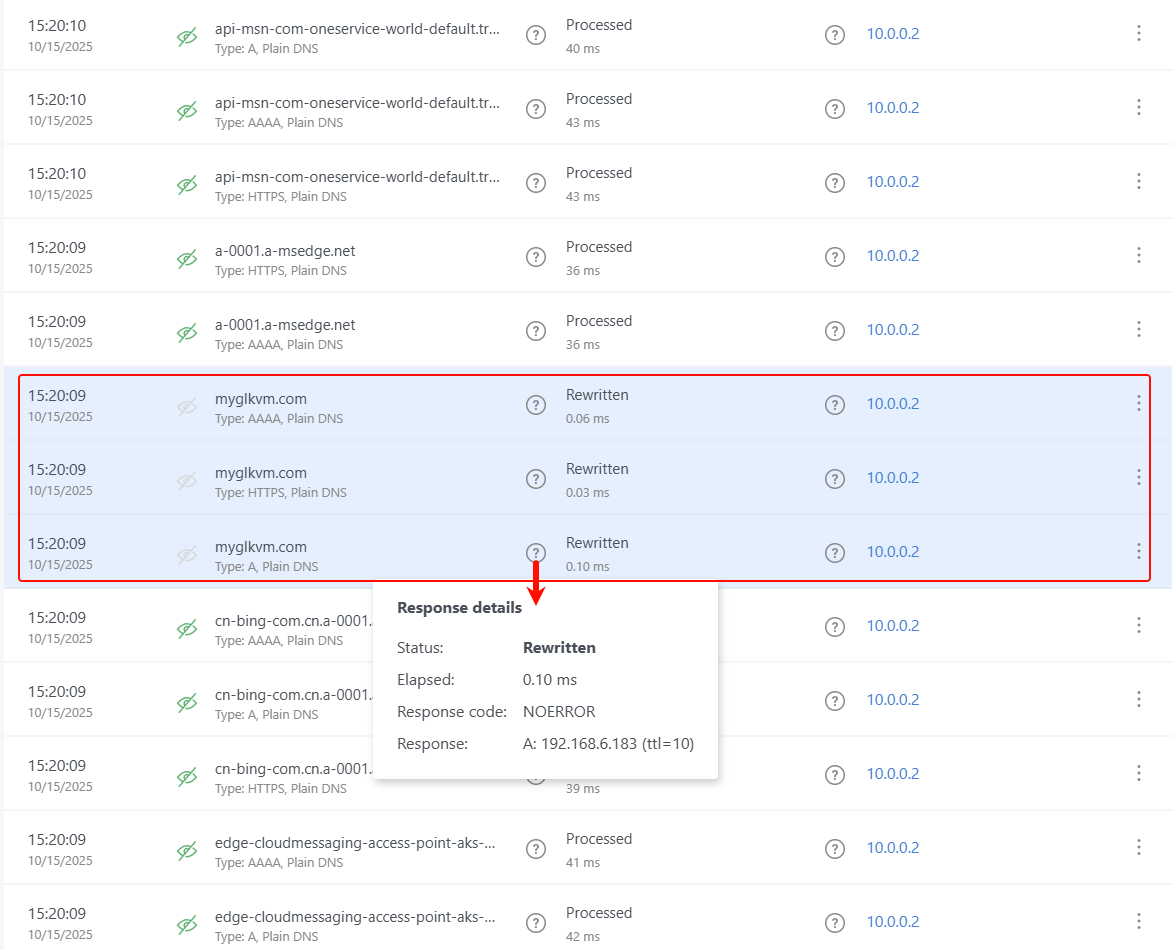
Works like a charm when I’m in the LAN, I see this in the Adguard log
image

And when I’m using VPN I get this error in my browser

DNS_PROBE_FINISHED_NXDOMAIN

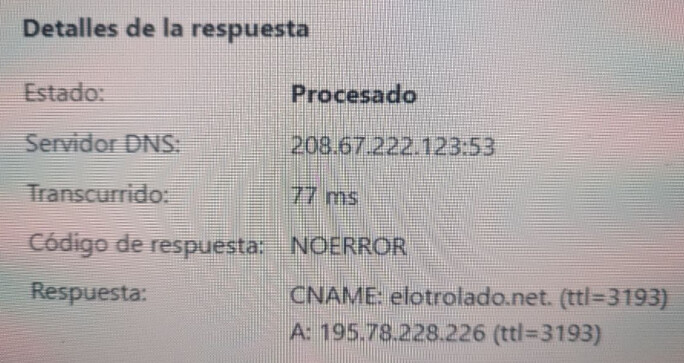
I see this (I’ve done the test using my Android Phone conected to the Flint using the official wireguard app)

When I access to a not rewrited URL

image

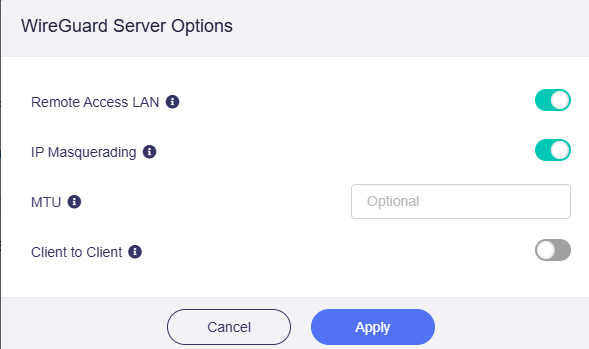
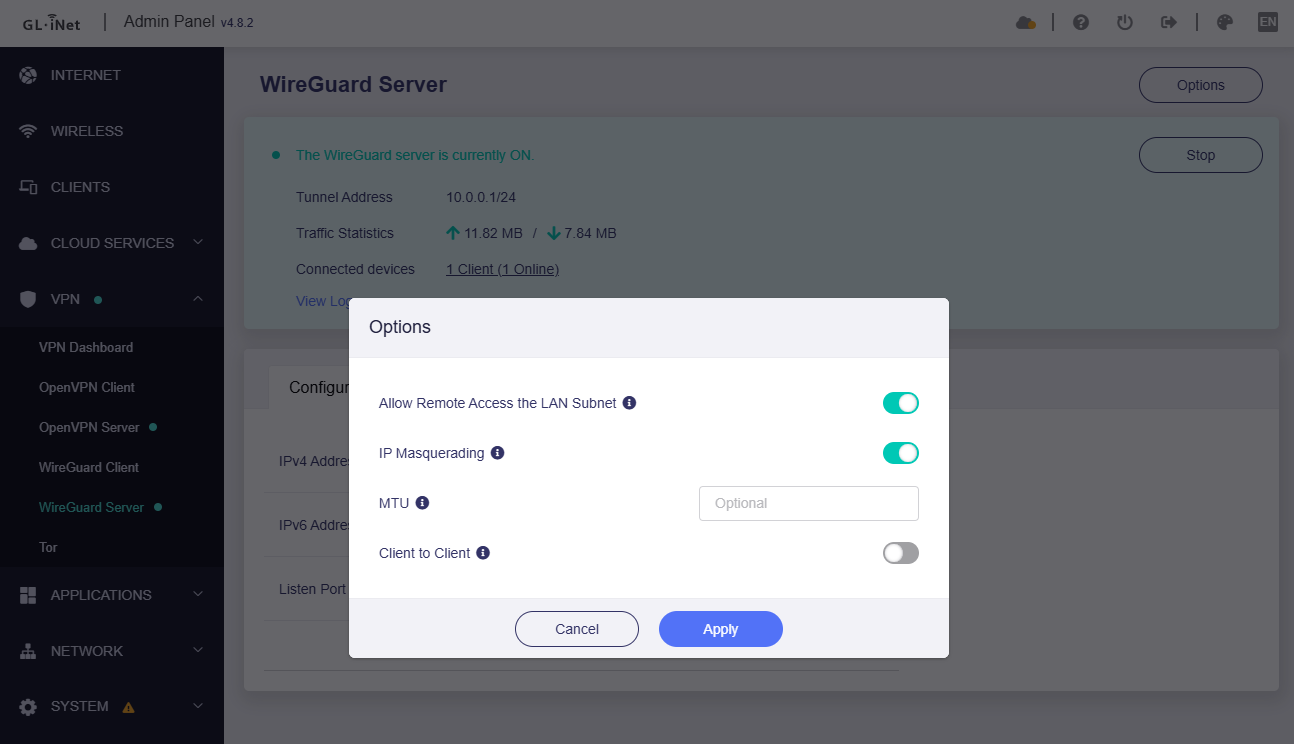
This are my wireguard server options

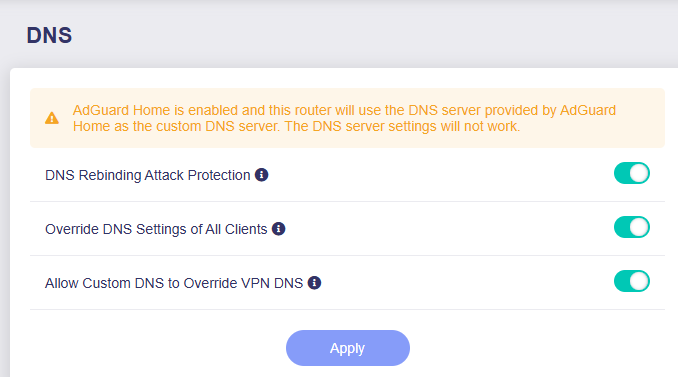
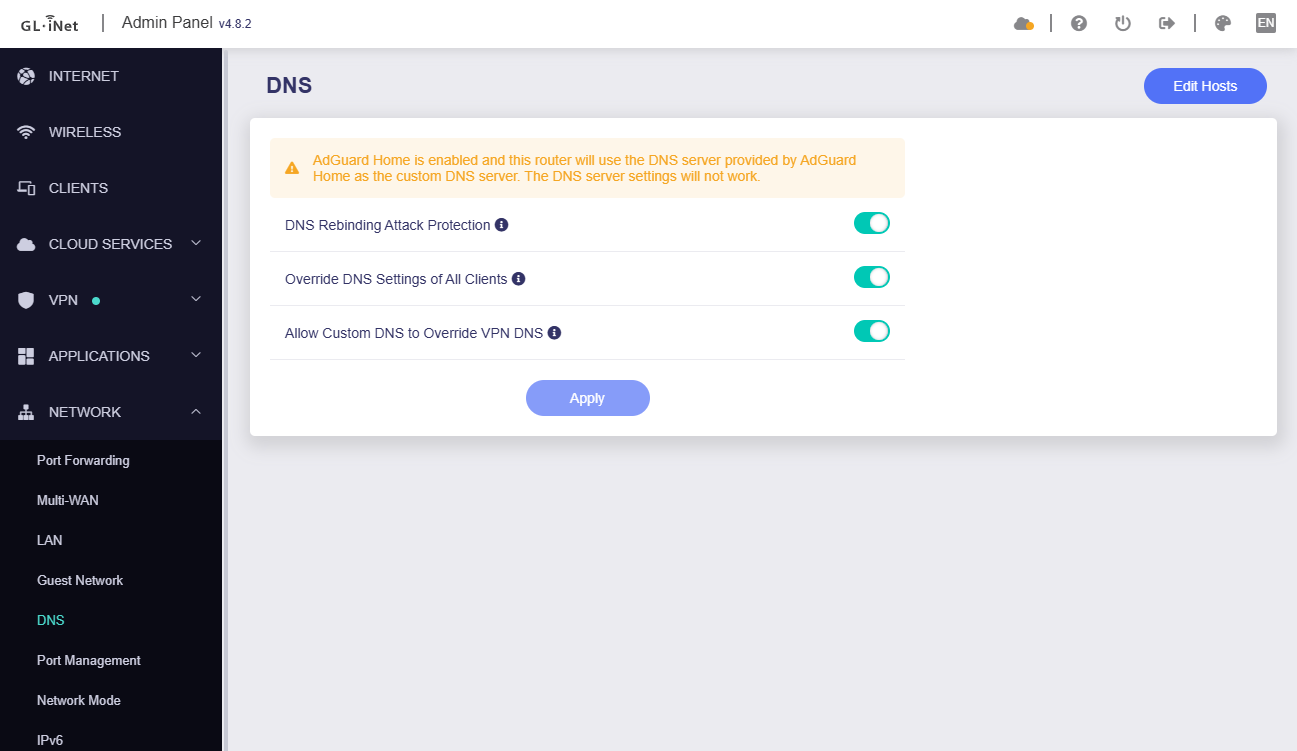
This is my DNS configuration

I have access to the LAN because i can connect to my server (192.168.8.20) via ssh (port 22) using the same phone and conected to the Flint wireward VPN in the same way.

I can ping the machine 192.168.8.18 successfully but there is no dns resolution for this domain.

Could help me anyone?

Thanks in advance

1 Like

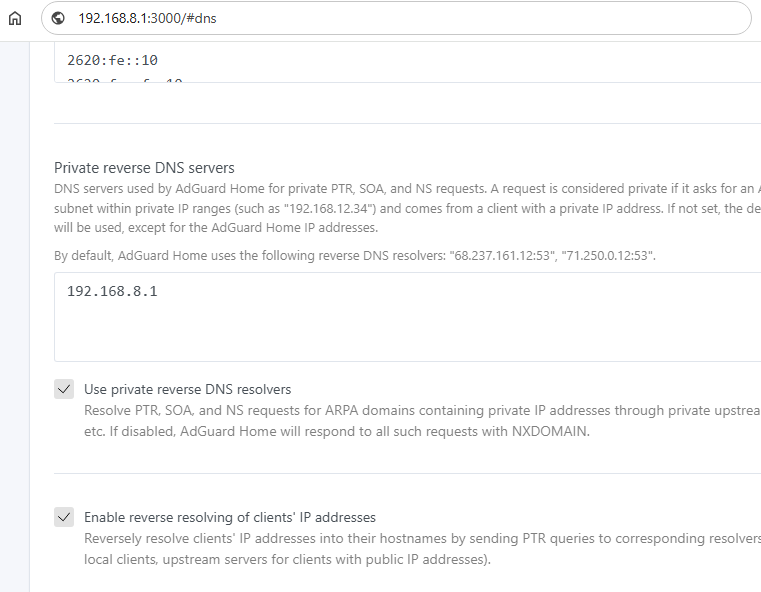
Try adding your router’s IP in the Private reverse DNS servers.

1 Like

Thanks for your reply.

I’ve tried but nothing have changed

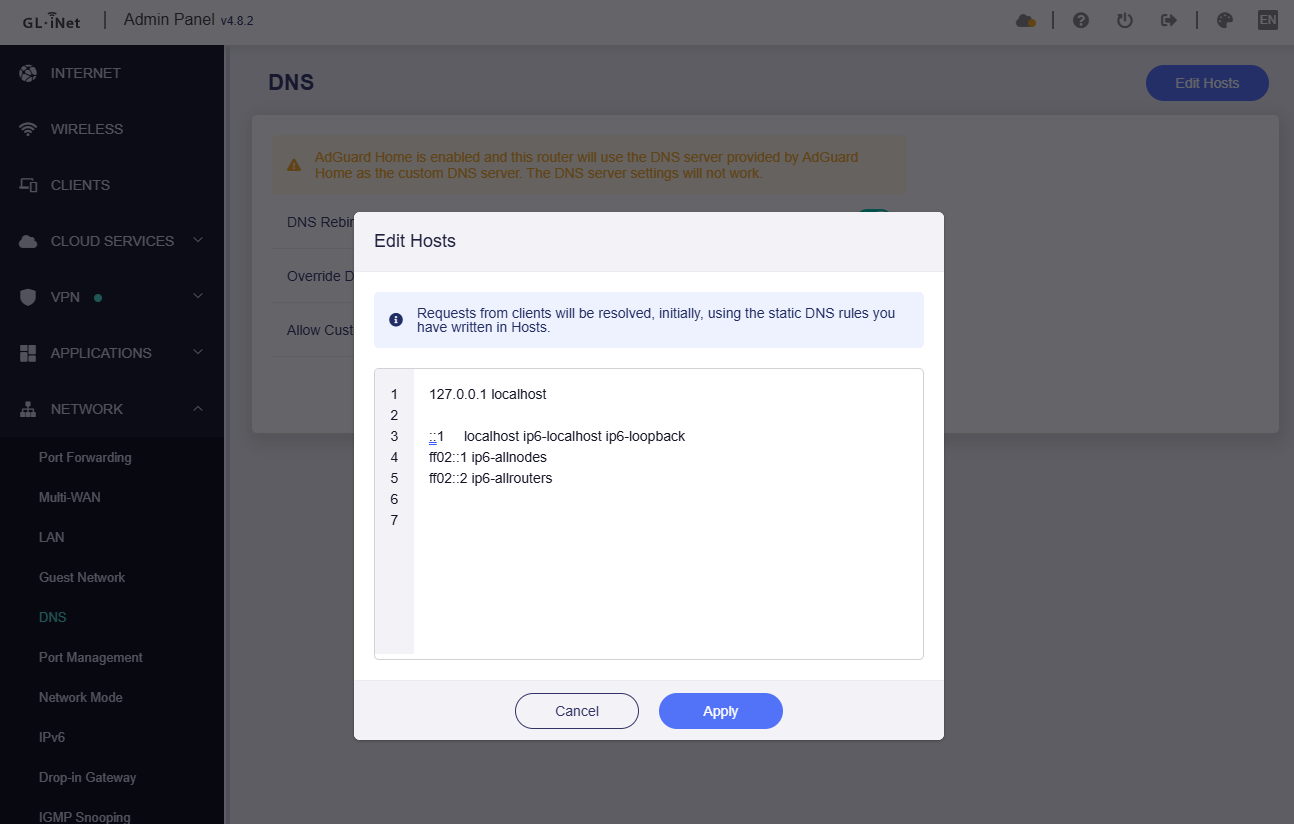
I’ve also tried with the /etc/hosts with no result.

Unable to resolve host “mydomain”

I’ve found the solution but I don’t like it

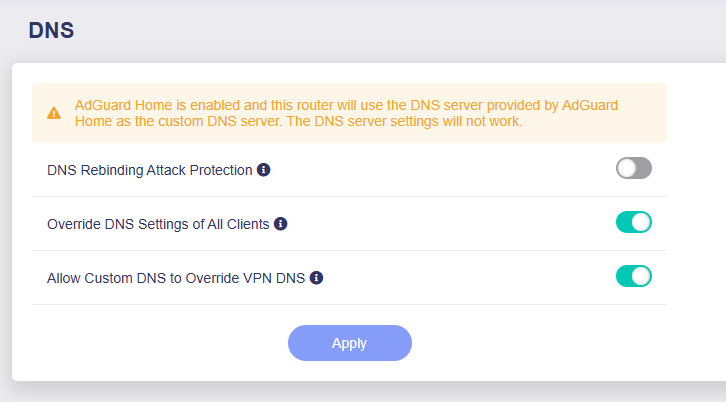
it works if you disable the DNS rebinding attack protection.

I don’t undertand 2 things.

  1. Why this dns settings is workinf if i’m usind ADGuard the there is a message that tells you that will don’t work?
  2. Why is working with the prtection when I’m connected to my lan but I have to disable it when I’m connected via VPN?

Hello,

There is a comment next to DNS rebinding attack protection, I believe it will answer your question more clearly:

Turning this option on may cause private DNS lookup failure. If your network has a captive portal please disable this option.

When ADG handles client requests enabled, the DNS server section of the current page cannot be set, but these three DNS options do work/effect.

For requests made through a VPN, the subnet of the client that initiates the request does not match your router's own subnet, so the router will treat DNS requests from non-local subnets as a rebinding attack and will drop this part traffic.

2 Likes

Thanks

I undertand but the client VPN subnet mach with the router VPN subnet, both of the are the same 10.0.0.X, aren’t they?

Yes, if the source IP of the DNS request is 10.0.0.0/24 (such as the router itself of the VPN client), this rebinding protection would not be triggered.

1 Like

This is my scenario

Flint VPN IP 10.0.0.1

Client VPN IP 10.0.0.2

Client VPN DNS 10.0.0.1

If I understood your correctly, the protection should not be triggered, but it does.

May I know is this VPN client a terminal device (PC/phone/etc.) or a router?

Of course. It’s a Android Mobile (Pixel 7 with the latest Android version)

Hello

I have found another strange behavior.

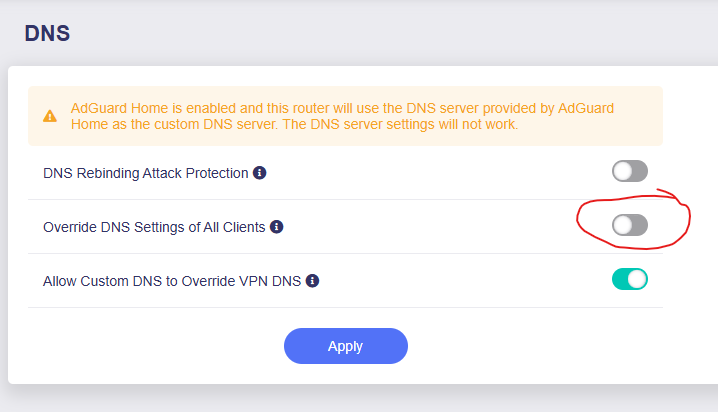
On the same DNS options page I have disabled this and it does not apply either since I see everything go through adguard and I have DNS 8.8.8.8 on the server.

I think there is a problem and those options are not being applied well.

Hi,

Have you customized the DNS server 8.8.8.8 on a specified client (like PC), but are the client’s DNS requests still processed by ADG of router, instead of being sent to 8.8.8.8?

Absolutely yes.

I see al the DNS request in the ADG log and the client (Linux machine) has 8.8.8.8 in the /etc/resolv.

I've restarted the machine but the result is the same.

Hello,

I don’t own Pixel 7, so I tested it with iPhone, but didn’t reproduce the issue you mentioned.

VPN server: Flint/AX1800, v4.8.2

VPN client: iPhone, iOS 16

  1. Please check if you enabled secure DNS on Pixel 7 OS or browser.
  2. Please try to test again with other clients (other systems).

Thanks for your time.

I have the same configuration as you.

  1. No, no DNSSEC or private DNS in Andoid config or Chrome config.
  2. I’ll try with my wife Iphone 10 when se back home tonight.

Thanks

BTW, my test AX1800' WAN is DHCP, but it should not affect the VPN server.

Thanks!

1 Like

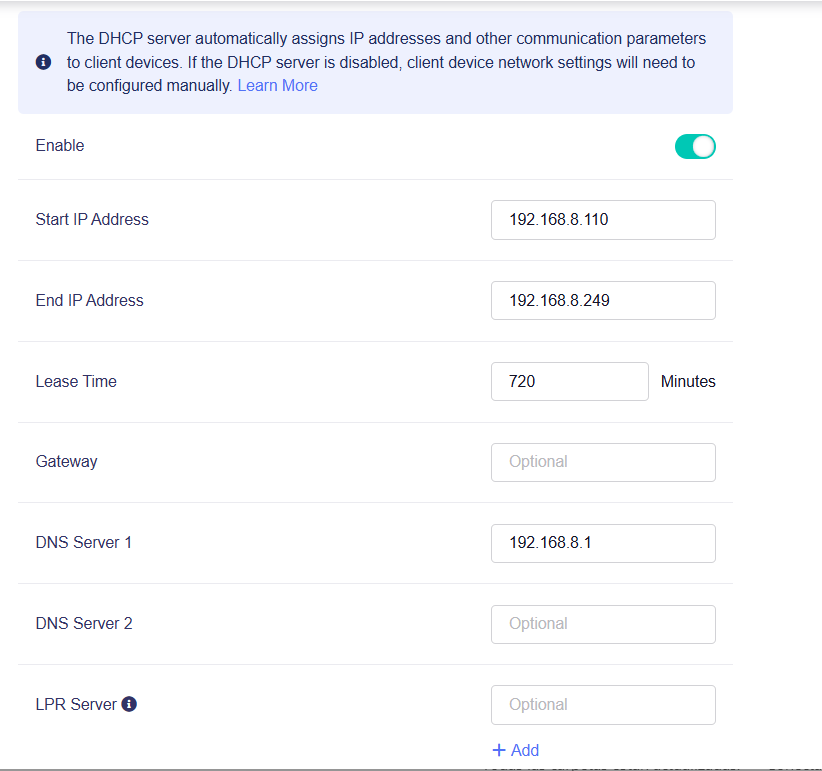
This is my Flint DHCP configuration

By the way, when you try to reproduce the other extrange behaviour (client with 8.8.8.8 DNS is passing throught ADG) please, if you don’t mind,let me know

Hi again

I've done the test and everything is working well on IOS even using Chrome.

Hello,

This only works for LAN clients from Flint.

So the iOS works fine, the issue probably on the Pixel 7.

Hi

It seems that either it is from the Pixel or it is the way Android manages DNS.
I don't have another Android phone to try.

On the other hand, have you been able to test the issue that even if you set the DNS on a machine, does it go through AdGuard?