I'm using a AX-1800 router and want to build some kernel modules (hid, usbhid, hid_generic) in order to control a simple USB relay device. I don't mind building the entire openwrt firmware while I'm at it, as there are a few tweaks I'd make given the option, but the priority is to build those kernel modules and a simple CLI GitHub - darrylb123/usbrelay: Control usb relay - based on hidapi to control the device.
I've looked at the documentation and am finding it all quite unclear. Should I be using the openwrt/openwrt source on github, or gl-inet's fork? Neither of them seem to have branches, tags or releases that correspond to GL-INet's firmware releases. Why is the relevant config.buildinfo file so hard to track down - I only found one source and that was in a forum discussion: Prometheus packages for axt-1800 - #13 by bruce? I tried gl-inet/sdk but it barfed because of a dependency on a deprecated python module python-distutils.
I'm sure there must be a simple enough way to do all this but would really appreciate some pointers.
The Flint v1 is now supported by a 'pure'/'vanilla' OWRT SNAPSHOT. Do you care about the GL GUI enough to not switch over to LuCI? If not, here's some references you'll want to review so you don't paint yourself into a corner flashing over/back:
You'll see what I'm referring to mixed in there. Hit that before you hit this:
Once you get OWRT flashed, apk update. LuCI -> System -> Software will let you search for specific packages from those pkg lists/feeds. You'll have a cleaner env to work with & the most recent packages available. You won't have to worry about GL's SDK throwing any roadblocks/'gotchas' up.
Anything you have to build for kmods, etc., will have better chance of success If they aren't already in the feeds. From there I'm willing to bet my 0.02USD you're going to have far more luck getting further insights for your project on the OWRT forums than you are here.
I've made some small progress but still hitting roadblocks.
I tried the SYSUPGRADE image - it just bricked the device. I unbricked and tried again just to be sure, but same result. Also tried with both the GL and LuCI interface, made no difference.
The FACTORY.BIN and FACTORY.UBI both trigger image check failures.
Currently I have the GL firmware version 4.8.0 if that's of any relevance.
Thanks again for any further help.
That shouldn't be happening. As you read this I'm preparing to flash my Slate AX (AXT1800) back to the GL firmware from OPENWRT_RELEASE="OpenWrt SNAPSHOT r30226-6a1d7bf52b"
@bruce was kind enough to flash his AXT1800 to SNAPSHOT* & back on v.4.6.8. Try a downgrade via U-boot WebUI. Before you do post the output of cat /etc/os-release. I'd like to see the OPENWRT_ARCH. GL is about to switch from arm_cortex-a7 to aarch64_cortex-a53_neon-vfpv4 at least on the Slate AX releases.
I assume you've checked the hashes of the downloads & there's no corruption, of course. Getting the sha256sum string is rather annoying from within that silly popup.
Do not use the factory image unless you have flashed the OpenWrt uboot. You will need to flash via serial if you do this, so not recommended unless you know what you're doing.
To use the snapshot builds you need to flash the latest uboot image from glinet first.
Well, I'm glad you came along. I was intending to just flash factory.ubi per a HOWTO from @bruce but I guess I'd better check what version of U-boot its running first. Thanks. Do you happen to know if flashing OWRT SNAPSHOT will still work? I had to downgrade fr GL firmware v4.8.0 to v4.6.x before I could get SNAPSHOT r30226-6a1d7bf52b on it. I suspect the change in arch, as mentioned.
I then attempted to flash the sysupgrade from the snapshot build, and while all the messages on the GUI looked normal the router did not restart and continued to give the "Firmware Update" page in response to http requests on 192.168.1.1
Thinking it may have worked despite appearance I rebooted the router but found it was still running the GL firmware, ie no upgrade had taken place.
I ran through all this process twice, and confirmed the sha256 checksums just to be sure.
Hey, @bruce, does GL.iNet have any comment if the U-boot version is expected to be the same for all currently supported devices or should there be an expectation some may be running different/older versions? TIA.
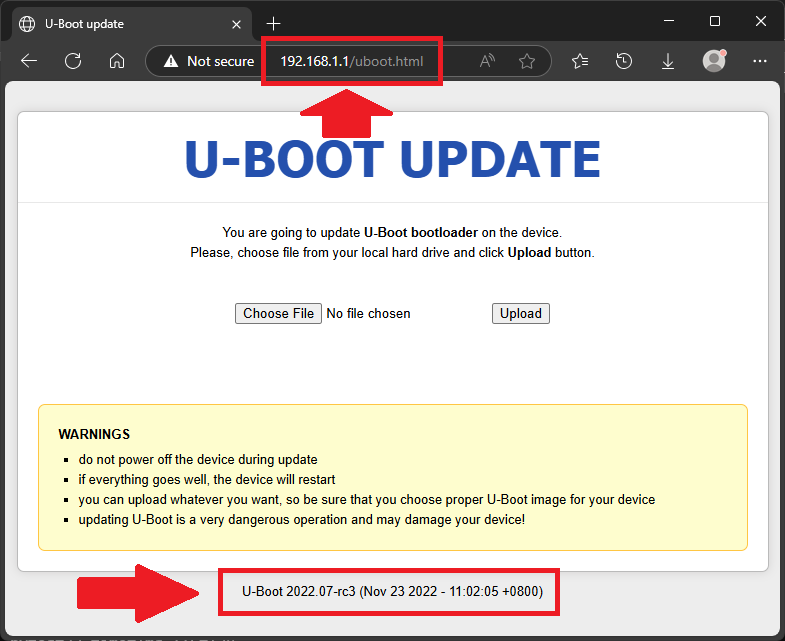
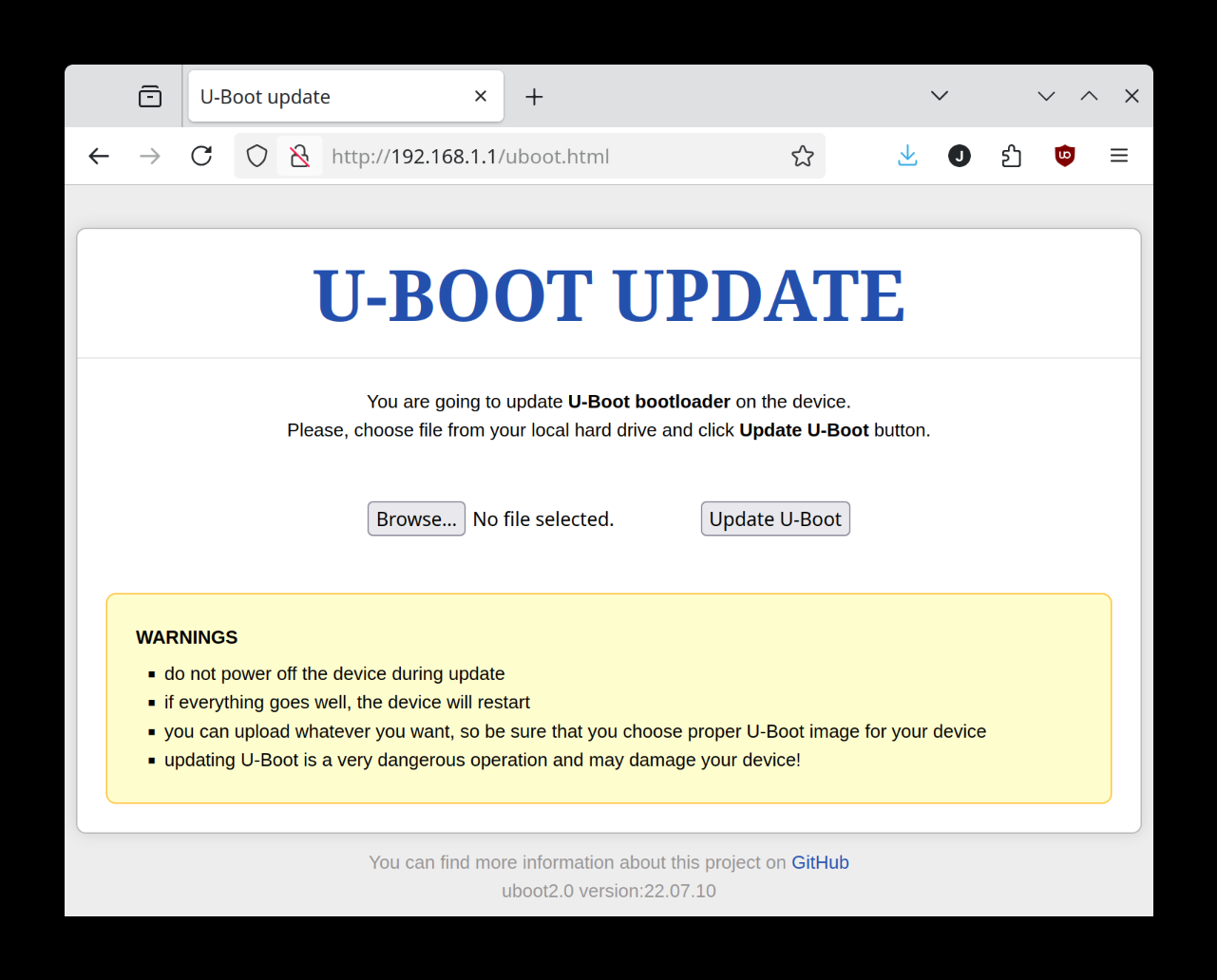
Here is what my U-Boot recovery page looks like now. The title of the page is "U-Boot Update" rather than "Firmware Update" and the link to the GitHub URL GitHub - pepe2k/u-boot_mod: U-Boot 1.1.4 modification for routers suggests but doesn't confirm that the U-Boot update has taken place.
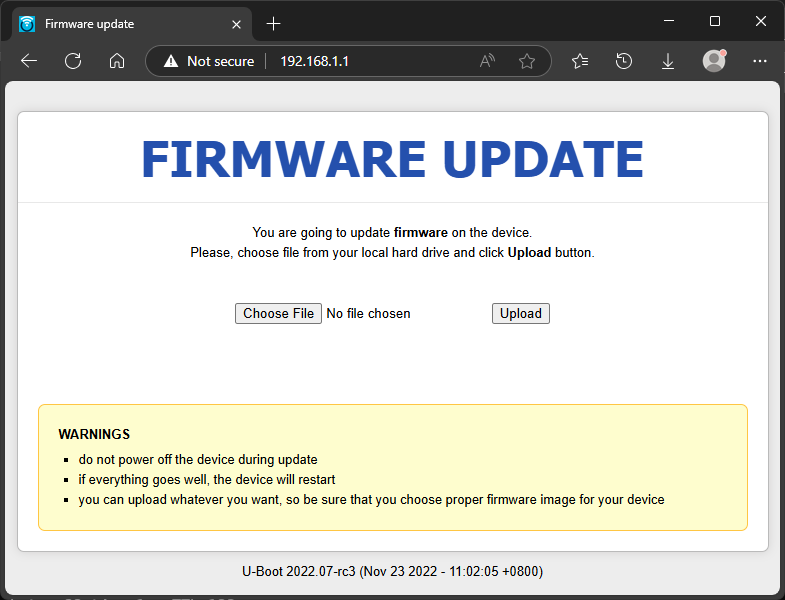
That's because you're looking at /uboot.html. Try just 192.168.1.1
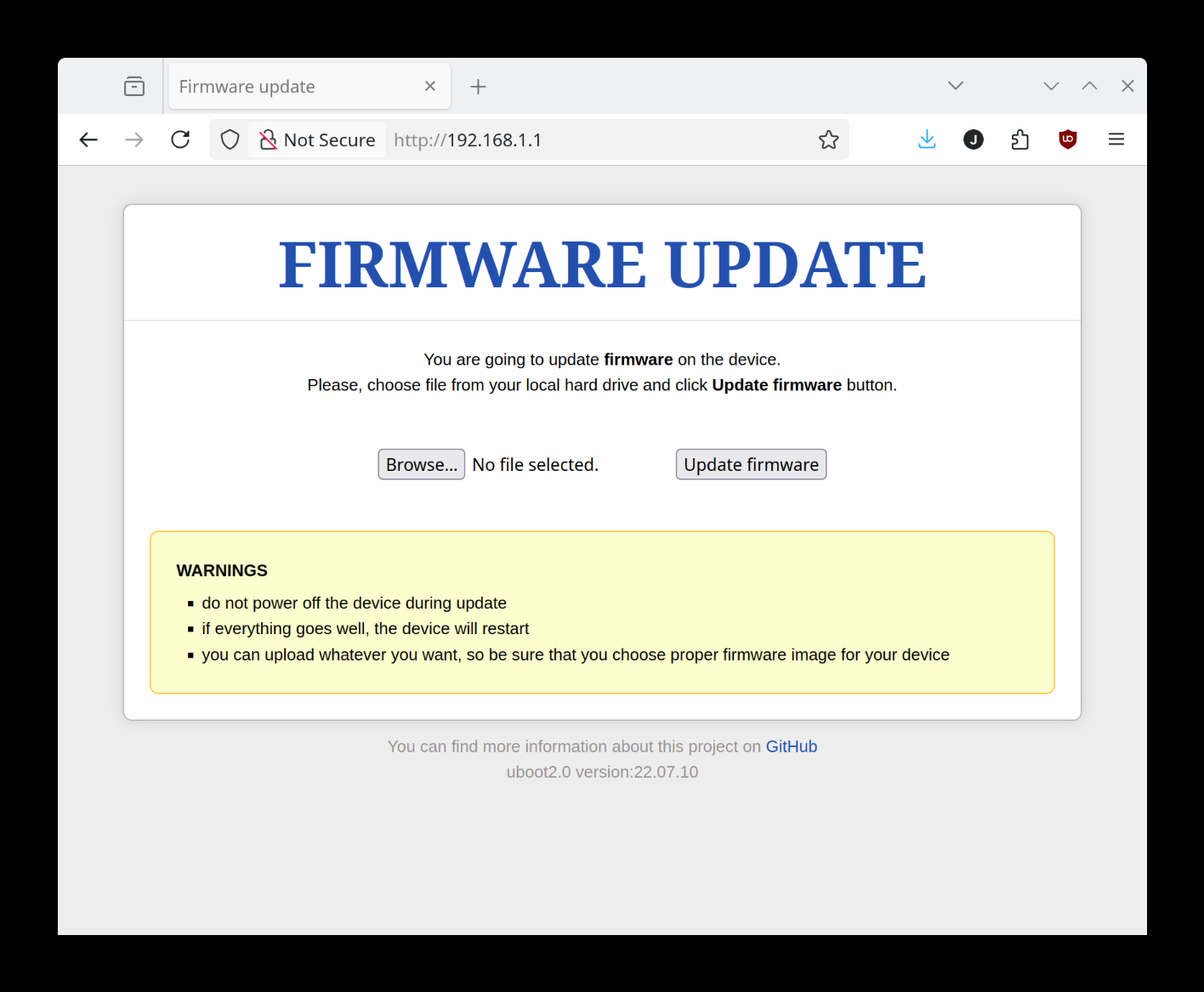
Your screen shot shows uboot2.0 version: 22.07.10. That is a noticeable difference vs @j_c 's posted version, build date. To confirm, you did upload the aforementioned U-boot update via the 'U-BOOT UPDATE' page, correct? The device might need to be power cycled but that's just me speculating.
( Note:@j_c is using a release candidate (2022.07-rc3 dated Nov 23 2022- 11:02:05 +0800). I'd be hesitant to flash a bootloader with a non-stable build. )
That's because you're looking at /uboot.html. Try just 192.168.1.1
I thought that's what I was supposed to be looking at. But just to confirm, here's 192.168.1.1 whicp appears to be identical:
Your screen shot shows uboot2.0 version: 22.07.10. That is a noticeable difference vs @j_c 's posted version, build date. To confirm, you did upload the aforementioned U-boot update via the 'U-BOOT UPDATE' page, correct? The device might need to be power cycled but that's just me speculating.
I did follow the instructions to upload the U-boot update. Perhaps I should try it again, or with a different update? The device has been power cycled (many times) since then.