Doesnt look good for the RM1 line
The GL-RM1PE is different from GL-RM1. GL-RM1PE has similar if not exact same specs as the Comet Pro
Disregard apparently I cant read today:
Added Camera support for RM10, RM1PE, RM10RC, RM4PE, and RM1V2. This feature is currently marked as Beta.
@kosbania are you already running the firmware in question?
@sullyjman no since there is no alpha or beta firmware available to upgrade to yet
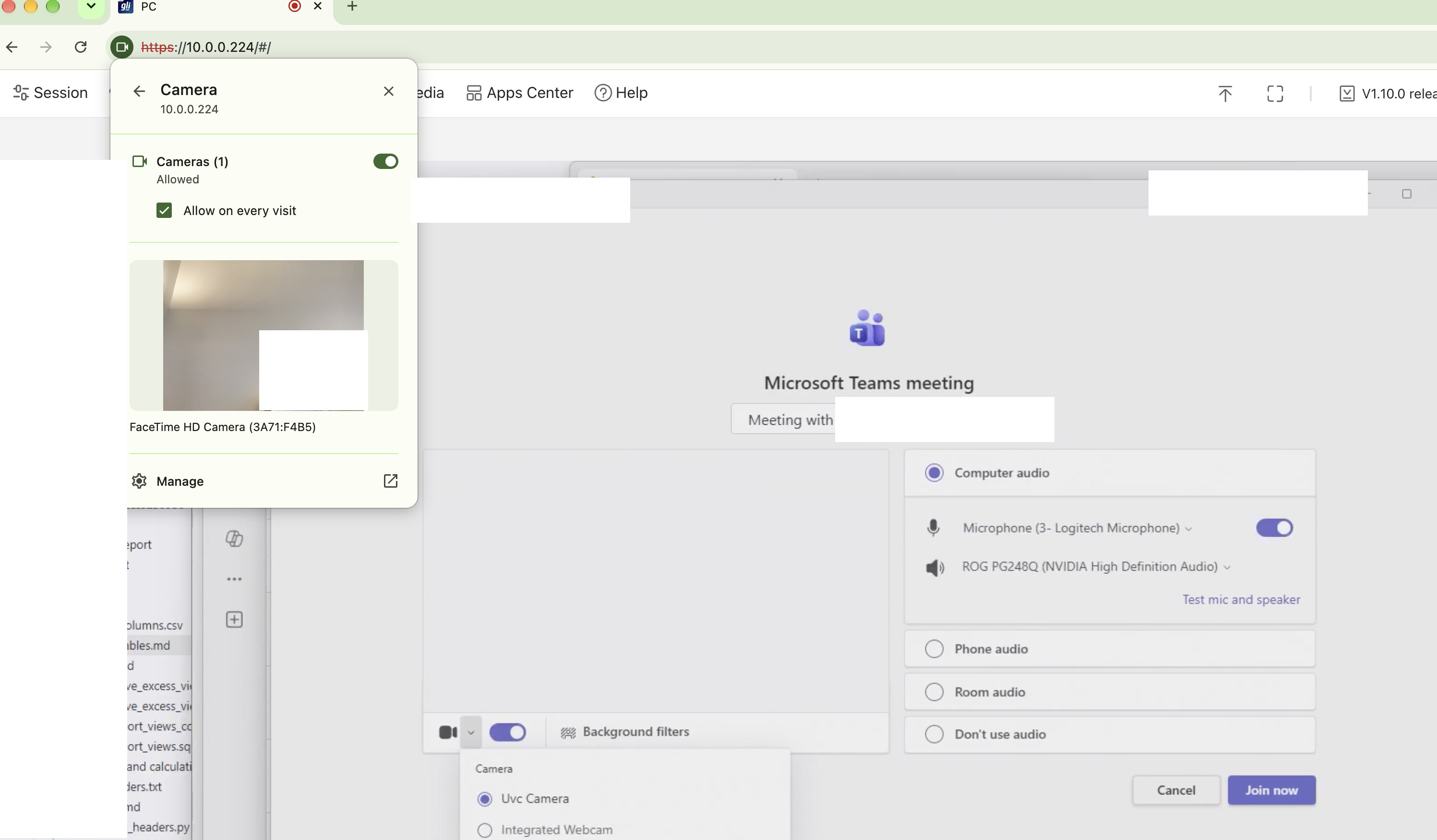
Hi Minmie,
This is a situation that occurs frequently in release4: Chrome confirms that it can obtain camera information, but Comet Pro is unable to obtain the camera information properly or is unable to transmit the camera information it obtains. I’ve found that the only solution is to restart. At this point, I basically have to restart it once a day. Is there a better solution?
Thank you.
Yes, restart Comet Pro. Let me test it over the next couple of days, then export the logs.
Is the reason for RMQ1 not supporting a hardware limitation or software?
driver problem
https://drive.google.com/file/d/196reaMi3mLdPM-XdvTKpu8O_Z1B9dwIb/view?usp=drive_link Hello, I have analyzed the log file you sent to minmie. I did find a problem and have made improvements. However, I am unable to reproduce your problem myself. Please try this firmware to see if it resolves the issue. I look forward to your feedback.
Any idea when the release with be for GL-RM10RC?
one week or two.
i remember in one of the threads, there was a question about why the allowed max bitrate was so low in FEC. one of the reasons I bought the pro was for the wifi 6 support and i can do remote camera stream from my client to the host using OBS, NDI, Elgato etc over Wifi to my Macbook host without too many issues. but it is not a good experience with the comet passthrough, massive lag and smearing. I am not sure what exactly the technical reason is. Yes, I can try to Ethernet wire the Comet but then it is missing out on one of its key features
WiFi is generally more prone to jitter than a wired connection. This jitter can affect the browser’s WebRTC bandwidth estimation, and it also increases the chance of packet loss and latency spikes, which can directly impact video quality.
There are also some trade-offs in video transmission under weak network conditions. Dropping frames can reduce latency, but it may affect video continuity. A shorter I-frame interval can reduce the chance of incomplete frames, but it also increases network load and may affect the overall video experience. We are still investigating and tuning these weak-network scenarios, but this does require time.
1 Like
Thanks. Appreciate the reply and additional context!
FWIW, i tried it using my iPad Pro today (Safari, not the iOS client) over Wifi and the camera passthrough feed was very stable, with noticeable but usable latency.
On my Windows PC, which is hardwired Ethernet, the camera feed is unusable. They are all on the same network/subnet but my Windows PC has Nvidia Broadcast sending a 1080p feed as the webcam compared to the lower res of the ipad pro 2018 camera. So i wonder if the camera feed is also a factor.
The raw resolution provided by the camera function is fixed at 1024x576. This is constrained by the USB 2.0 data link bandwidth
The 1080p feed seen on the PC is actually local software like NVIDIA Broadcast performing upscaling and image processing on the native 1024x576 stream. This extra processing stage increases system overhead and adds to the end-to-end latency
Thanks. That all makes sense. My cam is a dslr going into a cam link 4K. So I need to find a way to constrain the feed somehow because it natively is high res.
I own a GLiNet COMET pro. and one of them I recently updated the firmware to V1.10.0 release4 which has the Beta camera and microphone. I’m happy to report that I was able to successfully use it! I was a bit surprised when it worked the first attempt! I note that this post is originally from March 17 so maybe this reply is late, but it adds to the record. thanks
1 Like