Yes, the Mudi 7 supports Wi-Fi repeater functionality and can also connect to common public hotspots that use a captive portal.
Cool and thanks. I tried to check the online instructions menu but the Mudi 7 is not found on the supported device list 
Yes, the Mudi 7 supports Wi-Fi repeater functionality and can also connect to common public hotspots that use a captive portal.
Cool and thanks. I tried to check the online instructions menu but the Mudi 7 is not found on the supported device list
The documentation is still being updated!
Could you let us know where you saw the supported device list? We can then ask our documentation team to update it accordingly.
Scroll down and click on How to connect to the Internet via Repeater
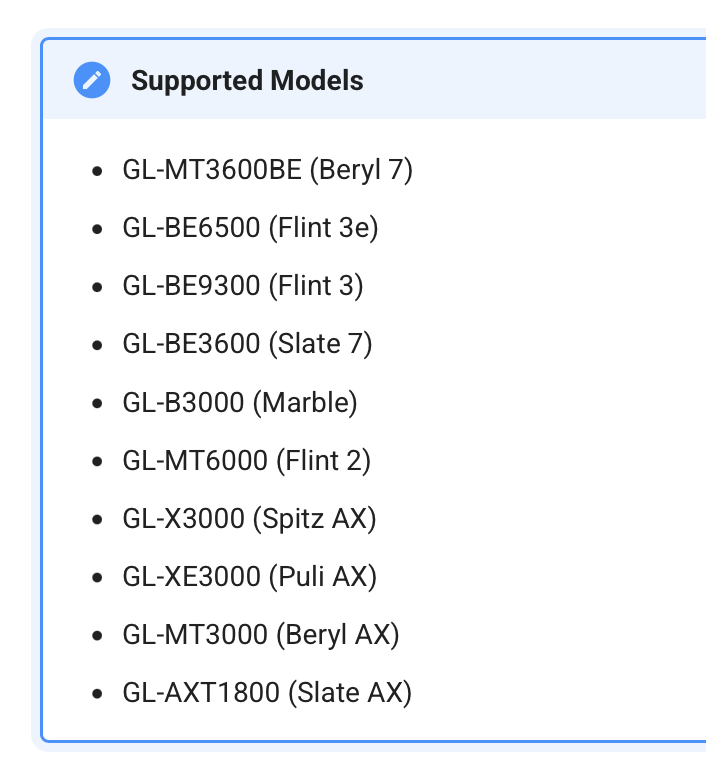
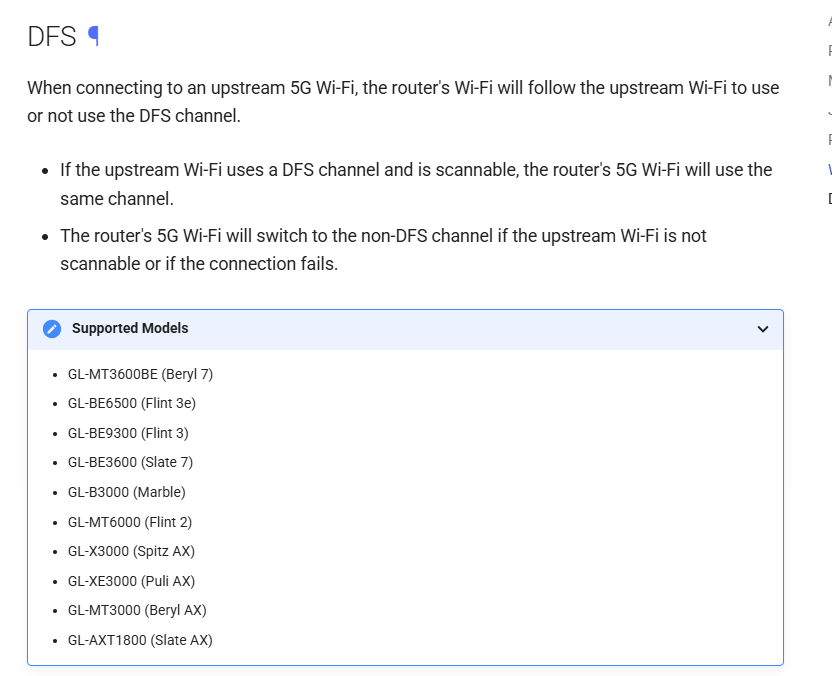
At the bottom of the page you will see this list
A little confusing because other models, line the Mudi 750 and the Mango do it fine as well.
Will I be able to force either only a 4G LTE connection or a 5G Standalone connection?
I don’t thing so, I heard early on this thread you can't 
Thanks for the clarification.
This section refers to the list of Wi-Fi DFS channel support, not a list of supported repeater features.
Mudi 7 does support DFS, and we’ve already asked the documentation team to update this accordingly.
As gfondeur mentioned, this is currently not supported via the GL UI.
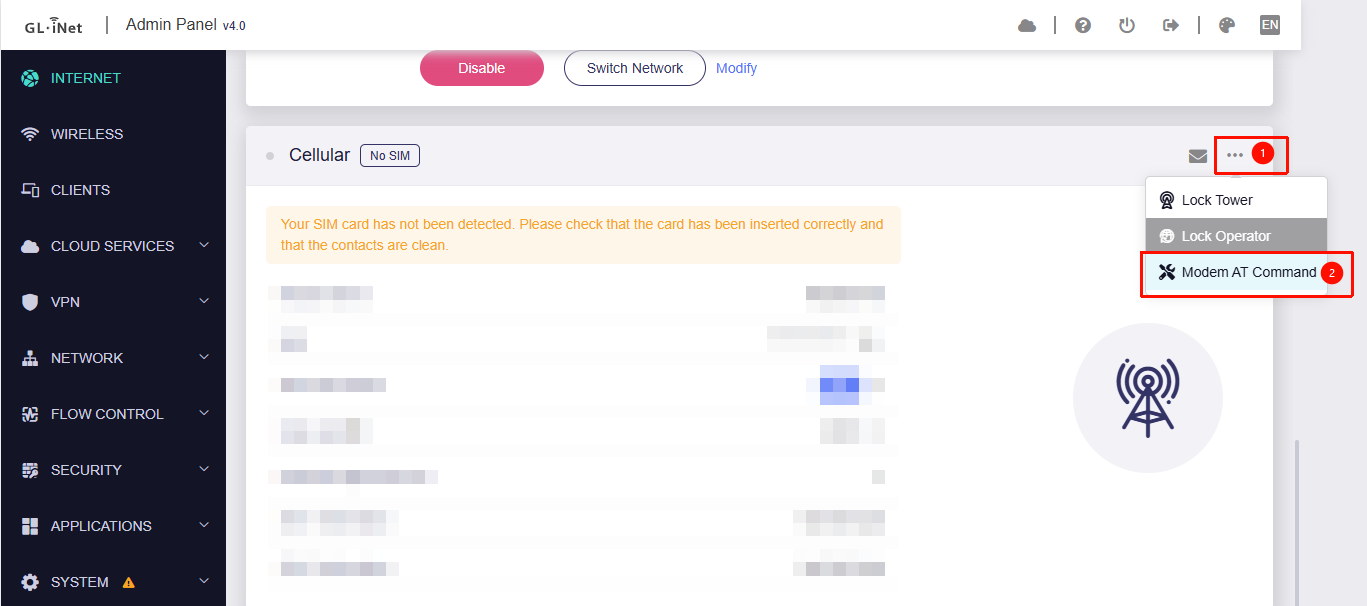
However, it can be configured using AT commands:
# Auto mode, 5G + LTE + WCDMA
AT+QNWPREFCFG="mode_pref",AUTO

# LTE only
AT+QNWPREFCFG= "mode_pref",LTE

# 5G Only
AT+QNWPREFCFG="mode_pref",NR5G

## 5G SA and NSA
AT+QNWPREFCFG="nr5g_disable_mode",0

## Disable 5G SA
AT+QNWPREFCFG="nr5g_disable_mode",1

## Disable 5G NSA
AT+QNWPREFCFG="nr5g_disable_mode",2
How do I initiate AT commands from Windows or macOS?
Will this eventually appear in the GUI?
I'm reading that 4G LTE has a smaller attack surface than 5G. Do you believe in that? If so or not, why?
Is there any way to ensure all devices, Macs, phones, and IoT devices use the DNS on the Mudi 7? I want to harden the setup to mitigate against any attempt by the connected device to bypass the Mudi 7 and use its own DNS. I consider this a potential privacy and security threat. Please help!
Please refer to our response below:
AT commands can be executed in the GL UI, as shown in the screenshot.
If you’re referring to the feature to lock the network mode, yes, this is planned and may be included in v4.9 or v4.10.
We are not entirely clear on the details of the 4G and 5G attack surface issue you mentioned. Since different network operators have varying implementations, we recommend consulting your operator for further assistance on this matter.
Regarding the DNS discussion, please refer to our response in the thread you created.
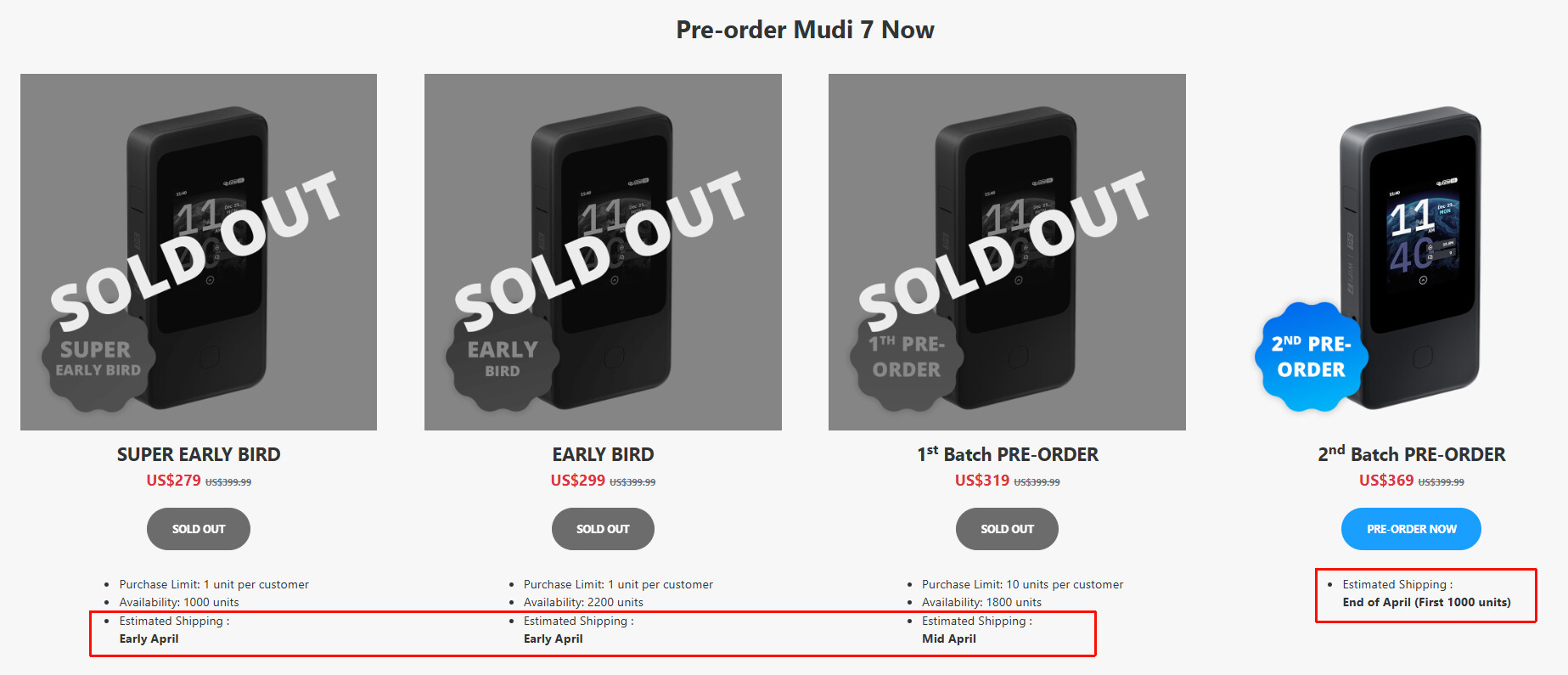
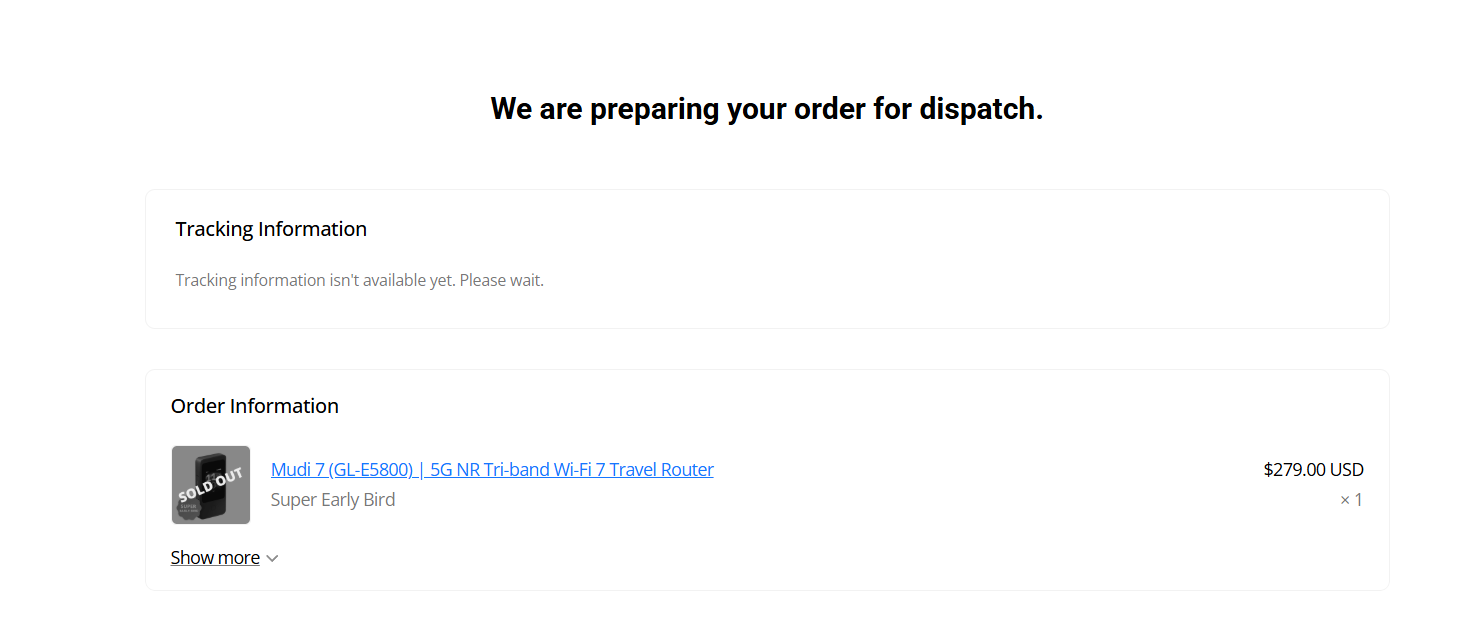
Do you have any information about shipping yet? I'm eagerly awaiting it.
Do you mean the shipping time for the pre-order? I believe it is proceeding as expected.
We will notify you by email if shipping information becomes available (if you provided an email address). Please keep an eye on your inbox.
As the expression goes: hope for the best, plan for the worst :))
Hi
Thank all you for your patience and support for Mudi 7!
We’re still making final optimizations and refinements to the Mudi 7 so we can deliver a better product to all you guys.
If you have specific questions about your shipping schedule or need more details, feel free to contact our customer support team via email at cs@gl-inet.com. We’ll be happy to provide further assistance there.
Hmm.
The situation must be bad if you prefer Mudi 7 customers to send individual eMail requests rather than addressing delayed delivery concerns right here in the open.

Regardless - I hope you are able to pull through and get some fresh baked Mudi 7 shipped very soon!
Did Mudi 7 already receive FCC approval in the USA? USA just banned sale of new foreign based routers so I'm wondering if this affects the Mudi 7 pre-orders.
Luckily Mudi 7 got FCC already.
Yay! Good to hear.
I interpret the router “ban” to be an affirmation that new routers must more strictly adhere to pre-existing requirements. Thusly, not really a ban.
Only time will tell, I suppose.