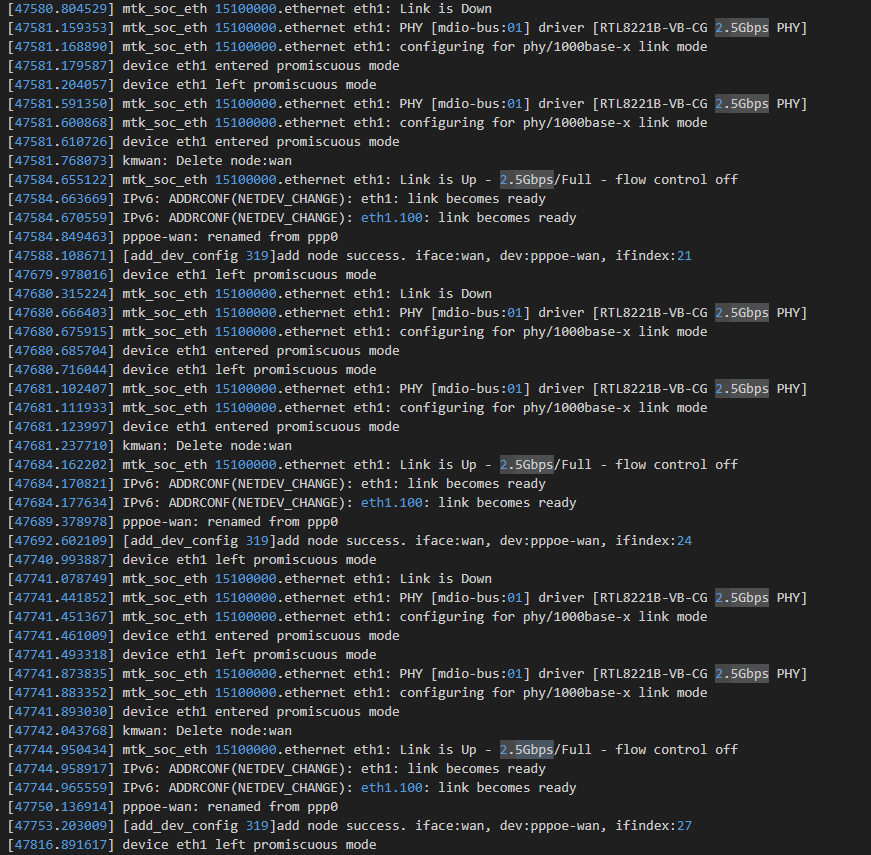
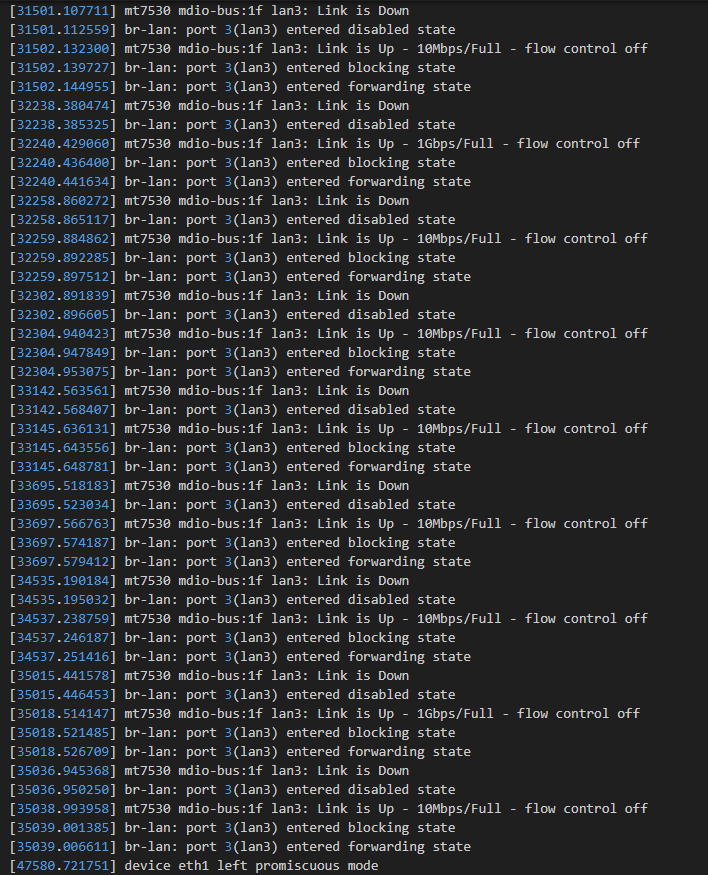
I’m having a problem with my flint 2, on a 2500/1000 fiber connection the download speeds are mostly fine (~700Mbps, subpar but acceptable) while the upload ones are abysmal, topping at ~10Mbps. I’m also getting extreme jitter, up to 100ms in some cases. At first the router worked fine, then started showing this behavior a week ago.
All of these problems disappear when I bypass or change the router. Tried multiple cables, but in any case the performance is the same wether I’m wired or wireless.
I tried downgrading the firmware and switching to the op24 branch without success, and the other suggestions on other topics like plugging an unmanaged switch between the ont (zte zxhn f6005) and the router, to no avail.
Also I should add that I encounter an average of 3% packet loss every time I run a test, and always non zero in any case, only when I go through the flint.
In particular, setting another lan port as wan port (other than the “built-in” lan1, which offered no improvement) didn’t work at all, the GUI changed but it kept saying that it couldn’t detect a cable (even though in the port management screen it lised the 1000 full duplex connection).
Any other options?
EDIT:
Managed to use lan5 as wan, no improvement whatsoever.
1480 seems to bring some improvements, paired with enabling flow control[1] in the eth0 device config. Packet loss still happens though, the jitter is still extreme, and the speed is still heavily capped
no difference whatsoever between the three modes
I’m gonna rerun some of the tests and send the logs immediately.
Thank you very much by the way, I really hope we’ll find a fix.
Also it might be worth mentioning that if i run an extreme iperf test (with 100 threads) I’m able to reach higher speeds.
Since the device was functioning normally a week ago, this behavior suggests a potential hardware fault.
Please contact cs@gl-inet.com for after-sales assistance and include a link to this thread for reference.