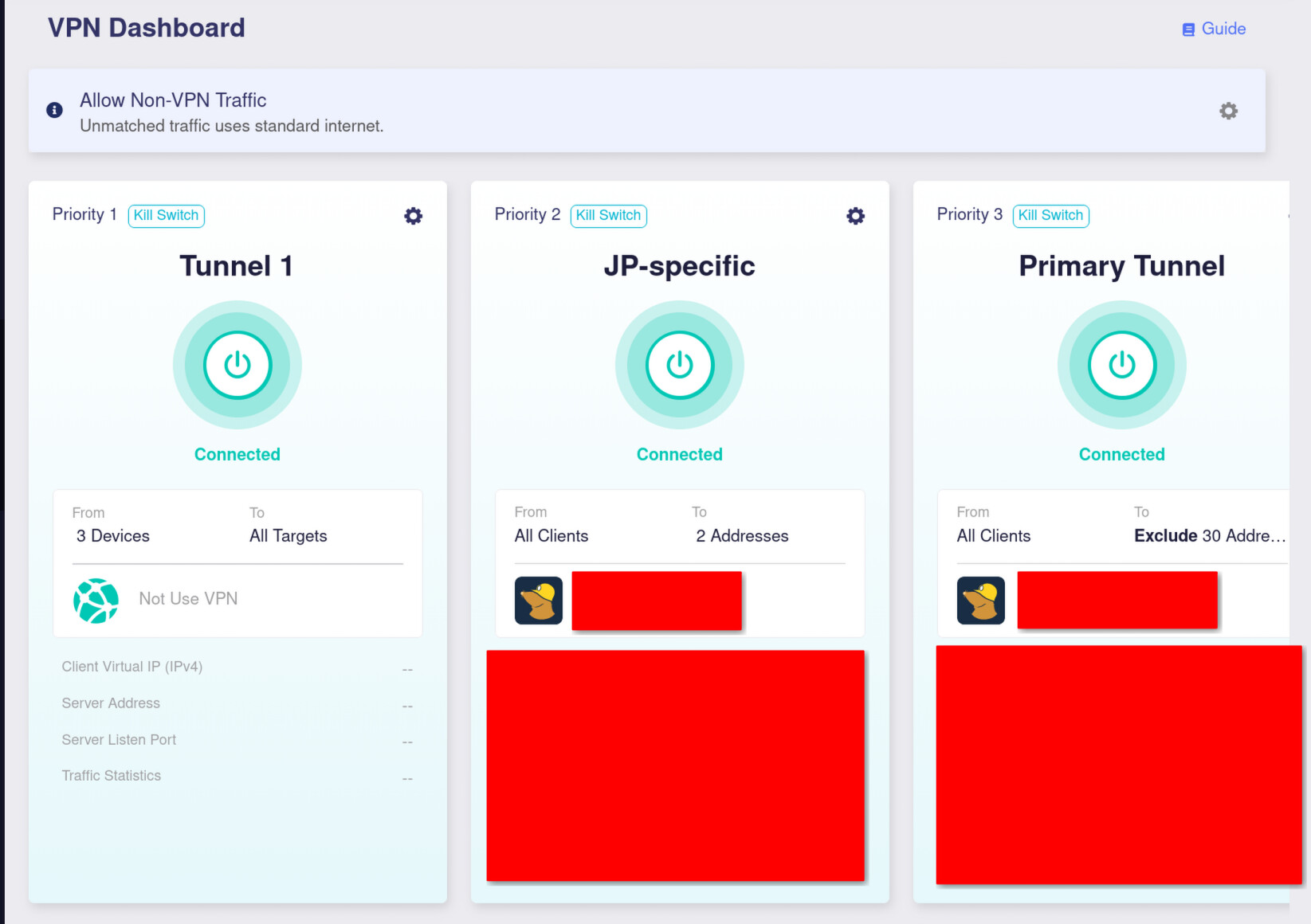
In previous versions, you could set up a VPN setting that was an explicit bypass of all VPNs. I use this setup as a first stage filter to filter out some devices that should not use any VPN, and then have a VPN cascade with various routing rules on them after that.
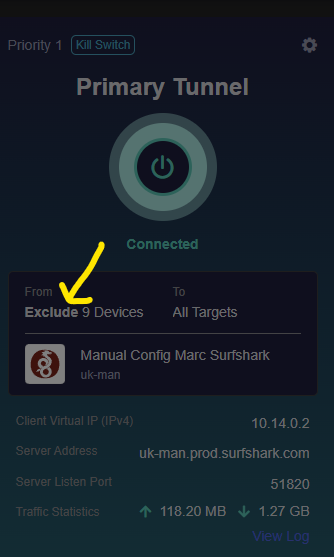
You can still set this up via the mobile app, but the web UI provides no way to select it. Once set though, it does appear.
It would be good to be able to configure this via the web UI again.
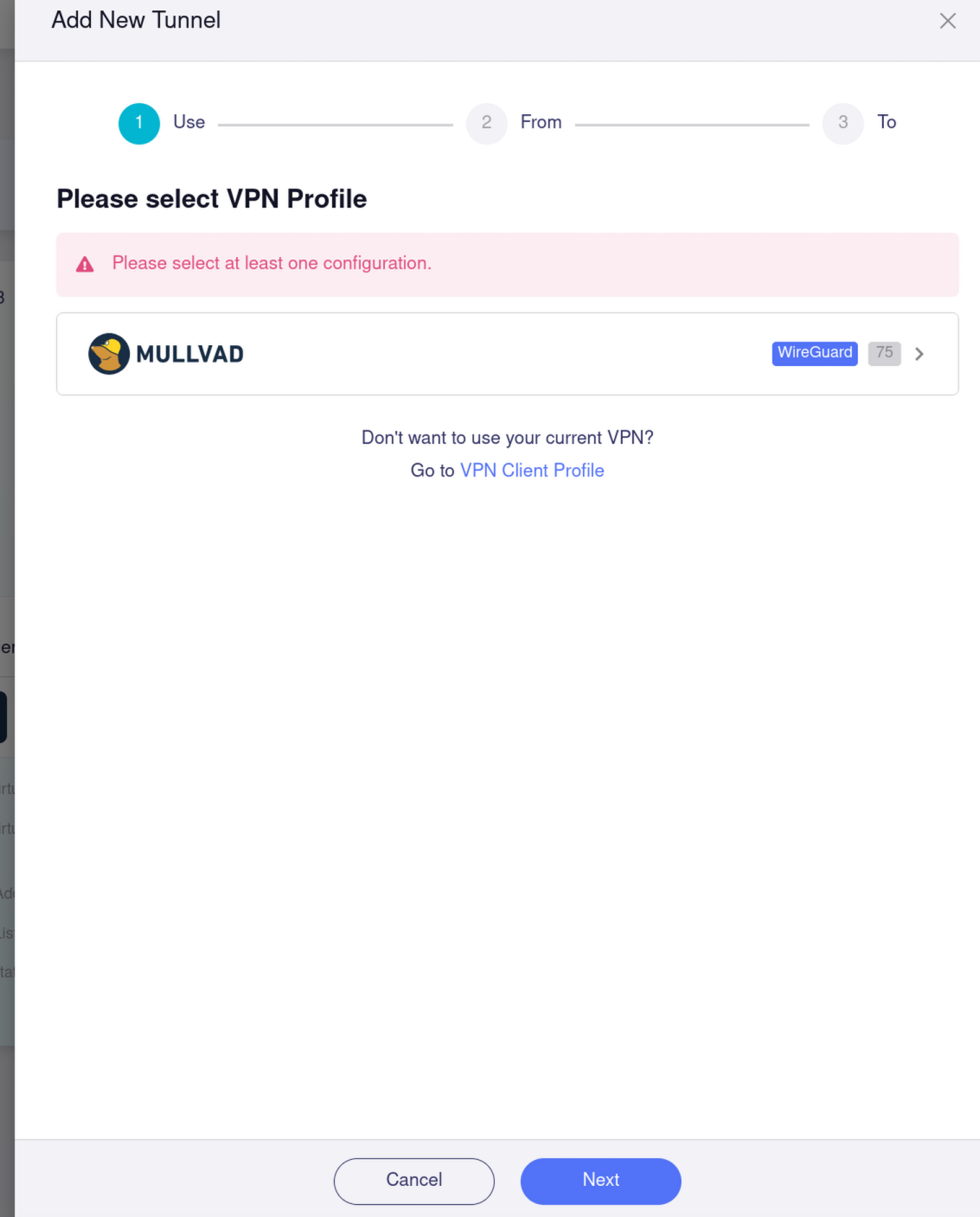
My current setup is attached, and the screen on me attempting to set up a fresh route in this way.
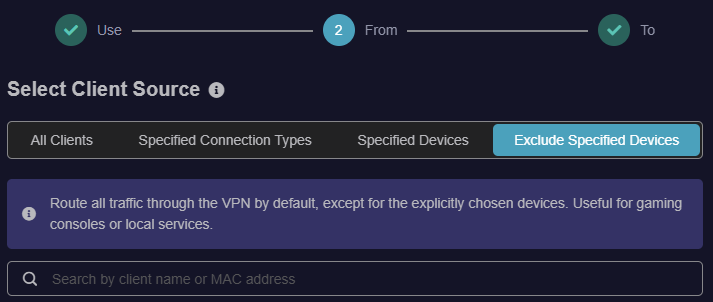
All Clients:
Route all traffic from every connected device through this VPN tunnel. Ideal for complete network privacy.
Specified Connection Types:
Apply VPN rules based on the network interface, such as only routing Guest Wi-Fi or Ethernet LAN traffic.
Specified Devices:
Only route traffic from explicitly selected devices. All other devices will bypass this VPN tunnel.
Exclude Specified Devices:
Route all traffic through the VPN by default, except for the explicitly chosen devices. Useful for gaming consoles or local services.
I suspect the App may change at some point in the future when the 4.9.0 firmware comes out of beta to reflect the changes. They won’t update the App for 4.9.0 compatibility at this stage as most people are on official stable firmware releases.
The problem is I have multiple VPN connections going to multiple places depending on address, and this means I must add the devices to each of them manually. I want to be able to exclude some devices from all VPN connections, and the previous flow let me do so in one shot.
If I exclude only on the first, it falls down to the second. As per my screenshot, I have 3 profiles - 1 which bypasses all, and then 2 which do the actual VPN cascade. In my case, I prefer excludes rather than includes due to the sheer number of devices and wishing for the default for a new device to be behind the VPN.
The option seems to still exist for now but is not exposed to the UI (the type in the RPC request to save is called “novpn”)
On my end I was able to do the same setup by using the mobile app, as well as resending/modifying the RPC command sent from the web panel to set the same config option. Glad to hear you guys will be sorting something out for this.