Not really, I just wanted to know what improvements I can expect in the next firmware version. Thank you.
config_swap is disabled so no swap
thats very annoying
Using the router’s firmware for swap could cause a damaging amount of reads and writes for storage that is not intended for that. I suspect this is a design decision to prevent long-term failures.
1 Like
I agree but disabling it in ther kernel config isn’t t he way
anybody that can get here should be-allowed todo as they please
also you can/should swap using a reasonably fast usb storage device
You can - flash the device with OpenWRT. Just don’t expect warranty or support if you do something dumb.
1 Like
I agree with @packetmonkey
Using swap is generally not a useful thing on IoT devices. Please keep in mind that the biggest group of buyers are just consumers. So if you have special wishes about the firmware, you can use vanilla OpenWRT, or you need to stick with what you got.
Another way you can go: Replace AGH with some other DNS server (like a Pi-hole, for example) or by an DNS service that blocks requests.
You can not use vanilla openwrt- on the BE9300
it is not supported due to QUALCOMM proprietary sdk,and openwrt-ipq does not have support for the miami platform (yet)
1 Like
True, it is still in development.
I tried Astrowarp in my Flint 3.
It works but also cut my internetspeed by 30% (up and down).
After disabeling this cloud service my speed is still cut by 30% so obvious a firmware problem.
After restoring (via Luci) my previous settings it is back to normal.
Hi
Could you please provide the following details so we can further investigate the issue?
- The router’s firmware version
- The internet connection method (wired Ethernet, wireless repeater, or others)
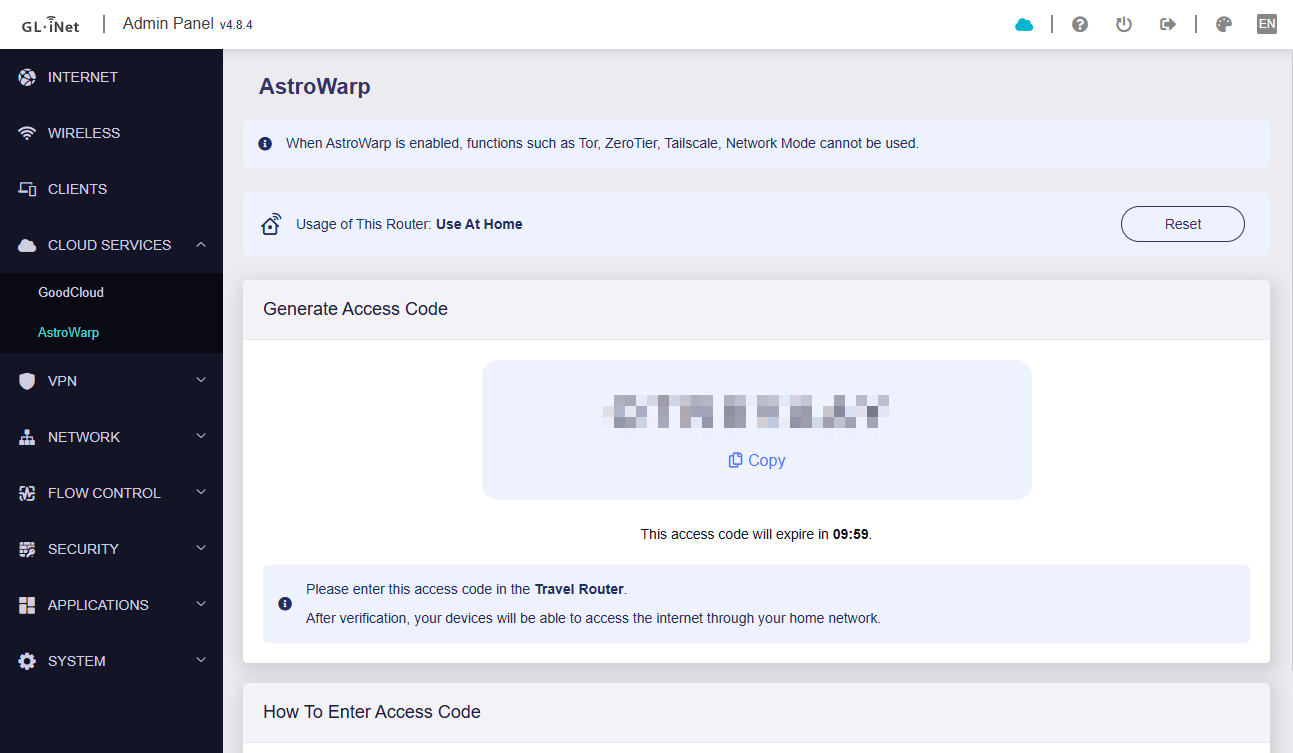
- Whether you are using AstroWarp Web (configured via a browser at astrowarp.net) or the AstroWarp SDK (configured in the router’s Admin Panel)
(AstroWarp SDK)
Hi.
I tested it firmware 4.8.3, 4.8.4 and 4.8.99 beta.
Internet connetion is wired 1Gbps up and down.
I used as well as the Web application as the SDK in the route’s admin panel.
Same results: internet speed up/down drops by 30% although no clients running just Astroweb itself.
Disabling Astroweb does not have an effect on the speed and it will not return to the normal 1 Gbps up/down speed.
Luckily I have a backup with the settings without Astrowarp ever enabled.
It's a self-signed cert, all is fine. You can ignore this "warning"
1 Like
you can just remove the s from the https or access via ddns (or however) domain with valid certificate (or get the private IP certificate signed from trusted CA  )
)
We tested locally using Flint 3 v4.8.4, but were unable to reproduce the issue.
Before and after enabling the AstroWarp, the wired WAN speed—whether using DHCP or PPPoE—did not change.
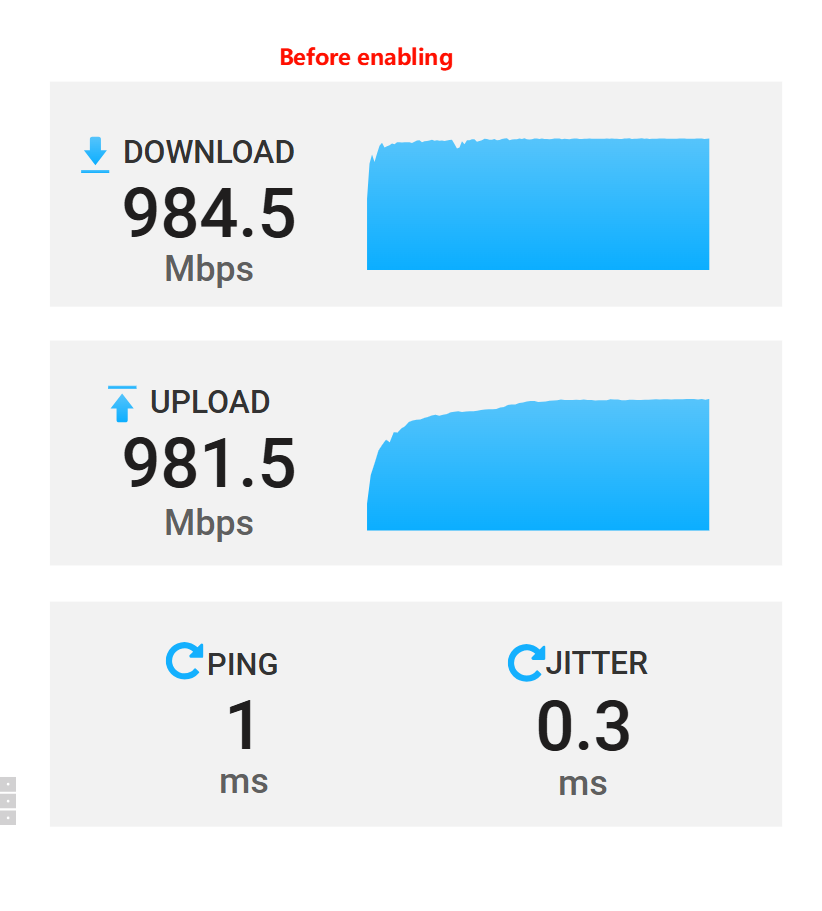
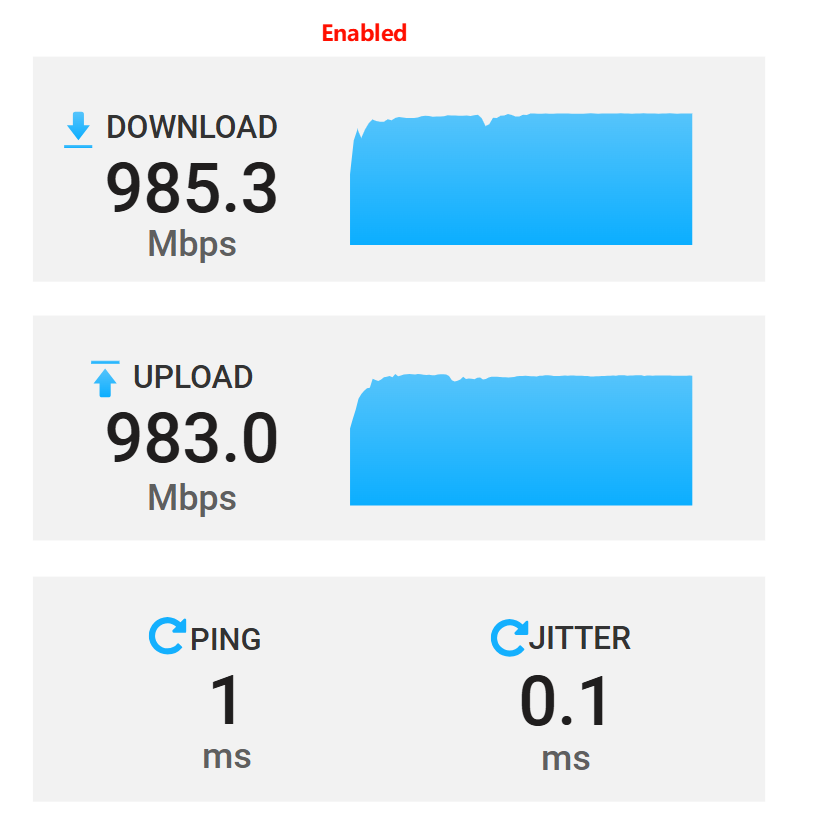
Could you please send us your backup file via private message so we can check whether there might be a conflict with certain configuration settings?

Alternatively, you may share the device with us through GoodCloud and send us the MAC address and WebUI password via private message so we can perform a remote check.
Technical Support via GoodCloud - GL.iNet Router Docs 4
A post was split to a new topic: GL-BE9300 emits Environment: bogus in Country IE — breaks WCN785x/FastConnect 7800 (ath12k) regulatory unlock
I am having this exact issue!!!