Based on the Flint3 hardware platform, the USB channel speed may be 80-100MB/s, which is a predictable speed. Sorry.
Which model does the Keenetic router you mentioned refer to?
Based on the Flint3 hardware platform, the USB channel speed may be 80-100MB/s, which is a predictable speed. Sorry.
Which model does the Keenetic router you mentioned refer to?
The images show the keenetic GIGA 1012 router.
Hi,
The device seems interesting, but in my opinion it lacks even a basic power on/off button.
Topology of my current network:
My ISP provides GPON, to which I connect the main router. To speed up identification, I cloned the MAC address of the old router to the new one in the WAN section, and later also in LAN.
I set the SSID and password the same as the old router, as well as LAN addressing, mask, etc., so the switch from the old router would be “plug and play” without client-side reconfiguration.
Tests:
I’ve run into a problem I can’t solve. I also tried various setups suggested by ChatGPT when I ran out of ideas...
Problem 1:
When connecting an iPhone 15 Pro Max via Wi-Fi, the phone connects to Wi-Fi 6E, but something blocks it – no Internet. Even after disabling MLO, disabling 6GHz, 5GHz, or even creating an open 2.4GHz network – the phone connects, but still no Internet.
The same happens if I completely disable Wi-Fi on the router and connect through my existing AP – the phone connects, but there’s no Internet. Forgetting the Wi-Fi network or resetting network settings doesn’t help.
Problem 2:
Air conditioning splits connect on 2.4GHz; I can ping them from LAN, but they don’t appear in the Daikin app  they show as offline.
Problem 3:
If I click something in the GL GUI, it applies, but certain actions I perform in LuCI (like enabling forwarding or masquerading) – I don’t know if they even work, since nothing shows up in the GL GUI.
If I change something manually via WinSCP (e.g. in network or firewall), the router won’t boot after restart and I can’t log in. I don’t mean major changes – even small firewall edits cause the router not to boot properly.
It would actually be useful to have an option like “disable GL GUI.” It’s a pity, because it’s clear and user-friendly, but at the same time a big limitation. The device would probably work better without the overlay. Also, I don’t know if GL files have higher-level priority over the settings in /etc/config. There’s also no option to create a backup from the GL GUI. I don’t know if a backup made in LuCI would restore the settings properly. So far, I’ve had to reset the device 6 times, which is really discouraging.
Current unresolved issues:
But if I replace the GL.iNet Flint 3 with my old router, using the same LAN, WAN, and WiFi settings – everything suddenly works.
Stable firmware available – the latest one, I think … 14
Best regards,
szymek
Hello,
Please Email to support@gl-inet.com, and please attach the router issue syslog about iPhone15 PM and AC connection.
Flint2 is much better than Flint3. The processor is more powerful, heats up less, and works very well.
Hey Bruce, It just happened again this morning with firmware 4.8.1 2025-08-20.
All wifi crashed and traffic stopped when my phone tried to connect to MLO. I am sending you a PM with details and the logs.
How long has it been since anyone wrote anything here? Everyone expects normal firmware from the developers as soon as possible so that the device finally works properly.
Also in Flint 2 with latest Nightly, the option Sw and Hw Offloading from Lucy uncheck after reboot. Also notice the option Network Acceleration enables after reboots. Theses 3 options changes in the next reboot. Had to manually enable and disables. Very annoying. Any fix?
Hello,
Please enable/disable the network acceleration, or select the acceleration mode in the GL GUI.
After reboot, acceleration turn on in Hardware option and Sw and Hw Offloading from Lucy uncheck by itself. Revert everything, reboot and again Sw and Hw Offloading off and acceleration hw On.
Yes, Luci's compatibility is not good, so it is recommended to configure network acceleration in the GL GUI.
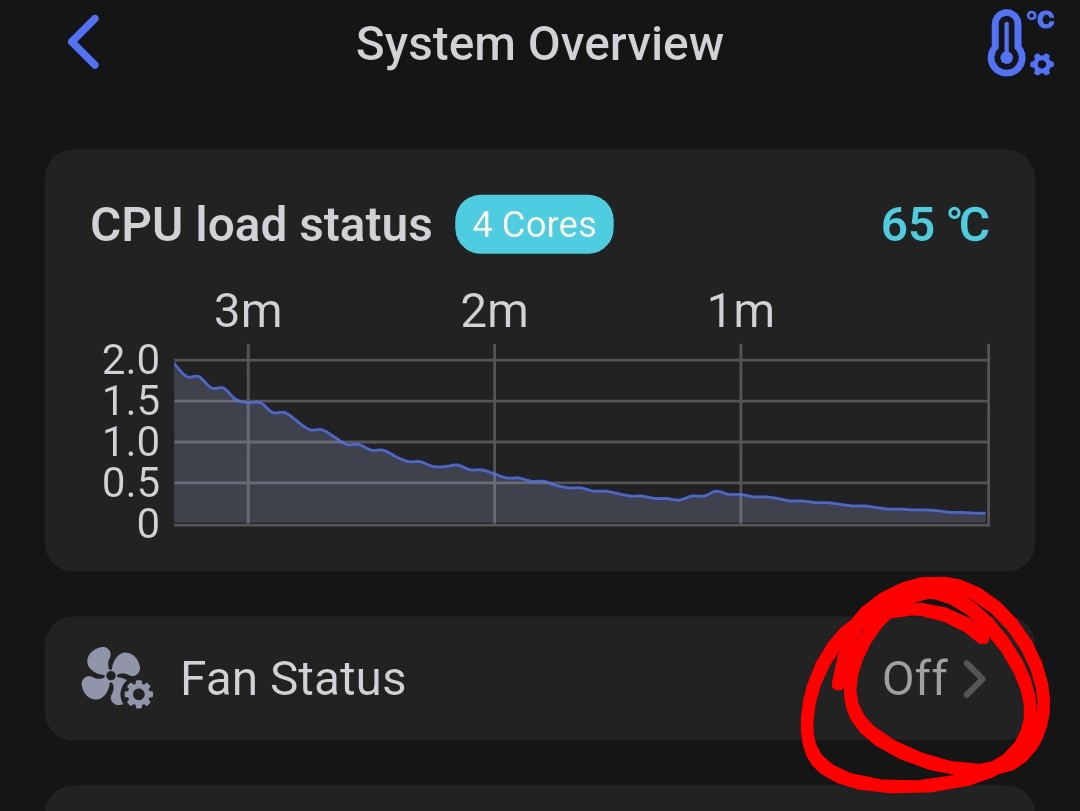
Acceleration in general (no matter if softwareor hardware) makes my router run over 2.0 (>2.5 peak). If I turn it off the load status is around 0.1. Any idea why acceleration makes my Flint 3 turn crazy?
Hi there! Have you found a persistent solution? Thanks.
Activating the fan speed setting I need to enter the command via SSH after every reboot.
I am travelling for work now and only after next weekend I can check after updating to the latest beta firmware if it still happens.
Just go into Luci>System>Startup and disable and stop gl_fan then reboot.
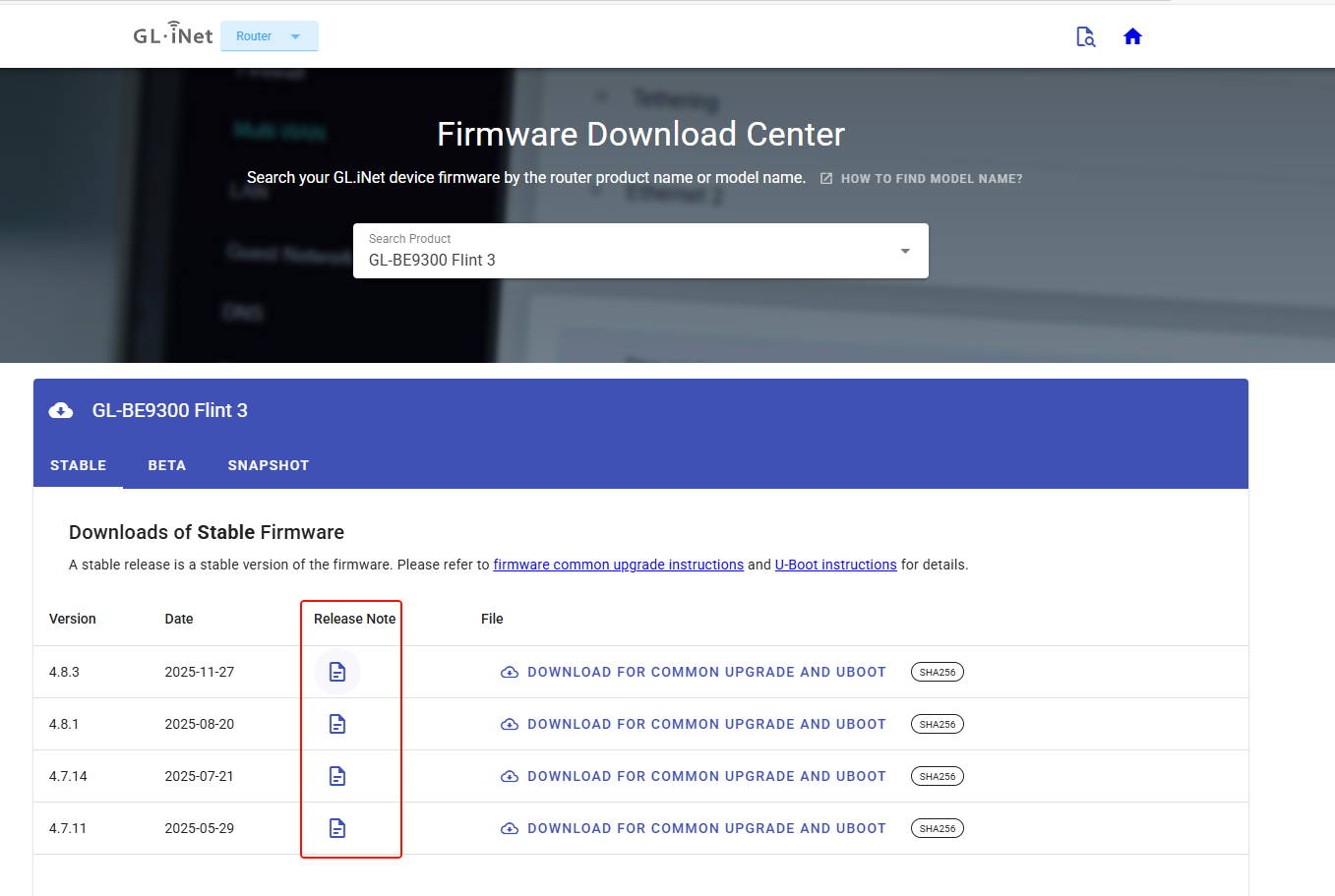
Hello @bruce, do you know if there is any new firmware on the way? I see that the latest stable and beta versions are from November. Could you tell us what improvements are being implemented, if you know? Thanks in advance.
Hello,
In the Firmware Download Center, each corresponding firmware version has a release note that describes the optimizations, improvements, and additions included in that version.
Example for v4.8.3:
Hello, that's right, that's what I saw. I wanted to know if version 4.8.4 stable will be available soon. The changes shown are all from November. I wanted to know if there is any news about future improvements. Thank you.
Probably not quite yet. There aren’t major changes on the main features in v4.8.4 and v4.8.3.
Are you encountering any bugs or issues? Do you urgently need a specific fix from v4.8.4?