Dear Mudi7 Users,
We are thrilled to announce the release of the Mudi 7 v4.10 beta firmware!
Important Information:
- Stability: May contain unresolved bugs, not recommended for Production environments, Batch deployments.
- Download: Get the beta firmware at GL.iNet download center
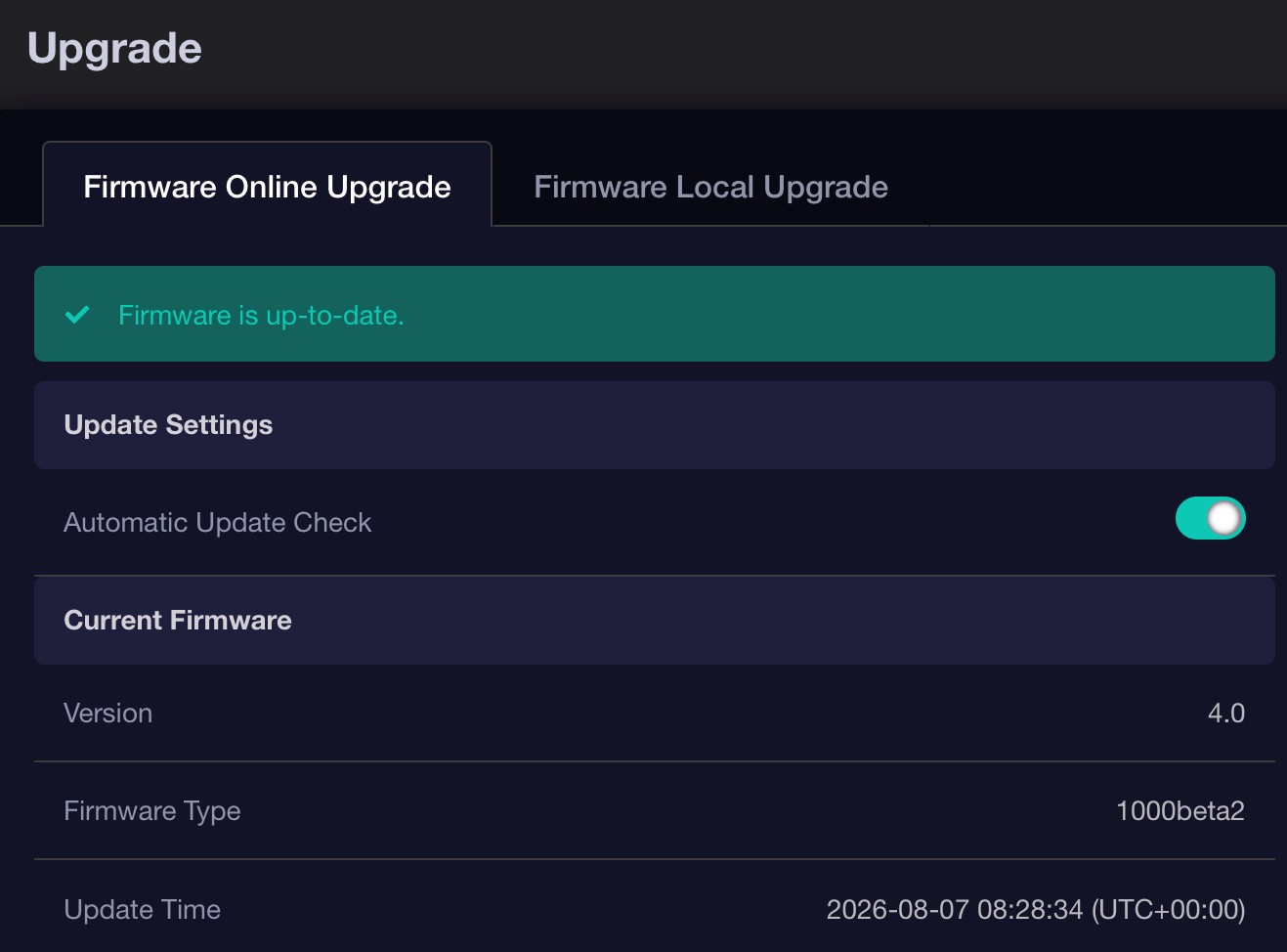
- Update: Access the web admin panel > SYSTEM > Upgrade> Local Upgrade, and upload the downloaded file to install
Release Notes for V4.10:
Cautions:
- Parental Controls: Due to a comprehensive feature redesign, existing configurations will not be preserved during this upgrade. Please back up your settings and reconfigure them after the update.
- VPN Failover: With the introduction of multi-node selection and intra-tunnel failover, the legacy inter-tunnel failover feature has been removed. Upgrading with configuration retention will enable the Kill Switch by default across all tunnels. Please back up your settings before upgrading.


New Features:
- DPI (Deep Packet Inspection): Introduces deep packet inspection to enable granular data statistics, content filtering, and intelligent QoS.
- SQM (Smart Queue Management): Adds smart queue management to intelligently optimize network queues, reducing latency and jitter under heavy load.
- GL.iNet Account: Introduces a centralized profile page, providing a unified dashboard to monitor and manage all associated account services.
- ACL (Access Control List): Introduces ACL rules to restrict network traffic based on protocol, source/destination IP, and port numbers.


Optimizations & Enhancements:

  VPN & Security Protocols
  - VPN Dashboard Redesign: Overhauls the entire VPN dashboard, core interactive workflows, and client profile controls. Adds batch selection and deletion capabilities for VPN clients.
  - VPN Multi-node & Failover: Introduces multi-node selection for VPN tunnels with automatic node failover. Implements proactive IP and DNS conflict detection specifically for VPN cascading environments.
  - Expanded Protocol & Providers: Integrates the AmneziaWG 2.0 obfuscation protocol. Adds PureVPN and Windscribe under WireGuard protocol, and includes a toggle to enable/disable specific profiles for WireGuard Server.

  UI & UX Redesign
  - Wireless & Cellular: Redesigns the Wireless UI and simplifies the Cellular dashboard layout to improve visual consistency and streamline network configuration.
  - Parental Controls: Streamlines the setup wizard, offering basic device management, internet schedules, and web content filtering.
  - Ethernet Port: Optimizes the display of the Ethernet Port page for clearer status presentation and easier management.

  System & Network Services
  - AstroWarp: Redesigns the interface to achieve device pairing via an access code without account binding or complex configurations.
  - Encrypted DNS: Enhances encrypted DNS with DoH, DoT, and DoQ support, expands DNS provider options, and enables manual server configuration.
  - Tailscale: Upgrades Tailscale to v1.92.5 and adds support for running the router as a Tailscale exit node with an IP masquerading option.
  - System & Clients: Adds a cancel option for in-progress firmware downloads, implements automatic offline client cleanup, and supports custom Hostnames for Address Reservation.
  - Network Adjustments: Automatically activates IPv6 connection status tracking in Multi-WAN when IPv6 is enabled. Upgrades port forwarding to support automatic one-to-one mapping of port ranges.
  - Subnet: Refines subnet management to streamline the centralized configuration of main and guest network parameters.
  - Component Upgrades: Upgrades AdGuard Home to v0.107.73.

  Touchscreen Experience
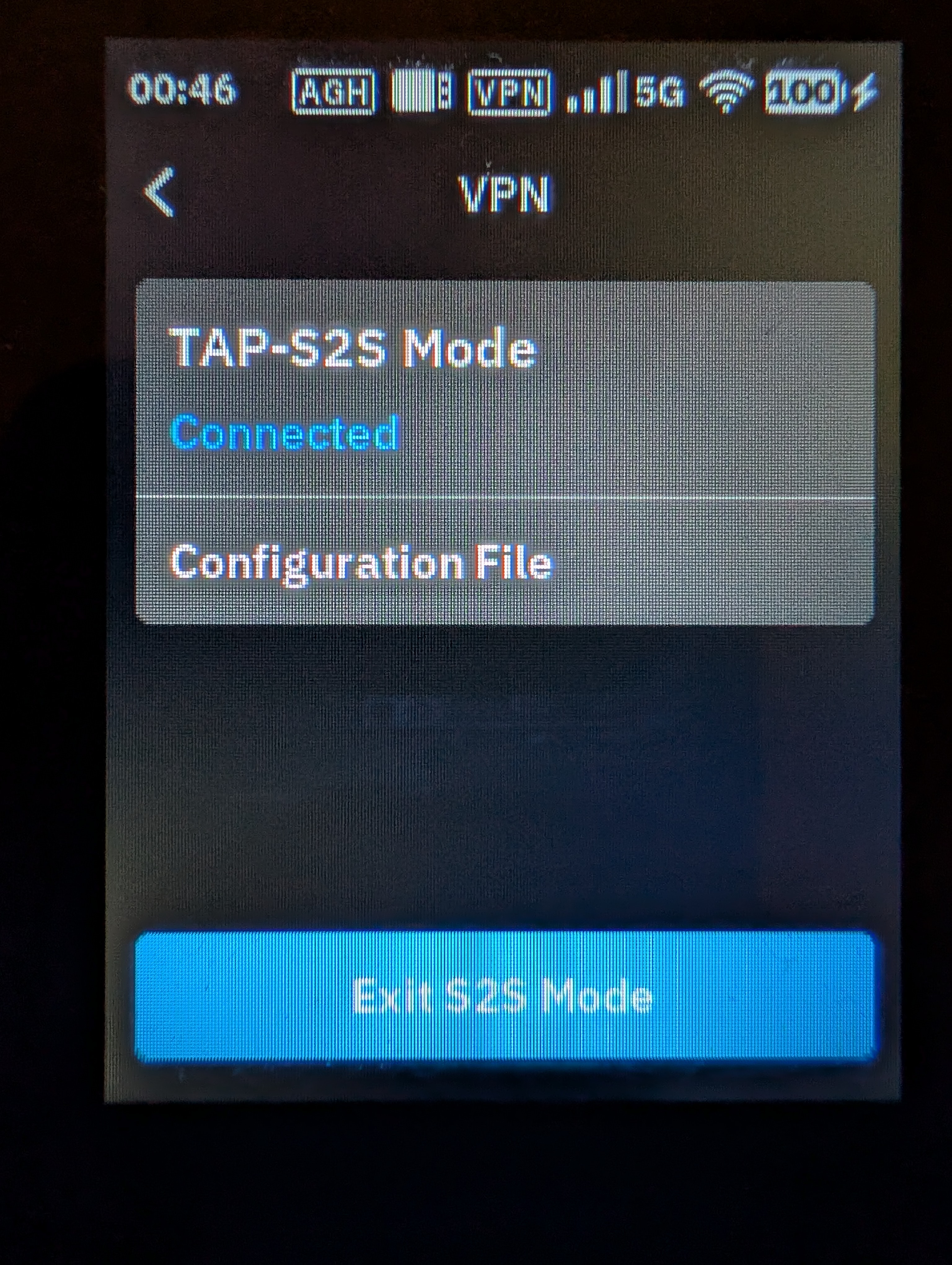
  - Touchscreen UI: Overhauls the Touchscreen experience with manual firmware update checks, optimizes network prompts, refines VPN controls, cellular layout simplifications, and Guest Wi-Fi management (add/remove networks).

  Bug Fixes & Security
  - Security Patches: Updates `dnsmasq` to v2.92 to incorporate upstream security fixes; applies the CVE-2026-47703 patch for AdGuard Home.
  - Cellular TTL: Fixed an issue where the Cellular TTL settings failed to take effect after an upgrade with configuration retention enabled.
  - Cellular Stability: Fixed an issue where a timer timeout could cause UE to initiate detach, resulting in cellular network disconnection.
If you encounter any bugs or issues while using the beta firmware, please feel free to reach out by leaving a comment below or contacting us via email at support@gl-inet.com
Sincerely,
GL.iNet Technical Support