I have a GL-MT2500A and from some days a go is not functionally correctly.
If I power recycle it not give me an IP on LAN port, and if I connect with a PC on same broadcast domain or with default IP (192.168.8.x) I'm not able to reach it on ping or web interface.
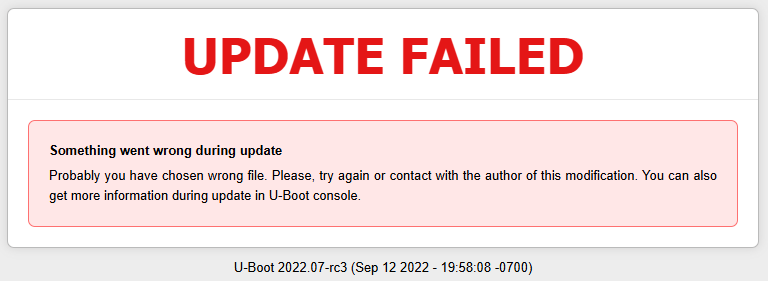
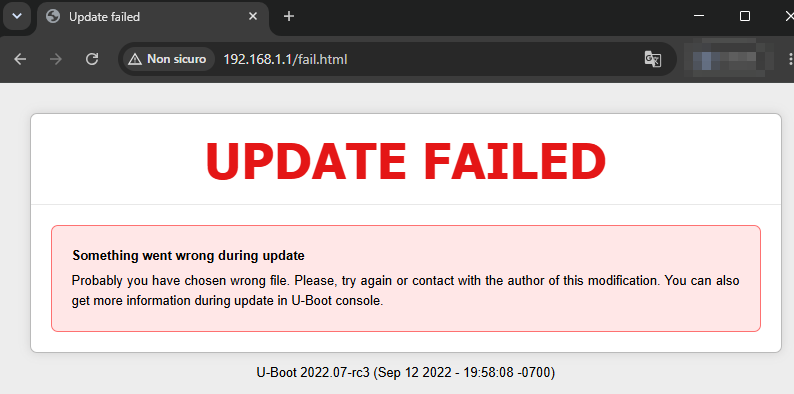
Something went wrong during updateProbably you have chosen wrong file. Please, try again or contact with the author of this modification. You can also get more information during update in U-Boot console.
Same error message using some other firmware version, like 4.7.0 and the first firmware 4.1.1, but I'm sure which checksum are correct.
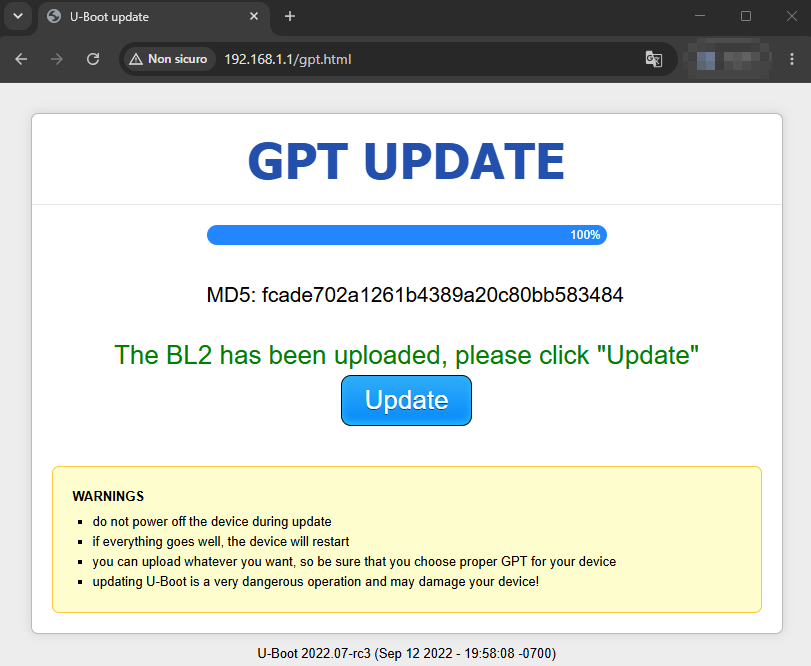
I also tried to update the U-Boot bootloader but I received the same error message.
maybe I did nosay before, the router was working correctly, after a power outage I run into this problem, so when I give power after the outage at router it start to work not correctly, like it was not able to boot into the correct operating system, also from a lot of manual reboot.
The only think working is the procedure for booting in U-Boot failsafe with holding reset button and power on the router. In this way I'm able to go to 192.168.1.1 in the U-Boot Web UI.
Maybe the cable is not okay?, or the upstream connection uses a extremely low mtu where pages break?
I'm sure the cable is ok, because I tried more cables, and I was connected directly with a PC.
If flashing also results in the same behaviour via U-boot, you can do one more test:
Try with the original power adapter, if that also doesn't work it sounds to me something is going on with the emmc, GL-iNet support can help you better with this
first of all are you aware of this notification, if not, read very carefully and follow instructions to update your uboot and then flash the latest firmware
Could you please let us know if your MT2500A is working normally again?
May I ask if you’ve had a chance to try the original power adapter suggested above? If so, did it help improve the situation?
Also, after trying to update U-Boot, were you able to flash the firmware successfully and use the device normally?
unfortunally I already tried to upgrade U-Boot version with the link you mentioned, but I always had a error message, similar error when I try to update the firmware:
Dont waste your time trying different cables, power adapters and other sort of exorcism. This is a very well known problem and GL-iNet staff knows about it:
So they tell you to update the old version of U-Boot 2022.07 rc3 but dont tell you what to do when the update fails (it may or may not brick the router). Just few MT2500 users were able to update old version of U-Boot while the majority failed.
I have been in a similar situation, GL-iNet sent me replacement (another MT2500 with the old U-Boot that failed to update).
It is an interesting coincidence that before I read your post I published mine with a question about current state with failed MT2500 U-Boot update but did not receive any answers yet:
The same thread contains interesting info about using UART to debrick MT2500 - may or may not work for you if you are willing to try:
Thank you for trying these recovery steps. Since the device still fails to recover, if your device is still covered by the warranty, please contact our customer service team at cs@gl-inet.com for after-sales assistance.
Please include your purchase channel, order number, and a link to this forum thread so our team can review your case and assist you further.

 first of all are you aware of this notification, if not, read very carefully and follow instructions to update your uboot and then flash the latest firmware