Wilson — that "wrong file" on every image, including U-Boot itself, usually
isn't the file. It's the GPT. If the partition table is damaged the bootloader
has nowhere to write and rejects everything you feed it, firmware and U-Boot
alike. I hit exactly this on an MT7981/eMMC board and got it back.
Two things the recovery page doesn't tell you:
There are extra pages that aren't linked from the main screen:
192.168.1.1/gpt.html, /bl2.html, /uboot.html. You want /gpt.html.
The GPT upload is capped at 128 KB (0x20000). A 1 MB dump of the start of the
eMMC is refused instantly — which looks identical to "wrong file". This is
what got me for a while.
Procedure: upload a 128 KB partition-table image on /gpt.html, then go to
/flashing.html. Mine reported success on the first attempt and booted straight
into the firmware that was already installed — nothing else needed reflashing.
I have a 128 KB GPT dump I can send you, and it's from the same model as yours —
my label also reads GL-X3000NR (the software reports it as GL.iNet GL-X3000,
board glinet,x3000-emmc; the NR is only on the sticker). Seven partitions:
log, u-boot-env, factory, fip, cfg, kernel, rootfs.
Writing a partition table is still not risk-free, so it's worth asking GL first.
If you'd rather not wait, just say the word and I'll send mine.
If the GPT restore doesn't bring it back, the next step is UART: solder to the
console pads and load U-Boot straight into RAM with mtk_uartboot, bypassing
flash entirely. More work, but it recovers boards the web page can't.
Could you please confirm whether the firmware image you used was downloaded from the official GL-X3000 Stable firmware page below?
Please download the firmware specifically listed for the GL-X3000 and upload it through the main U-Boot recovery page at http://192.168.1.1. We also recommend downloading the file again and retrying with Chrome or Edge in Incognito/InPrivate mode.
Have you already received the GPT file mentioned above and successfully recovered the router, or does the issue still remain?
We would also like to thank @Andy2020 for kindly sharing the recovery information and suggestions.
uboot.html accepts only a model- and hardware-revision-specific U-Boot image; it will reject normal firmware files. Upload the official GL-X3000 firmware through the main recovery page at http://192.168.1.1, not through uboot.html.
If the newly downloaded official firmware is also rejected on the main page, do not flash a GPT or U-Boot file from another device because an incompatible image may make recovery harder. Since staff supplied the recovery file privately earlier in this topic, please send @charles2 a private message requesting the correct GL-X3000 recovery/GPT file for your unit. Provide the hardware revision or label photo privately, with the serial number and other identifiers obscured in any public post.
This reply was generated by AI. Please verify its accuracy.
GL.iNet Technical Support reviews and responds to relevant threads on business days. Please allow time for a staff response.
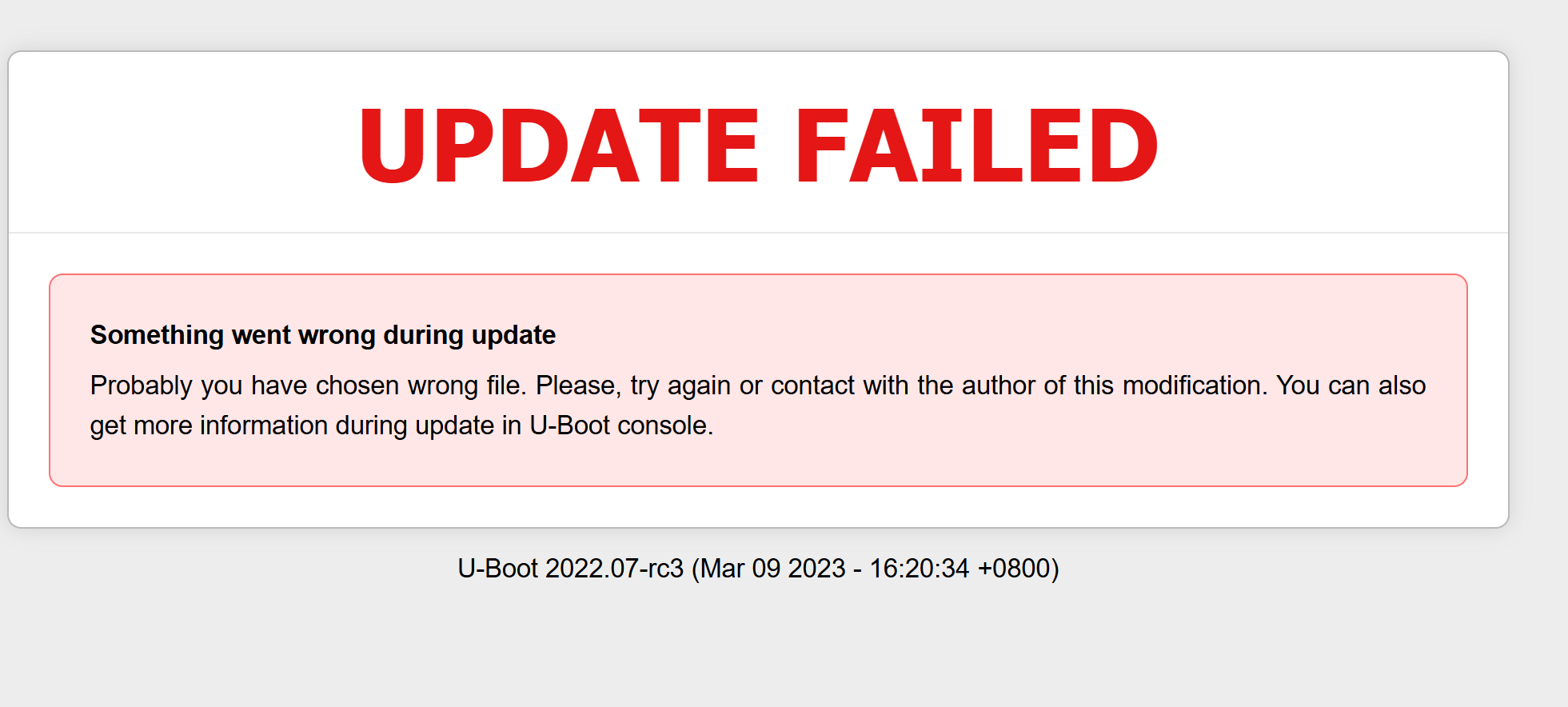
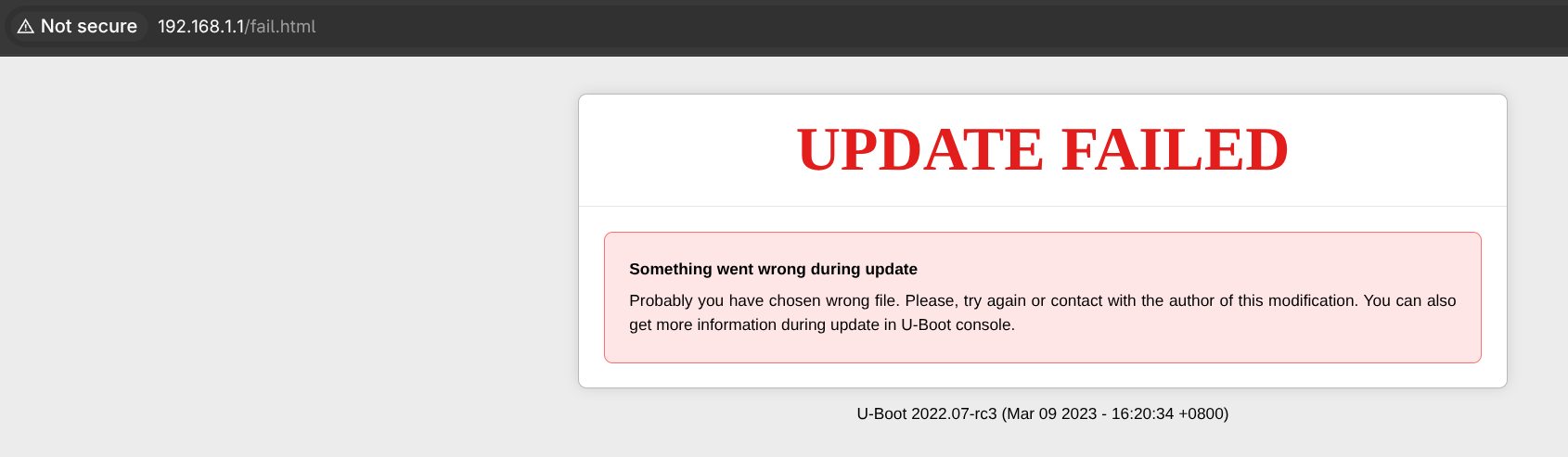
I hit the same hard wall. no clue what to do next . cannot update via firmware or uboot . It just says
UPDATE FAILED
Something went wrong during update Probably you have chosen wrong file. Please, try again or contact with the author of this modification. You can also get more information during update in U-Boot console.
U-Boot 2022.07-rc3 (Mar 09 2023 - 16:20:34 +0800)