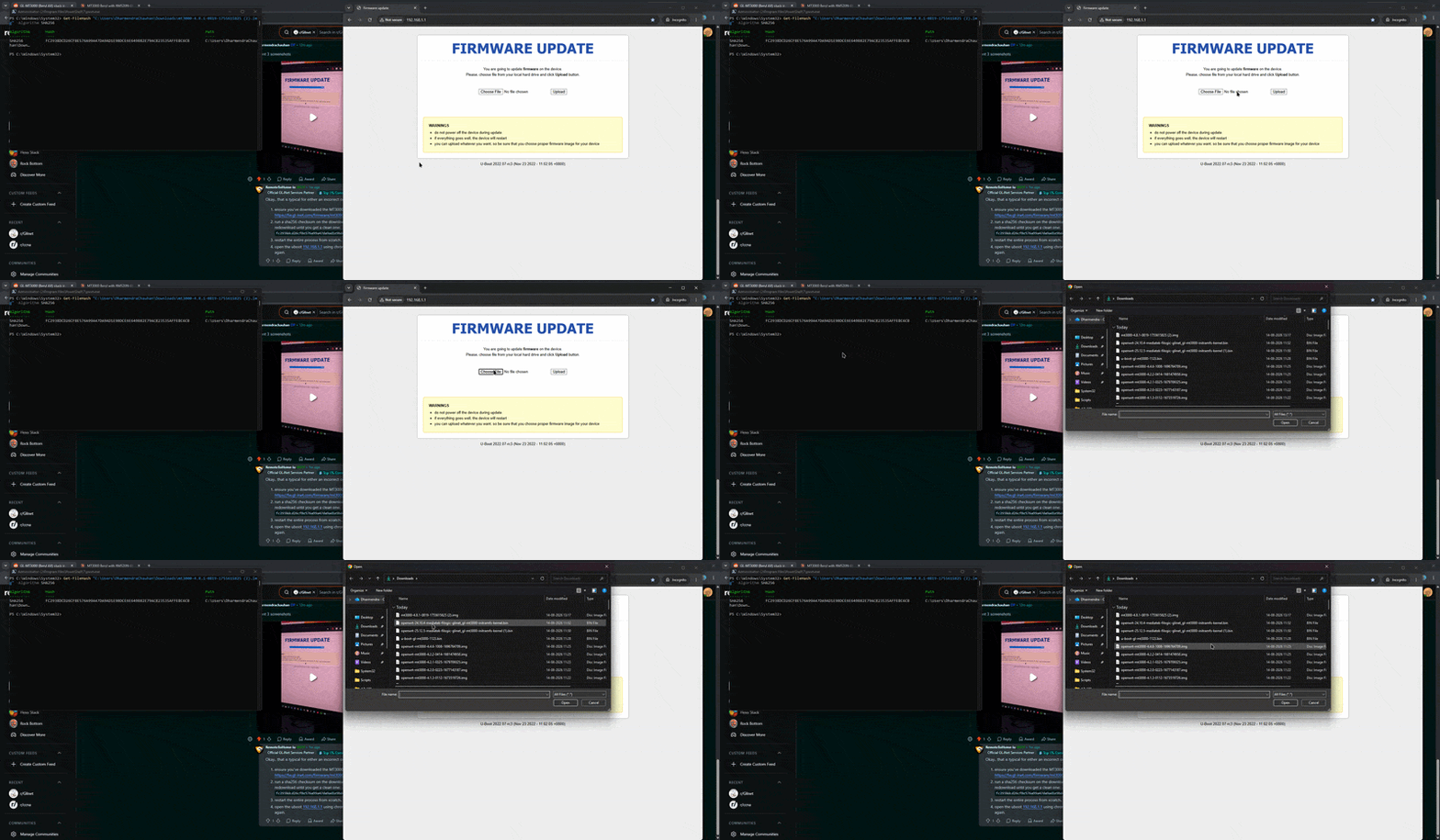
I need help recovering my GL-MT3000 (Beryl AX) router, which is currently stuck in a state where it cannot boot into normal firmware and every U-Boot recovery attempt fails.
Problem
The router boots into the U-Boot Web Recovery UI at 192.168.1.1 without issue. However, every attempt to upload a firmware or U-Boot image fails, regardless of which image I use. I have tried multiple official GL.iNet firmware versions (including 4.1.2, 4.8.1, and beta OpenWrt-based builds for this device) as well as community OpenWrt images for this target.
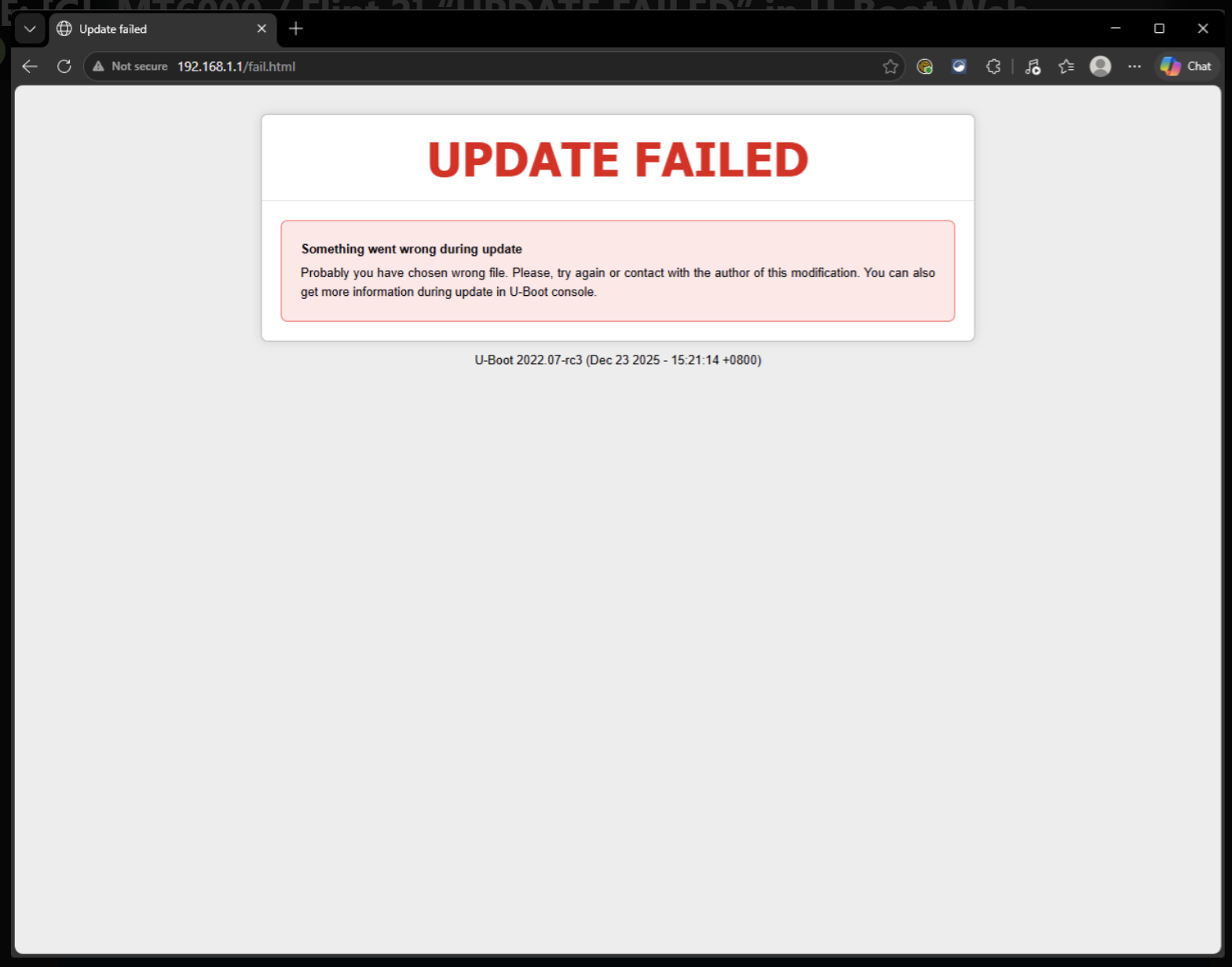
Importantly, the failure does not happen immediately. The upload progress bar completes fully to 100%, and only then does the page redirect to 192.168.1.1/fail.html with the message:
"UPDATE FAILED — Something went wrong during update. Probably you have chosen wrong file. Please, try again or contact with the author of this modification. You can also get more information during update in U-Boot console."
I have ruled out a bad or corrupted file:
I verified the SHA256 checksum of the 4.8.1 U-Boot image matched the published value before uploading.
The same verified file still fails at 100% upload.
I have re-downloaded the file fresh, tried different browsers (including incognito), different USB-C power adapters, and different cables — the result is identical every time.
I have attached a
screen recording showing the full upload process, from start through the progress bar reaching completion, to the "UPDATE FAILED" page.
i tried normal sysupgrade that is also not working, I can only access the Uboot page no matter what I try nothing works. l’m not feeling good, as I really like this device and now it’s broken. please help me, may I can upgrade uboot version and try flashing the .img or .bin but I don’t have uboot version files and could not find anywhere. i posted the video here https://www.reddit.com/r/GlInet/comments/1vn5c3v/comment/p3m2tjw/?context=1&screen_view_count=2&ext-referrer=DIRECT
You need a emmc file to restore it with specific instructions only GL-iNet can provide.
They can also help with verification if this is the issue I suspect, but I think it is a corrupt partition system which then causes failures on checksums.
can someone share the firmware which actually works for this device, I couldn’t flash any images available online. or proabably share uboot images. Thanks
I have the exact same issue that hit me today, same BerylAx GL-MT3000 router. I have tried several of the firmware files of different versions to see if any would work, but nothing seems to stick. Looks like there might be something trending with this then? My router is now stuck in a boot loop and no longer broadcasting SSID before resetting again. All peripherals(ethernet, wifi, power, etc) verified as a known good.
Could you please help us check the U-Boot recovery behavior of your GL-MT3000?
Please follow the official U-Boot recovery procedure here:
For the GL-MT3000, when entering U-Boot recovery mode, please let us know how the LED behaves and whether you can successfully access the U-Boot page at 192.168.1.1.
If you can access the U-Boot page, could you please try flashing the official GL.iNet firmware and let us know what happens afterward — for example, whether the upload fails immediately, reaches 100% and then reports an error, or appears to complete successfully but the router still remains in a boot loop.
If the U-Boot recovery fails, could you please provide a photo or screenshot of the failure message and describe the router's status afterward, such as the LED behavior and whether it continues rebooting?
Thank you the U-Boot update completed successfully and I confirmed I could re-enter the U-Boot recovery interface afterward. However, flashing the official stable firmware still fails with the same 'UPDATE FAILED' message as before. Uboot is showing december 2025 version now.