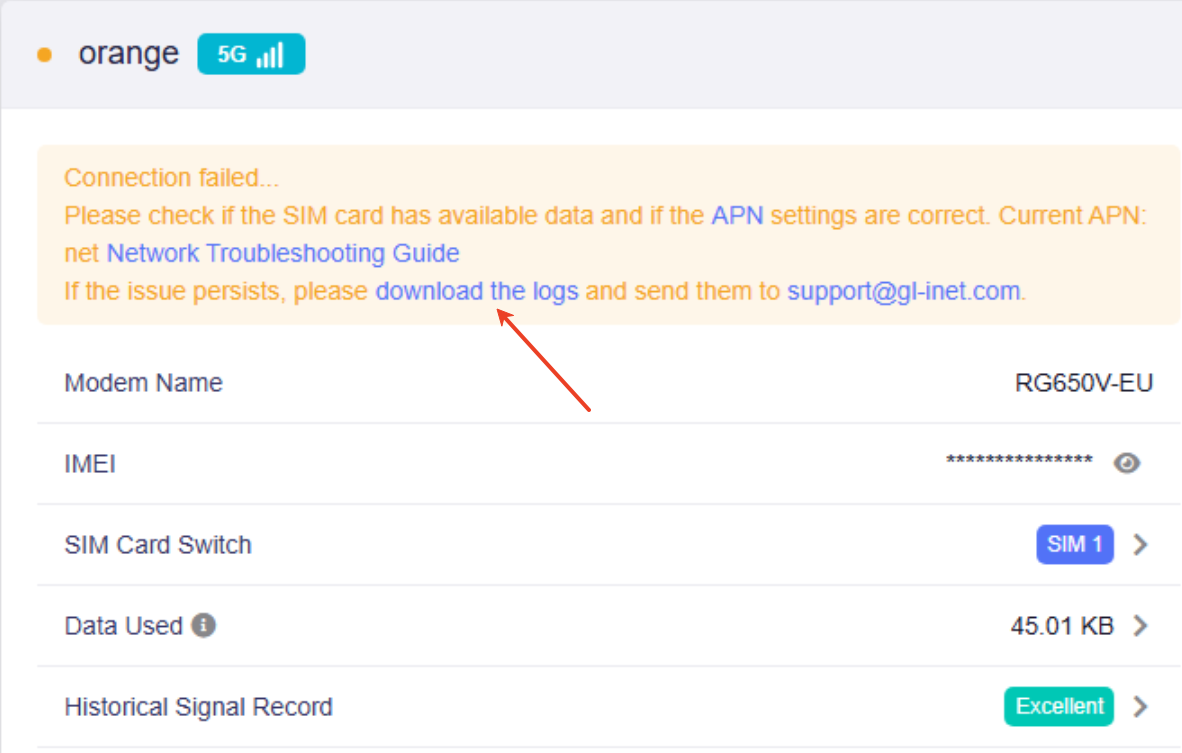
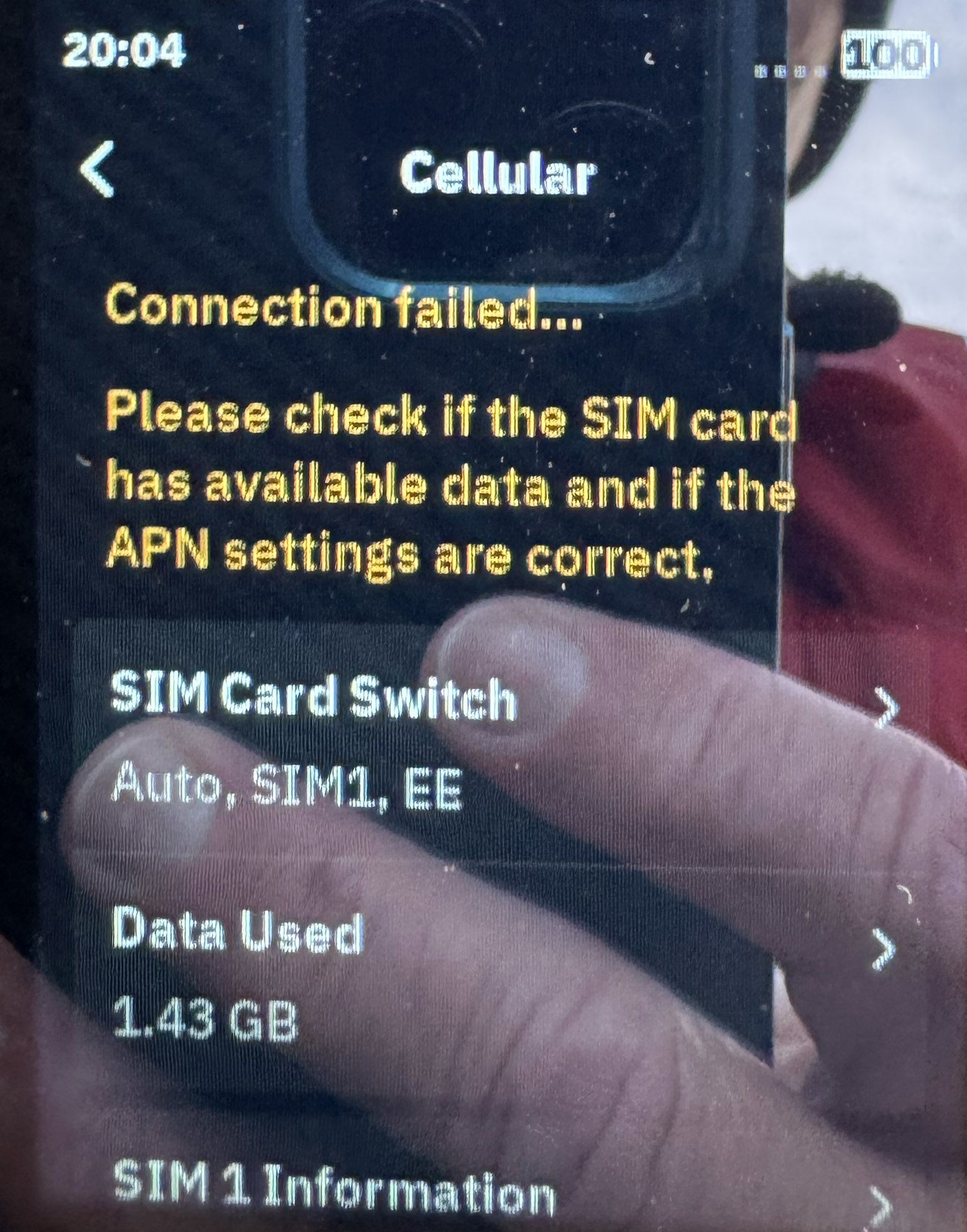
Es liegt ein wahrscheinlich an den Einstellungen in Deutschland, denn ich hatte meine eSIM Telekom in der Schweiz (bei der Durchfahrt) und in Italien (im Urlaub) ohne Probleme in Betrieb. Jetzt, als ich wieder zu Hause bin, ist eine Registrierung, der eSIM nicht möglich.
Habe jetzt habe jetzt das LTE-Band 3 deaktiviert, seit ihr geht es mit ca. 100Mbps.
It is probably due to the settings in Germany, because I had my eSIM Telekom in operation in Switzerland (when passing through) and in Italy (on vacation) without any problems. Now that I'm back home, it's not possible to register the eSIM.
Have now deactivated the LTE band 3, since you go with approx. 100Mbps
The original description of the issue mentions that this is cell tower specific. I can confirm. At my home location only 50% of the initial connection succeed (i.e. switching the Mudi on and getting a connection immediately). If I am at other locations, 100% succeed.
Thx, so it works for you with all Telekom Band including LTE B3.
For me, it only works if I block LTE Band 3, though I can’t really notice any drop in speed. I get around 400 Mbps download and 10–40 Mbps upload. That said, upload speed is more important to me than download speed.
Indeed, every cell (and so the tower) uses different frequencies. The best way is to test by using your mobile phone and checking which band it will use. On an iPhone you can "call" *3001#12345#* to get the Serving Cell Info or Cell Info.
Sounds good. Can you then please also compare O2 Carrier Aggregation vs Telekom and Vodafone on Mudi 7? I have some serious doubts that the MBN file (ROW) used for O2 on the Quectel Module has the right settings. I sent all details already to @Cathy Would appreciate if somebody double checks.
I'm pretty sure that Cathy will send this feedback to the testing crew, and they will get back with some more information after they get back to China.
Same issue happening in Canada and I have tested with the following providers with 5G+ plans: Bell Mobility, Rogers, Telus and Freedom Network. I can only get 4G LTE Bands and none of the 5G bands. When I try to force and manually select a 5G Bands, I get same error “Connection Failed”.
I have reported this issue to GL-iNet Support team for over 3 weeks and no resolution yet nore a timeline when they would have a fix.