Sorry, exporting all settings (configuration backup) is not supported for now. (We have submitted this to PM team to evaluate)
Please share the router with us through GoodCloud and we will check the issue.
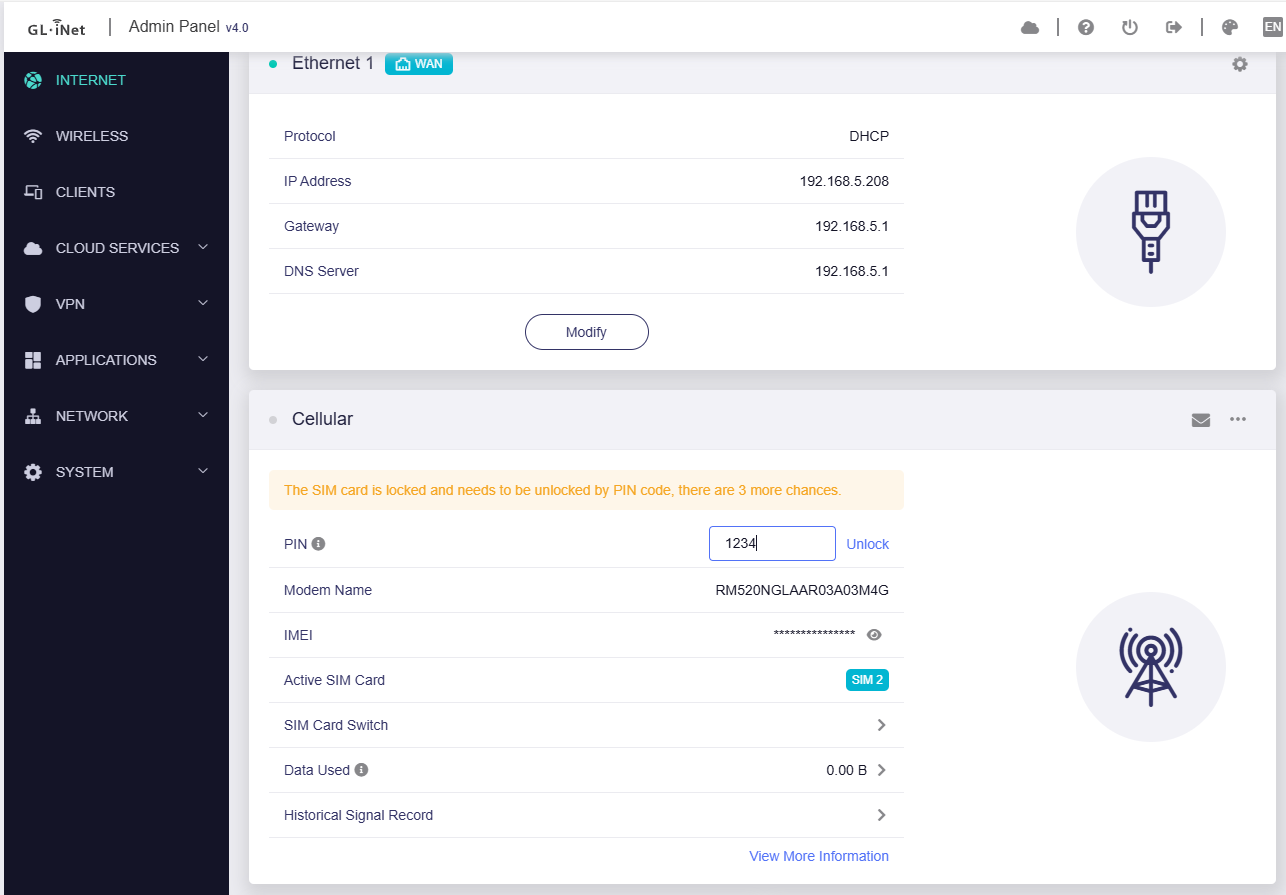
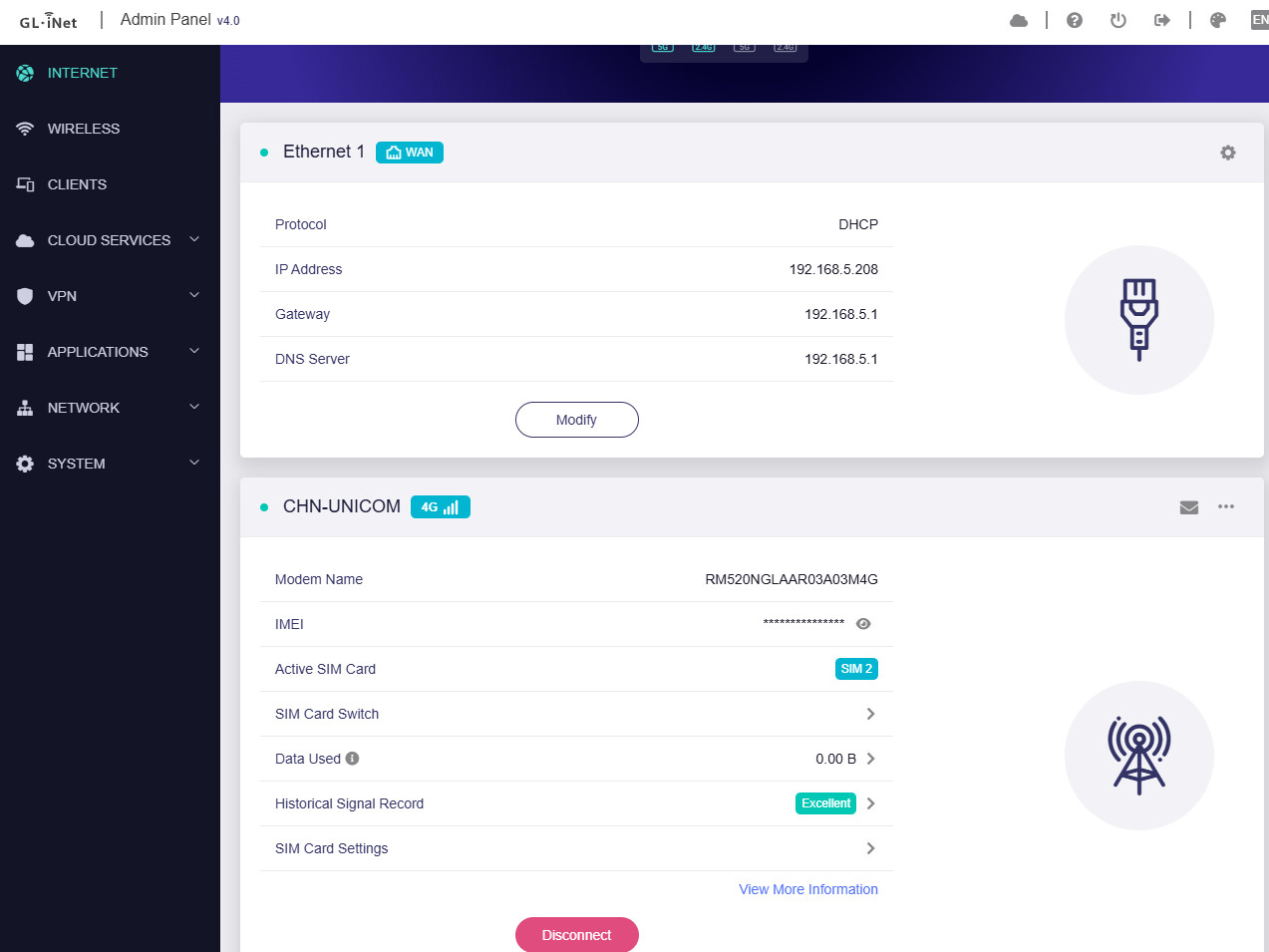
I also tested it locally:
Manually add a PIN code "1234" to this SIM card (Configure in phone, or using AT commands AT+CLCK="SC",1,"1234" in X3000)
Factory reset X3000 settings. Insert this card into router X3000, firmware v4.8.2 r5, it will remind to enter PIN code and unlock
Hi, I noticed that Brume 2 wasn’t on the list in the first post, and now you’re finally releasing it for it. Is there any chance you’ll also release it for the Mango?
Since the resources of the testing department are relatively tight, the MT2500 v4.8.2 stable firmware may not be available soon. Although it is a beta firmware now, I think actually relatively stable and you can experience it in advance.
Hey @bruce , do you think it would be possible to add op24 to snapshots, I guess you are reading op24 transition sometime in the future, so that would bring you more feedback on op24.
Thank you for your consideration!
As the op24 version is constantly being updated, there may be uncontrollable and hidden risks. We have no plans to include op24 in the snapshot for the time being. Truly sorry.
R&D team has given a plan, the closed-source firmware will merge security patches into future firmware versions, and open-source firmware will upgrade the op version to 24.10.4.
I have a little question about the beta for the x3000 and xe3000 devices. You have withdrawn the beta firmware. What is the reasons for that? I guess you will bring back the 4.8 firmware for that devices next time.
For op24 firmware, adapting to 24.10.4, expected to be released early next month.
For closed-source firmware, it is impossible to give a specific time but according to the release rhythm of each model's firmware version, but will be asap.
Great. I’m keen to try OP24 (24.10.4) 4.8.3 or above. Every time, I think OP24 is a solid release, I read the posts and see there is a new issue. I understand this can’t be helped, but just need a stable release with the basics working fine. Can you release a roadmap of Flint2 builds going forward? Will OP24 become the primary build?