Don’tb forget the “save and apply” button in the wireles page from Luci.
2 Likes
Subject: GoodCloud Timeout Issues and App Connection Failure on GL-MT6000 (Flint 2)
Body:
Hi everyone,
I am experiencing persistent connectivity and rendering issues with my GL-MT6000 (Flint 2) on GoodCloud (Admin Panel v4.9.1-op25), and I would appreciate some assistance.
Here are the specific problems I am encountering:
-
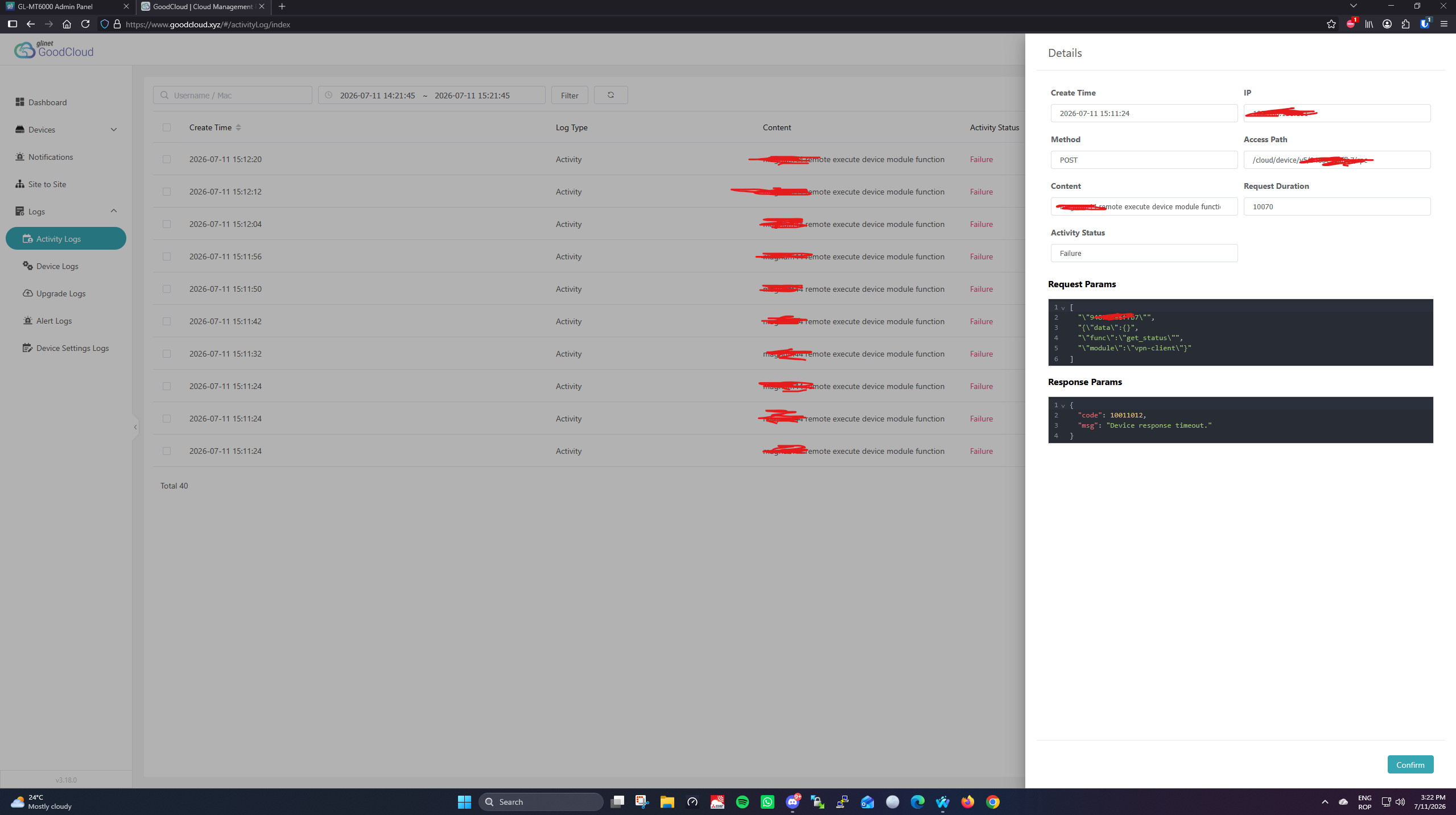
Device Response Timeouts: As seen in my first screenshot, the log history is filled with "Remote execute device module function" failures showing the response message
{"err": 32212255, "msg": "device response timeout."}. -
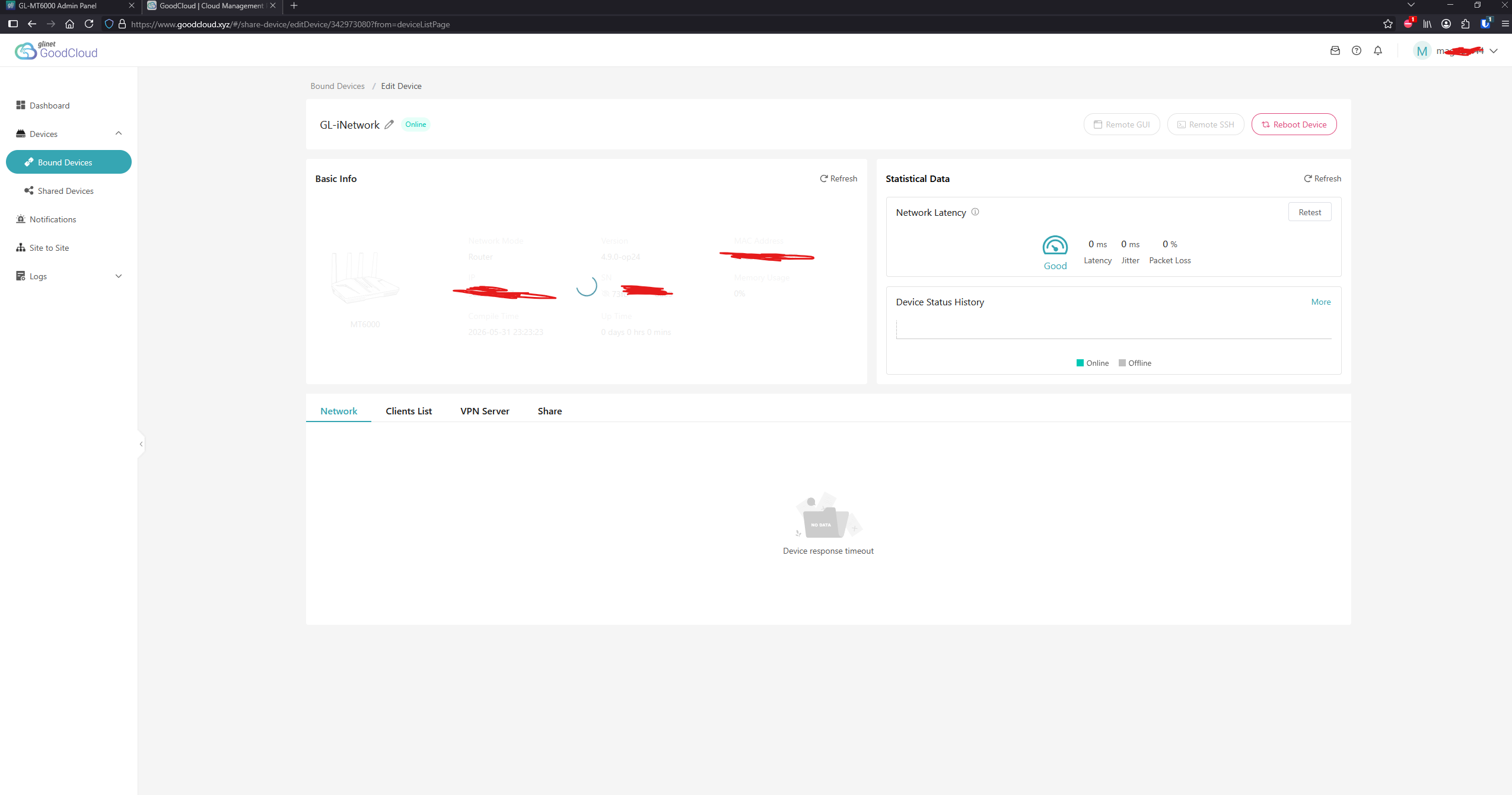
Missing UI Information: Even though the router status is shown as "Online" (green badge), the GoodCloud dashboard fails to load device details. As shown in the second screenshot, the router graphics, basic info, and the entire "Network" tab are completely missing or stuck, ending in a "Device response timeout" error.
-
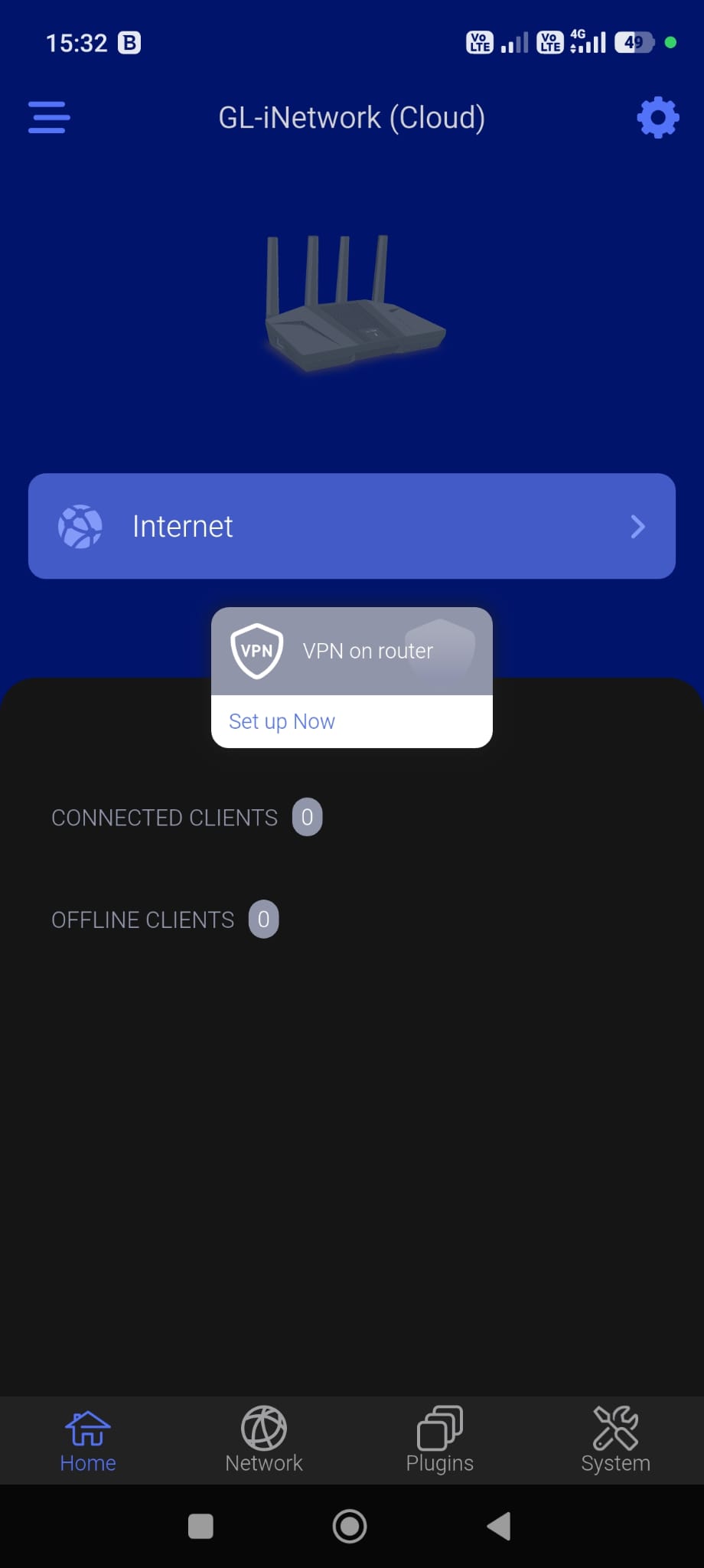
GL.iNet Mobile App Failure: When my smartphone is on mobile data (cellular network), the GL.iNet app completely fails to connect to the router remotely via GoodCloud. However, if I connect my phone via local Wi-Fi, the app functions perfectly and communicates with the router without issues.
@will.qiu
My MT6000 became completely unresponsive this morning. The DHCP server was no longer assigning IP addresses. I'm running 4.9.1-op25 on an MT6000 and MT3000.
Initially, my iPhone was still connected to Wi-Fi, but neither downloads nor uploads were possible. Eventually, I had no choice but to unplug the router and power-cycle it.
There is definitely something wrong. I have never experienced an issue like this with the MT6000 in the past two years. Unfortunately, there are no logs available that could help determine what happened.
1 Like
Why is the tc-full package missing from this version of OpenWrt25 beta?
I have had the exact same experience when the MT6000 appeared completely dead (although was still on) and needed a hard reboot before working again for few hours before same problem struck again. Although I do not rely on router’s WiFi, I can confirm that the range remains way less than 4.8.3 even with changing country code. I had also tried without using Multi-WAN, DPI inspection and Adguard Home but crashes happened nevertheless.
Same 124% mem usage when adguard is enabled. Disabled it and enabled DPI services
- 4.9.0 fw, snapshot
1 Like
Hi,
Thank you for your reports.
We have fixed the issue that prevented the router from connecting to GoodCloud. Please try again.
(If the router still shows as connected may because you upgraded while keeping the existing configuration, you may need to disable and then re-enable the feature.)

1 Like
Hi,
We have been running several other users' backup configurations for quite some time, but we still haven't been able to reproduce the issue.
Would you be willing to upgrade to v4.9.1-op25 once again to see whether the issue still occurs and, if so, provide us with the logs for analysis?
Since it appears to be difficult to access the router and retrieve logs after the issue occurs, we recommend storing the system log in the router's flash storage. You can SSH into the router by following this guide:
Then run the following commands:
uci set system.@system[0].log_size='512'
uci set system.@system[0].log_file='/root/system.log'
uci commit system
/etc/init.d/log restart
After the issue occurs, please reboot the router and use SCP to retrieve /root/system.log by following this guide:
Then send the log to us via private message so that we can analyze it.

1 Like
Hi,
We'll ask our R&D team to check whether tc-full can be added to our package repository.
In the meantime, you could also try installing the package provided by OpenWrt directly:
wget https://downloads.openwrt.org/releases/25.12.5/packages/aarch64_cortex-a53/base/tc-full-6.18.0-r2.apk
apk del tc-tiny
apk add --allow-untrusted tc-full-6.18.0-r2.apk
From your screenshot, it looks like the device isn't actually bound to GoodCloud yet. When it's bound successfully, the icon changes color and you'll see remote access options. If it's already bound and still missing, I think it's a bug. You can email their support team.
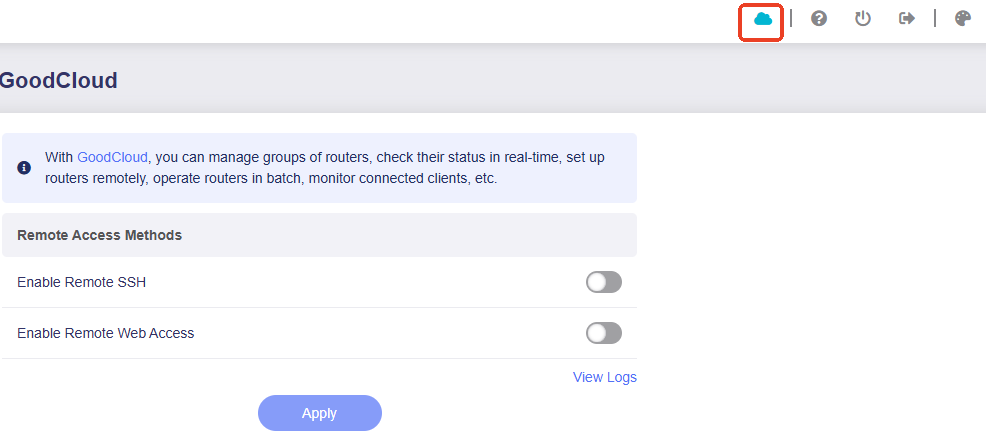
Thanks. The device was actually bound and was showing up on my list of bound decision GoodCloud but it is a confirmed bug (see above) that has apparently been fixed although I have no means if checking as I have already downgraded firmware.
Dirty upgrade again. (from 4.9.0-op24 which was a fresh install no upgrade, no config restore.) Log set to /root/ . I will monitor it and come back with the logs on PM when the issue will occur again 
L.E. I think it crashed already 
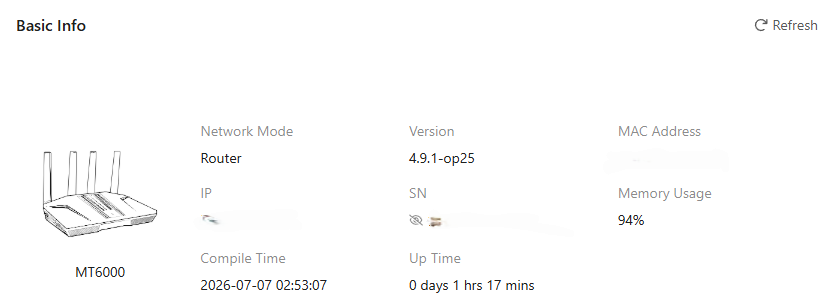

Will provide logs later when I arrive home.
@will.qiu Please check PM. Thanks
Hello, I contacted technical support regarding ticket 135574; I have the exact same issue. I rolled back to op24, and GoodCloud is working perfectly. Does this mean I can go back to op25 and cloud access will work?
Been testing it for a while, Data Statistics died a few hours ago, all reporting 0 GB data after about 6 hours ago, even though 11 devices are active. It is up-to-date and hasn’t been disabled. However, the content filtering is still working.
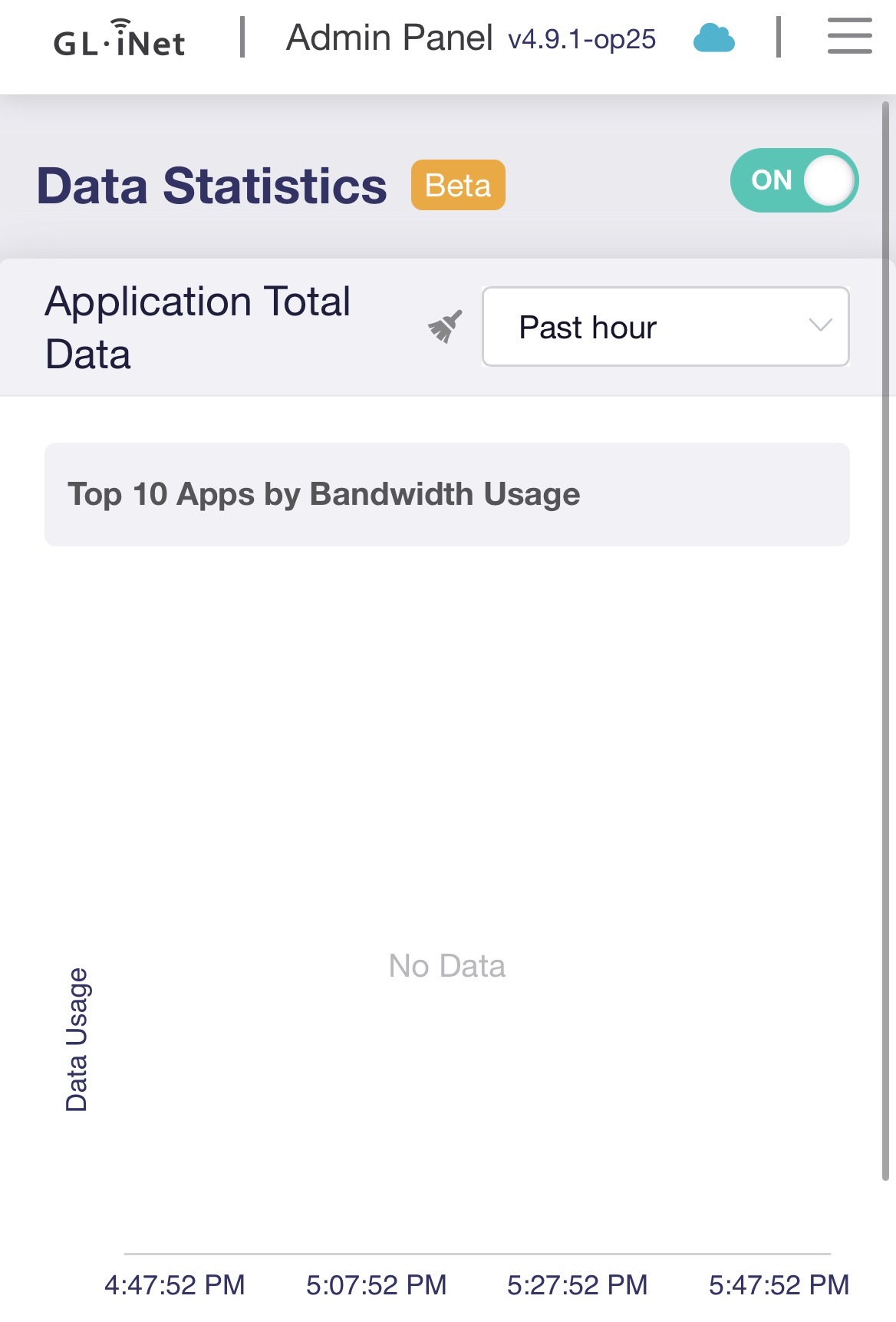
Hi @will.qiu, I’ve already reverted my MT6000 to OP24 4.8.4, but I’ll try this on my MT3000, which is still running OP25 4.9.1.
I lost internet yesterday afternoon - had to restart the Flint 2.
When I looked at Status this morning, it had restarted itself again this morning about 2 hours ago - before we had gotten out of bed.
Hi, i have tried the flint2 op25 firmware. There seem to be an issue with it, after a few hours the connection just drops, wireless and wired. i have to restart the router then it works again but only for a few hours. Does the devs knows this already?