I just received my RM10 today. Why is there no option to configure a static IP for the RM10 over Wi‑Fi, like there is when using a LAN cable?
If there is no such option on the UI, can i SSH remote to the system and manually configure it via commands / configuration file?
Also, the speaker works fine, but I encounter an issue after enabling the microphone. After I enable the mic and the device reboot itself, the screen turns black. To fix this, I have to disable the mic and reboot the device again; then the screen displays normally.
I don't know if it helps, but I hate using a static IP on devices. Instead I use my router to fix certain IPs in a centralized location that supports both wired and wireless MAC addresses.
Currently if you need to set a static IP when using Wireless network, you need to operate in your router AP.
When enabling mic, the device needs a reboot to fresh the usb input. I wonder if the screen keep displaying a black screen after reboot and will not recover unless you disable mic?
If so, please export the device log to us for analysis after enabling mic.
I tried a few times to enable and disable the mic. It reboots once the mic is enabled, but the screen goes blank after the reboot. Then, I need to disable the mic to resolve the blank screen issue.
I have attached the exported log file for your review.
Furthermore, I tried setting up the RM10 yesterday at home and wanted to connect to it remotely (from the company). I could log in to the Web UI, but it appears that there is no data transmission.
The screen is blank. My setup uses a Forti 50E firewall router, and I have configured port forwarding from 8181 to 443 for both TCP & UDP. It worked at home to access the screen via the DDNS FQDN via :8181 port.
I can log in to the Web UI from the office (I tried both the company Wi-Fi and mobile data), but the screen remains blank. I rebooted remotely, but that didn't help. I can access the terminal via the Web UI remotely, but the screen is still blank.
Could you please help checking the logs for me?
Or is there any other ports i need to open for this setup?
Using this method for remote access can sometimes lead to certain services being unreachable, such as successful connection but no video stream.
Could you please try to remotely access the device via glkvm.com?
I wonder if your controlling device own a microphone and you are using Firefox for accessing?
If didn't detect a microphone device, accessing page in Firefox will have no display.
I purchased the RM10 from the GLI JD official store and am trying to use it in Hong Kong.
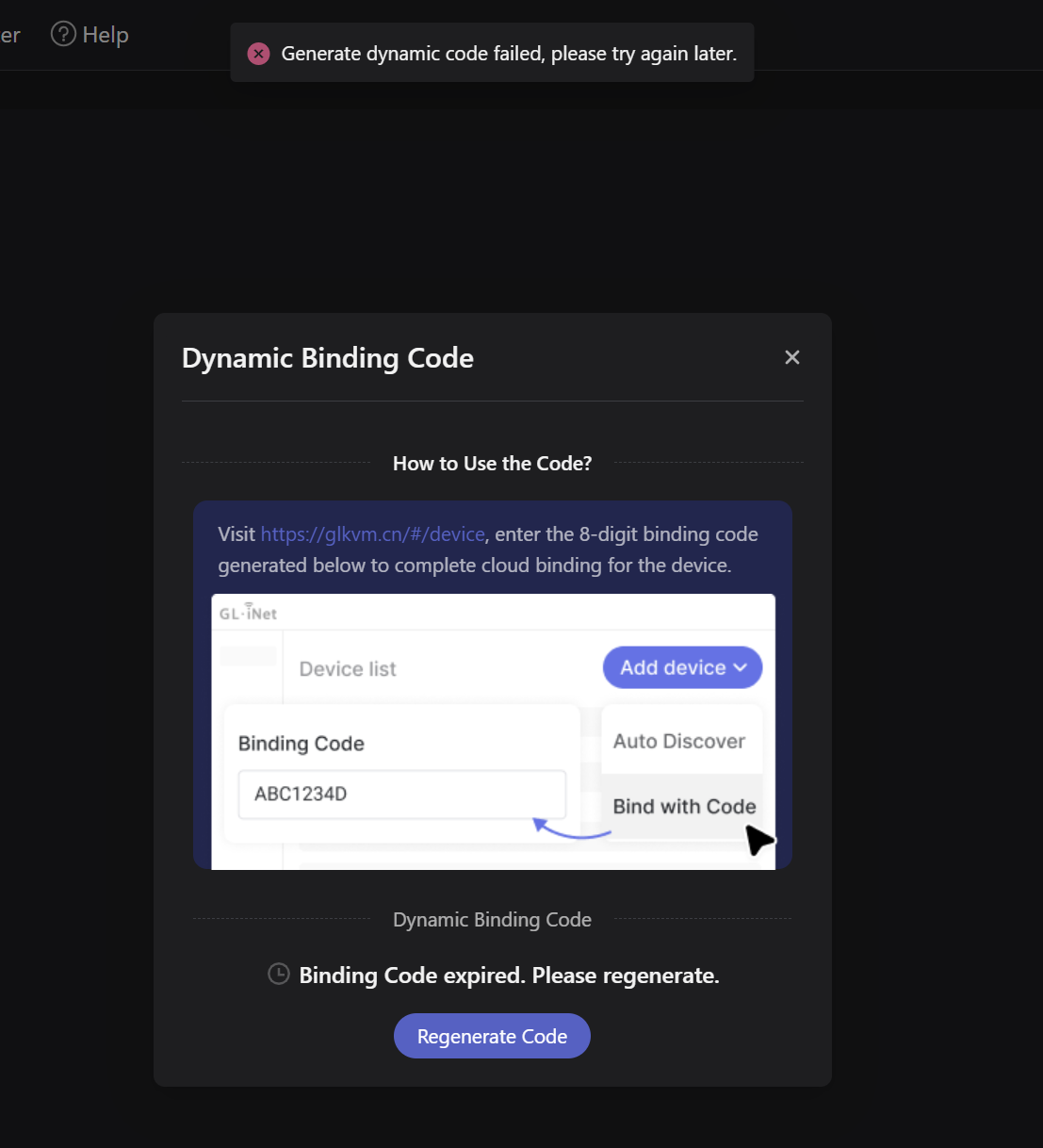
I attempted to enable the Cloud service on the mini screen of the RM10, but it seems it can’t connect (possibly because it cannot connect to the Cloud service in CN?).
If port forwarding works, then I will be satisfied.
I tried adding the device from both glikvm . com and glikvm . cn, but it didn’t work either. The device was discovered, but adding it failed.
Moreover, i could not use the 2FA with Google Auth too. Binded to Google Auth for 2FA, but the 2FA code always failed during verification.
Product purchased from JD is CN version, we cannot guarantee its performance in HK (Due to the difference of Server location and product version).
We are more recommend to refund this one and purchase in international channel.
I just received my RM10 yesterday here in the US (Texas). Mine will not connect to the cloud service either from the device (Checking cloud service status…). I can connect locally from browser via IP address and then clicking on Bind to KVMCloud and I get Access KVMCloud failed. I have multiple RM1s (6) so I’m familiar with the product and I was able to successfully add 2 of the RM1s while the RM10 would not connect. I did a factory reset on RM10 and tried both V1.6.1 and upgrading to V1.7 beta with the same result. Willing to try other methods if you have ideas.
Thanks. Glenn
I tried V1.7.0 Release 2 on the RM10 with the same results. The RM10 is unable to connect/bind with the Cloud Service (KVMCloud). For clarification of previous post, when I started having issues with the new RM10, I unboxed two newly acquired RM1 devices and I was able to bind to KVMCloud with no issues on the same network. Seems to be unique to the RM10 device.
Hi, Could you please export the device log to us for analysis.
Does the device network working fine, you can please ping google in Toolbox > Terminal to check the DNS service and nerwork.
I went to terminal and pinged Google with no issues (ie. responses received). I also enabled WiFi and unplugged the ethernet port (WiFi only) with same results (unable to bind to cloud). Attached log files.
BTW, just as a point of additional information, I have NOT connected the RM10 to a host computer (ie. HDMI, USB kybd/mouse, etc). I am just testing it standalone with power and ethernet to get it working and bound to the cloud. That shouldn’t be an issue and certainly is not for the RM1 devices but wanted to share that configuration information on the RM10.
Sincerely apologized for the inconvenience caused.
The problem happen between device and cloud end, we have made modification in our end.
Please try again to bind the device.
One more thing: my laptop has BitLocker enabled. I’ve noticed that sometimes (actually, most of the time) the BitLocker login screen doesn’t stream—it’s just a blank screen—while the laptop itself shows the BitLocker prompt where I need to enter the password to boot the OS.
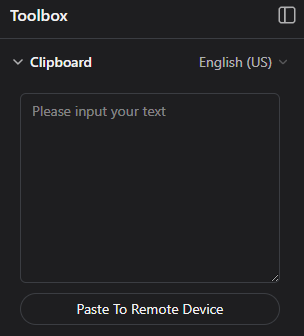
My workaround is to use the clipboard to send the password anyway to unlock BitLocker, even when the screen is blank.