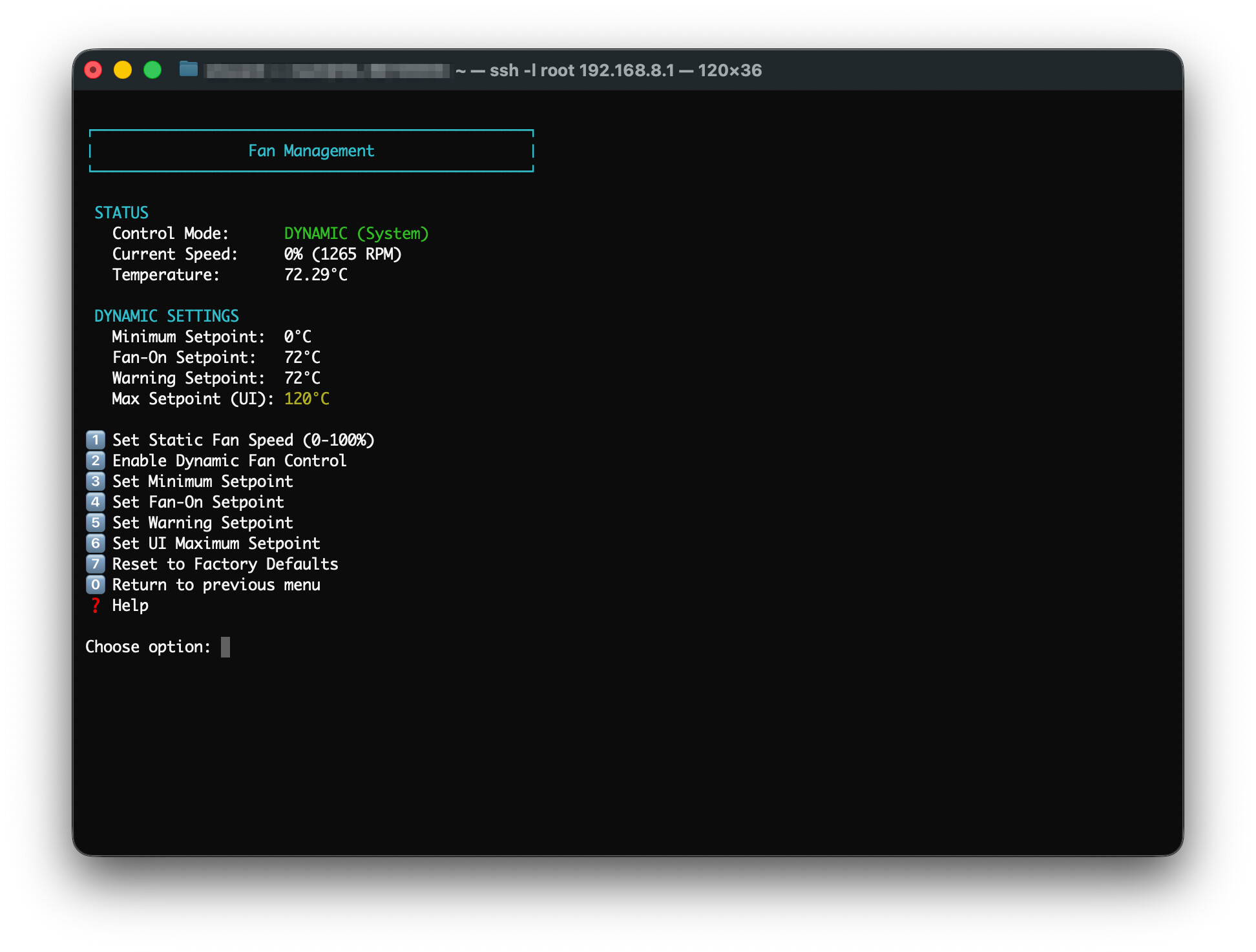
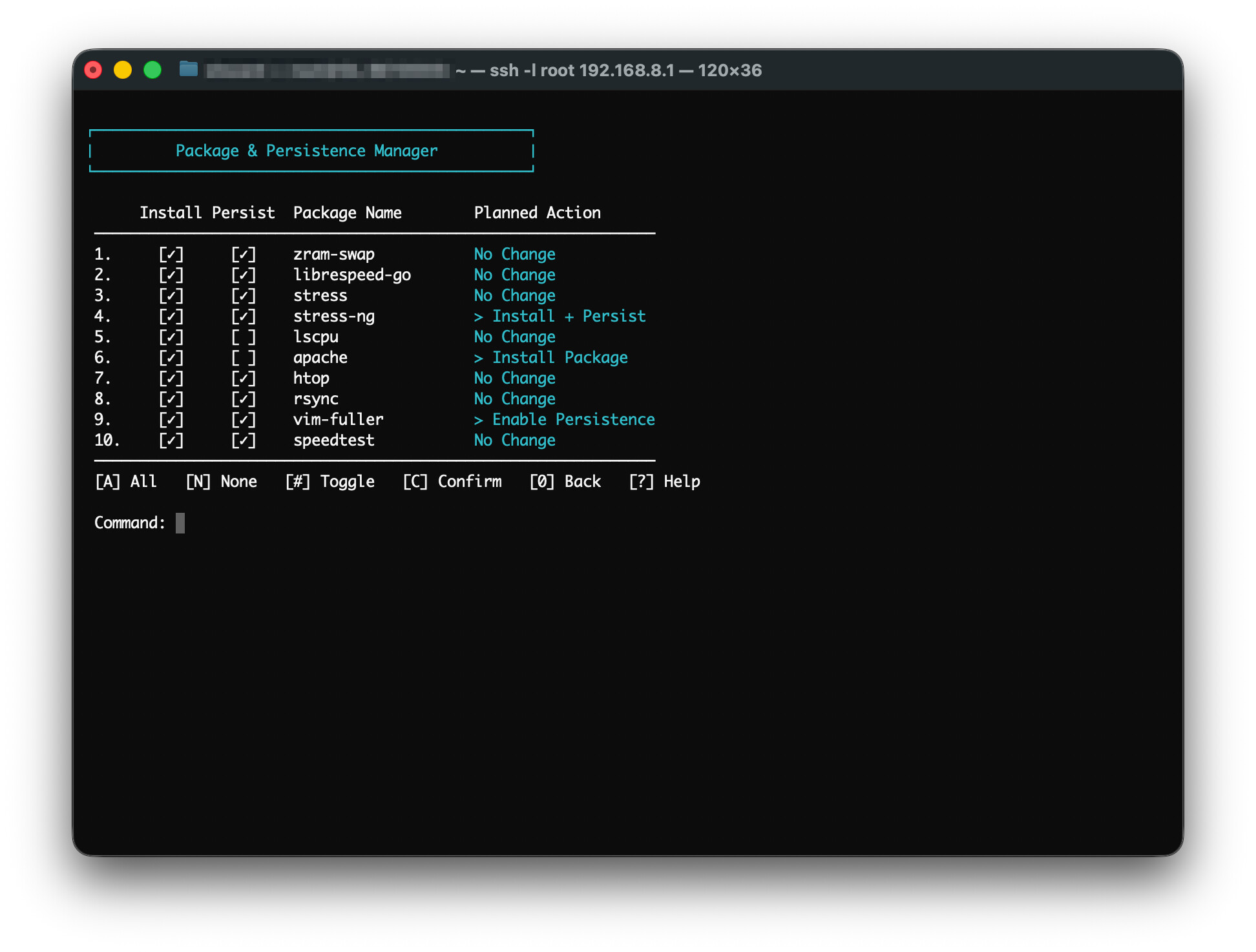
Building on the successful OpenSpeedTest script, I present a new utilities script for GL.iNet routers.
Features
Deep Hardware Insights – Total visibility into your CPU, RAM, and storage. Includes paged navigation for network interfaces and wireless radio details (Link speeds, MIMO, Channel bandwidth).
VPN Crypto Audit – Instantly verify if your hardware acceleration (AES-CE, NEON) is active at the kernel level for optimized OpenVPN and WireGuard performance.
AdGuardHome Control Center – A central hub to toggle the service, manage/enable UI updates, and bulk manage a pre-set list of blocklists and allowlists. Manage persisting AdGuardHome updates through firmware updates.
Fail-Safe Recovery – "Industrial" self-healing logic. If your AGH binary or init scripts are corrupted, the script pulls pristine copies directly from the device's /rom to restore functionality.
Surgical Backups for AdGuardHome – Precision-tracked AdGuardHome backups. Create, manage, and restore configurations, binaries, and init scripts with automated timestamping and integrity checks.
Zram Swap Management – Essential for lower-RAM travel routers like the Beryl 7. Easily install and tune compressed RAM swap to prevent out-of-memory crashes.
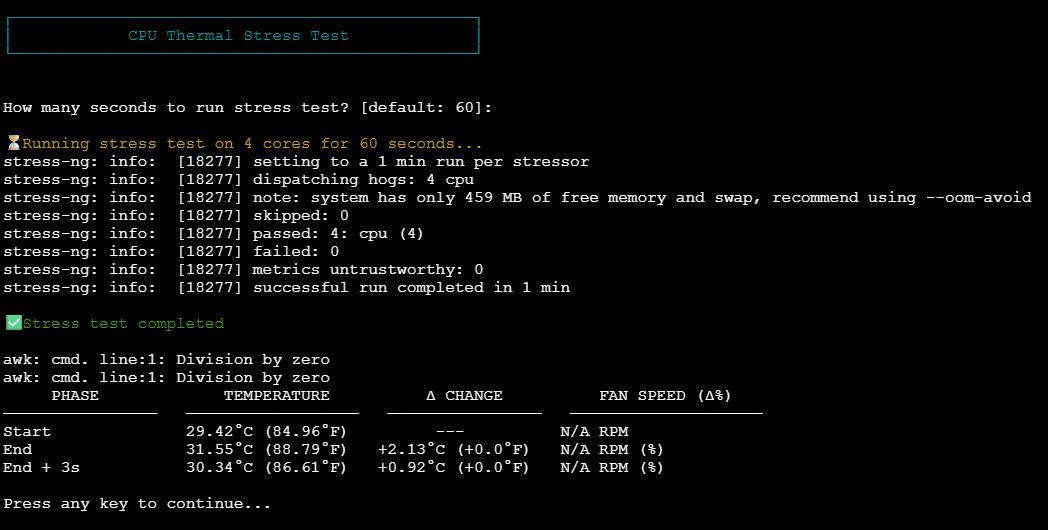
Performance Benchmarks – Real-world testing including stressing CPU cycles, OpenSSL throughput, raw Disk and Memory I/O speeds, and DNS throughput compared to a Beryl 7 baseline.
Secure UCI Viewer – Quick, read-only access to your system config. Audit SSIDs, Wi-Fi keys, VPN tunnels, and GoodCloud settings without digging through the CLI.
OpenSpeedTest Integration - Automated download and deployment of the OpenSpeedTest server script for optimized local network speed diagnostics.
Native Self-Updater – Stay current with zero effort. The script checks GitHub on launch and can perform an in-place update.
GPL-3.0 Licensed – Free, open, and community-driven.
Tested on various GL.iNet models (Beryl, Beryl AX, Beryl 7, Slate 7, Flint 3, Flint 3e, etc.) running recent firmware.
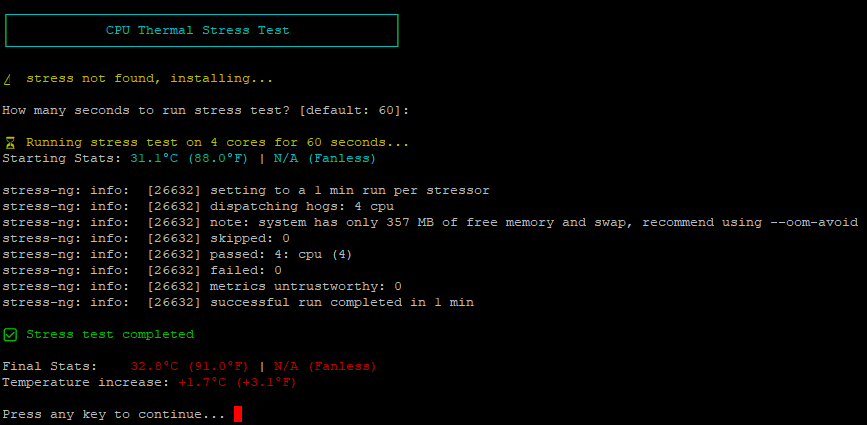
Thanks for the feedback. On gl firmware releases, there seems to be a bug with dependencies installing stress-ng that can cause the router to crash. I’ve added stress-ng as a backup in case stress package has been removed from the packages list. It’s good to know that stress-ng works on your setup. Please let me know if you find any other bugs.
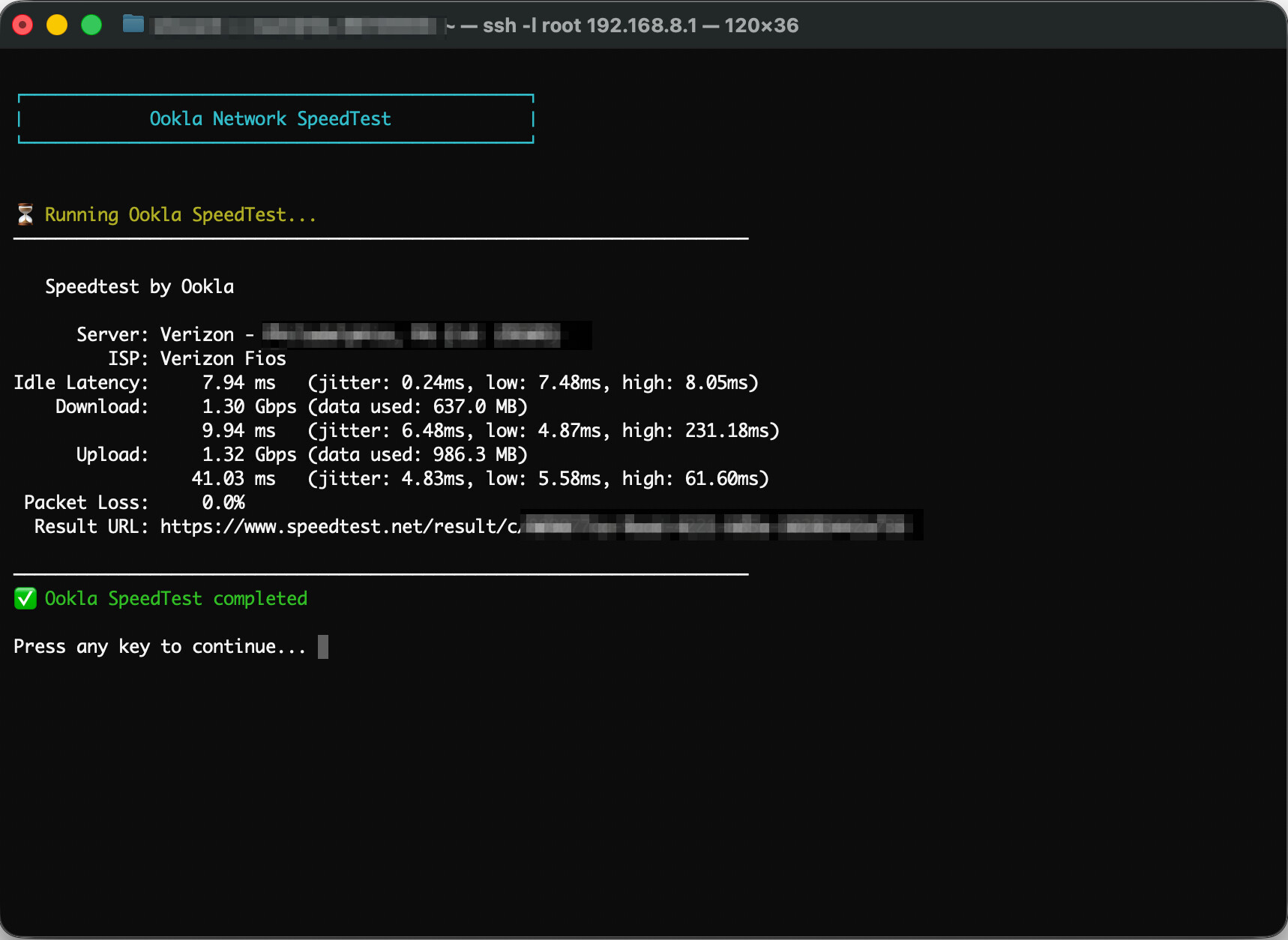
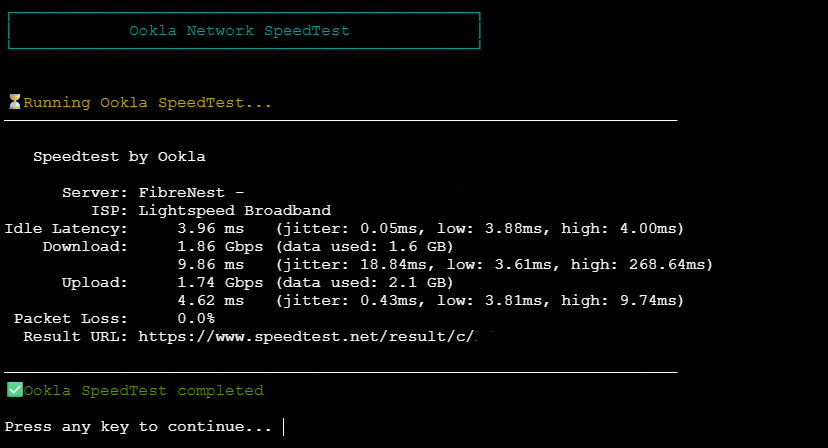
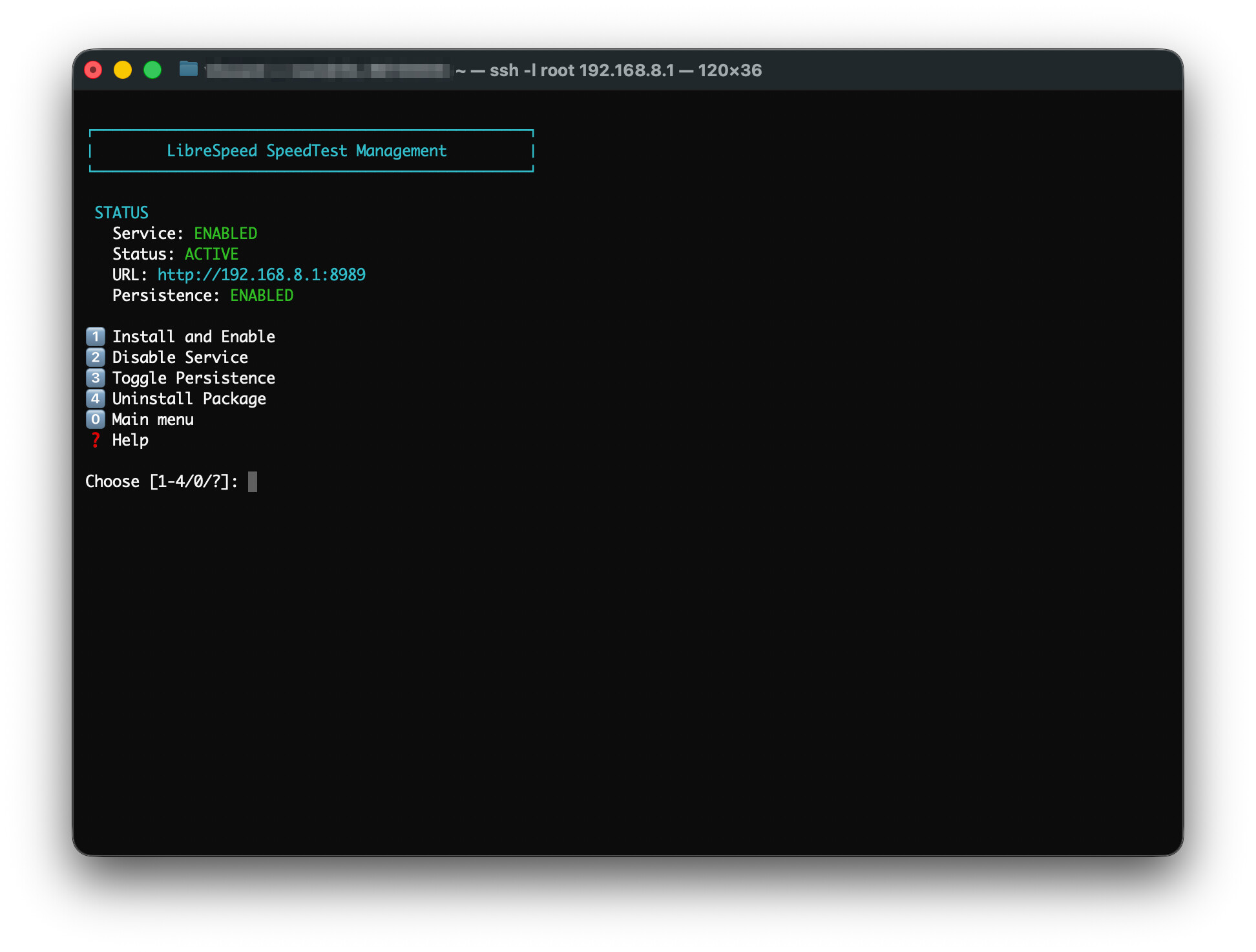
I tweaked the UI for the benchmarks bringing some common UI elements across the benchmarks. Also added a new feature to install the Ookla Speedtest binary. Check it out.
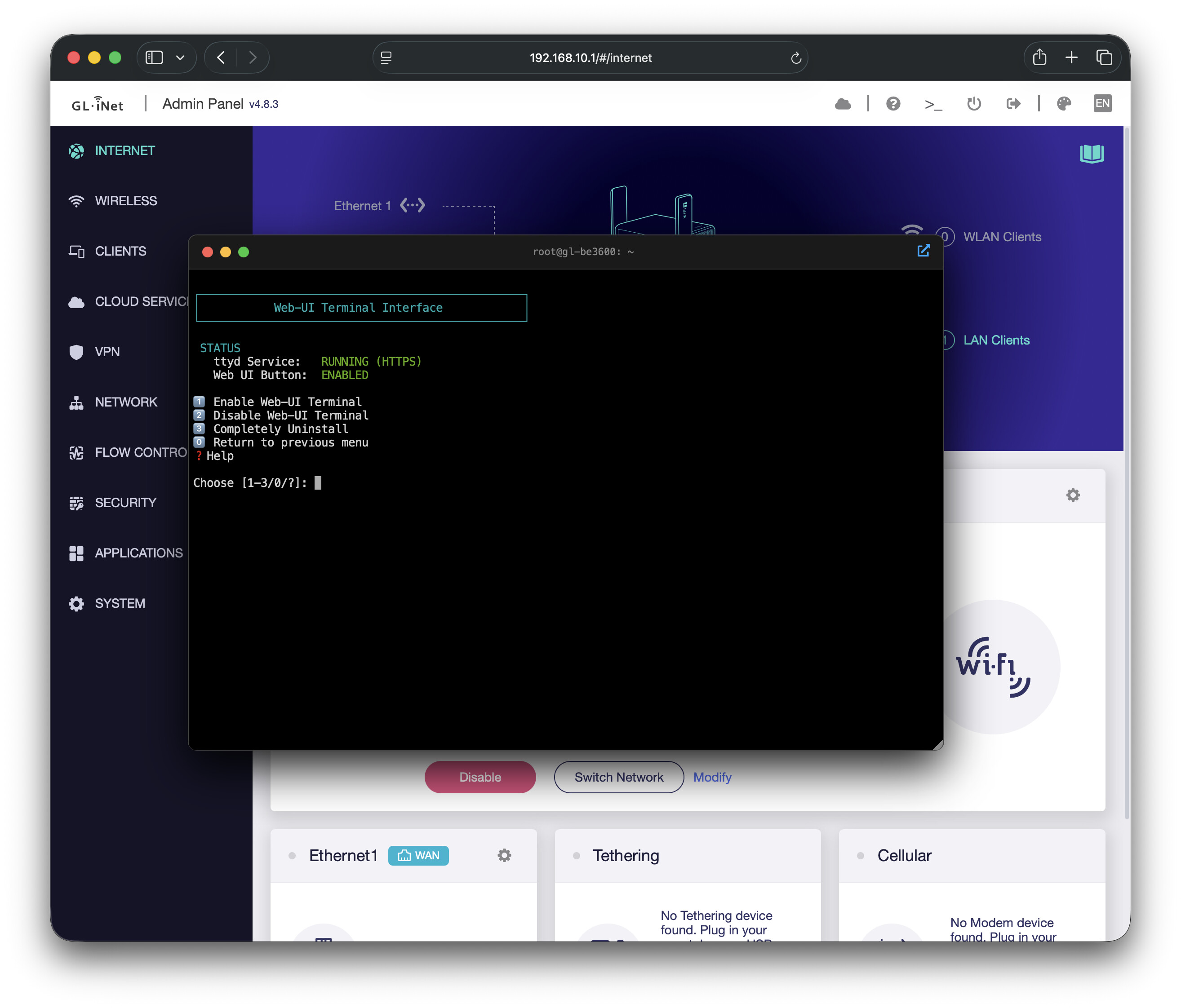
Ever wanted to have an integrated terminal in your GL admin web-ui? No more loading putty or terminal. Just click the integrated terminal icon and access your router. Works with http and https admin consoles.
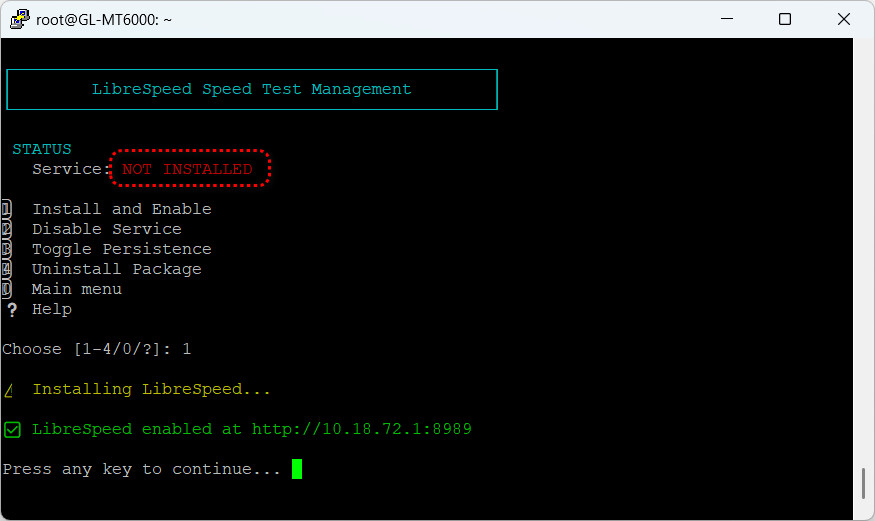
Unsure where I am going wrong here with LibreSpeed as service continues to appear to be “NOT INSTALLED” despite choosing to Install and Enable. Tried removing and reinstalling again as well as updating the script to no avail. Any help would be appreciated as I like the idea of trying this.
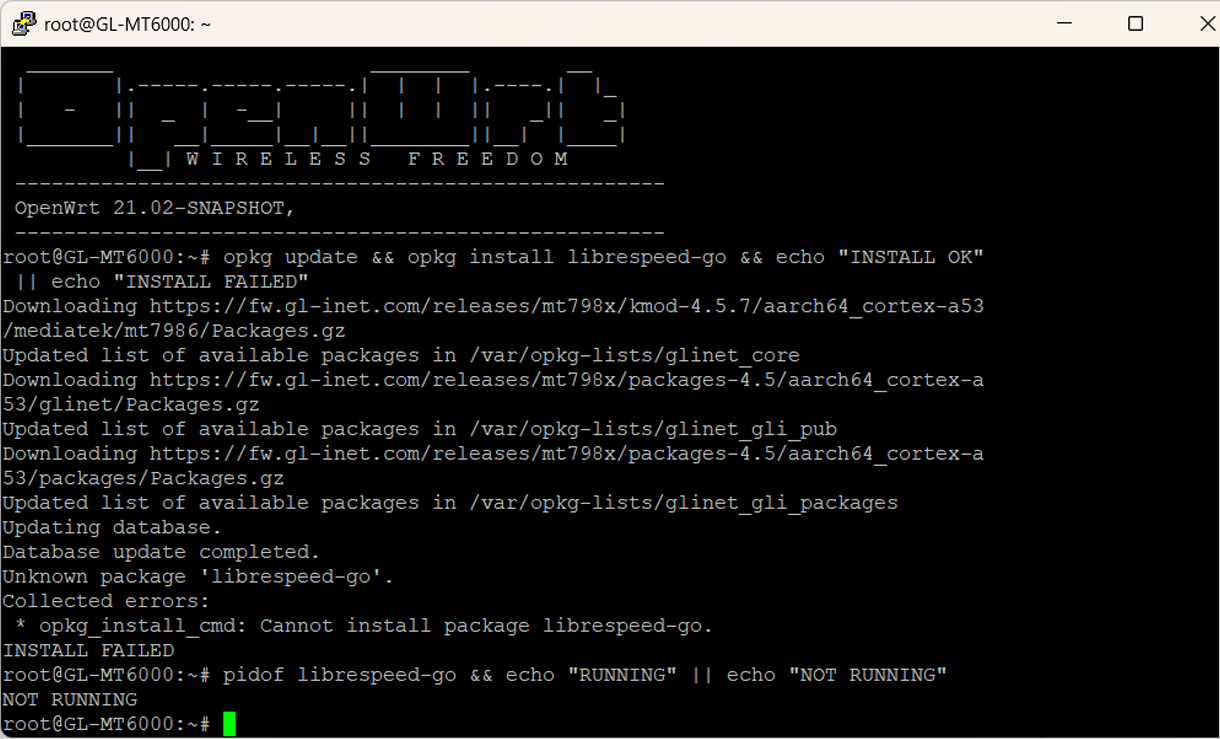
Thanks @phantasm22 . Yes, running script on the Flint 2 with native beta firmware: mt6000-4.8.5_beta1-973-0325-1774408233. All other functions of the script appear to be working fine apart from enabling LibreSpeed. Here is the output you have requested:
There it is. librespeed-go package is missing from the repo. I’ll add some better error handling to my script but at this point my suggestion would be to either use a different firmware release until it’s added to the package list or manually download librespeed. You could also install openspeedtest from the same menu of my script which is better imho.
@bruce - FYI - Can you add librespeed-go to your package list for this release?
 Deep Hardware Insights – Total visibility into your CPU, RAM, and storage. Includes paged navigation for network interfaces and wireless radio details (Link speeds, MIMO, Channel bandwidth).
 VPN Crypto Audit – Instantly verify if your hardware acceleration (AES-CE, NEON) is active at the kernel level for optimized OpenVPN and WireGuard performance.
 AdGuardHome Control Center – A central hub to toggle the service, manage/enable UI updates, and bulk manage a pre-set list of blocklists and allowlists. Manage persisting AdGuardHome updates through firmware updates.
 Fail-Safe Recovery – "Industrial" self-healing logic. If your AGH binary or init scripts are corrupted, the script pulls pristine copies directly from the device's /rom to restore functionality.
 Surgical Backups for AdGuardHome – Precision-tracked AdGuardHome backups. Create, manage, and restore configurations, binaries, and init scripts with automated timestamping and integrity checks.
 Zram Swap Management – Essential for lower-RAM travel routers like the Beryl 7. Easily install and tune compressed RAM swap to prevent out-of-memory crashes.
 Performance Benchmarks – Real-world testing including stressing CPU cycles, OpenSSL throughput, raw Disk and Memory I/O speeds, and DNS throughput compared to a Beryl 7 baseline.
 Secure UCI Viewer – Quick, read-only access to your system config. Audit SSIDs, Wi-Fi keys, VPN tunnels, and GoodCloud settings without digging through the CLI.
 OpenSpeedTest Integration - Automated download and deployment of the OpenSpeedTest server script for optimized local network speed diagnostics.
 Native Self-Updater – Stay current with zero effort. The script checks GitHub on launch and can perform an in-place update.
 GPL-3.0 Licensed – Free, open, and community-driven.
 stress not found, installing...
 Failed to install stress